

VUE+WebPack实现精美前端游戏:CardBattle的游戏场景设置
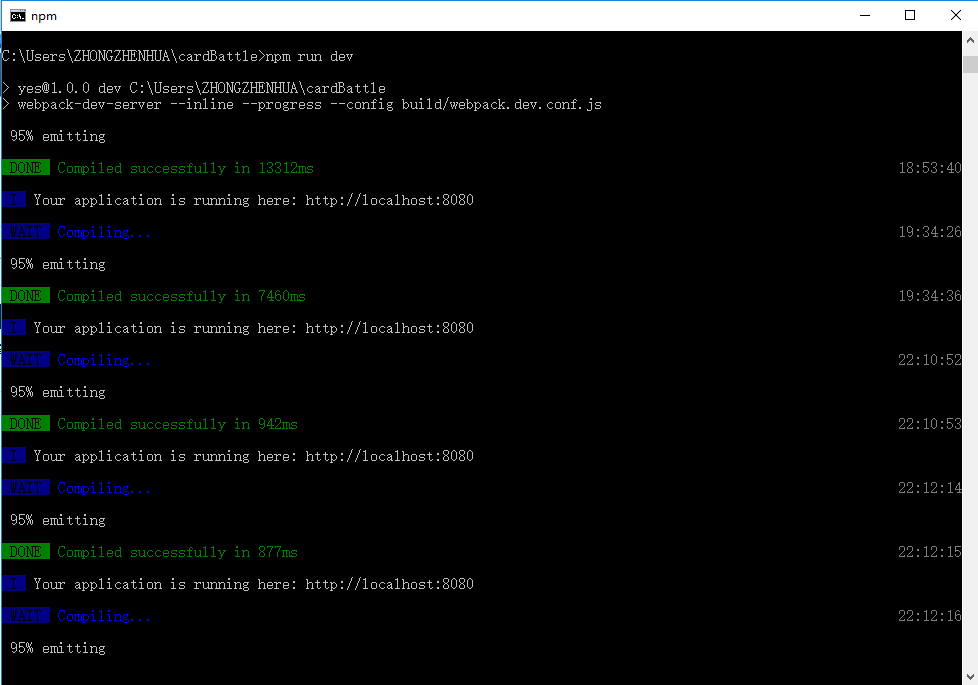

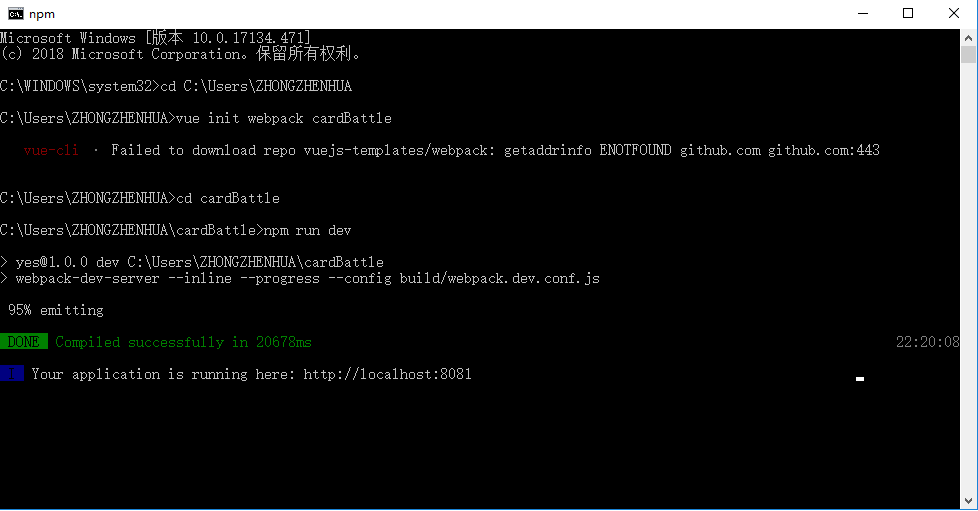
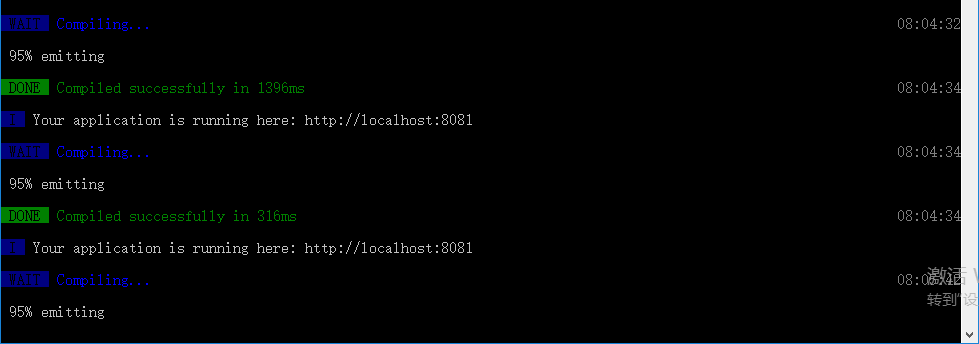
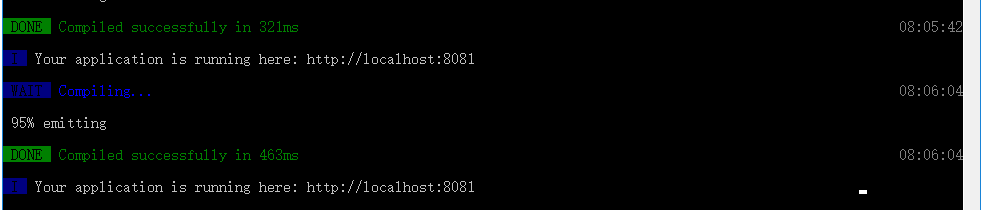
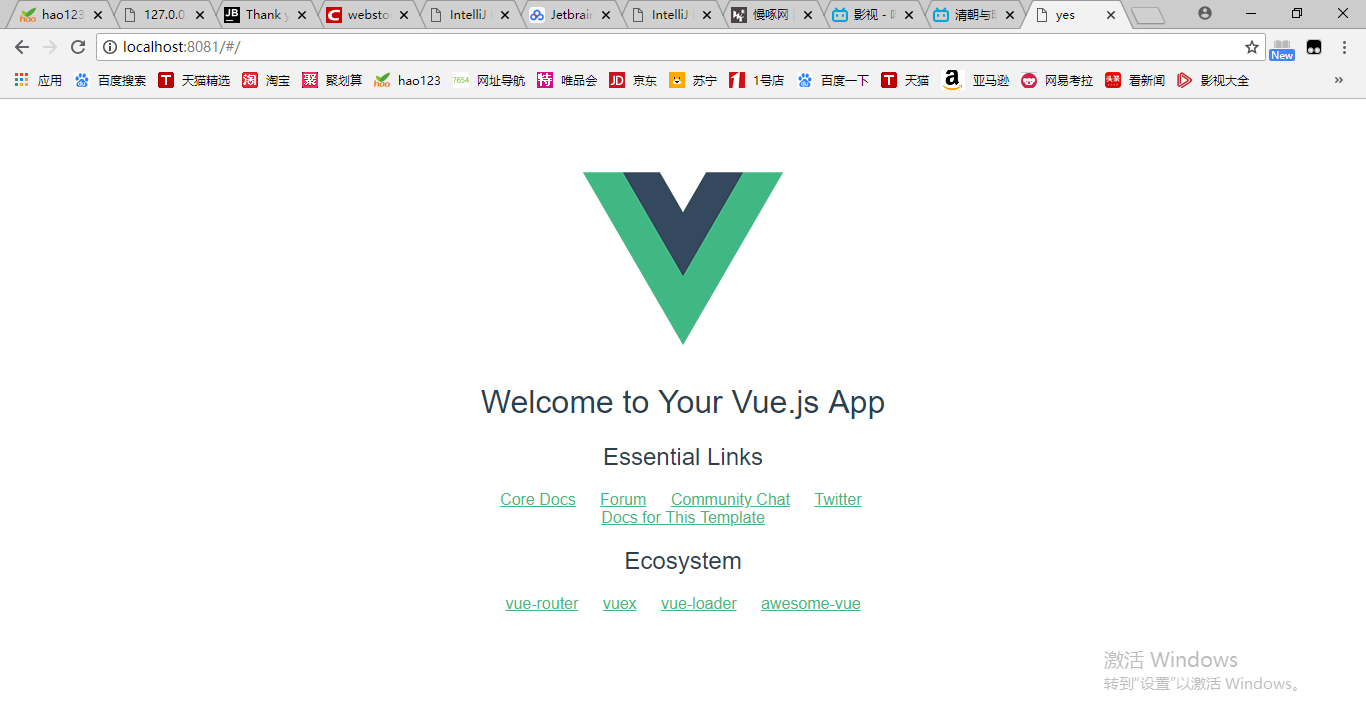

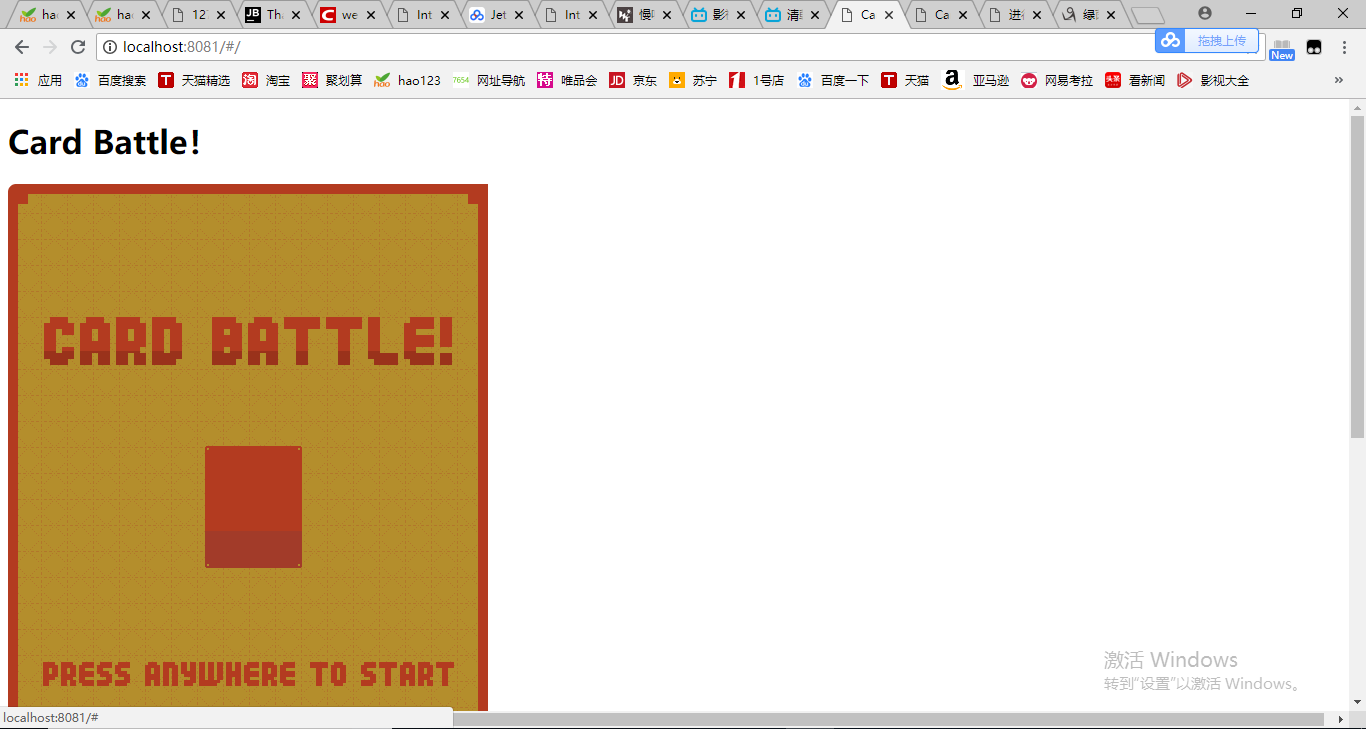
C:\Users\ZHONGZHENHUA\cardBattle\src\App.vue
src/App.vue
<template>
  <div id="app">
    <!--
    <img src="./assets/logo.png">
    -->
    <game-container></game-container>
    <!--
    <router-view/>
    -->
  </div>
</template>

<script>
  import GameContainer from './components/gamecontainer'
export default {
  components: {
    GameContainer
  },
  name: 'App'
}
</script>

<style>
  /**
#app {
  font-family: 'Avenir', Helvetica, Arial, sans-serif;
  -webkit-font-smoothing: antialiased;
  -moz-osx-font-smoothing: grayscale;
  text-align: center;
  color: #2c3e50;
  margin-top: 60px;
}
  **/
</style>
C:\Users\ZHONGZHENHUA\cardBattle\src\components\gamecontainer.vue
src/components/gamecontainer.vue
<template>
  <div>
    <header>
      <div class="row">
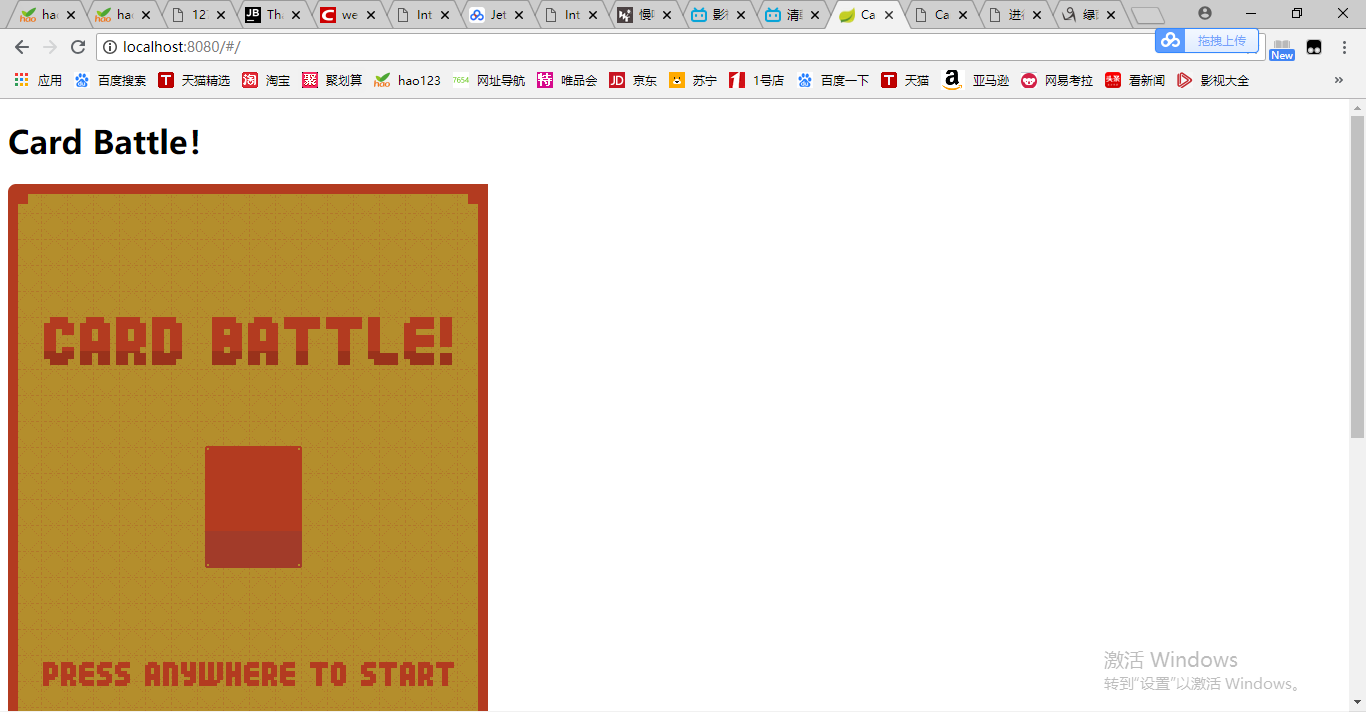
         <h1>Card Battle!</h1>
         <section id="game" class="row">
          <start-scene></start-scene>
        </section>
      </div>
    </header>
    <section class="how-to-play">
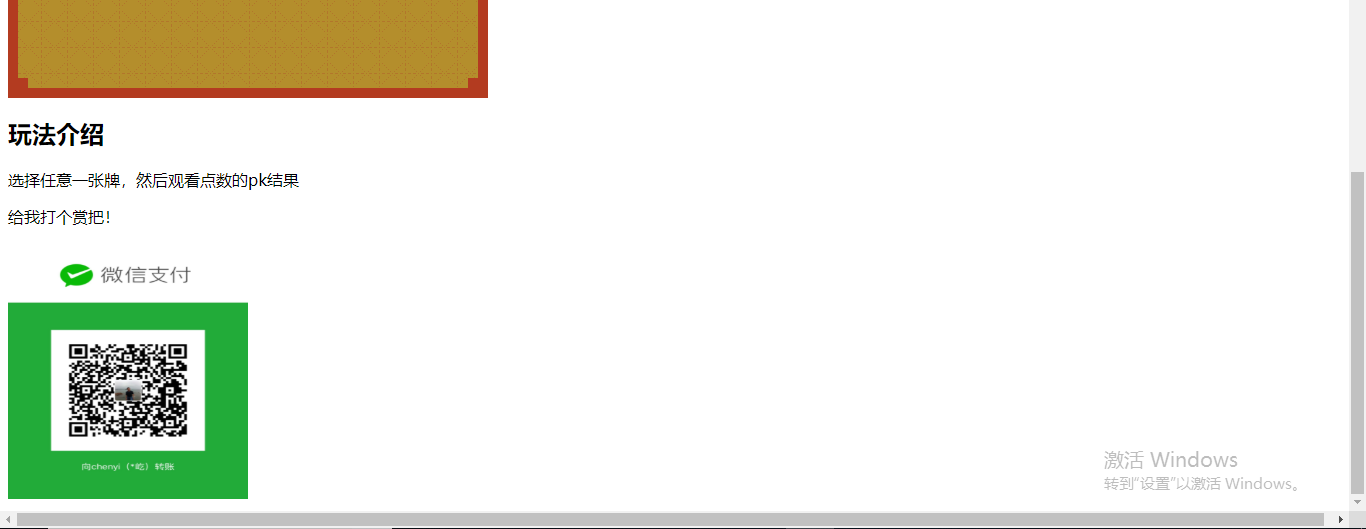
      <h2>玩法介绍</h2>
      <p>选择任意一张牌,然后观看点数的pk结果</p>
    </section>
    <footer>
      <p>给我打个赏把!</p>
      <img id="payme" src="../../static/payme.jpg">
    </footer>
  </div>
</template>

<script>
  import StartScene from './startscenecomponent'
  export default {
    components: {
      StartScene
    }
  }
</script>

<!-- Add "scoped" attribute to limit CSS to this component only -->
<style scoped>
  #game {
    wdith: 480px;
    height:600px;
    border-radius: 8px;
    overflow: hidden;
  }

  .scene {
    width: 100%;
    height: 100%;
    position: absolute;
    overflow: hidden;
    border-radius: 8px;
    transition: all.3s ease-out;

  }

  #payme {
    width:240px;
    height: 256px;
  }
</style>
C:\Users\ZHONGZHENHUA\cardBattle\src\components\HelloWorld.vue
src/components/HelloWorld.vue
<template>
  <div class="hello">
    <h1>{{ msg }}</h1>
    <h2>Essential Links</h2>
    <ul>
      <li>
        <a
          href="https://vuejs.org"
          target="_blank"
        >
          Core Docs
        </a>
      </li>
      <li>
        <a
          href="https://forum.vuejs.org"
          target="_blank"
        >
          Forum
        </a>
      </li>
      <li>
        <a
          href="https://chat.vuejs.org"
          target="_blank"
        >
          Community Chat
        </a>
      </li>
      <li>
        <a
          href="https://twitter.com/vuejs"
          target="_blank"
        >
          Twitter
        </a>
      </li>
      <br>
      <li>
        <a
          href="http://vuejs-templates.github.io/webpack/"
          target="_blank"
        >
          Docs for This Template
        </a>
      </li>
    </ul>
    <h2>Ecosystem</h2>
    <ul>
      <li>
        <a
          href="http://router.vuejs.org/"
          target="_blank"
        >
          vue-router
        </a>
      </li>
      <li>
        <a
          href="http://vuex.vuejs.org/"
          target="_blank"
        >
          vuex
        </a>
      </li>
      <li>
        <a
          href="http://vue-loader.vuejs.org/"
          target="_blank"
        >
          vue-loader
        </a>
      </li>
      <li>
        <a
          href="https://github.com/vuejs/awesome-vue"
          target="_blank"
        >
          awesome-vue
        </a>
      </li>
    </ul>
  </div>
</template>

<script>
export default {
  name: 'HelloWorld',
  data () {
    return {
      msg: 'Welcome to Your Vue.js App'
    }
  }
}
</script>

<!-- Add "scoped" attribute to limit CSS to this component only -->
<style scoped>
h1, h2 {
  font-weight: normal;
}
ul {
  list-style-type: none;
  padding: 0;
}
li {
  display: inline-block;
  margin: 0 10px;
}
a {
  color: #42b983;
}
</style>
C:\Users\ZHONGZHENHUA\cardBattle\src\components\startscenecomponent.vue
src/components/startscenecomponent.vue
<template>
  <div id="start-scene" class="scene">
    <a href="#" id="start-btn" class="button"></a>
  </div>

</template>

<script>
  export default {
  }
</script>

<!-- Add "scoped" attribute to limit CSS to this component only -->
<style scoped>
  #start-scene {
    background: url(../../static/images/start-scene-bg.png) no-repeat;}

  .button{
    position:absolute;
    width: 100%;
    height: 100%;
    top:0;
    left:0;
  }
</style>
C:\Users\ZHONGZHENHUA\cardBattle\index.html
index.html
<!DOCTYPE html>
<html>
  <head>
    <meta http-equiv="Content-Type" content="text/html" charset="UTF-8">
    <meta name="viewport" content="width=device-width,initial-scale=1.0">
    <title>CardBattle</title>
  </head>
  <body>
    <div id="app"></div>
    <!-- built files will be auto injected -->
  </body>
</html>



 浙公网安备 33010602011771号