
vscode如何配置运行vue项目
在vscode中如何调试运行vue项目
在.vscode中添加launch.json内容如下
{
  // 使用 IntelliSense 了解相关属性。
  // 悬停以查看现有属性的描述。
  // 欲了解更多信息,请访问: https://go.microsoft.com/fwlink/?linkid=830387
  "version": "0.2.0",
  "configurations": [
    {
      "command": "yarn run dev【使用npm的话用npm run dev即可】",
      "name": "Run yarn start",
      "request": "launch",
      "type": "node-terminal"
    },
    {
        //以下为火狐浏览器调试配置,chrome同理
      "type": "firefox",
      "request": "launch",
      "reAttach": true,
      "name": "Launch localhost",
      "url": "http://localhost:【服务运行的端口】",
      "webRoot": "${workspaceFolder}"
    }
  ],
  "compounds": [
    {
      "name": "vue:dev",
      "configurations": ["Run yarn start", "Launch localhost"],
    }
  ]
}
安装firefox调试插件chrome调试插件或其他
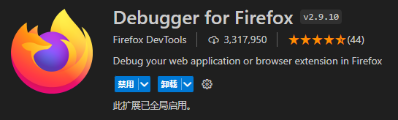
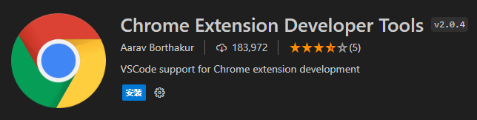
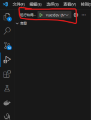
选择启动项

 浙公网安备 33010602011771号