如何在Linux中安装tomcat(centos7)
注意:tomcat与jdk不同,tomcat是没有32位和64位之分的。所以可以不需要先去查询。
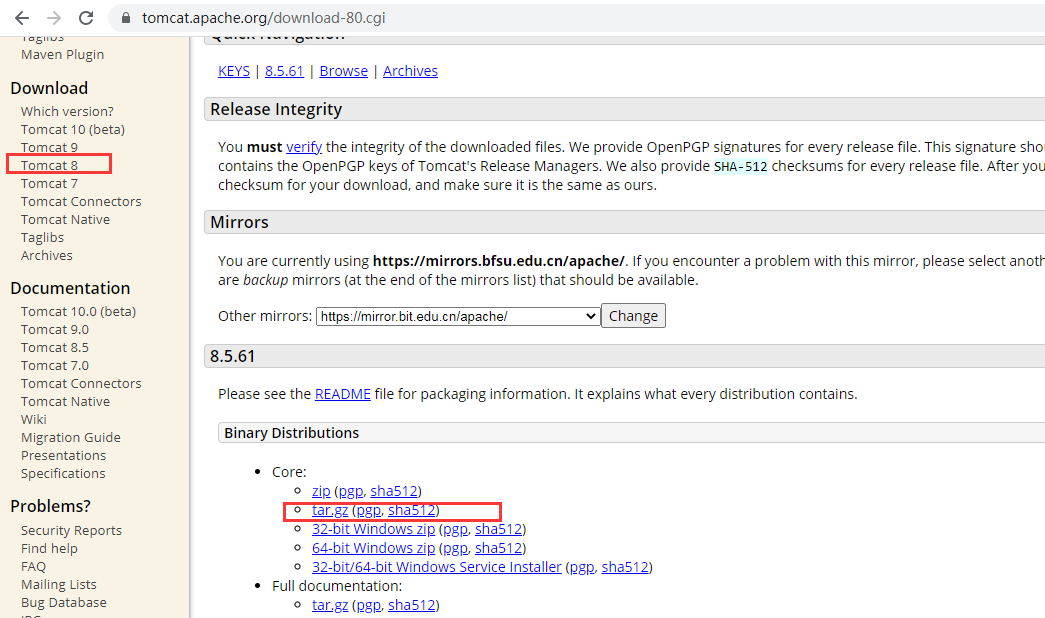
一、先下载tomcat,通过https://tomcat.apache.org/download-80.cgi进行下载
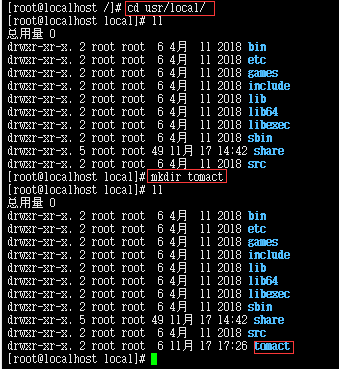
二、在Linux中(xshell)创建tomcat文件夹:(1)cd /usr/local (2)mkdir tomcat
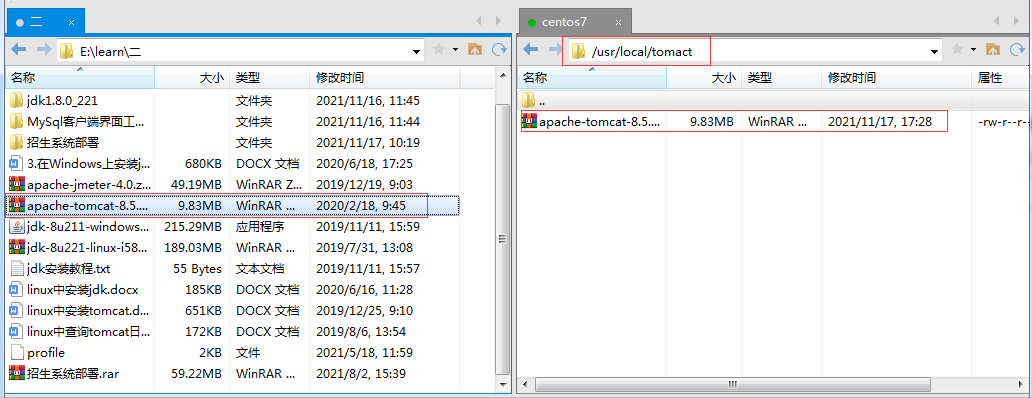
三、在xftp中把tomcat安装包上传到xshell中的tomcat中
四、在Linux中(xshell)中进行解压,命令为:tar xzvf 安装包


五、输入防火墙,centos6与centos7防火墙是不一样的。(在哪个目录下都无所谓)
centos6防火墙:/sbin/iptables -I INPUT -p tcp --dport 8889 -j ACCEPT
/etc/rc.d/init.d/iptables save

centos7防火墙:firewall-cmd --add-port=8080/tcp --permanent
firewall-cmd --add-port=8080/udp --permanent
firewall-cmd --reload
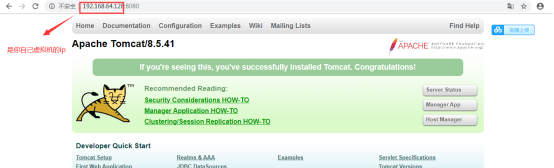
六、在xshell中启动tomcat,即可打开网页端。
启动命令:./startup.sh

------------恢复内容结束------------

 浙公网安备 33010602011771号