
Windows Termainal安装与配置右键菜单和ssh
安装
win10的安装非常简单,按下win徽标键,进入微软商店
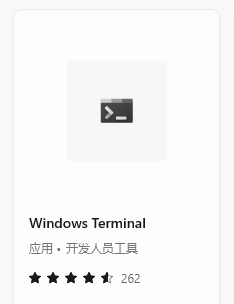
直接搜索Windows Termainal,点击获取即可
配置右键菜单
新版本会直接安装右键菜单,如果没有安装,可以按我这个步骤来
1. 安装powershell-7
官方网站 Installing PowerShell on Windows - PowerShell | Microsoft Docs
2. 使用管理员身份运行powershell-7
3. 运行脚本
Set-ExecutionPolicy Bypass -Scope Process -Force; [System.Net.ServicePointManager]::SecurityProtocol = [System.Net.ServicePointManager]::SecurityProtocol -bor 3072; iex ((New-Object System.Net.WebClient).DownloadString('https://raw.githubusercontent.com/lextm/windowsterminal-shell/master/install.ps1'))然后你的菜单就配置完成了

配置远程服务器连接
我们首先在设置中打开配置json文件
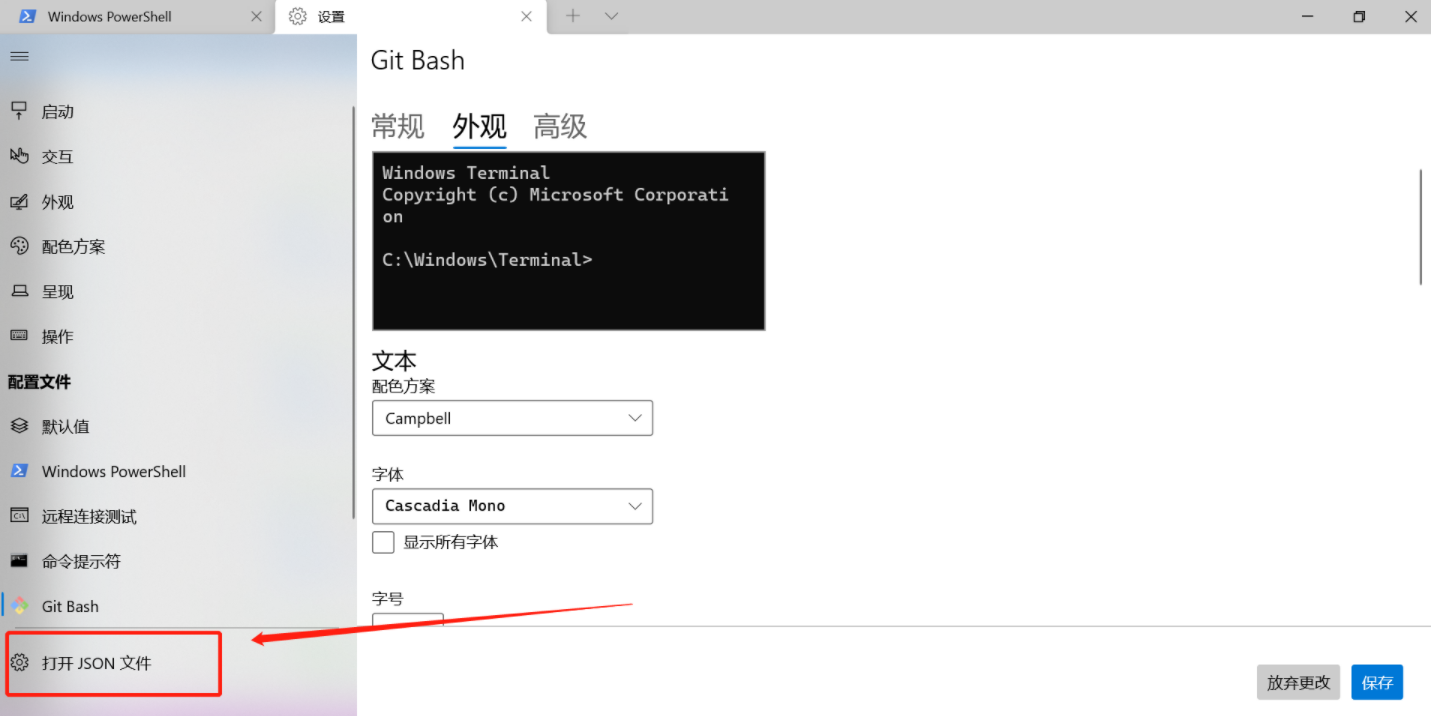
list中,每个json对象都代表了一种终端,我们仿照其他终端写一个json对象

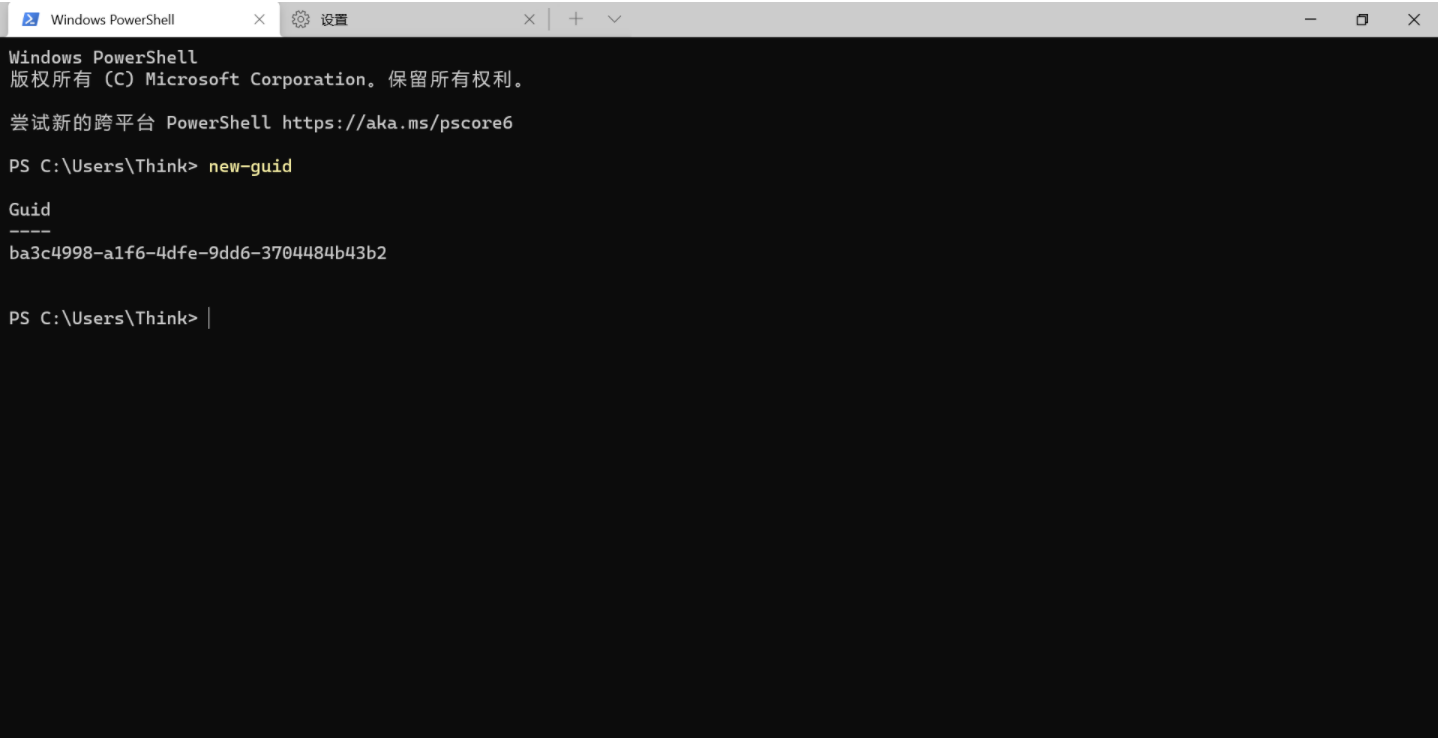
其中guid可以在powershell中使用new-guid命令随机生成一个
然后就在commandline中书写连接远程服务器的连接命令,比如
ssh 用户名@ip
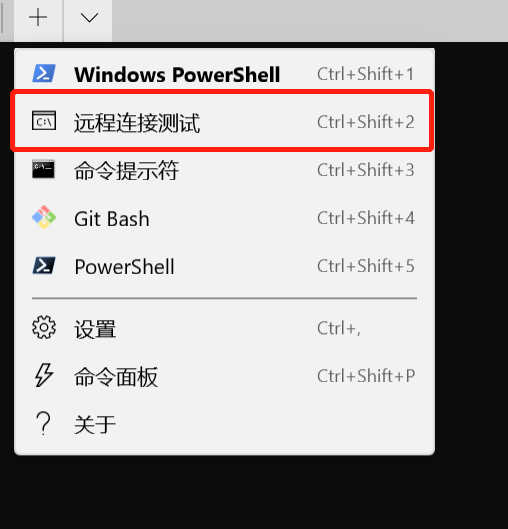
然后我们就可以直接进行连接了

 浙公网安备 33010602011771号