
2003031133—谢芳—Python数据分析第七周作业—MySQL的安装以及使用
| 项目 | 要求 |
| 课程班级博客链接 | 20级数据班(本) |
| 这个作业要求链接 | Python数据分析第七周作业 |
| 博客名称 | 2003031133—谢芳—Python数据分析第七周作业—MySQL的安装以及使用 |
| 要求 | 每道题要有题目,代码(使用插入代码,不会插入代码的自己查资料解决,不要直接截图代码!!),截图(只截运行结果) |
- 1.安装好MySQL,连接上Navicat。
- 2.完成课本练习(代码4-1~3/4-9~31
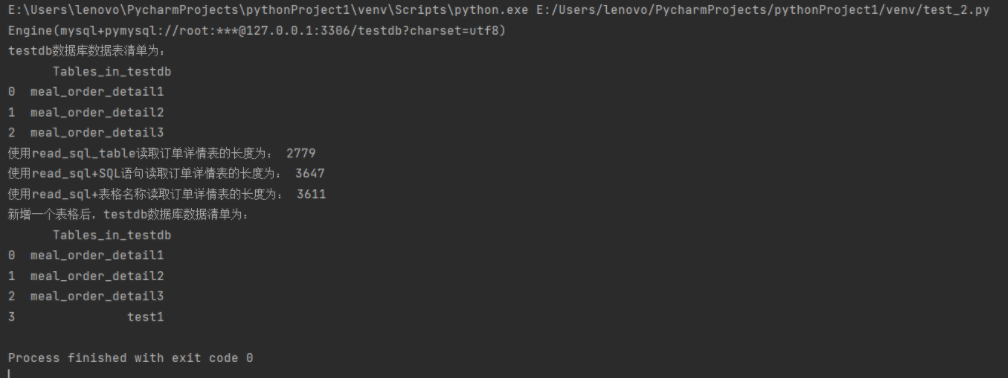
from sqlalchemy import create_engine
#创建一个MySQL连接器,用户名为root,密码为root1234
#地址为127.0.0.1数据库名称为testdb,编码为UTF—8
engine = create_engine('mysql+pymysql://root:root1234@127.0.0.1:3306/testdb?charset=utf8')
print(engine)

import pandas as pd
#使用read_sql_query查看testdb中的数据表数目
formlist = pd.read_sql_query('show tables',con = engine)
print('testdb数据库数据表清单为:','\n',formlist)

#使用read_sql_table读取订单详情表
detail1 = pd.read_sql_table('meal_order_detail1',con = engine)
print('使用read_sql_table读取订单详情表的长度为:',len(detail1))

#使用read_sql_table读取订单详情表
detail2 = pd.read_sql('select * from meal_order_detail2',con = engine)
print('使用read_sql+SQL语句读取订单详情表的长度为:',len(detail2))
detail3 = pd.read_sql('meal_order_detail3',con = engine)
print('使用read_sql+表格名称读取订单详情表的长度为:',len(detail3))

#使用to_sql存储orderDate
detail1.to_sql('test1',con = engine,index = False,if_exists = 'replace')
#使用read_sql读取test表
formlist1 = pd.read_sql_query('show tables',con = engine)
print('新增一个表格后,testdb数据库数据清单为:','\n',formlis
![]()
代码4-3代码
-
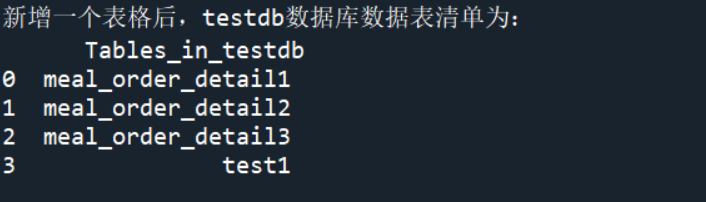
detail1.to_sql('test1',con=engine,index=False,if_exists='replace')
#使用read_sql读取test表
formlist=pd.read_sql_query('show tables',con=engine)
print('新增一个表格后,testdb数据库数据表清单为:','\n',formlist)
![]()
代码4-9~4-11 代码
-
#4-9
#使用read_table读取菜品订单信息
from sqlalchemy import create_engine
import pandas as pd
engine=create_engine('mysql+pymysql://root:root@127.0.0.1:3306/testdb?charset=utf8')
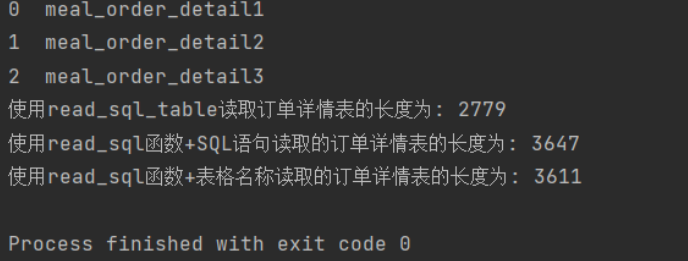
order1=pd.read_sql_table('meal_order_detail1',con=engine)
print("订单详情表1的长度为:",len(order1))
order2=pd.read_sql_table('meal_order_detail2',con=engine)
print("订单详情表2的长度为:",len(order2))
order3=pd.read_sql_table('meal_order_detail3',con=engine)
print("订单详情表3的长度为:",len(order3))
#4-10
order4=pd.read_table('F:/桌面/第七章/meal_order_info.csv',sep=",",encoding='gbk')
print('订单信息表的长度为:',len(order4))
#4-11
user=pd.read_excel('F:\桌面\第七章/users.xlsx')
print('客户信息表的长度为:',len(user))
![]()
4-12~4-14代码
-
from sqlalchemy import create_engine
import pandas as pd
engine=create_engine('mysql+pymysql://root:root@127.0.0.1:3306/testdb?charset=utf8')
detail1=pd.read_sql_table('meal_order_detail1',con=engine)
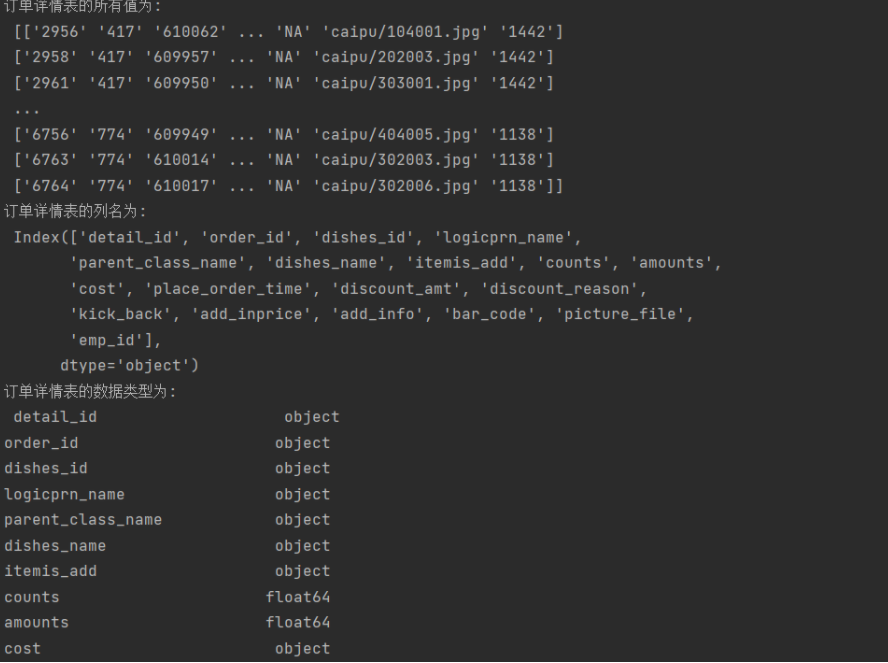
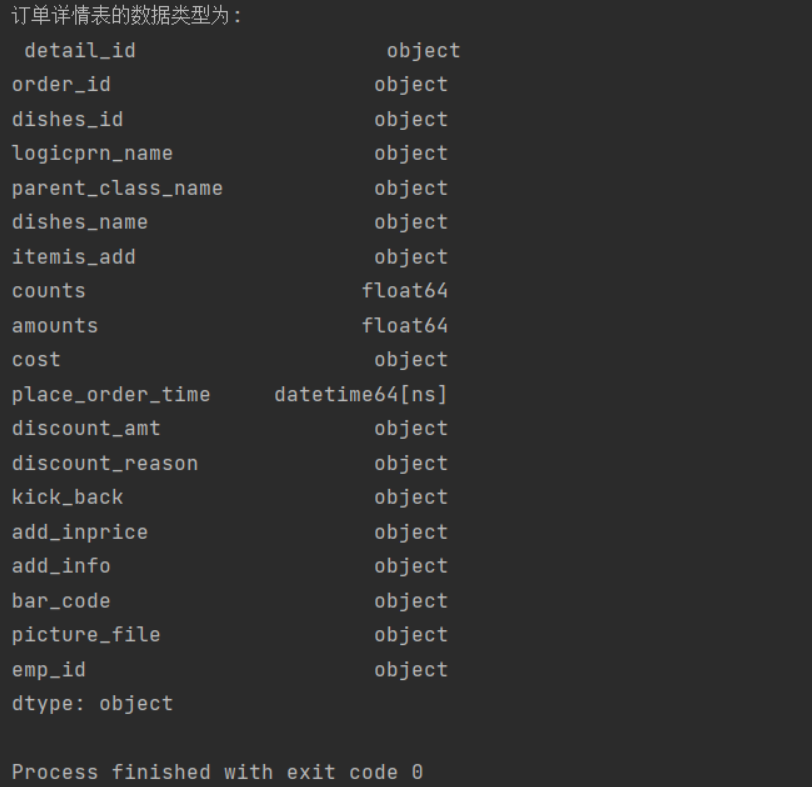
print('订单详情表的所有值为:','\n',detail1.index)
print('订单详情表的列名为:','\n',detail1.columns)
print('订单详情表的数据类型为:“,”\n',detail1.dtypes)
![]()
![]()
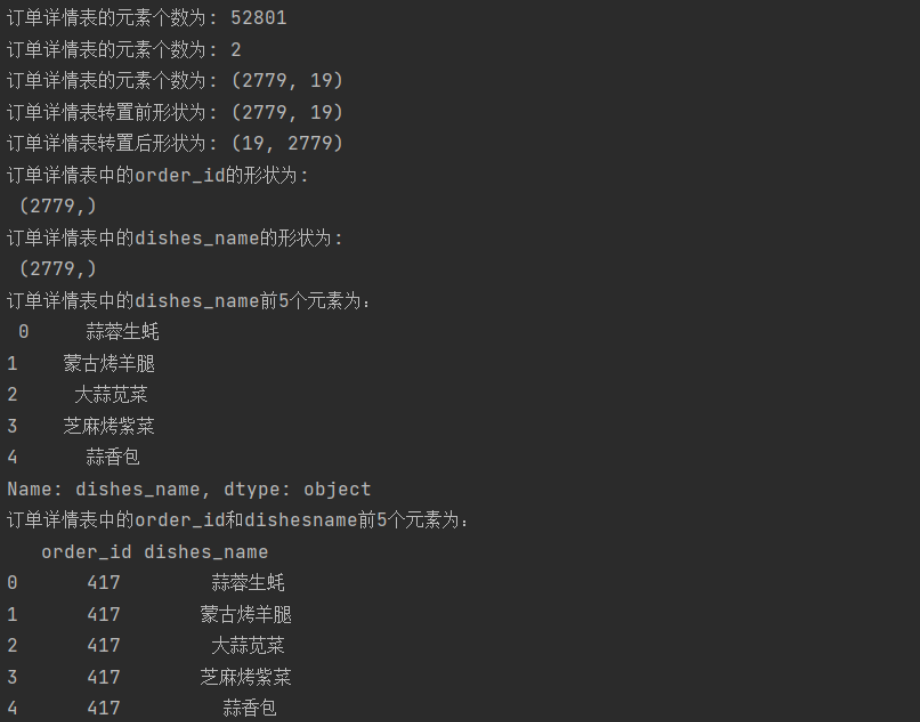
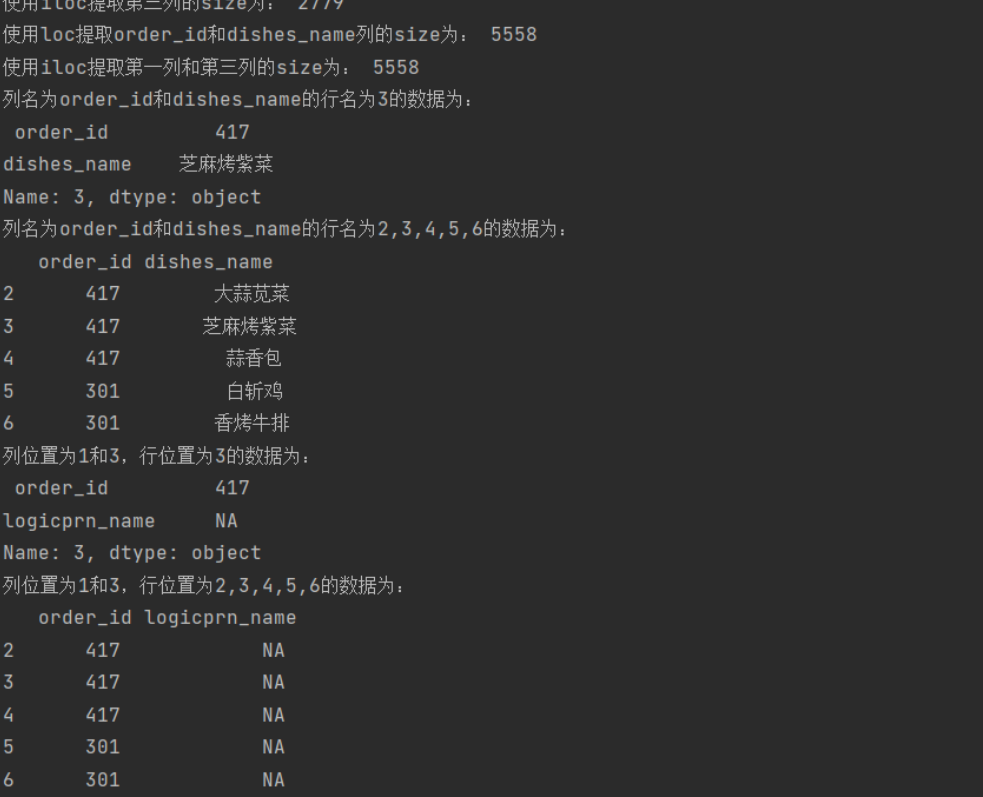
4-15~4-20代码
-
from sqlalchemy import create_engine
import pandas as pd
engine=create_engine('mysql+pymysql://root:root@127.0.0.1:3306/testdb?charset=utf8')
import pandas as pd
#使用read_sql_query查看testdb中的数据表书目
detail=pd.read_sql_table('meal_order_detail1',con=engine)
order_id=detail['order_id']
print("订单详情表中的order_id的形状为:','\n",order_id.shape)
dishes_name=detail.dishes_name
print('订单详情表中的dishes_name的形状为:',dishes_name.shape)
dishes_name5=detail['dishes_name'][:5]
print('订单详情表中的dishes_name前5个的元素为:',dishes_name5)
orderDish=detail[['order_id','dishes_name']][:5]
print("订单详情表中的order_id和dishes_name前5个的元素为:","\n",orderDish)
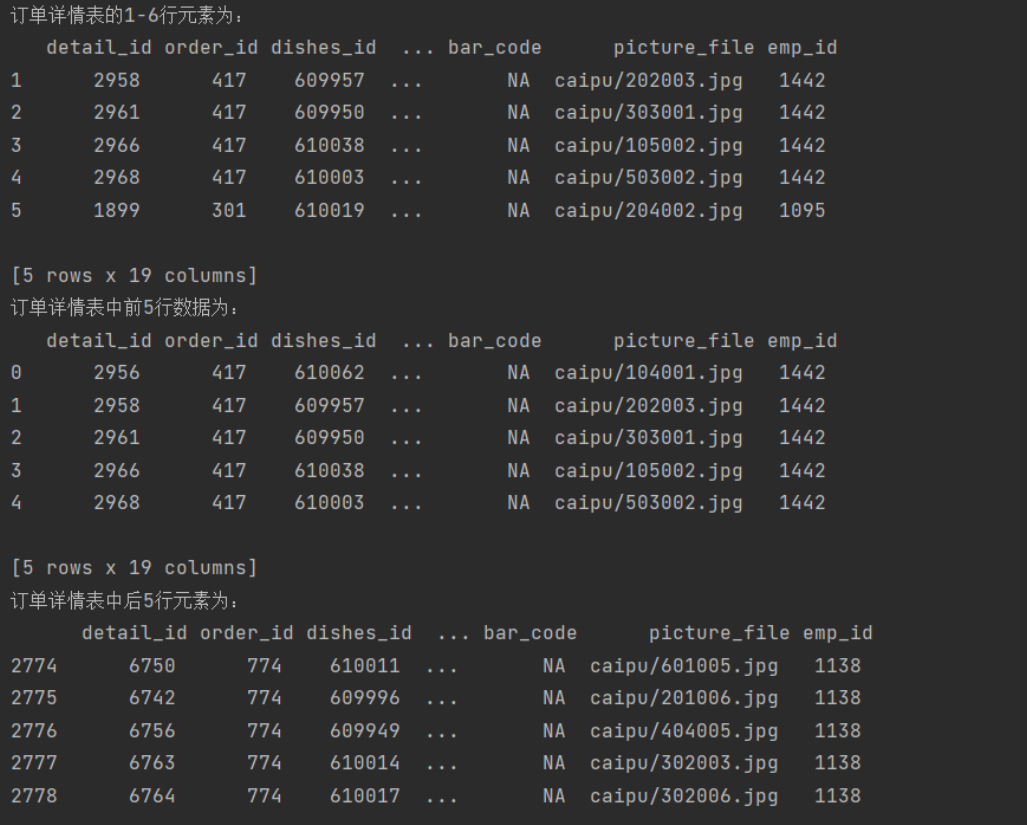
order5=detail[:][1:6]
print('订单详情表的1——6行元素为:","\n',order5)
print('订单详情表中前5行数据为:","\n',detail.head())
print('订单详情表中后5行数据为:","\n',detail.tail())
![]()
![]()
![]()
![]()
![]()
![]()
![]()

 浙公网安备 33010602011771号