
Nuxt vue-video-player视频插件使用
1、安装
npm i vue-video-player 或者 npm i vue-video-player@5.0.2(非vue3)
2、在plugins下新建 vue-video-player.js
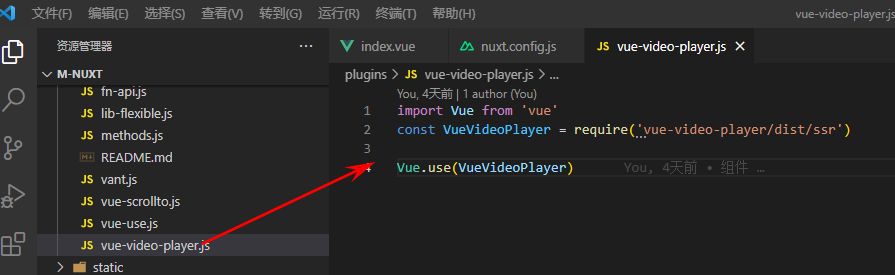
plugins->vue-video-player.js


import Vue from 'vue'
const VueVideoPlayer = require('vue-video-player/dist/ssr')

Vue.use(VueVideoPlayer)
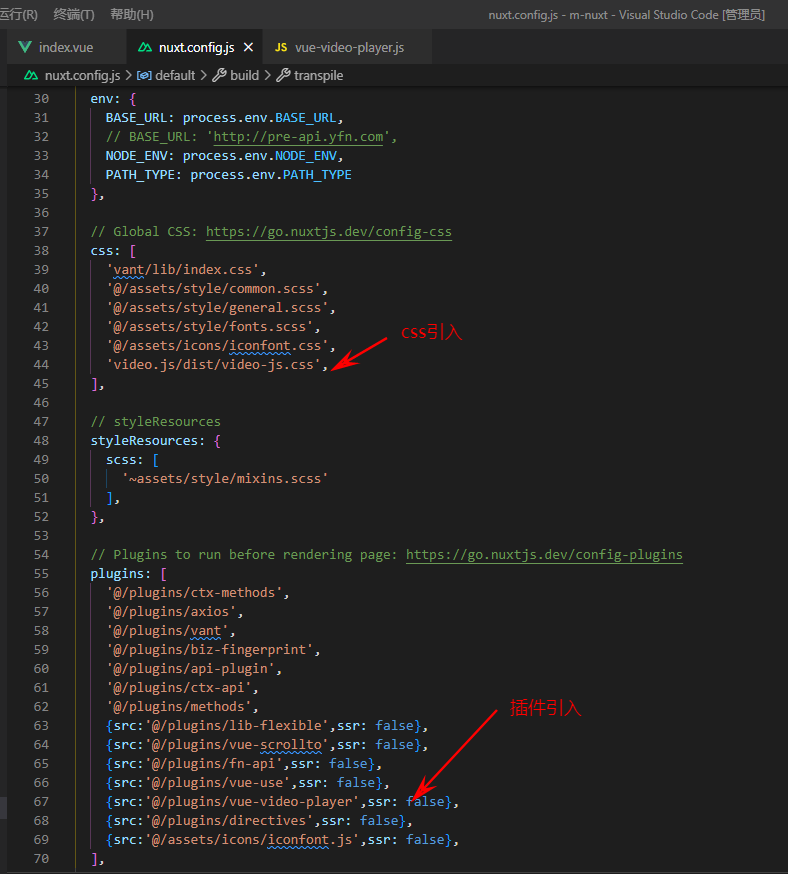
3、nuxt.config.js文件下引入插件
4、根目录 components 下新建video组件
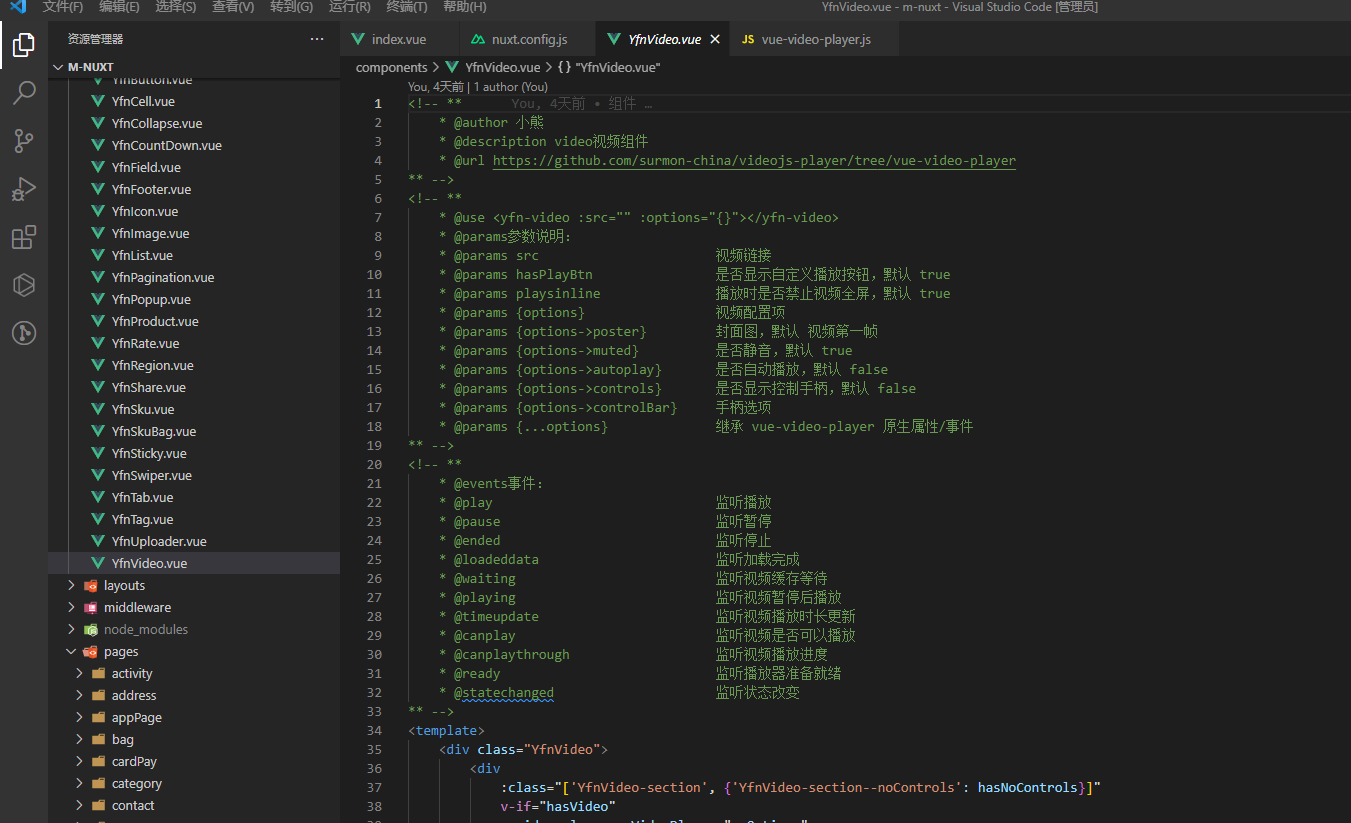
<!-- **
    * @author x-bear
    * @description video视频组件
    * @url https://github.com/surmon-china/videojs-player/tree/vue-video-player
** -->
<!-- **
    * @use <yfn-video :src="" :options="{}"></yfn-video>
    * @params参数说明:
    * @params src                       视频链接
    * @params hasPlayBtn                是否显示自定义播放按钮,默认 true
    * @params playsinline               播放时是否禁止视频全屏,默认 true
    * @params {options}                 视频配置项
    * @params {options->poster}         封面图,默认 视频第一帧
    * @params {options->muted}          是否静音,默认 true
    * @params {options->autoplay}       是否自动播放,默认 false
    * @params {options->controls}       是否显示控制手柄,默认 false
    * @params {options->controlBar}     手柄选项
    * @params {...options}              继承 vue-video-player 原生属性/事件
** -->
<!-- **
    * @events事件:
    * @play                             监听播放
    * @pause                            监听暂停
    * @ended                            监听停止
    * @loadeddata                       监听加载完成
    * @waiting                          监听视频缓存等待
    * @playing                          监听视频暂停后播放
    * @timeupdate                       监听视频播放时长更新
    * @canplay                          监听视频是否可以播放
    * @canplaythrough                   监听视频播放进度
    * @ready                            监听播放器准备就绪
    * @statechanged                     监听状态改变
** -->
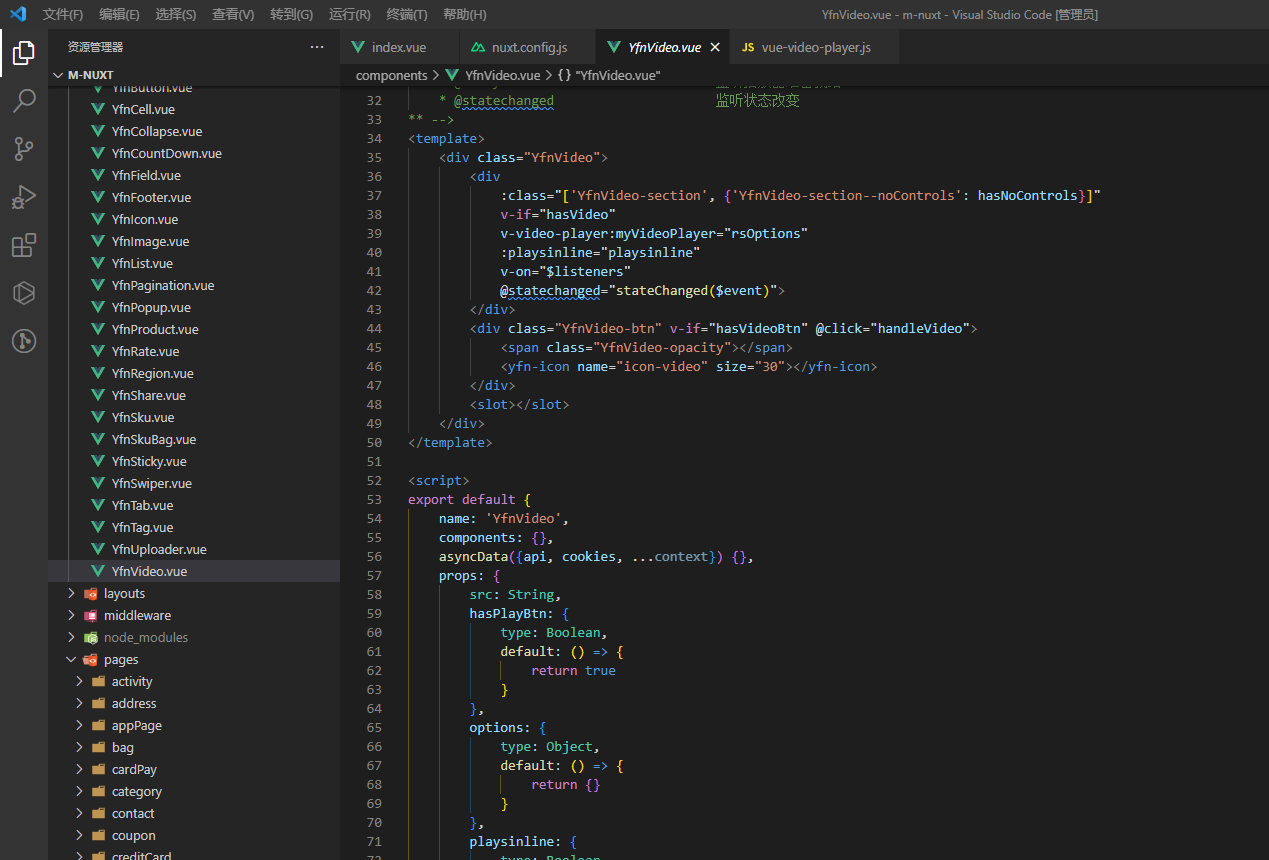
<template>
    <div class="YfnVideo">
        <div
            :class="['YfnVideo-section', {'YfnVideo-section--noControls': hasNoControls}]"
            v-if="hasVideo"
            v-video-player:myVideoPlayer="rsOptions"
            :playsinline="playsinline"
            v-on="$listeners"
            @statechanged="stateChanged($event)">
        </div>
        <div class="YfnVideo-btn" v-if="hasVideoBtn" @click="handleVideo">
            <span class="YfnVideo-opacity"></span>
            <yfn-icon name="icon-video" size="30"></yfn-icon>
        </div>
        <slot></slot>
    </div>
</template>

<script>
export default {
    name: 'YfnVideo',
    components: {},
    asyncData({api, cookies, ...context}) {},
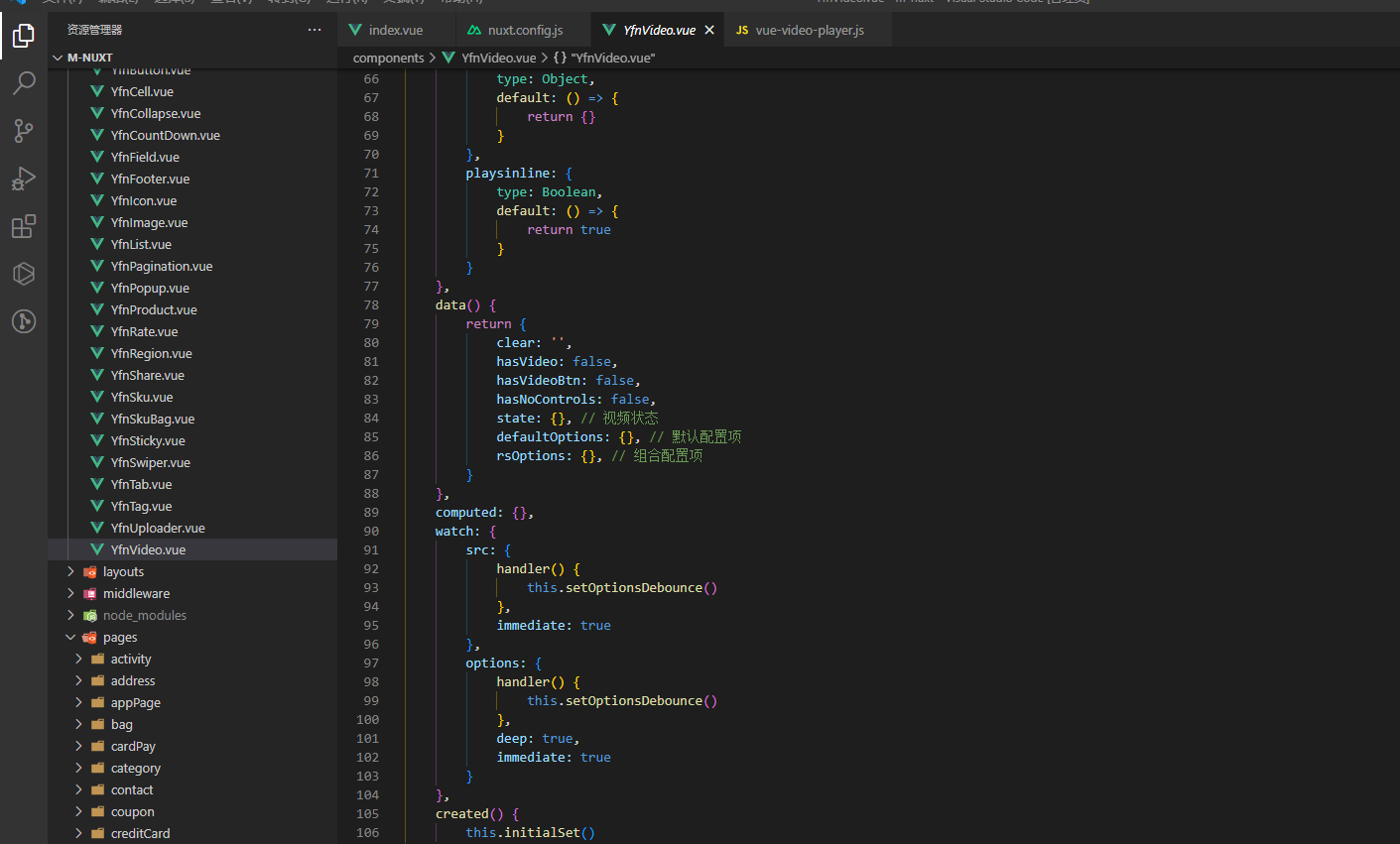
    props: {
        src: String,
        hasPlayBtn: {
            type: Boolean,
            default: () => {
                return true
            }
        },
        options: {
            type: Object,
            default: () => {
                return {}
            }
        },
        playsinline: {
            type: Boolean,
            default: () => {
                return true
            }
        }
    },
    data() {
        return {
            clear: '',
            hasVideo: false,
            hasVideoBtn: false,
            hasNoControls: false,
            state: {}, // 视频状态
            defaultOptions: {}, // 默认配置项
            rsOptions: {}, // 组合配置项
        }
    },
    computed: {},
    watch: {
        src: {
            handler() {
                this.setOptionsDebounce()
            },
            immediate: true
        },
        options: {
            handler() {
                this.setOptionsDebounce()
            },
            deep: true,
            immediate: true
        }
    },
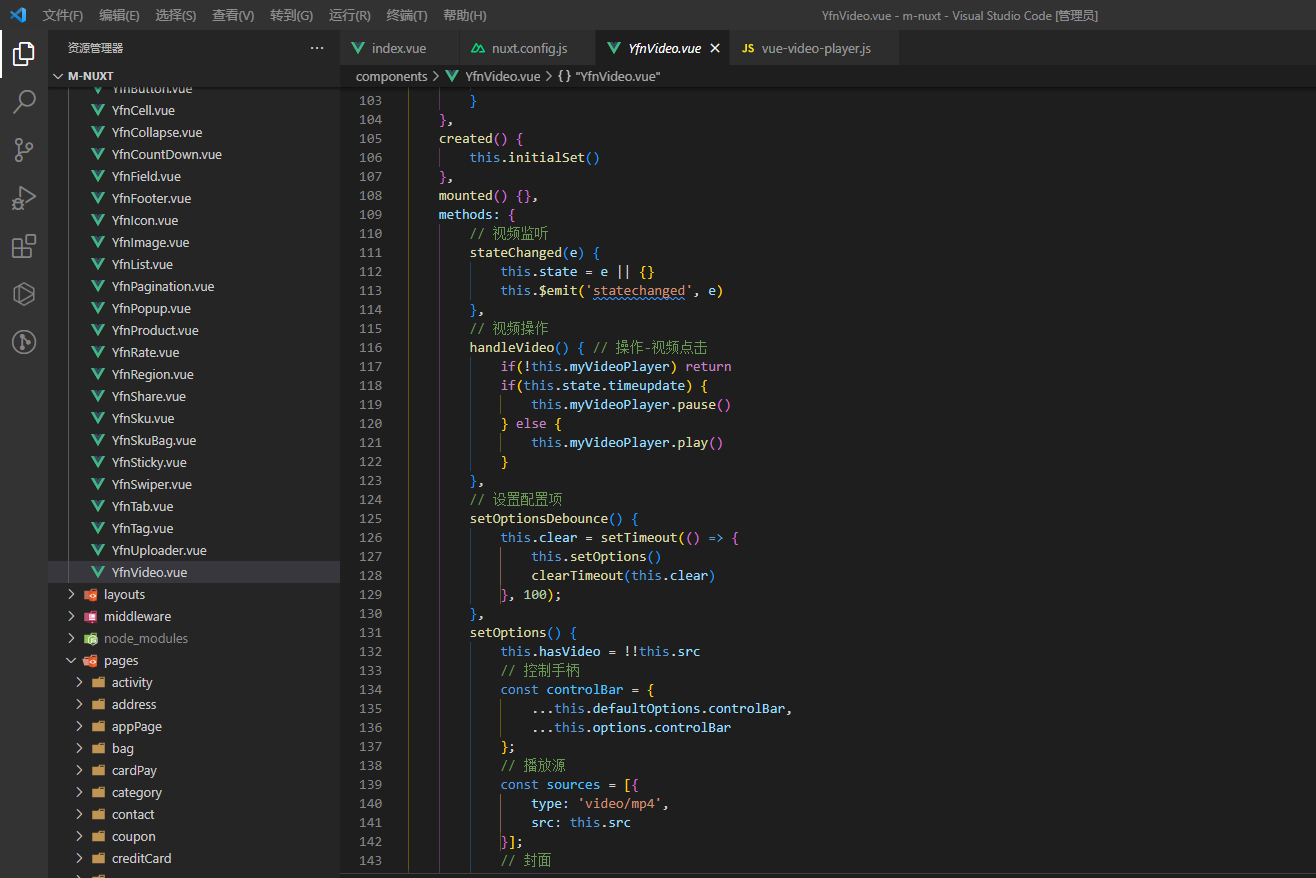
    created() {
        this.initialSet()
    },
    mounted() {},
    methods: {
        // 视频监听
        stateChanged(e) {
            this.state = e || {}
            this.$emit('statechanged', e)
        },
        // 视频操作
        handleVideo() { // 操作-视频点击
            if(!this.myVideoPlayer) return
            if(this.state.timeupdate) {
                this.myVideoPlayer.pause()
            } else {
                this.myVideoPlayer.play()
            }
        },
        // 设置配置项
        setOptionsDebounce() {
            this.clear = setTimeout(() => {
                this.setOptions()
                clearTimeout(this.clear)
            }, 100);
        },
        setOptions() {
            this.hasVideo = !!this.src
            // 控制手柄
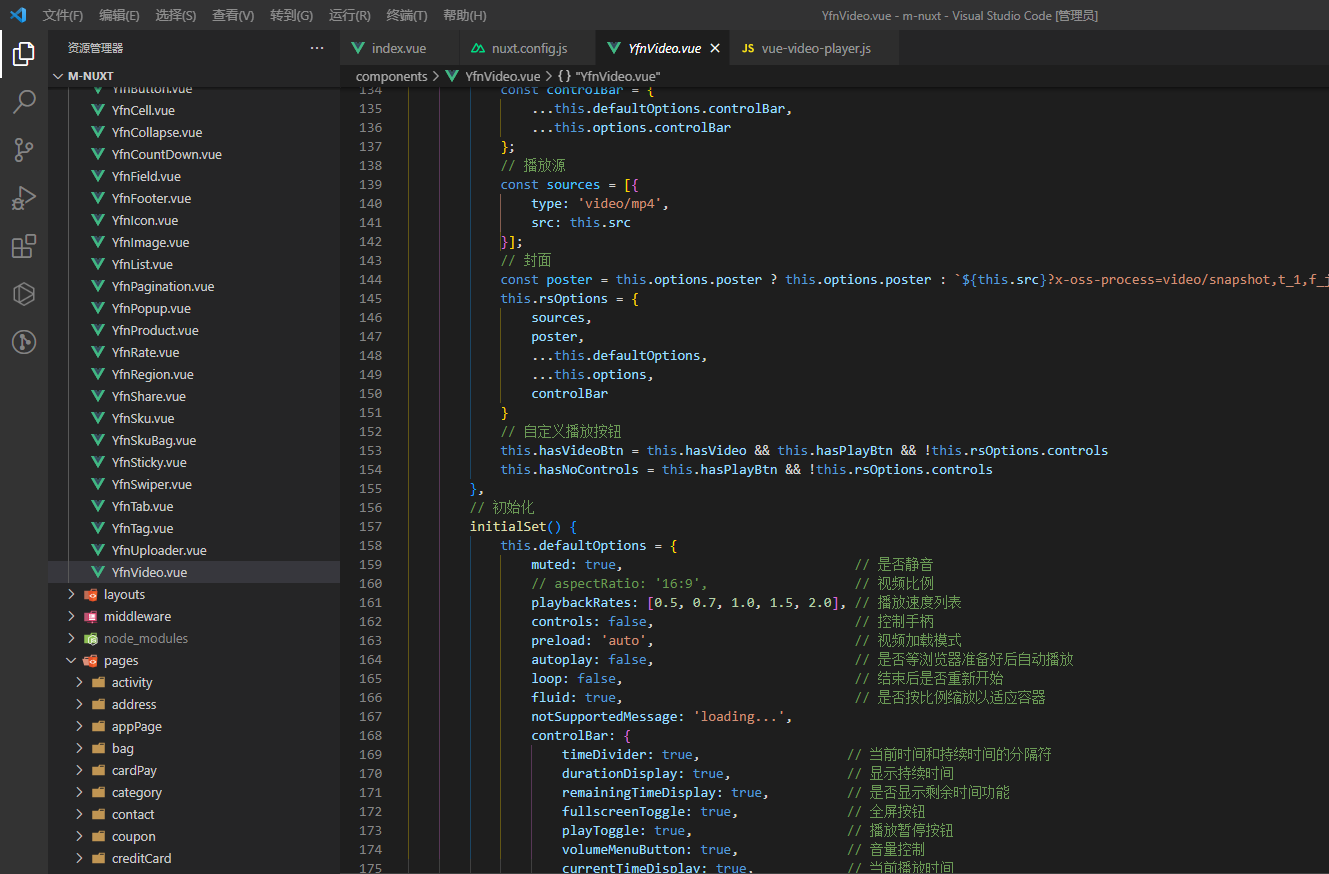
            const controlBar = {
                ...this.defaultOptions.controlBar,
                ...this.options.controlBar
            };
            // 播放源
            const sources = [{
                type: 'video/mp4',
                src: this.src
            }];
            // 封面
            const poster = this.options.poster ? this.options.poster : `${this.src}?x-oss-process=video/snapshot,t_1,f_jpg,w_750,m_fast`;
            this.rsOptions = {
                sources,
                poster,
                ...this.defaultOptions,
                ...this.options,
                controlBar
            }
            // 自定义播放按钮
            this.hasVideoBtn = this.hasVideo && this.hasPlayBtn && !this.rsOptions.controls
            this.hasNoControls = this.hasPlayBtn && !this.rsOptions.controls
        },
        // 初始化
        initialSet() {
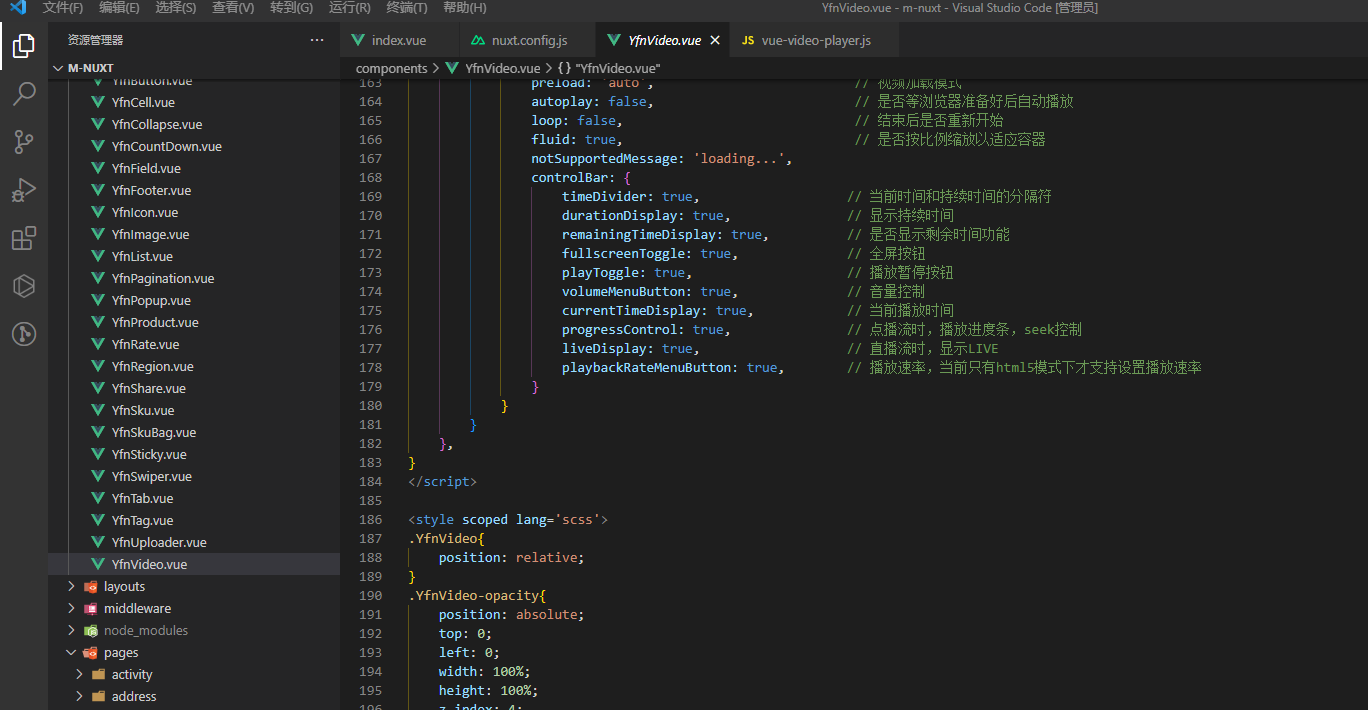
            this.defaultOptions = {
                muted: true,                              // 是否静音
                // aspectRatio: '16:9',                   // 视频比例
                playbackRates: [0.5, 0.7, 1.0, 1.5, 2.0], // 播放速度列表
                controls: false,                          // 控制手柄
                preload: 'auto',                          // 视频加载模式
                autoplay: false,                          // 是否等浏览器准备好后自动播放
                loop: false,                              // 结束后是否重新开始
                fluid: true,                              // 是否按比例缩放以适应容器
                notSupportedMessage: 'loading...',
                controlBar: {
                    timeDivider: true,                   // 当前时间和持续时间的分隔符
                    durationDisplay: true,               // 显示持续时间
                    remainingTimeDisplay: true,          // 是否显示剩余时间功能
                    fullscreenToggle: true,              // 全屏按钮
                    playToggle: true,                    // 播放暂停按钮
                    volumeMenuButton: true,              // 音量控制
                    currentTimeDisplay: true,            // 当前播放时间
                    progressControl: true,               // 点播流时,播放进度条,seek控制
                    liveDisplay: true,                   // 直播流时,显示LIVE
                    playbackRateMenuButton: true,        // 播放速率,当前只有html5模式下才支持设置播放速率
                }
            }
        }
    },
}
</script>

<style scoped lang='scss'>
.YfnVideo{
    position: relative;
}
.YfnVideo-opacity{
    position: absolute;
    top: 0;
    left: 0;
    width: 100%;
    height: 100%;
    z-index: 4;
}
.icon-video{
    position: absolute;
    top: 50%;
    left: 50%;
    transform: translate(-50%, -50%);
    z-index: 2;
}
.YfnVideo-section--noControls{
    :deep(.vjs-ended){
        .vjs-tech{
            z-index: 1;
        }
    }
    :deep(.vjs-paused){
        .vjs-tech{
            z-index: 1;
        }
    }
    :deep(.vjs-playing){
        .vjs-tech{
            z-index: 3;
        }
    }
}
:deep(.vjs-big-play-button){
    left: 50%;
    top: 50%;
    transform: translate(-50%, -50%);
    background: none;
    border-radius: 50%;
    width: 32px;
    height: 32px;
    .vjs-icon-placeholder{
        &::before{
            width: 32px;
            height: 32px;
            line-height: normal;
        }
    }
}
</style>

 浙公网安备 33010602011771号