vscode常用开发配置
1. 显示运行按钮
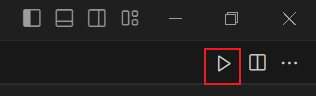
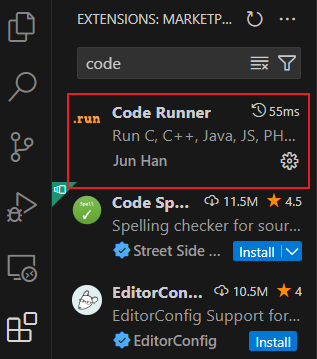
扩展中搜索code runner并安装
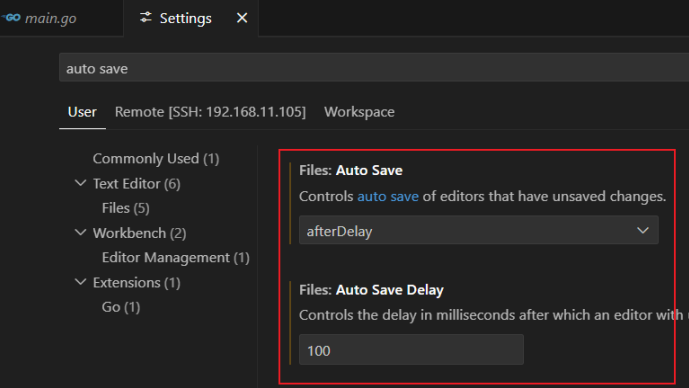
2. 自动保存
file->preferences->settings->搜索auto save->延迟100ms保存
3. 保存时自动格式化
file->preferences->settings->搜索format on save->勾选

4. 配置go test
取消缓存:设置中搜索gotestflags,User中增加"-count=1"
取消30秒限制:设置中搜索go test timeout,User中把30s改成10000s。
生效mock:设置中搜索gotestflags,User中增加"-gcflags=all=-N -l"
其中,-N -l带'',debug test有效,run test无效;不带'',debug test无效,run test有效。
5. yaml多行和单行之间互转
多行转成单行:所有\n替换成\\n。
单行转成多行:所有\\n替换成\n。

 浙公网安备 33010602011771号