
WPF中相对绑定无法使用
之前在看刘铁锰老师的深入浅出WPF这本书时,我看到了使用相对绑定这一章,于是想自己动手试试,但是发现怎么都绑不上
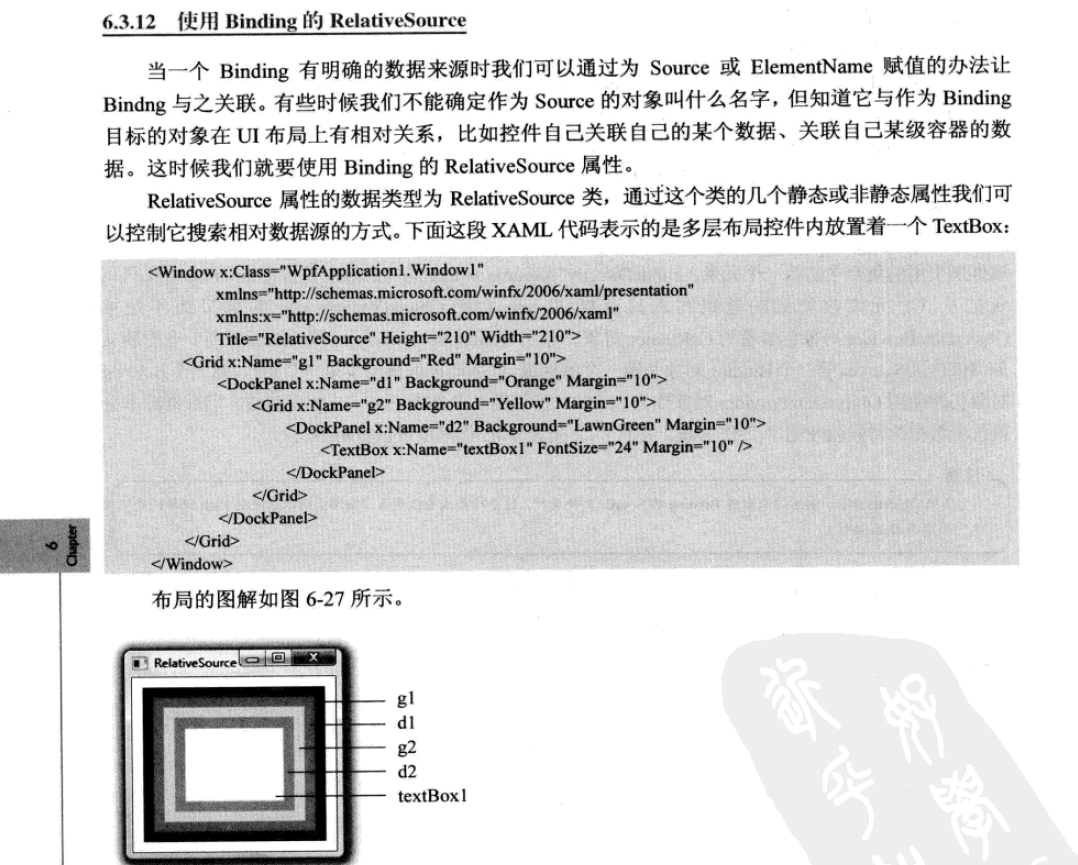
下面是我的代码
<Canvas Width="400" Background="#FFEAEAEA" >
<Button x:Name="wuhu" Width="80" Height="40" Canvas.Left="52" Canvas.Top="160"/>
<Button Content="{Binding Name,RelativeSource={RelativeSource Mode=FindAncestor,AncestorLevel=1,AncestorType=Button}}" Width="80" Height="40" Canvas.Left="220" Canvas.Top="160"/>
</Canvas>
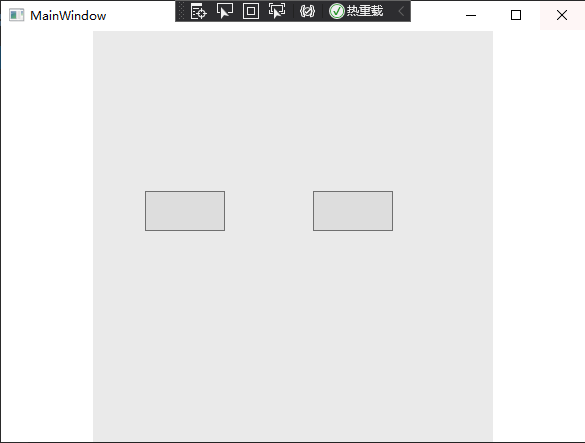
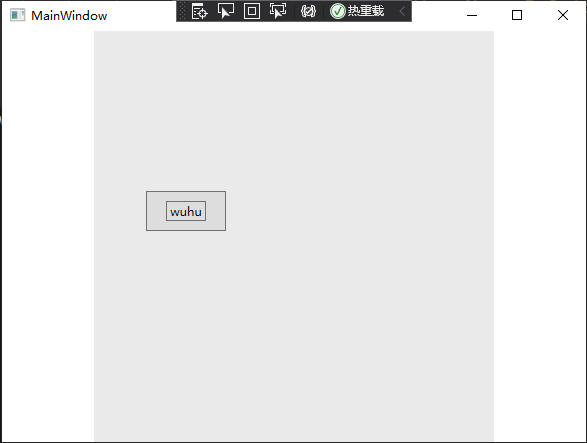
看起来很奇怪对吧,第二个Button的Content应该是wuhu才对啊,这可把我愁的,最后我在多次尝试后发现,如果Mode=FindAncestor的话,貌似绑定和被绑定的控件必须是父子关系,也就是父容器 或者父父父...容器、子子子...容器
<Canvas Width="400" Background="#FFEAEAEA" >
        <Button x:Name="wuhu" Width="80" Height="40" Canvas.Left="52" Canvas.Top="160">
            <Button.Content>
                <Button Content="{Binding Name,RelativeSource={RelativeSource Mode=FindAncestor,AncestorLevel=1,AncestorType=Button}}" Width="40" Height="20"/>
            </Button.Content>
        </Button>
    </Canvas>

 浙公网安备 33010602011771号