
VsCode全局背景图片设置
 VsCode全局背景修改
VsCode全局背景图片设置教程
一. VsCode中安装插件background-cover

第一种方法
- 找到安装vscode文件路径
- Program Files\Microsoft VS Code\resources\app\out\vs\workbench
- 搜索workbench.desktop.main.css文件
- 用管理员模式的vscode打开格式化
- 在文件最前面添加
- 程序:
body {

    pointer-events: auto !important;

    background-size: cover !important;

    opacity: 0.78 !important;

    background-position: 0 0 !important;

    background-image: url('file:///你的图片文件的路径') !important;

    content: '';

    position: absolute;

    z-index: 99999;

    width: 100%;

    background-attachment: fixed;

    background-repeat: no-repeat;

}
第二种方法:
右键管理员身份运行vscode
ctrl+shift+p ,输入 backgroundCover - start 命令
然后可以选择背景图片和设置透明度
二. 效果图:
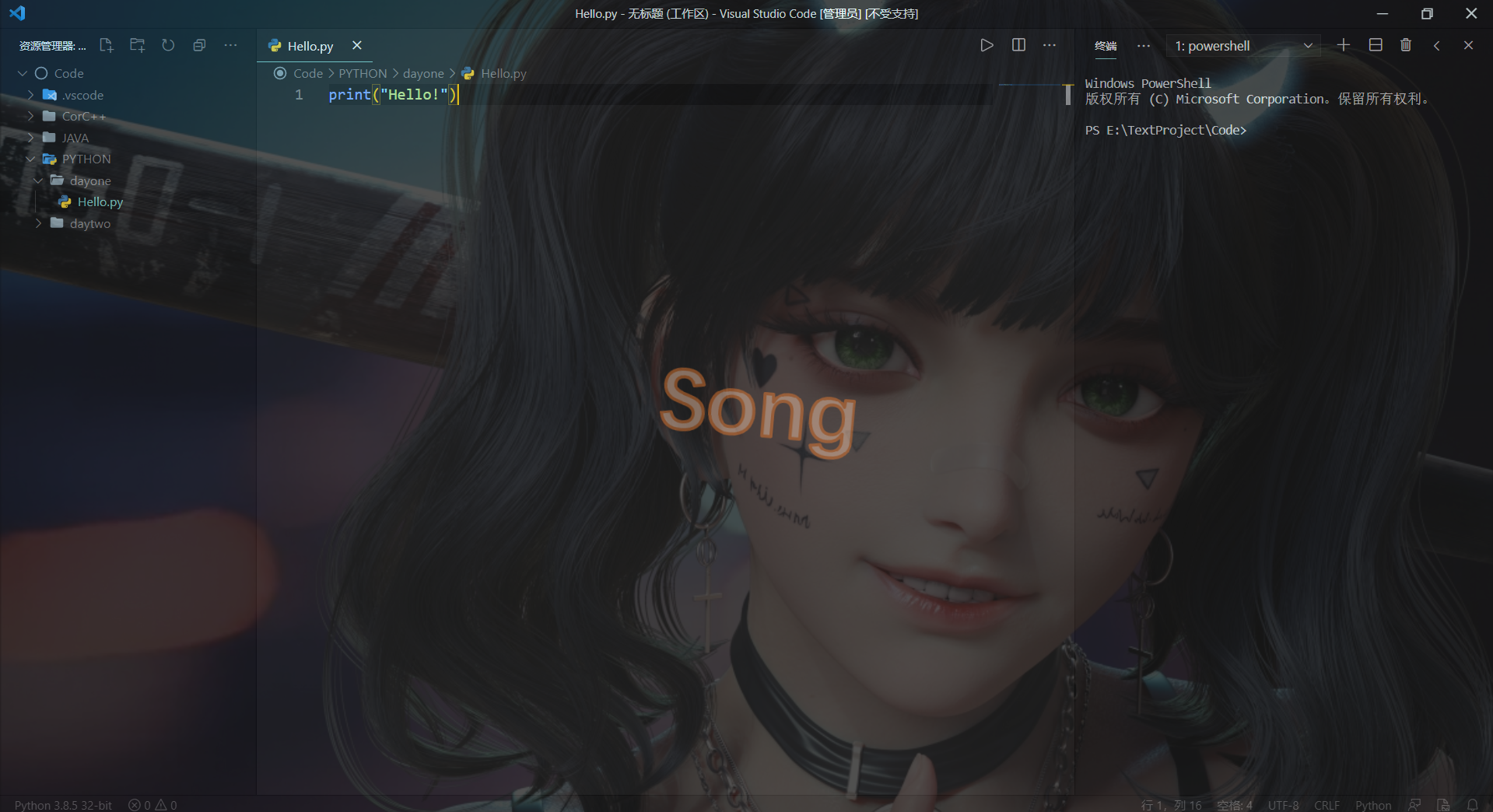
//转载请注明出处:https://www.cnblogs.com/Songjunxiang/p/14445849.html
欢迎提出问题,我会看见之后立刻改正。
邮箱:2247256783@qq.com
QQ(添加请注明原因):2247256783

 浙公网安备 33010602011771号