

【学习笔记】连接服务器并且在centos7.x安装sql server
Part1.连接服务器
1.使用xshell新建会话

2.
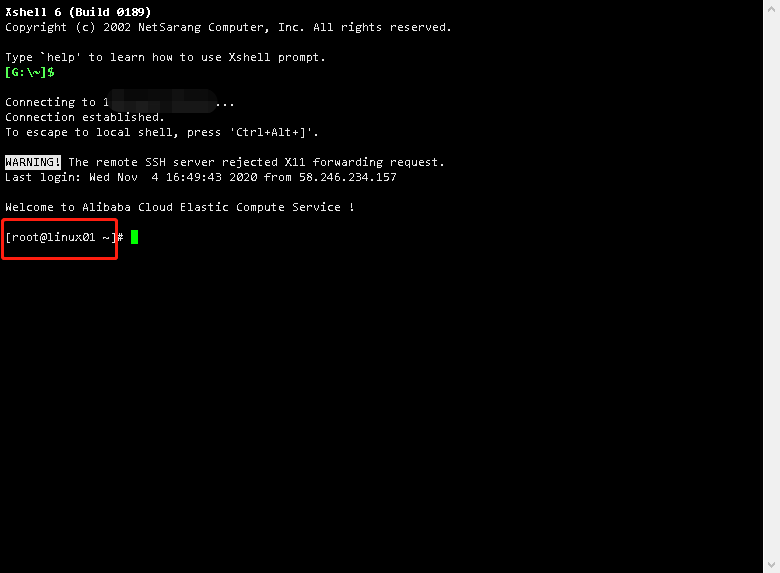
显示下图则表示已经成功连接服务器
Part2.在centos7.x服务器上安装sql server
参考博客:https://www.cnblogs.com/shapman/p/12347433.html
有一点需要注意:3.1 设置防火墙,开启远程连接,防火墙未开启,但是用ssms连接服务器的时候,报错连接到数据库引擎 ------------------------------ 无法连接到 .。 ------------------------------ 其他信息: 在与 SQL
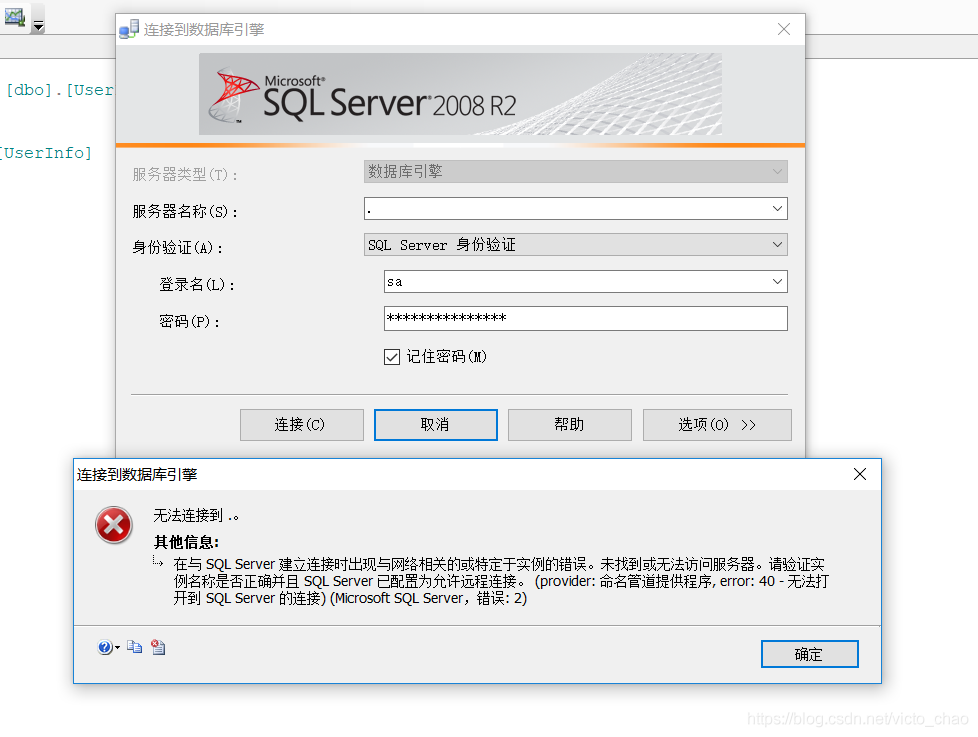
但是检查发现SQL Server实例已经在运行(SQL Server服务打开)(如何开启sql server服务: https://blog.csdn.net/victo_chao/article/details/85199795?utm_medium=distribute.pc_relevant_t0.none-task-blog-BlogCommendFromMachineLearnPai2-1.channel_param&depth_1-utm_source=distribute.pc_relevant_t0.none-task-blog-BlogCommendFromMachineLearnPai2-1.channel_param )
咨询大佬后才知原来是没给服务器开端口
Ps:阿里云服务器开端口:

增加1433端口


 浙公网安备 33010602011771号