实验4:开源控制器实践——OpenDaylight
一、实验要求
1.利用Mininet平台搭建下图所示网络拓扑,并连接OpenDaylight控制器
命令行连接控制器
sudo mn --topo=single,3 --controller=remote,ip=127.0.0.1,port=6633 --switch ovsk,protocols=OpenFlow13

sudo mn --topo=single,3 --mac --controller=remote,ip=127.0.0.1,port=6633 --switch ovsk,protocols=OpenFlow13

2.通过Postman工具调用OpenDaylight提供的API下发流表,实现拓扑内主机h1和h3网络中断10s

二、进阶要求
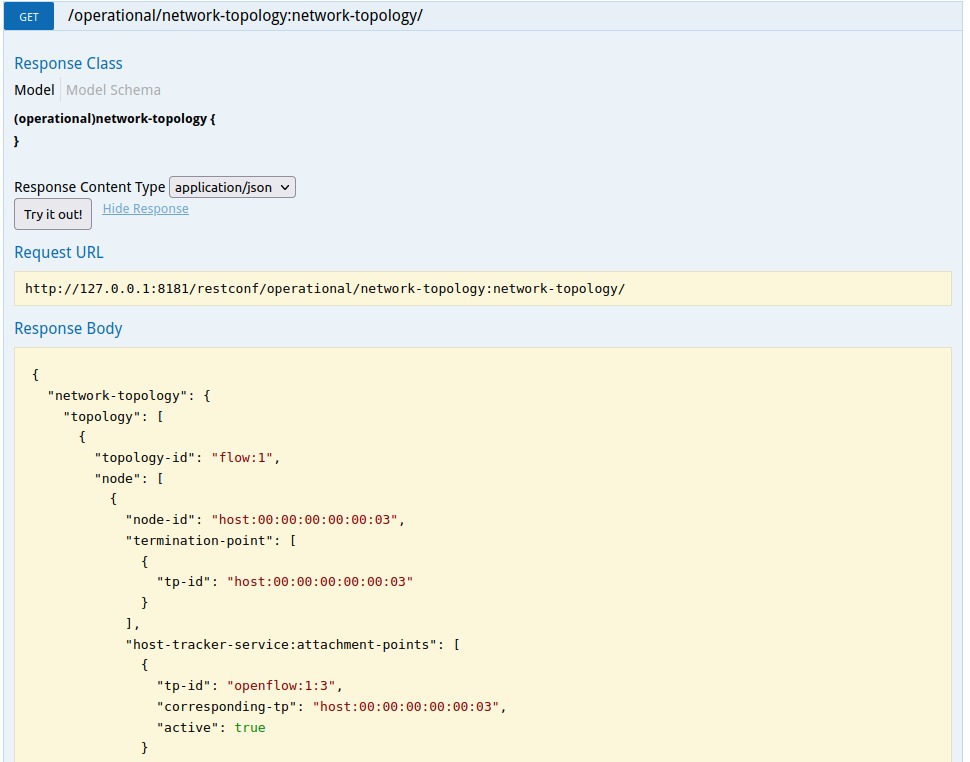
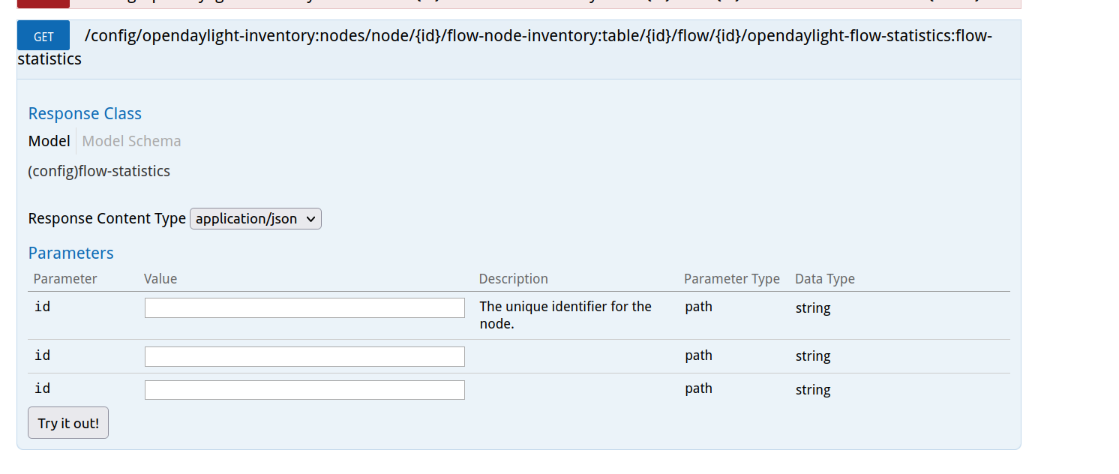
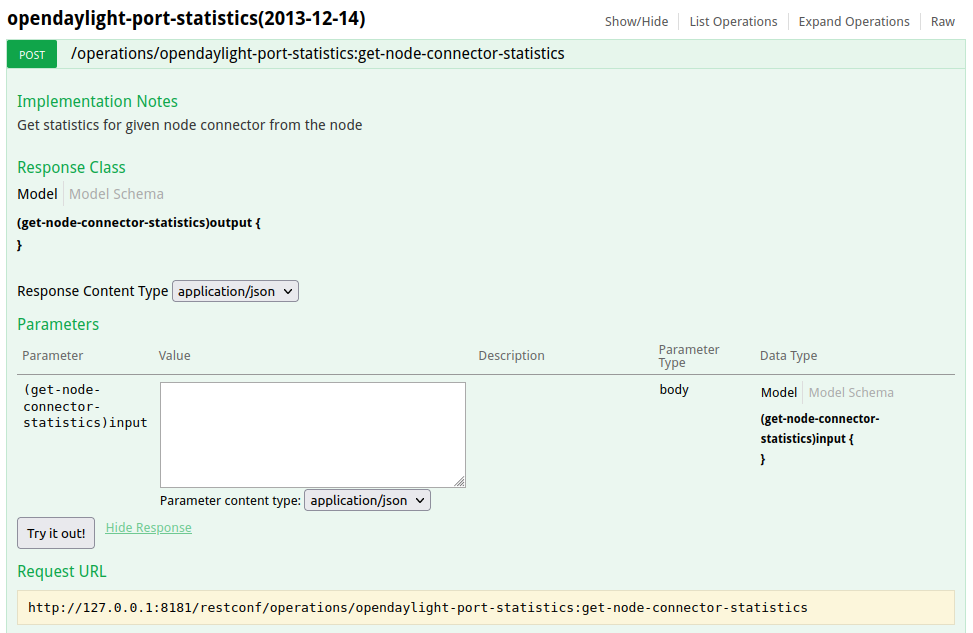
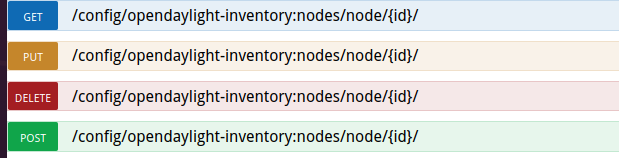
查找资料,整理和记录ODL控制器主要的REST API文档,包括但不限于ODL提供的文档链接,获取拓扑的交换机、获取流表状态数量、获取特定交换机端口的状态、新增修改和删除流表等
1. 获取拓扑的交换机http://127.0.0.1:8181/apidoc/explorer/index.html#!/network-topology(2013-10-21)/GET_network_topology_get_183
- 获取流表状态数量
http://127.0.0.1:8181/apidoc/explorer/index.html#!/opendaylight-inventory(2013-08-19)/GET_flow_statistics_get_265
- 获取特定交换机端口的状态
http://127.0.0.1:8181/apidoc/explorer/index.html#!/opendaylight-port-statistics(2013-12-14)/get_node_connector_statistics_post_0
- 新增修改和删除流表
http://127.0.0.1:8181/apidoc/explorer/index.html#!/opendaylight-inventory(2013-08-19)/GET_table_get_194
- 链路

个人总结
1. 在通过Postman工具调用OpenDaylight提供的API下发流表,实现拓扑内主机h1和h3网络中断10s时,要先运行 h1 ping h3然后再在Postman处选择动作PUT才有效果1. 先在Mininet上pingall才会在ODL 的用户界面看到主机

 浙公网安备 33010602011771号