
python学习之1.1numpy安装
- https://pypi.org/project/numpy/#files
![]()
-
![]()
-
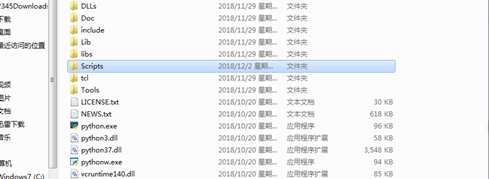
.把下载好的文件放到Python安装目录中的Scripts中,然后菜单->cmd->然后输入cd 文件的目录(切换到下载文件的路径中),然后输入pip install numpy文件名.whl
-
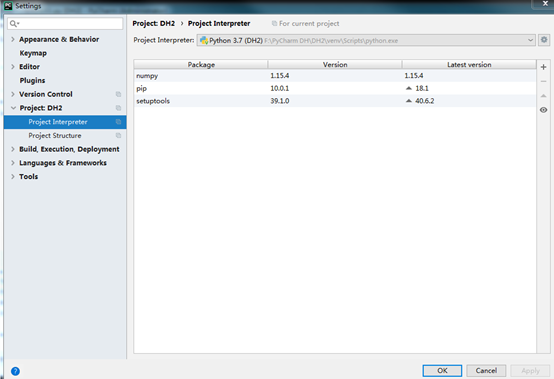
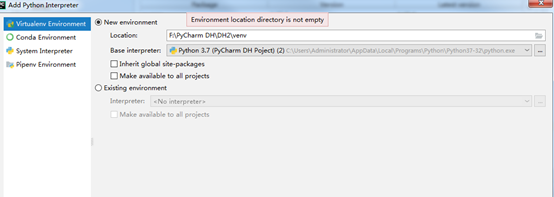
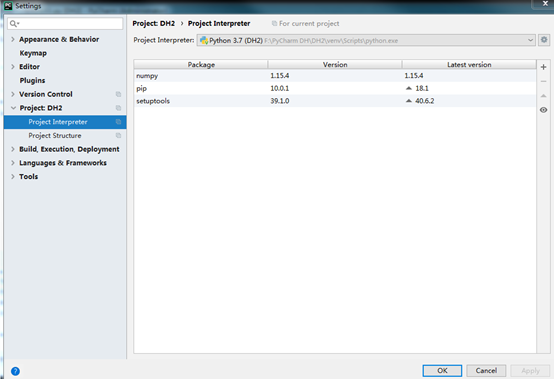
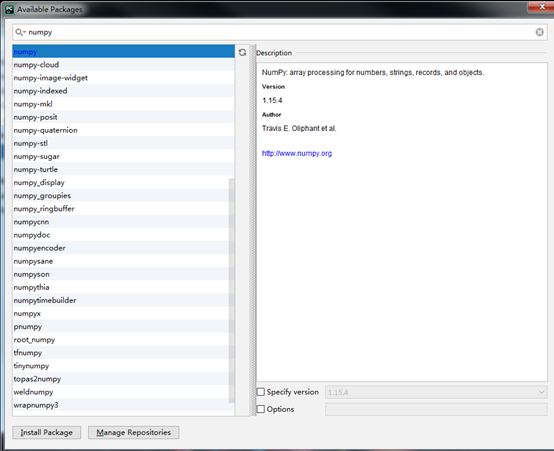
把numpy导入pycharm中;首先file->setting->interpreter要选对应版本Python安装numpy之后,然后点击“+”,搜索numpy,最后点击左下角安装,完成。
-
安装之后如果不行,file->invalidate caches/restart,ok了
![]()
![]()
![]()
![]()
-
MatPlotLib: http://matplotlib.org/downloads.html 进入页面后点击PyPI选择对应型号,点击download file,下载,进入cmd,输入“pip install XX”安装


 浙公网安备 33010602011771号