
25.2.8小记
流
流是输入输出的方式
1.流是一维(用一个数字可以表示其在流中的地方)且单向的
System.out.println("hello");
其中out这个成员就是某种用来输出的流
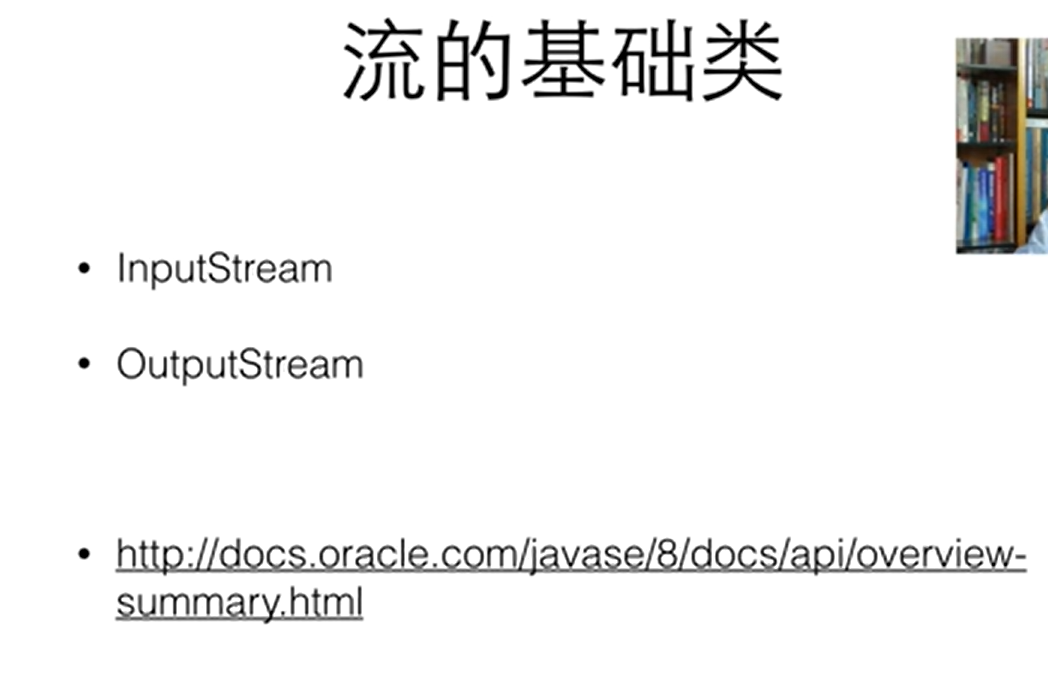

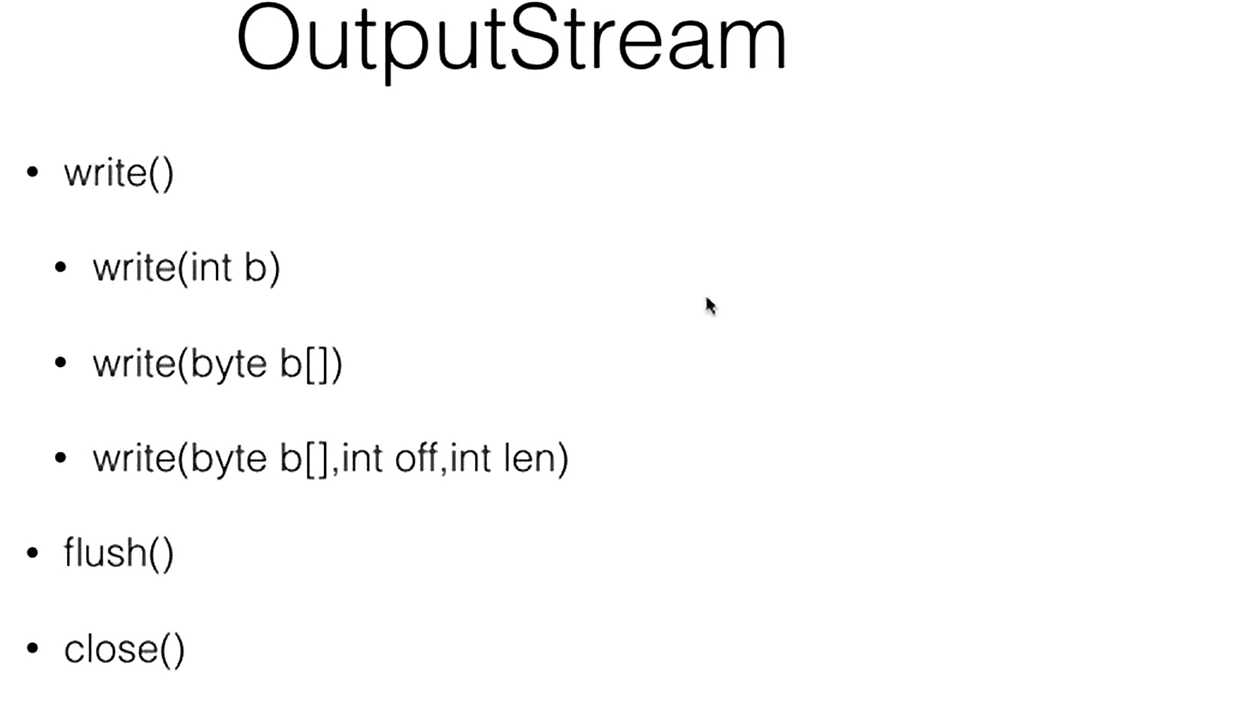
其中inputstream和outputstream只是把外面的输入当作字节流来看待(只能做字节层面上的读和写)
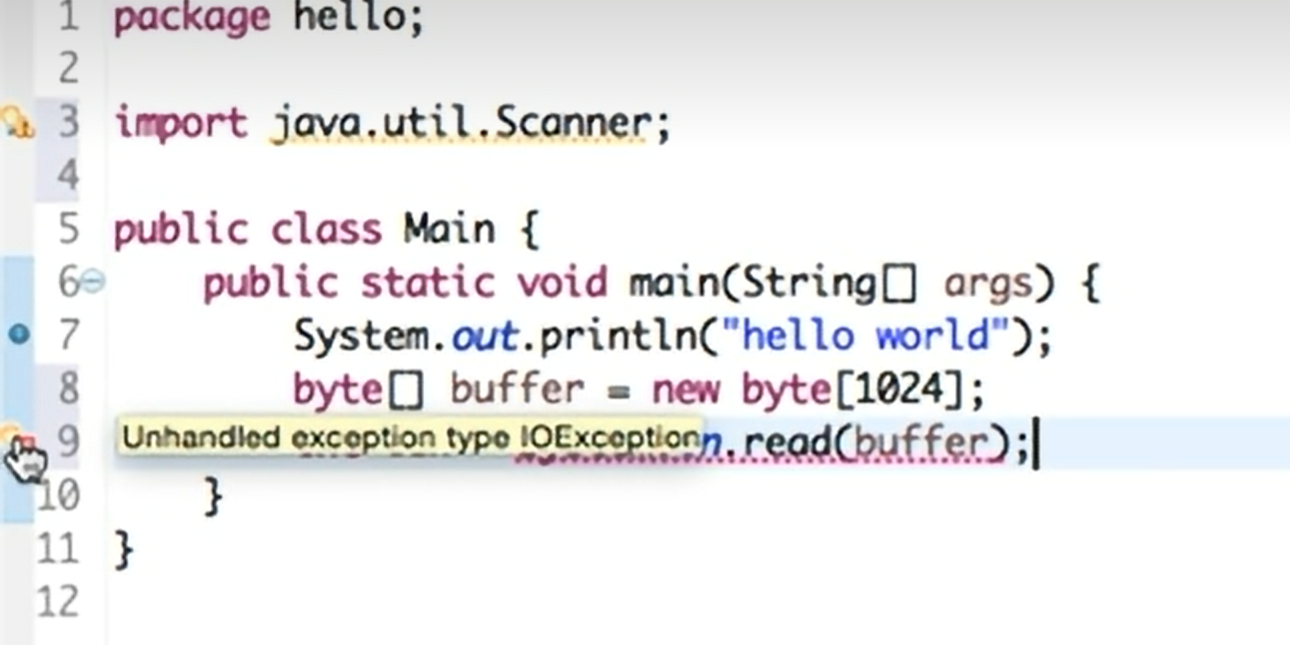
这个报错:所有IO的操作都存在分解,其中read不一定用在System.in(所有的read的操作都带着exception)
解决方法 : 放到try-catch中用异常捕捉
package kcb;

import java.io.FileNotFoundException;
import java.io.FileOutputStream;
import java.io.IOException;

public class Main {
    public static void main(String[] args) {
        System.out.println("Hello World!");
        byte[] buf = new byte[10];
        for(int i=0;i<10;i++){
            buf[i] = (byte)i;
        }

        try {
            FileOutputStream out = new FileOutputStream("test.txt");
            out.write(buf);
            out.close();
             }
            catch (FileNotFoundException e) {
                throw new RuntimeException(e);
            }
             catch (IOException e) {
                throw new RuntimeException(e);
            }

    }
}
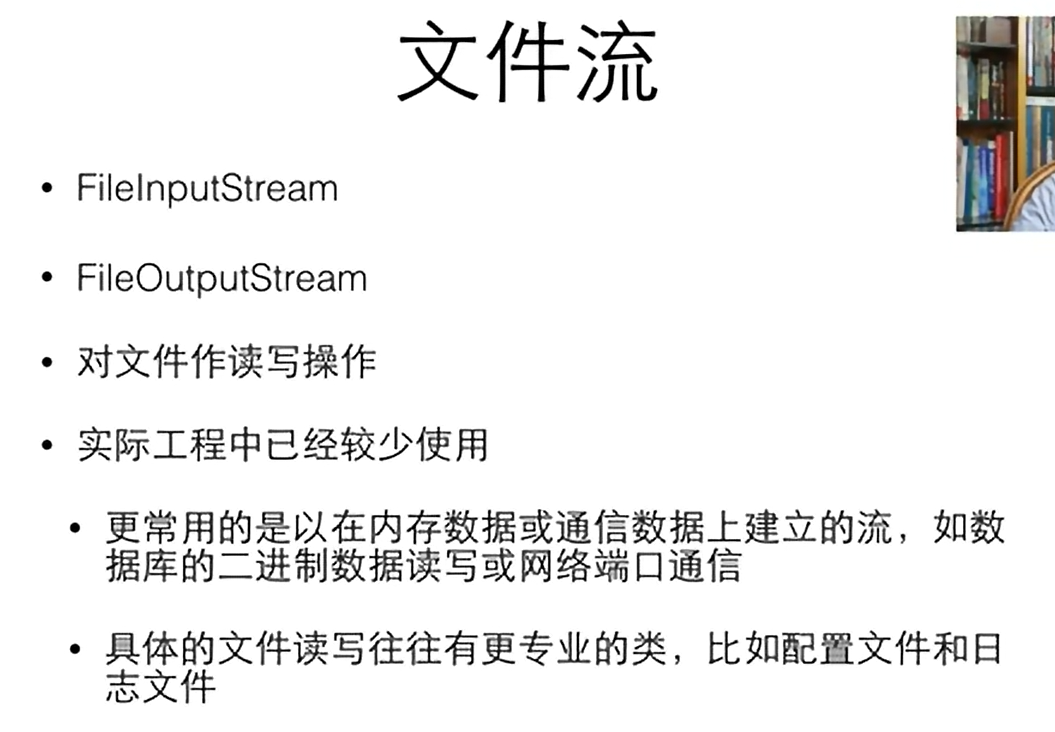
文件

流过滤器

DataOutputStream需要建立在别的流的基础上
其中先给FileOutputStream加一个缓冲流(bufferedOutputStream),再在缓冲外面接一个DataOutputStream
package kcb;

import java.io.*;

public class Main {
    public static void main(String[] args) {
        System.out.println("Hello World!");
        byte[] buf = new byte[10];
        for(int i=0;i<10;i++){
            buf[i] = (byte)i;
        }

        try {
            DataOutputStream out = new DataOutputStream(
                    new BufferedOutputStream(new FileOutputStream("test.txt")));
            int i = 0xcafebabe;
            out.writeInt(i);
            out.close();
             }
            catch (FileNotFoundException e) {
                throw new RuntimeException(e);
            }
             catch (IOException e) {
                throw new RuntimeException(e);
            }

    }
}
读出
package kcb;

import java.io.*;
import java.util.Date;

public class Main {
   public static void main(String[] args) {
       System.out.println("Hello World!");
       byte[] buf = new byte[10];
       for(int i=0;i<10;i++){
           buf[i] = (byte)i;
       }

       try {
           DataOutputStream out = new DataOutputStream(
                   new BufferedOutputStream(new FileOutputStream("test.txt")));
           int i = 0xcafebabe;
           out.writeInt(i);
           out.close();
           DataInputStream in = new DataInputStream(
                   new BufferedInputStream(new FileInputStream("test.txt")));
           int j = in.readInt();
           System.out.println(Integer.toHexString(j));
            }
           catch (FileNotFoundException e) {
               throw new RuntimeException(e);
           }
            catch (IOException e) {
               throw new RuntimeException(e);
           }

   }
}

文本流
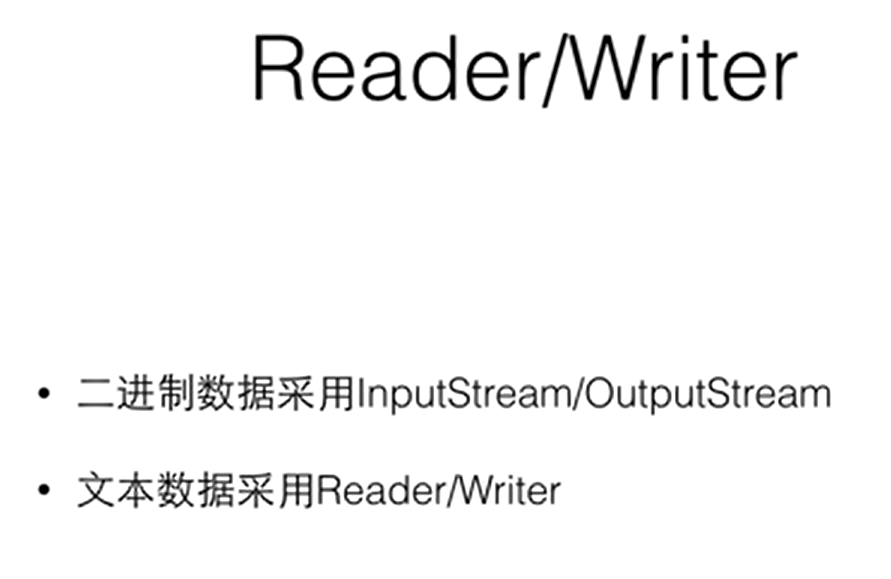
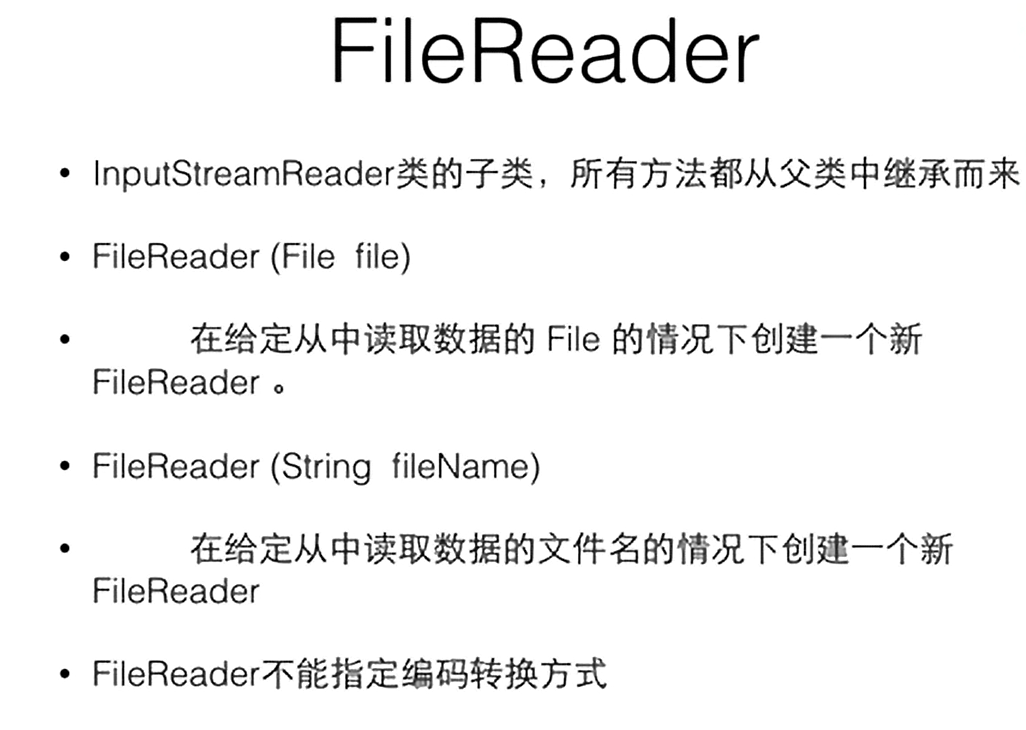
当文件本身不是Unicode时,我们需要借助stream,由stream去打开文件,在stream的基础上以过滤流的方式,去建立Reader和Writer
其中OutputStreamWriter是一个桥梁,其输入是一个Stream,输出是一个Writer
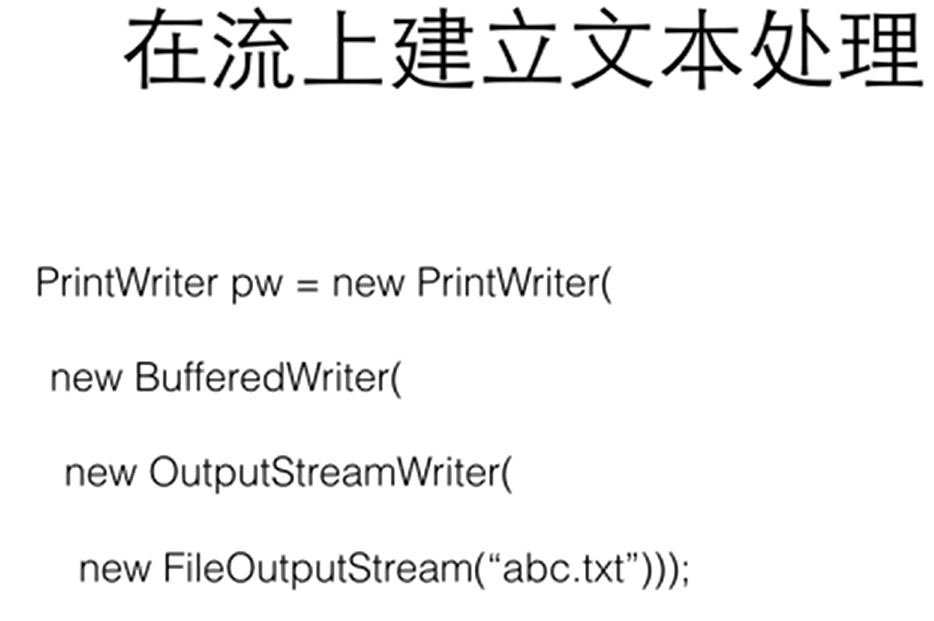
package kcb;

import java.io.*;
import java.util.Date;

public class Main {
    public static void main(String[] args) {
        System.out.println("Hello World!");
        byte[] buf = new byte[10];
        for(int i=0;i<10;i++){
            buf[i] = (byte)i;
        }

        try {
            PrintWriter out = new PrintWriter(
                    new BufferedWriter(new OutputStreamWriter(new FileOutputStream("a.txt"))));
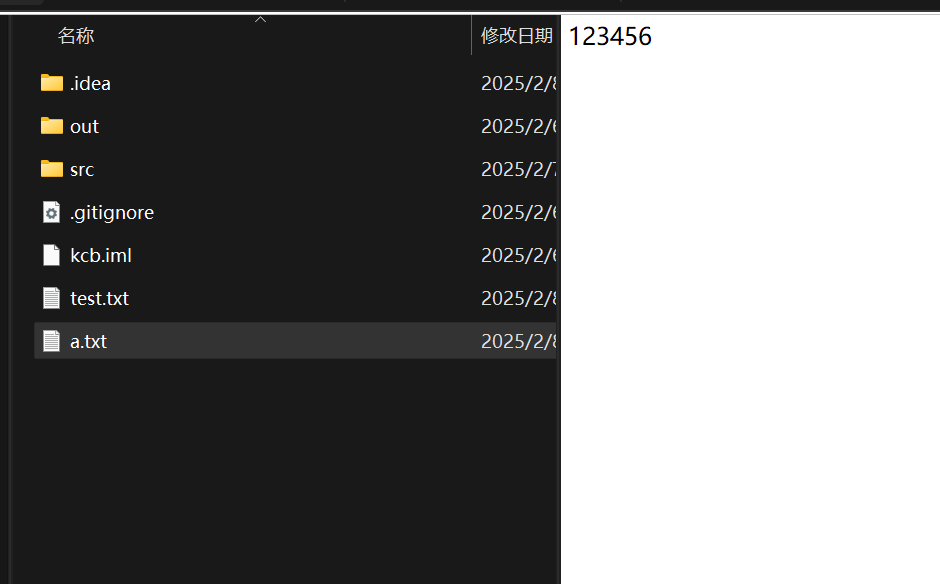
            int i = 123456;
            out.println(i);
            out.close();
            BufferedReader in = new BufferedReader(new InputStreamReader(new FileInputStream("src/kcb/Main.java")));
            String line;
            while ((line = in.readLine()) != null) {
                System.out.println(line);
            }
         }
            catch (FileNotFoundException e) {
                throw new RuntimeException(e);
            }
            catch (IOException e) {
                throw new RuntimeException(e);
            }


    }
}
其中
  String line;
            while ((line = in.readLine()) != null) {
                System.out.println(line);
            }
         }
这段代码将这个Main代码程序读取了出来
in.readLine函数会返回一个string,若读到了流的末尾,会返回一个null

汉字编码
eclipse中默认为GBK编码
GBK18030 : 国标码
Unicode
utf-8编码 : 即采用了Unicode的编码保证在各种平台都通用,有保证英文字母采用比较短的编码形式
BufferedReader in = new BufferedReader(new InputStreamReader(new FileInputStream("utf8.txt"),"utf8"));
可以用这样的方式告诉java具体编码类型

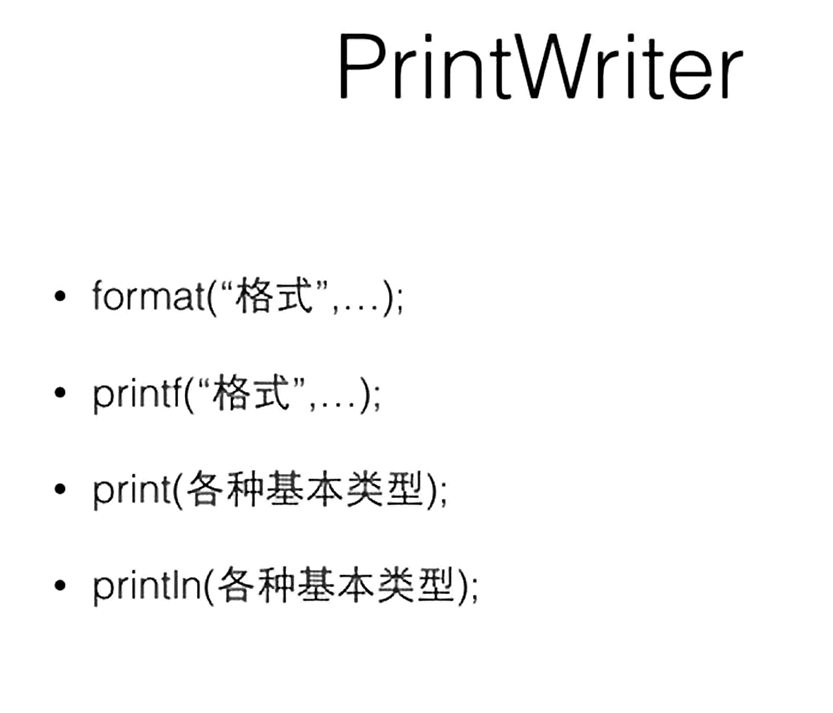
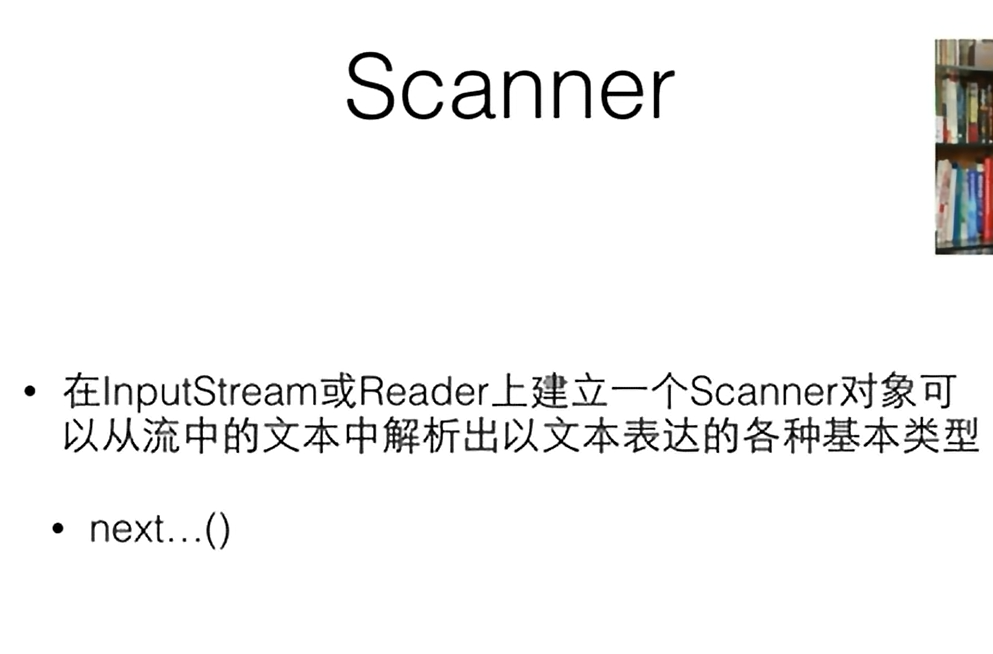
格式化输入输出
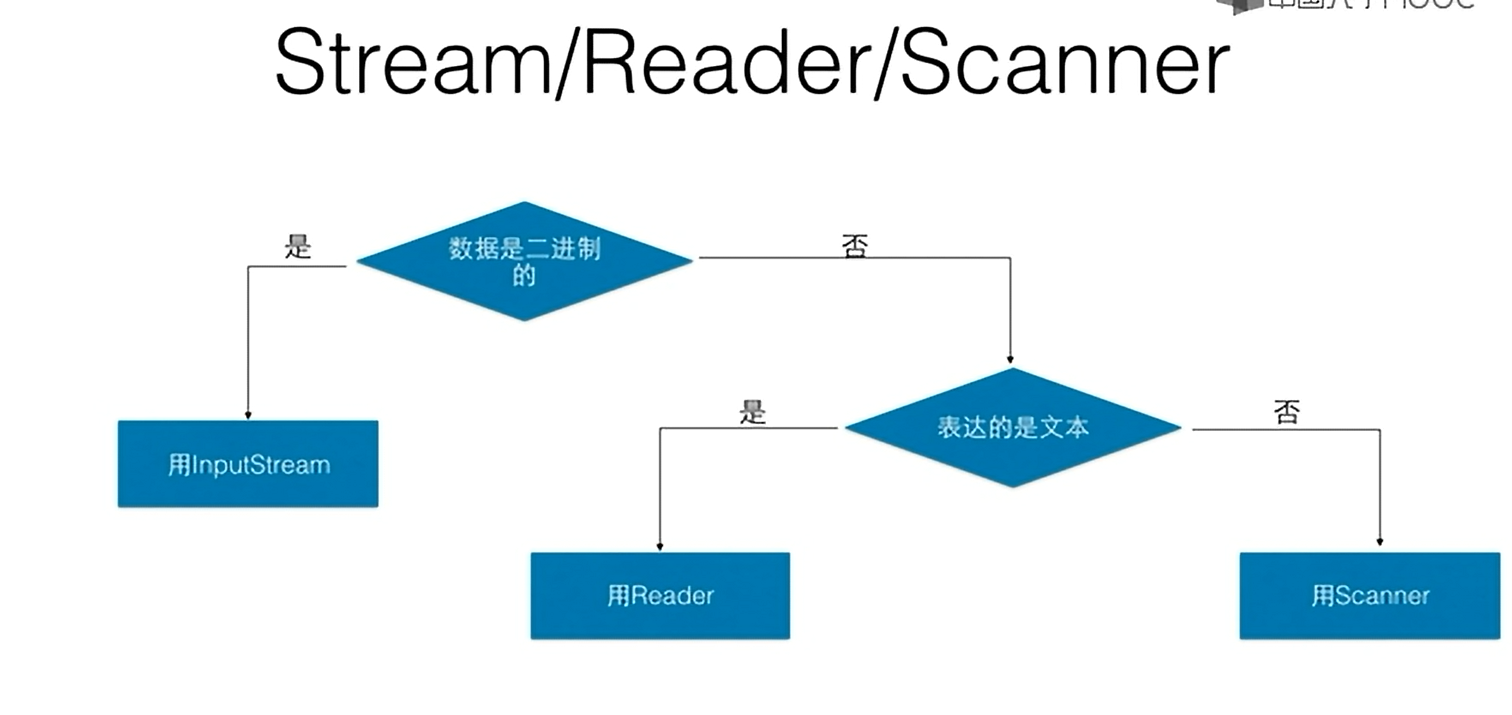
判断流程图 :
流的应用
需要连接一个服务器
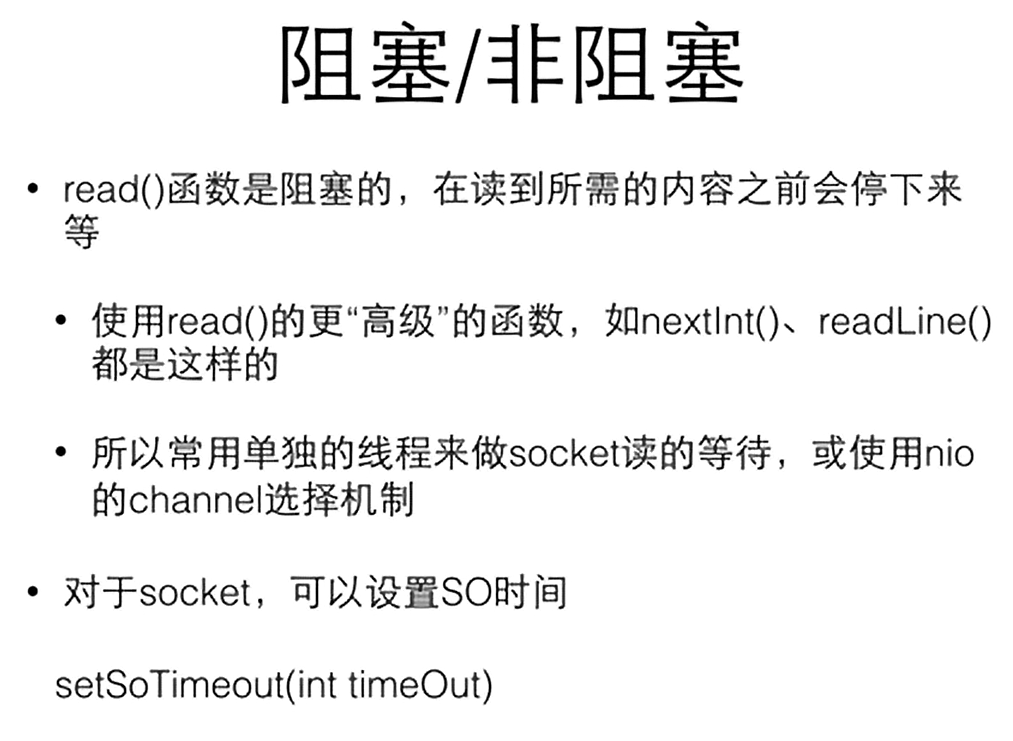
Socket 是一种网络编程接口,它提供了应用程序之间进行网络通信的通道。通过 Socket,程序可以在网络上发送和接收数据。
package kcb;

import java.io.*;
import java.net.InetAddress;
import java.net.Socket;
import java.util.Date;

public class Main {
   public static void main(String[] args) {
       System.out.println("Hello World!");
       byte[] buf = new byte[10];
       for(int i=0;i<10;i++){
           buf[i] = (byte)i;
       }

       try {
               Socket socket = new Socket(InetAddress.getByName("localhost"), 12345);
           PrintWriter out = new PrintWriter(
                   new BufferedWriter(
                           new OutputStreamWriter(socket.getOutputStream())));
                   out.println("Hello World!");
                   out.flush();
                   BufferedReader in = new BufferedReader(
                           new InputStreamReader(socket.getInputStream()));
                   String line;
                   line = in.readLine();
                   System.out.println(line);
                   out.close();
                   socket.close();
           } catch (IOException e) {
               throw new RuntimeException(e);
           }


   }
}
和本地powershell中进行连接
底下代码是kimi生成的在powershell中运行之后可以与java中内容连接的代码
(但貌似没有实现传递功能,只能接收)
$listener = New-Object System.Net.Sockets.TcpListener([System.Net.IPAddress]::Any, 12345)
$listener.Start()
Write-Host "Listening on port 12345..."

while ($true) {
    $client = $listener.AcceptTcpClient()
    Write-Host "Client connected."

    $stream = $client.GetStream()
    $bytes = New-Object System.Byte[] 1024
    $data = ""

    while (($i = $stream.Read($bytes, 0, $bytes.Length)) -ne 0) {
        $data += [System.Text.Encoding]::ASCII.GetString($bytes, 0, $i)
        Write-Host "Received: $data"
    }

    # 向客户端发送数据
    $response = "Hello from PowerShell!"
    $stream.Write([System.Text.Encoding]::ASCII.GetBytes($response), 0, $response.Length)

    $client.Close()
    Write-Host "Client disconnected."
}

 浙公网安备 33010602011771号