
GeoSever+uDig+Tomcat+POSTGIS环境搭建
geoserver环境搭建
1,下载geoserver-2.11.0-war
地址:http://geoserver.org/release/stable/

下载war档,解压直接部署到Tomcat。
2. apache-tomcat-8.5.13
注意,JDK使用1.8,其他版本会出现异常。
3.启动访问GeoServer
http://192.168.0.XX:8080/geoserver/web/?0
默认登录用户名/密码:admin/geoserver

环境部署完成。
PostgreSQL及PostGIS安装和使用
一,软件下载
https://www.postgresql.org/
安装PostGIS必须先安装PostgreSQL。
postgresql-9.6.2-3-windows-x64.exe
postgis_2_3_pg96.exe 安装过程中选择下载。
二,软件安装
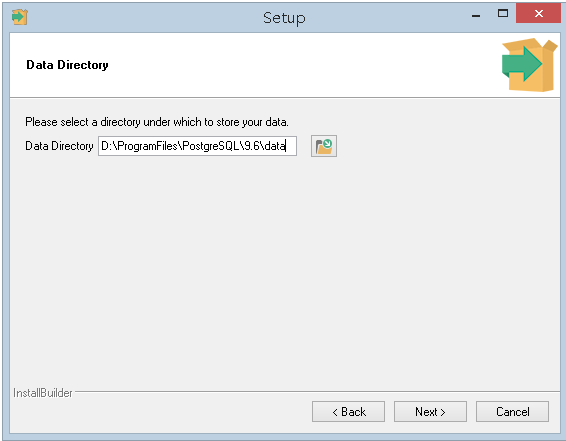
1.PostgreSQL选择安装目录
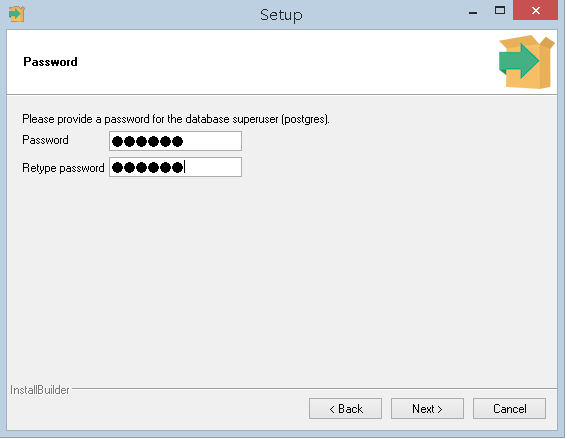
2.设置密码,超级管理员 :poostgres
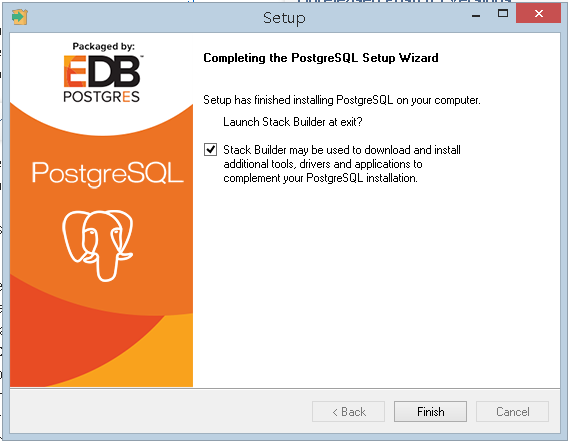
3.PostgreSQL安装完成
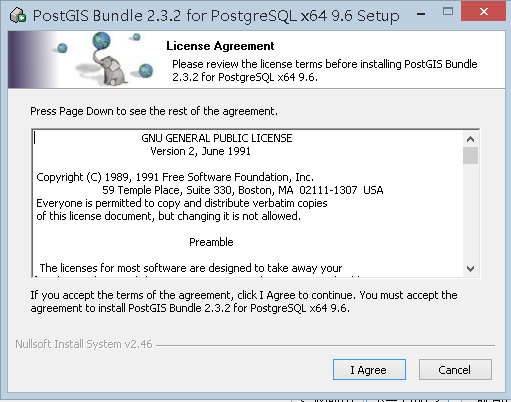
4.安装PostGIS
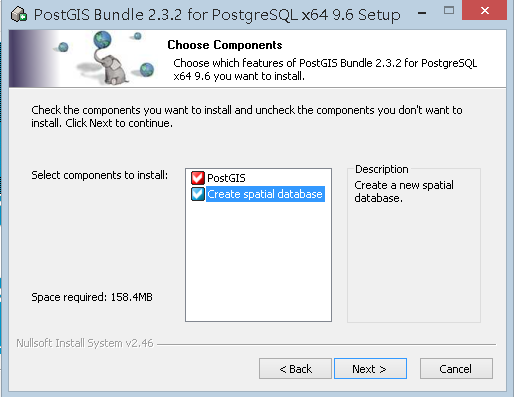
5.安装同时默认创建空间数据库
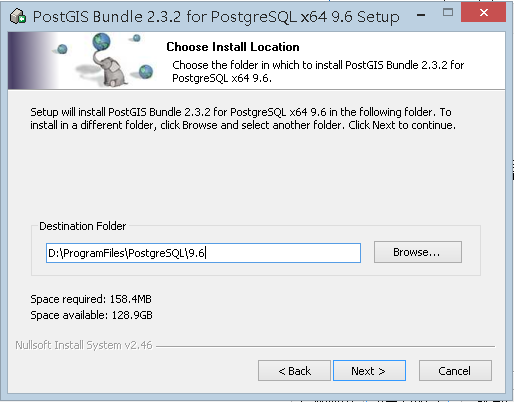
6.安装路径
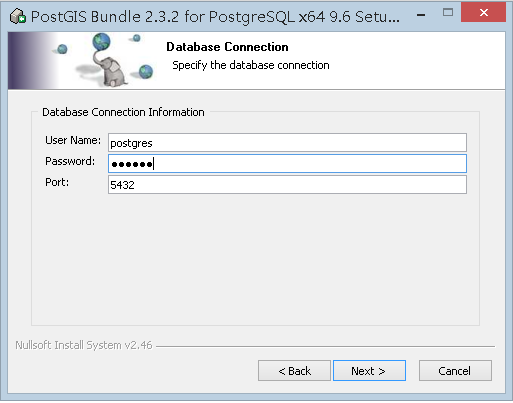
7.设置PostGIS用户名密码,默认端口:5432
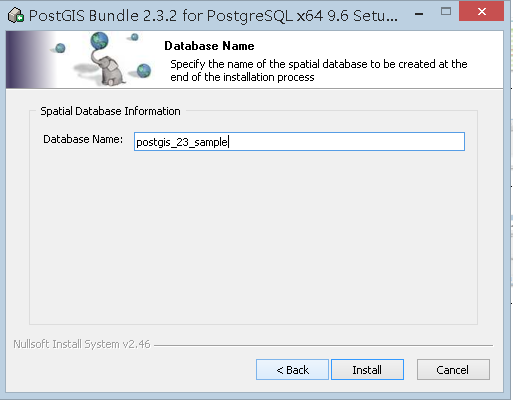
8.设置空间数据库名
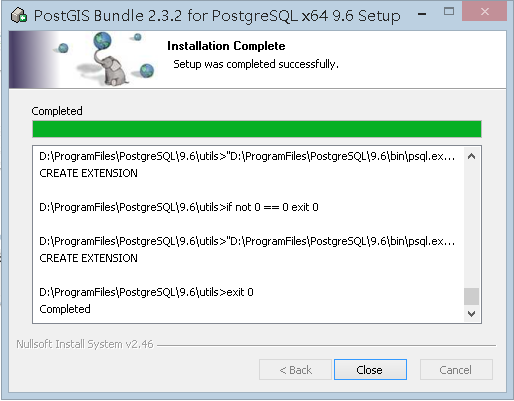
9.安装完成
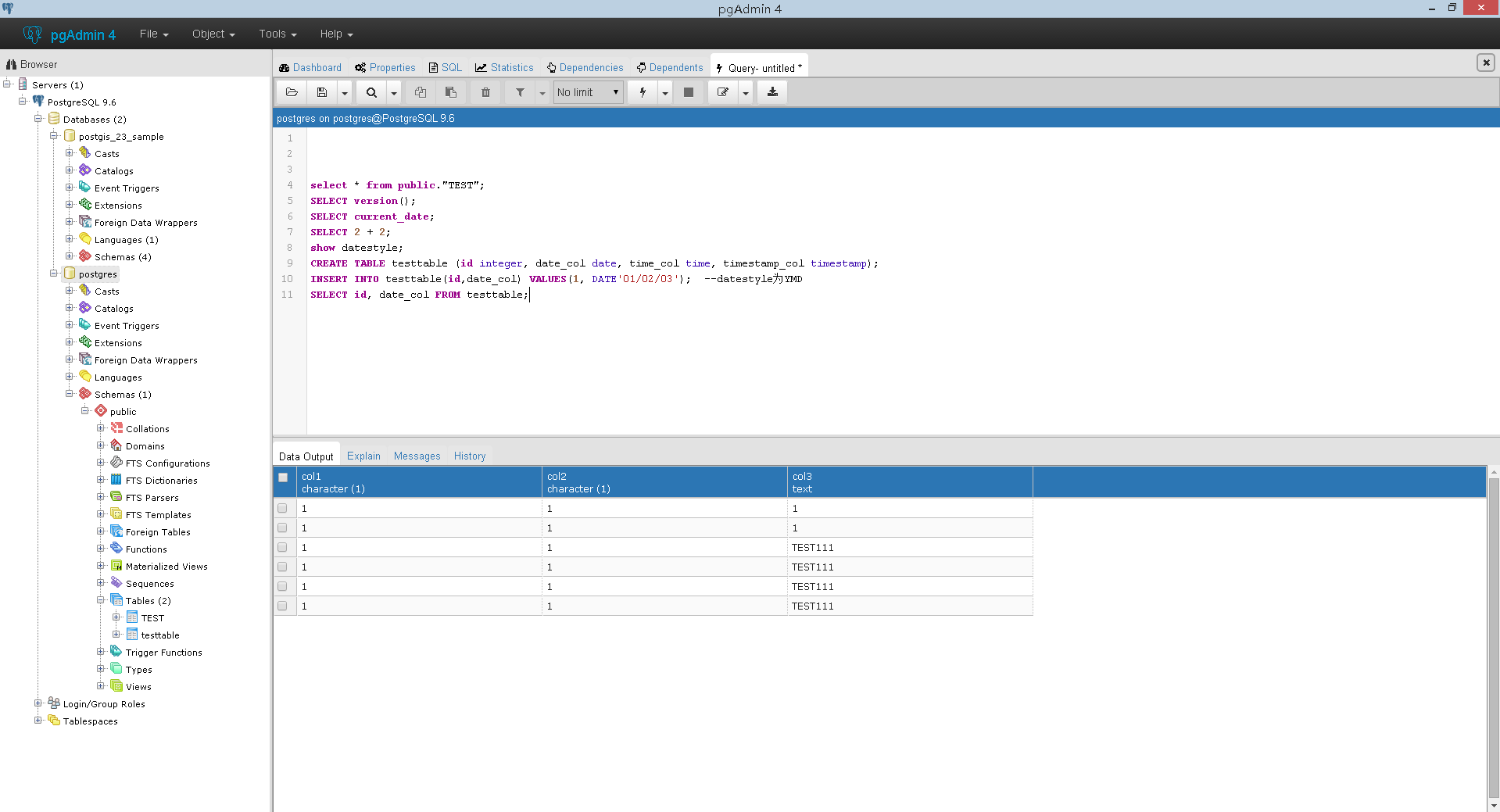
10.使用paAdmin4管理数据库:如下,一个为二维数据库,一个为空间数据库
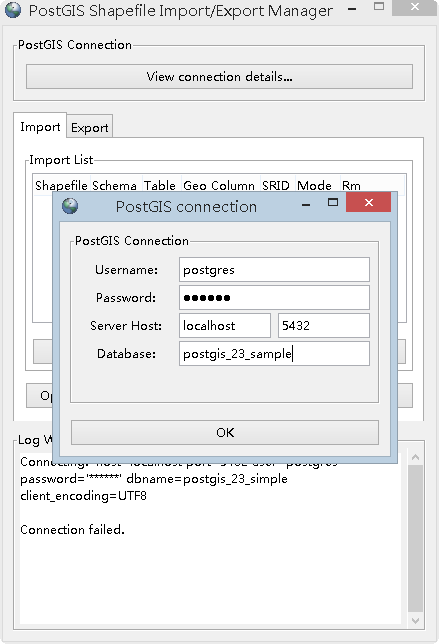
11.使用PostGIS 2.0 Shapefile and DBF Loader Exporter 导入导出 .shp文件。
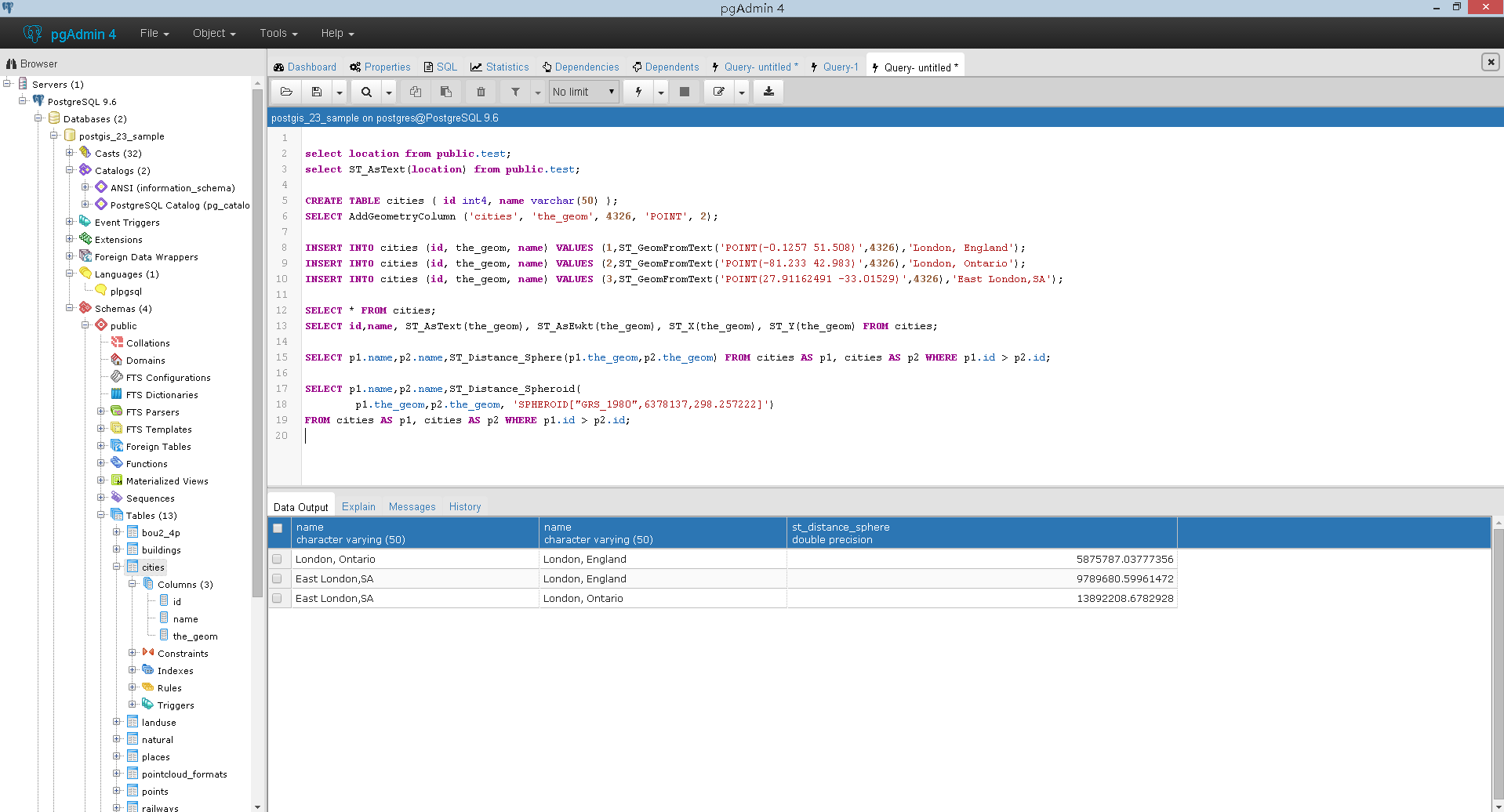
12.空间数据库操作样例
三,参考资料
https://www.postgresql.org/
http://www.postgis.org/
http://postgis.net/install/
http://postgis.net/windows_downloads/
https://live.osgeo.org/zh/quickstart/postgis_quickstart.html
http://blog.csdn.net/longshengguoji/article/details/47321733
http://blog.csdn.net/horses/article/details/41758345
uDig环境搭建及教程资料
uDig是一个 open source (EPL and BSD) 桌面应用程序框架,构建在Eclipse RCP和GeoTools(一个开源的Java GIS工具包)上的桌面GIS(地理信息系统) ;是一款开源桌面GIS软件,基于Java和Eclipse平台,可以进行shp格式地图文件的编辑和查看;是一个开源空间数据查看器/编辑器,对OpenGIS标准,关于互联网GIS、网络地图服务器和网络功能服务器有特别的加强。uDig提供一个一般的java平台来用开源组件建设空间应用。
1.下载
下载地址: http://udig.refractions.net/download/
下载zip包,解压后直接使用,可选不同版本。

2.启动uDig
项目区,图层区,编录区,地图编辑区

点击右侧Welcome可打开Users Guide.
相关操作参考用户手册
3.参考教程
https://live.osgeo.org/zh/quickstart/udig_quickstart.html
http://udig.refractions.net/
http://udig.github.io/docs/user/getting_started/Quickstart.html
http://udig.github.io/docs/user/getting_started/Walkthrough%201.html
http://udig.github.io/docs/user/getting_started/Walkthrough%202.html

 浙公网安备 33010602011771号