【0132】【Android网络框架-OkHttp使用】
1.使用okhttp的原因
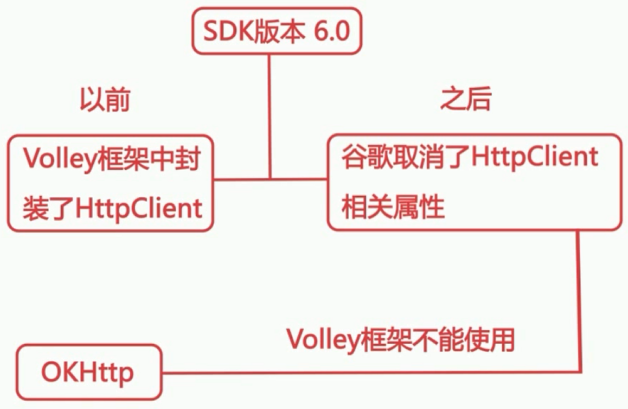
【本课程讲解的内容】
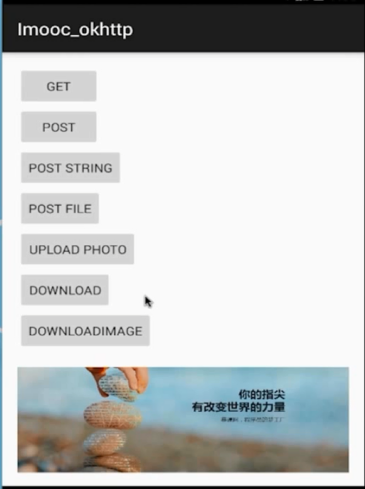
2.GET基本的请求
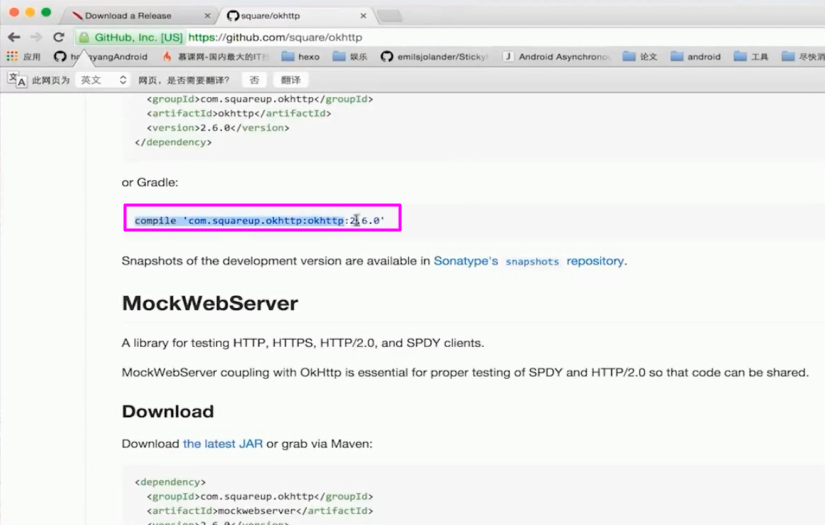
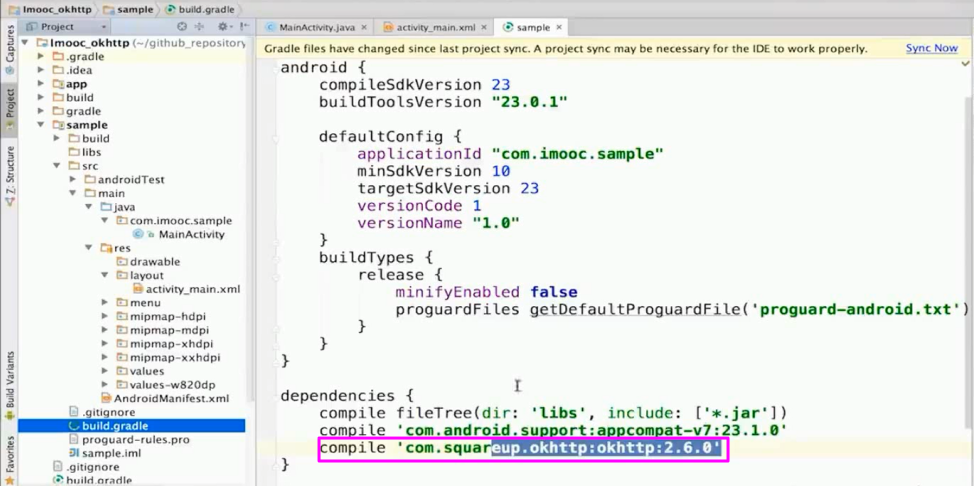
2.1 添加依赖
【gitHub的服务器】
2.2 布局添加一个按钮
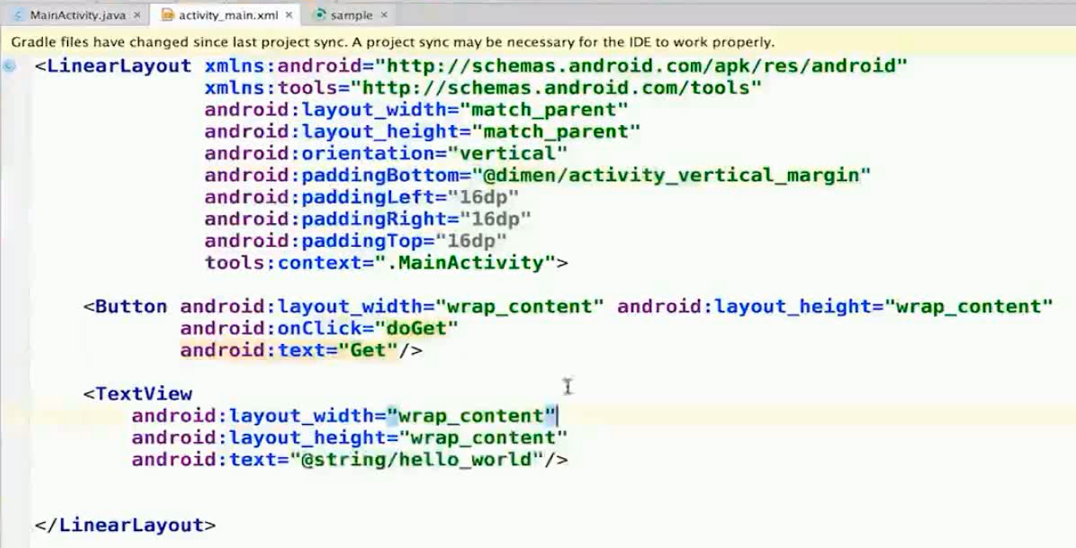
 1 <?xml version="1.0" encoding="utf-8"?>
 2 <RelativeLayout xmlns:android="http://schemas.android.com/apk/res/android"
 3
 4     xmlns:app="http://schemas.android.com/apk/res-auto"
 5     xmlns:tools="http://schemas.android.com/tools"
 6     android:layout_width="match_parent"
 7     android:layout_height="match_parent"
 8     tools:context="com.air.sample.MainActivity">
 9
10     <Button
11         android:id="@+id/button"
12         android:layout_width="match_parent"
13         android:layout_height="wrap_content"
14         android:layout_alignParentStart="true"
15         android:layout_alignParentTop="true"
16         android:onClick="doGet"
17         android:text="Get" />
18
19     <Button
20         android:id="@+id/button2"
21         android:layout_width="match_parent"
22         android:layout_height="wrap_content"
23         android:layout_alignParentStart="true"
24         android:layout_below="@+id/result"
25         android:onClick="doPost"
26         android:text="Post" />
27
28
29     <TextView
30         android:id="@+id/result"
31         android:layout_width="match_parent"
32         android:layout_height="wrap_content"
33         android:layout_alignParentStart="true"
34         android:layout_below="@+id/button"
35         android:text="hello" />
36
37     <Button
38         android:id="@+id/button3"
39         android:layout_width="match_parent"
40         android:layout_height="wrap_content"
41         android:layout_alignParentStart="true"
42         android:layout_below="@+id/button2"
43         android:onClick="doPostString"
44         android:text="Post String" />
45
46     <Button
47         android:id="@+id/button4"
48         android:layout_width="match_parent"
49         android:layout_height="wrap_content"
50         android:layout_below="@+id/button3"
51         android:onClick="doPostFile"
52         android:text="POST FILE" />
53
54     <Button
55         android:id="@+id/button5"
56         android:layout_width="wrap_content"
57         android:layout_height="wrap_content"
58         android:layout_alignParentEnd="true"
59         android:layout_alignParentStart="true"
60         android:layout_below="@+id/button4"
61         android:onClick="doPostUpload"
62         android:text="Upload" />
63
64     <Button
65         android:id="@+id/button6"
66         android:layout_width="match_parent"
67         android:layout_height="wrap_content"
68         android:layout_alignParentEnd="true"
69         android:layout_below="@+id/button5"
70         android:onClick="doDownLoad"
71         android:text="DOWNLOAD" />
72
73
74     <Button
75         android:id="@+id/button7"
76         android:layout_width="match_parent"
77         android:layout_height="wrap_content"
78         android:layout_alignParentEnd="true"
79         android:layout_below="@+id/button6"
80         android:onClick="doDownLoadImg"
81         android:text="doDownLoadImg" />
82
83     <ImageView
84         android:id="@+id/imageView"
85         android:layout_width="match_parent"
86         android:layout_height="wrap_content"
87         android:layout_below="@+id/button7"
88         android:layout_centerHorizontal="true"
89         android:scaleType="centerCrop"
90          />
91
92 </RelativeLayout>
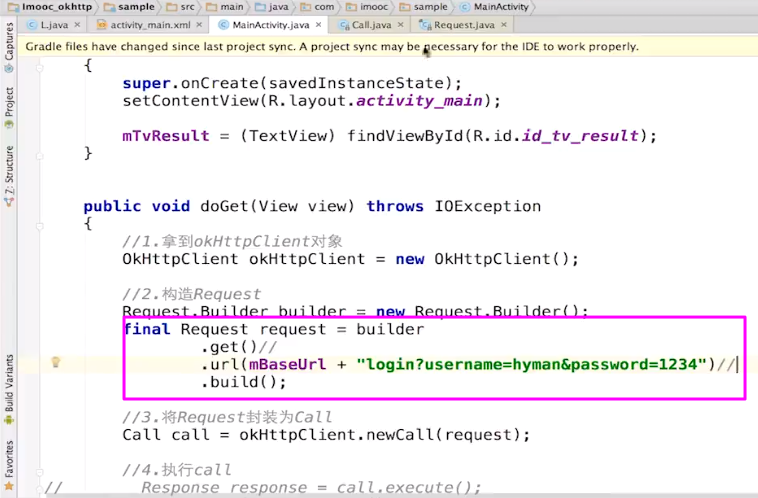
2.3 原生get请求
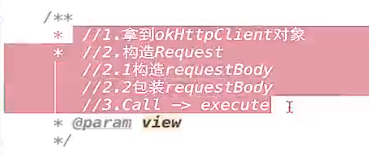
【需要四步骤】
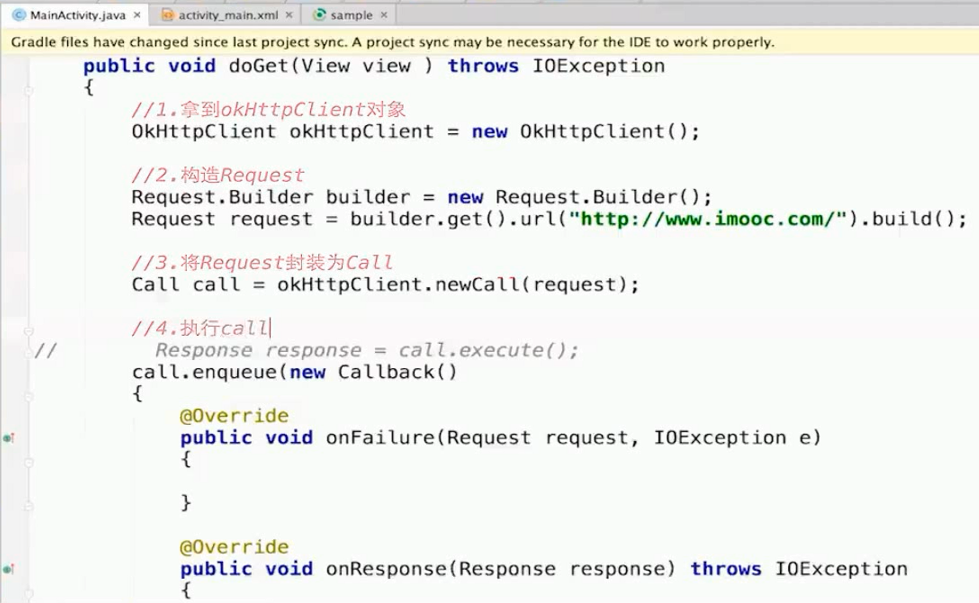
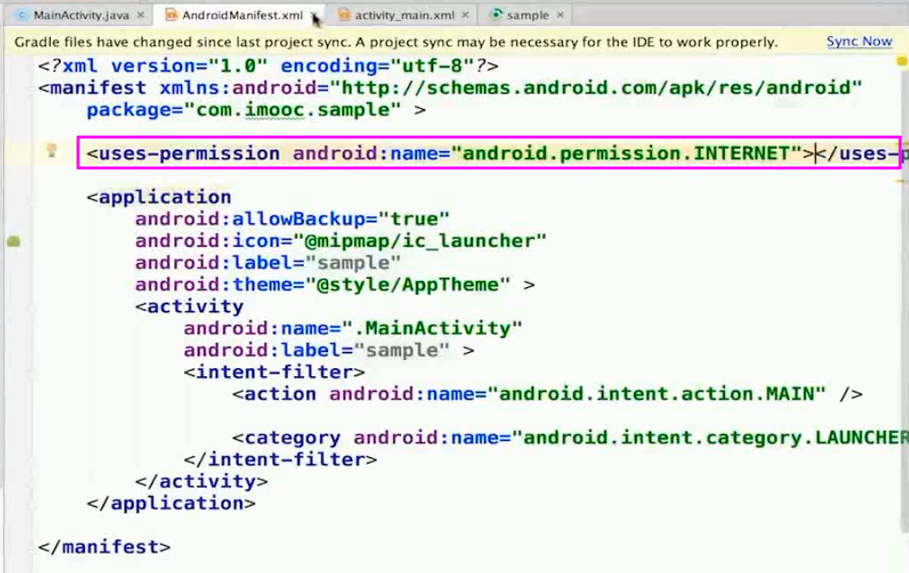
【增加访问网络的请求】
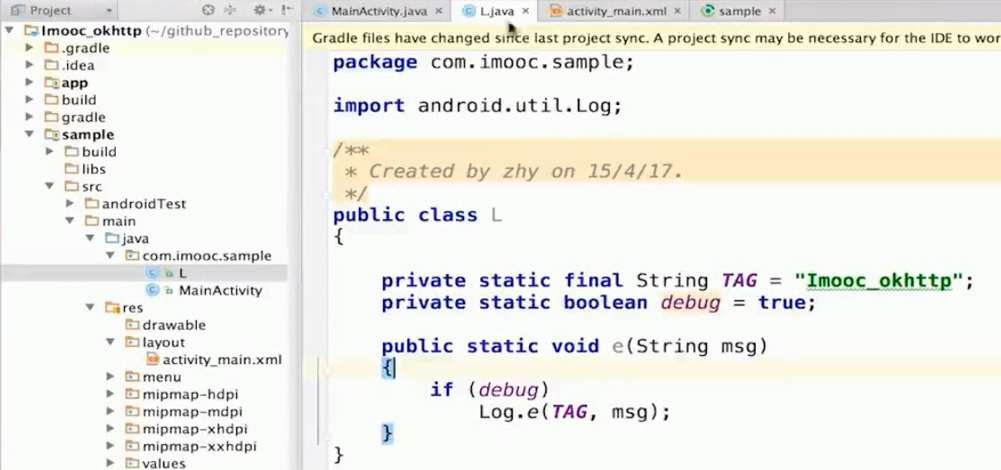
【封装一个log类】进行信息的打印
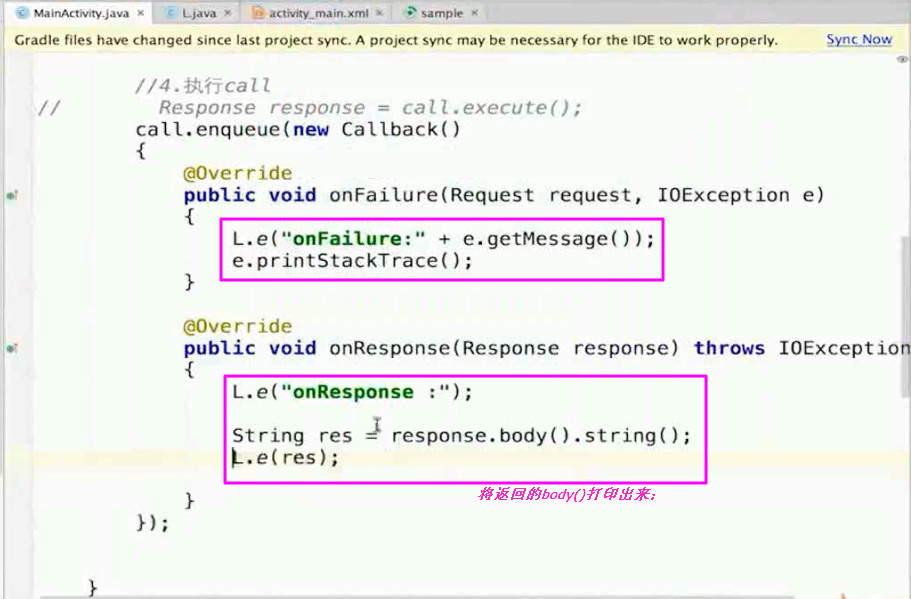
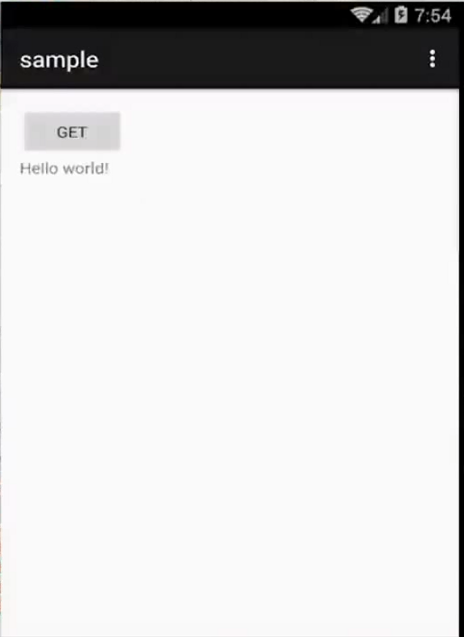
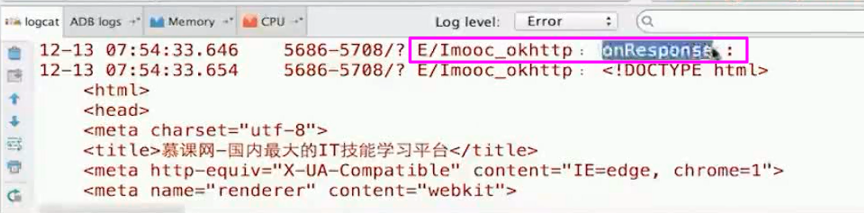
【测试】
2.4 细节问题
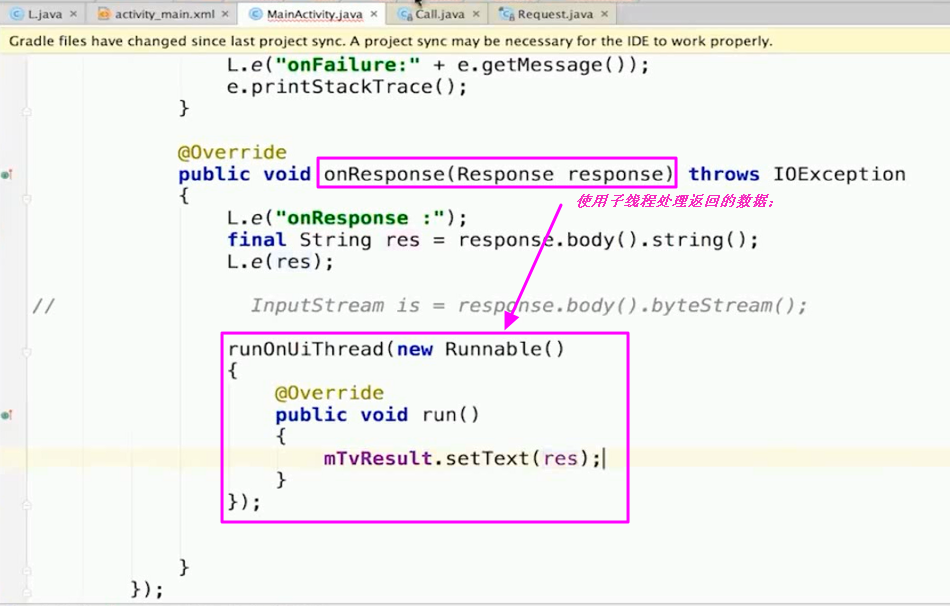
【拿到框架之后】首先需要了解清楚执行的流程;
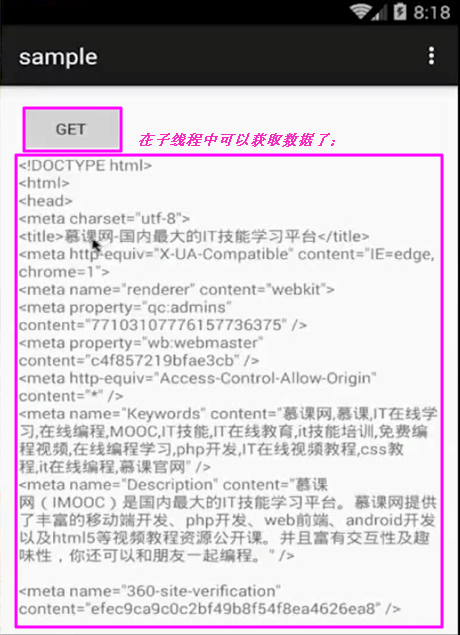
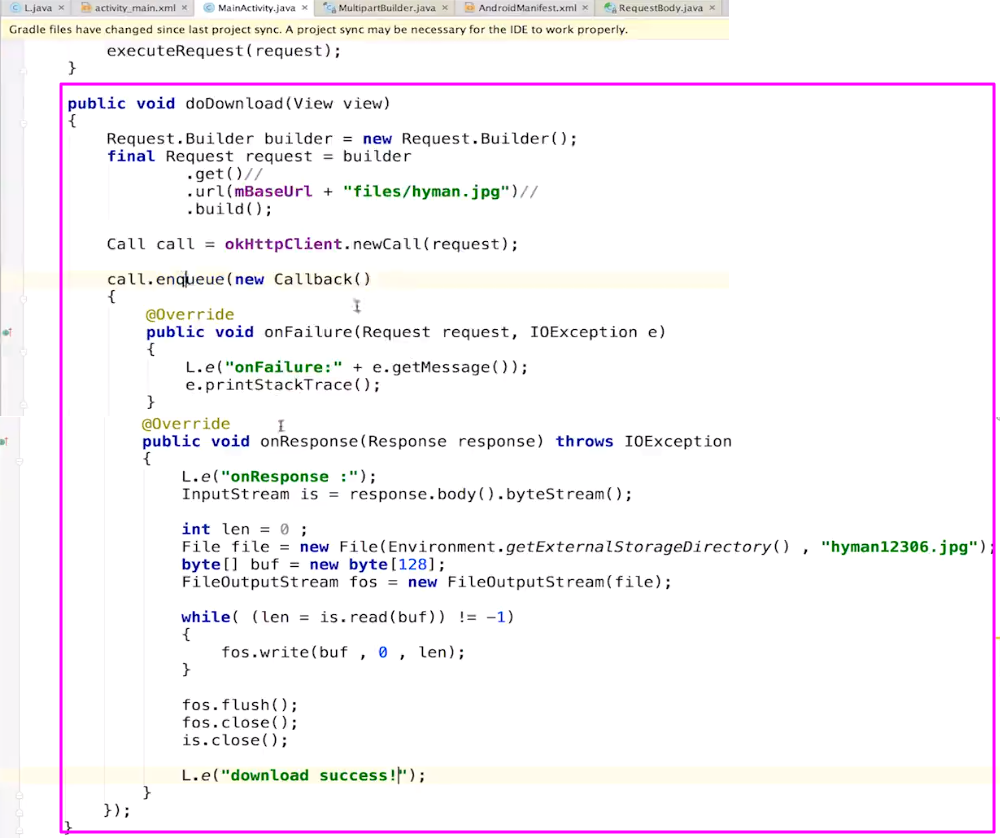
【onResponse注意】此时返回的数据是在子线程中,因为如果下载的是大的文件,在主线程中占据内存极大,无法处理;
放在子线程之后可以使用io流进行读取保存;
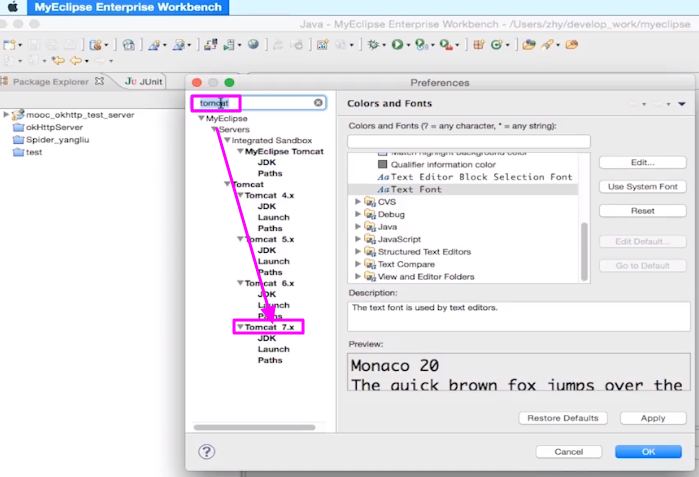
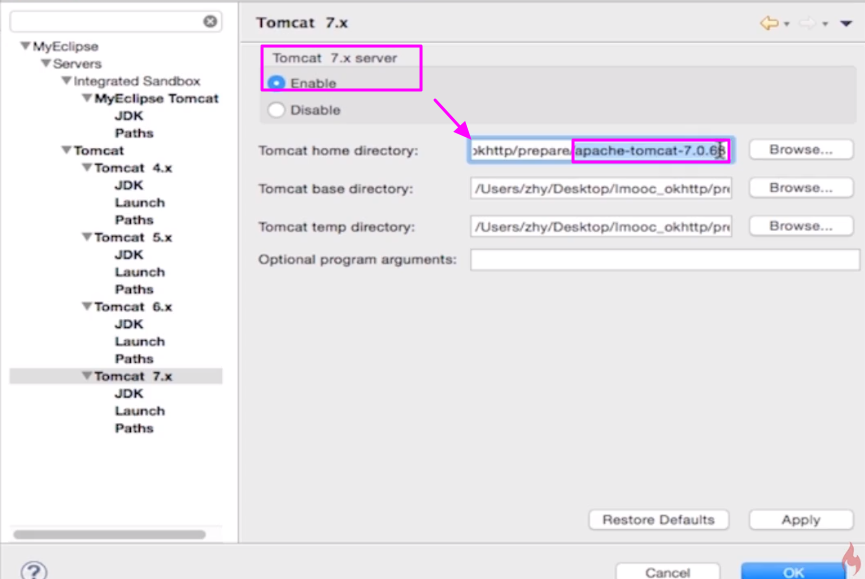
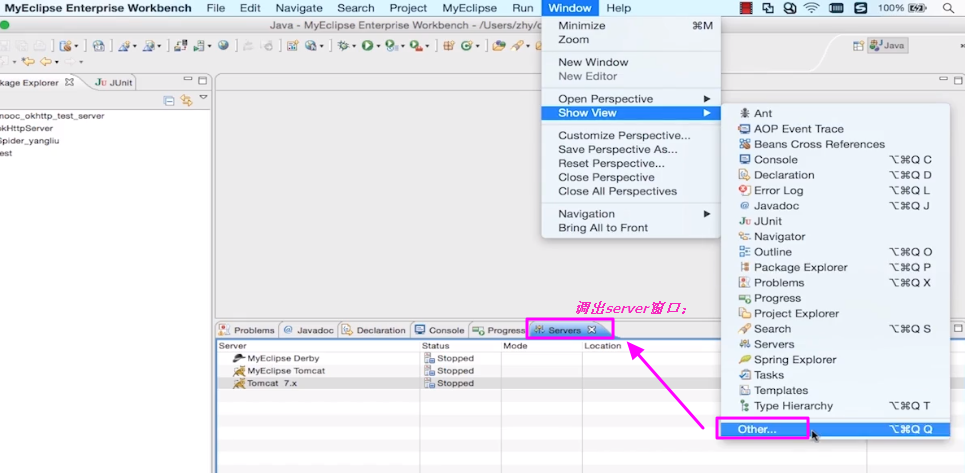
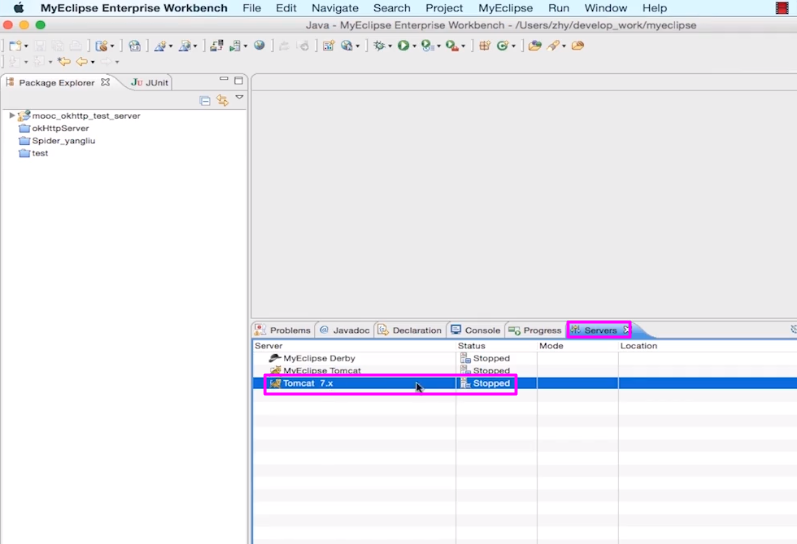
3.服务器的搭建
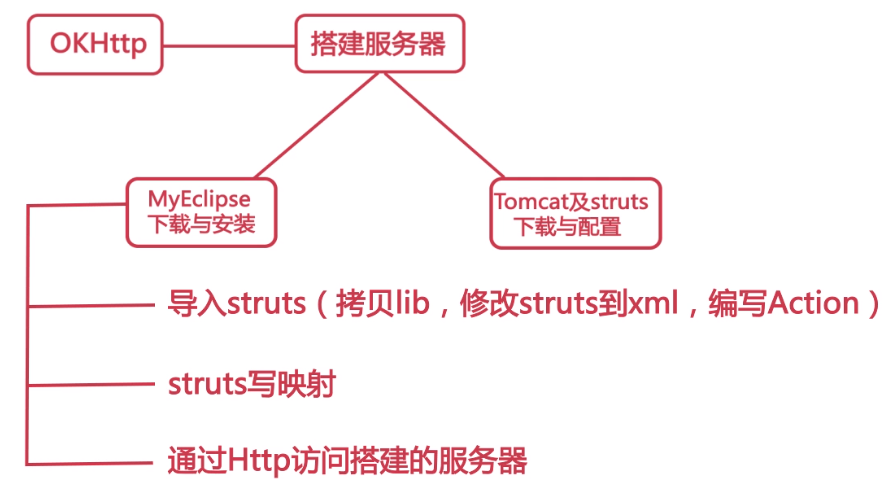
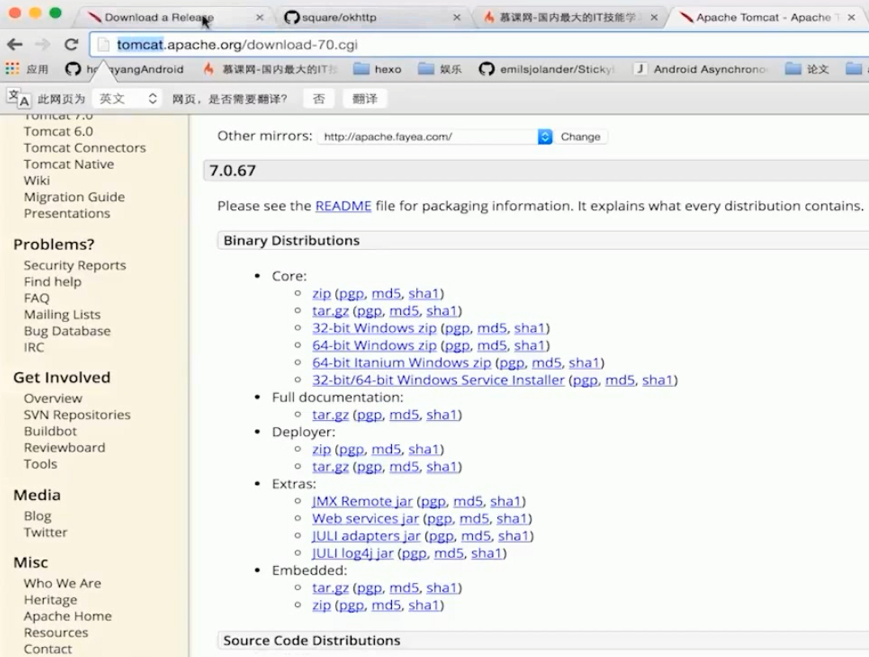
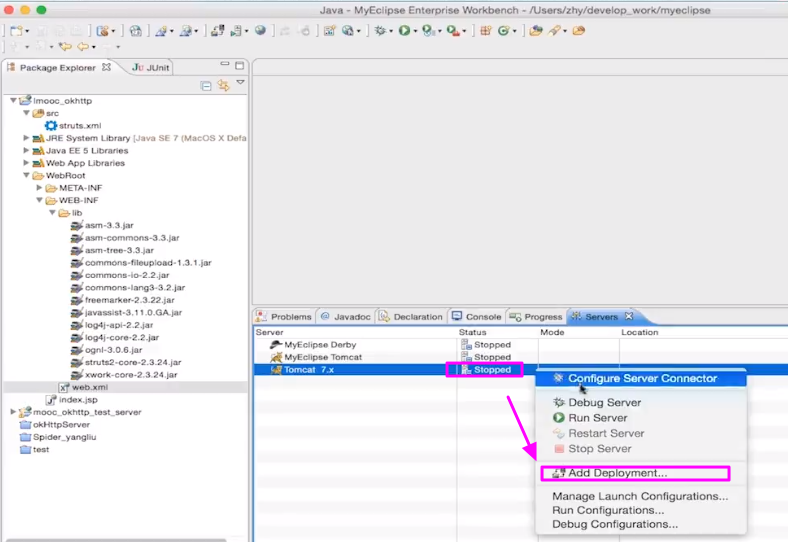
【下载软件】

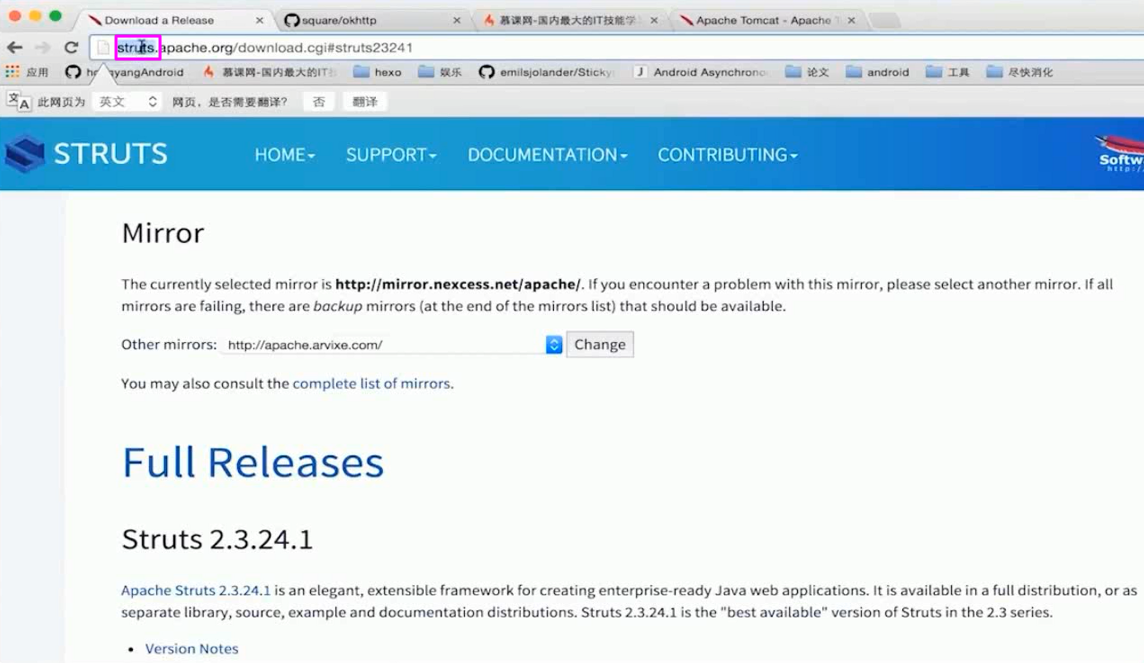
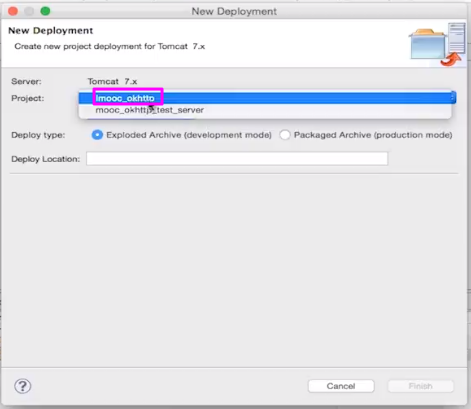
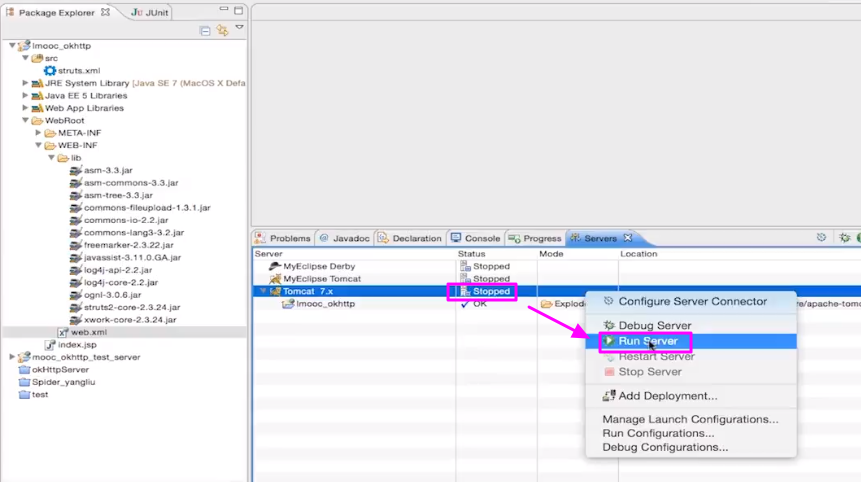
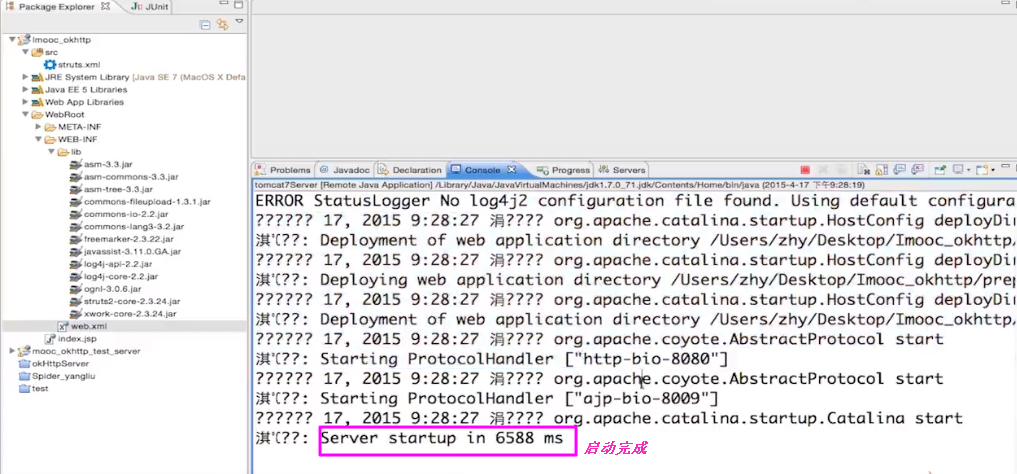
【配置服务器】
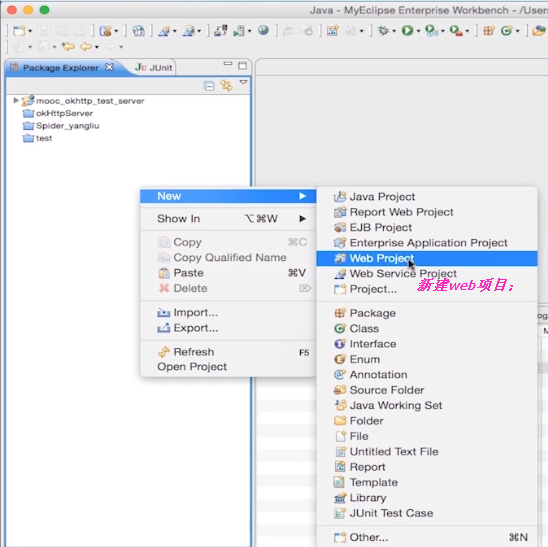
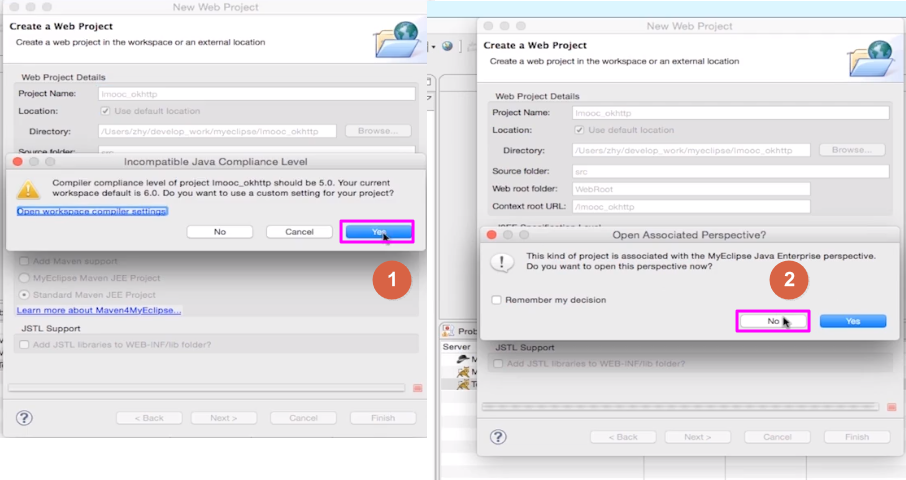
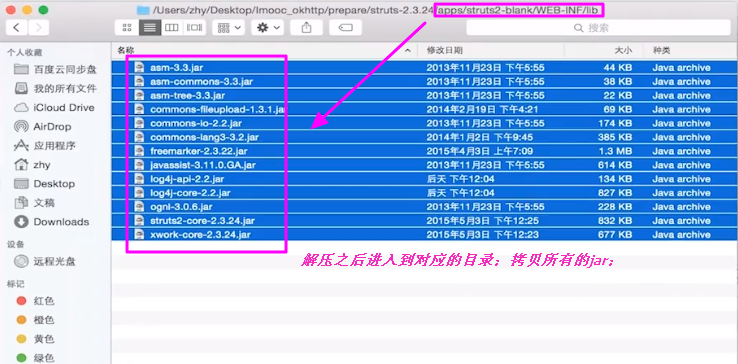
【引入struts】
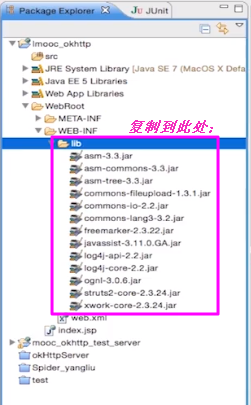
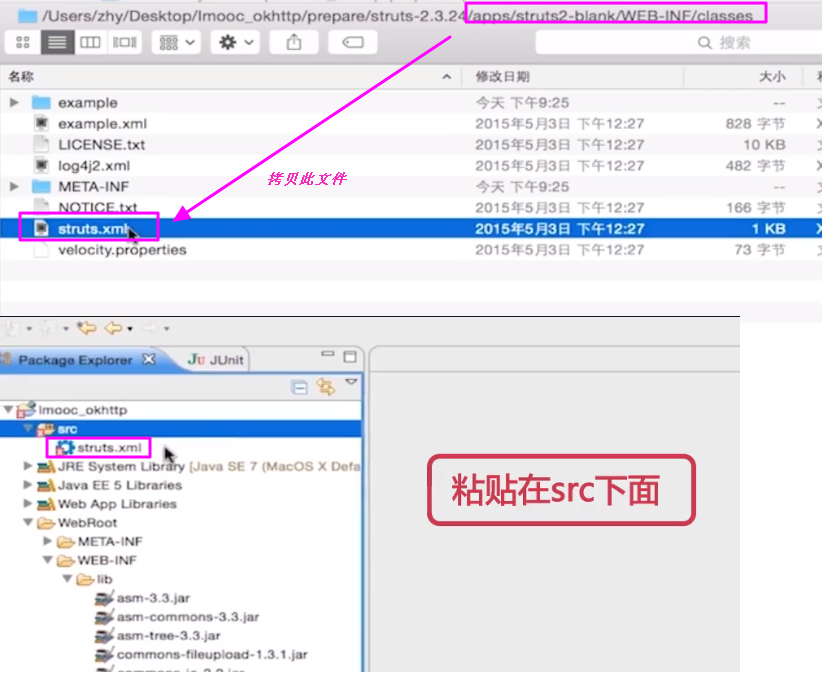
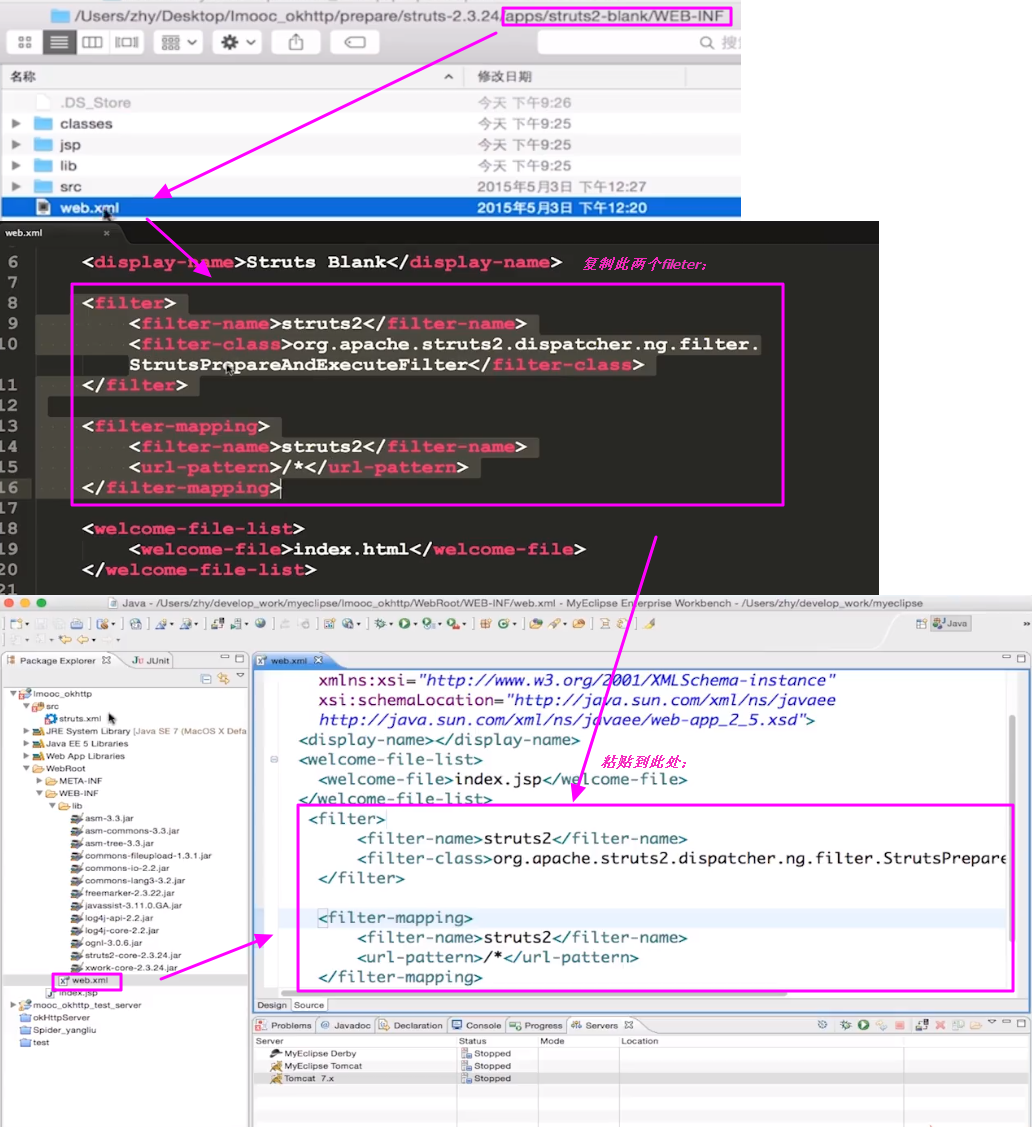
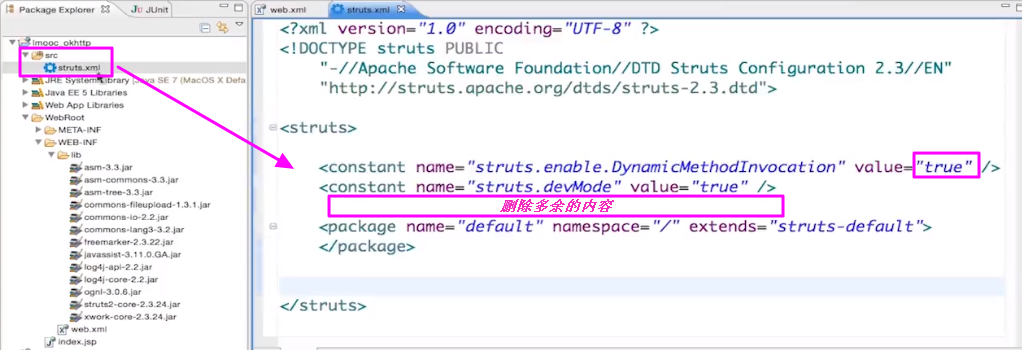
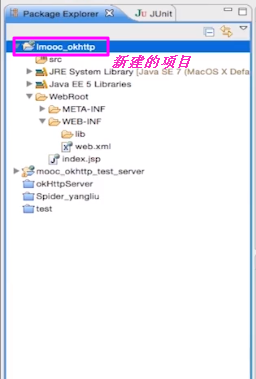
【添加项目】
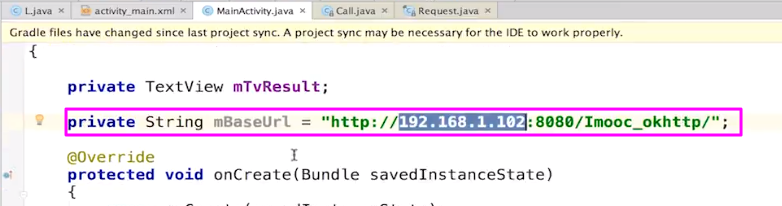
4. 用户和服务器的交互
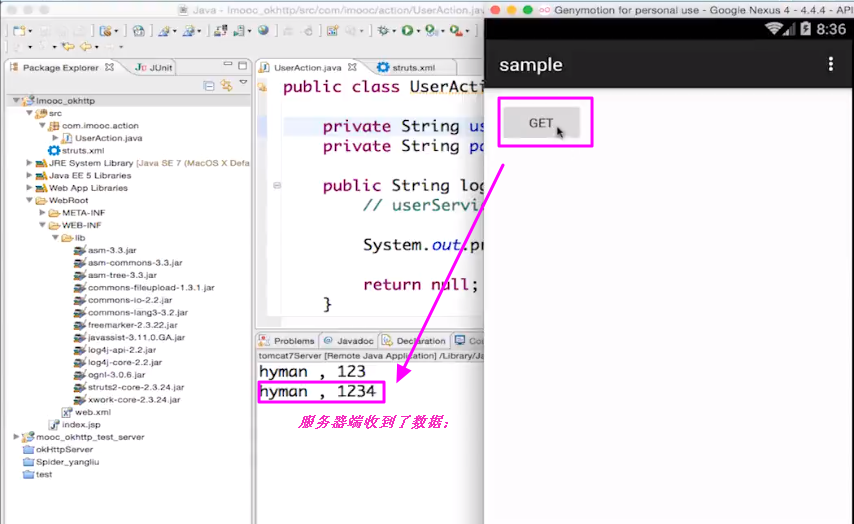
【模拟登陆】
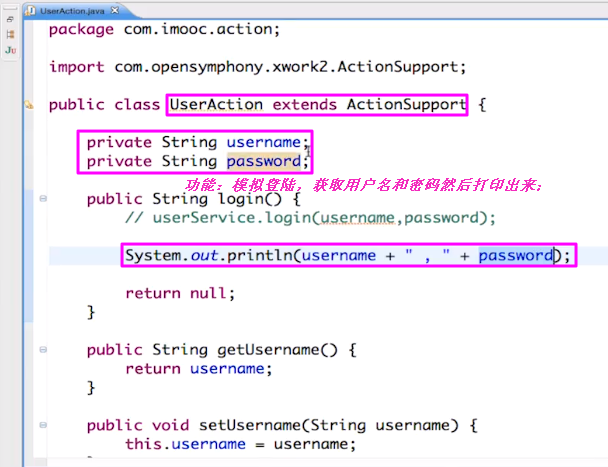
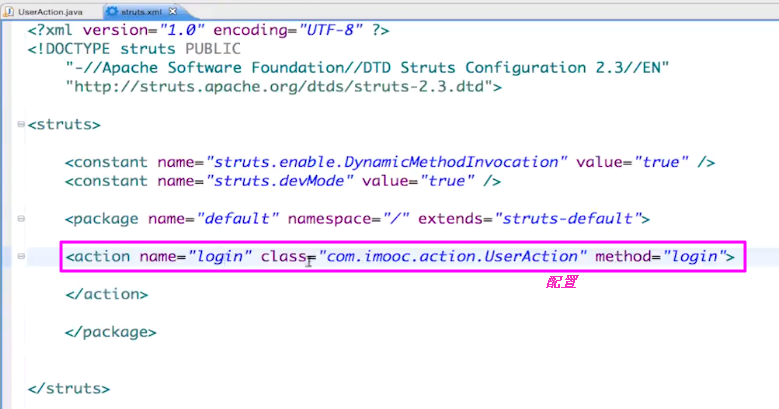
【配置】
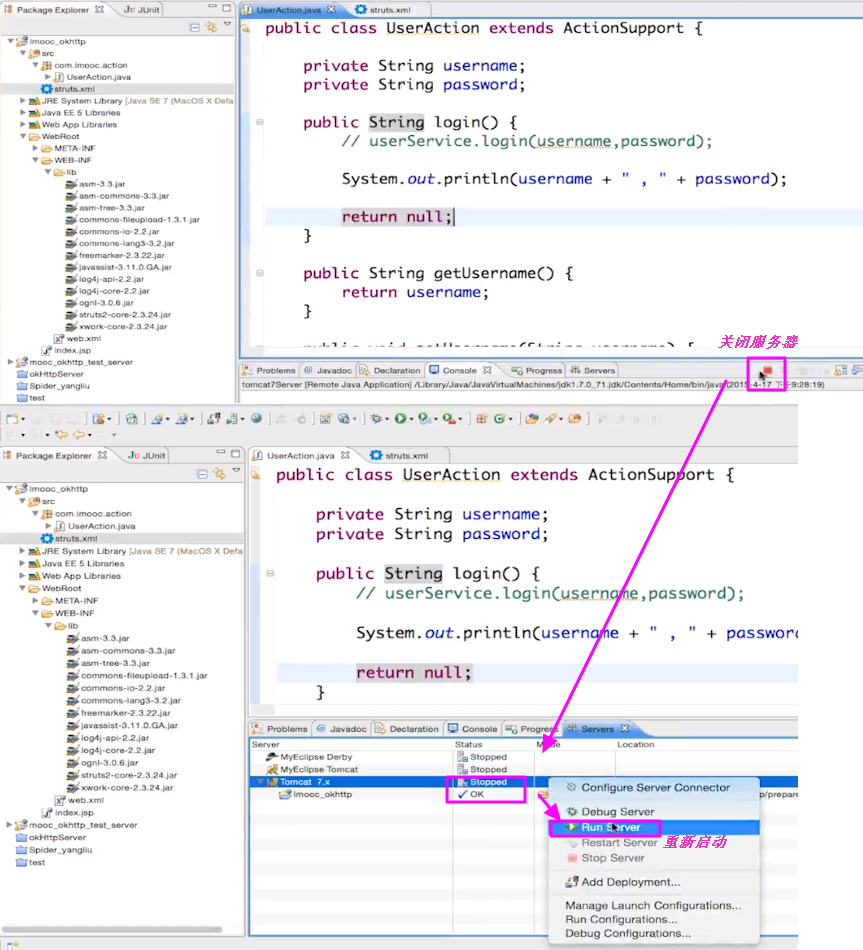
【重启服务器】
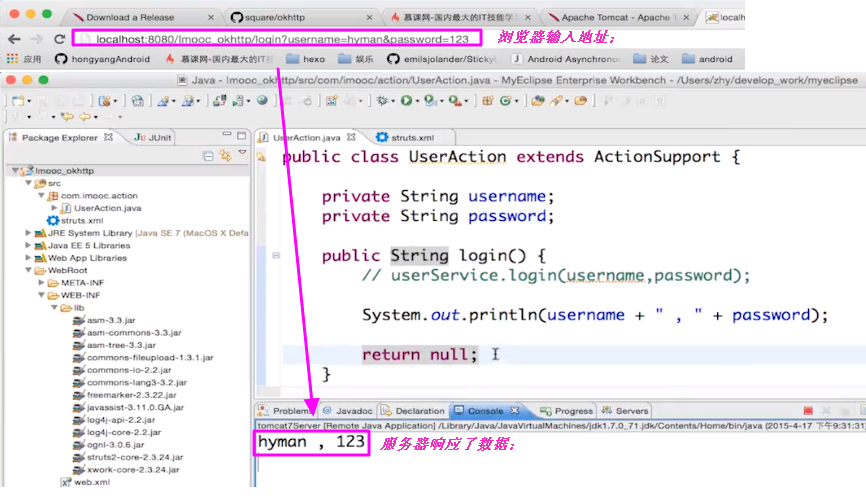
【浏览器的访问】
【Android客户端的访问】
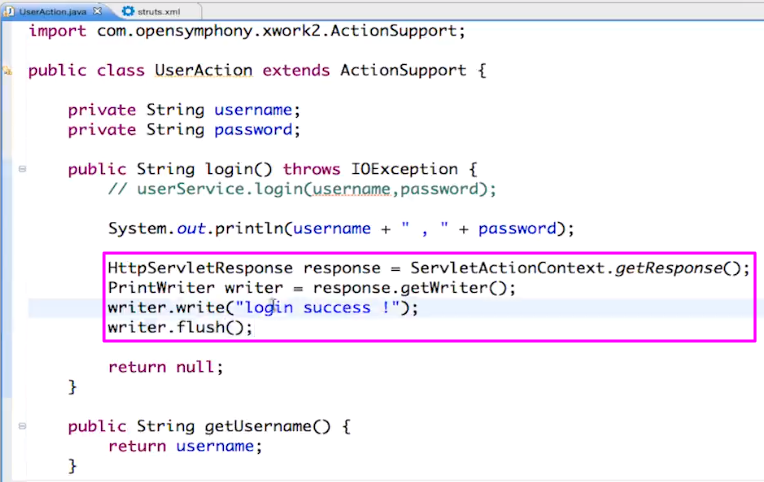
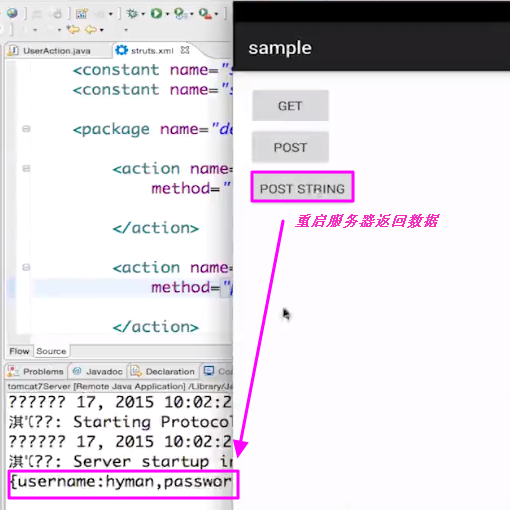
【服务器返回一些数据】增加下列的代码之后,重启服务器;
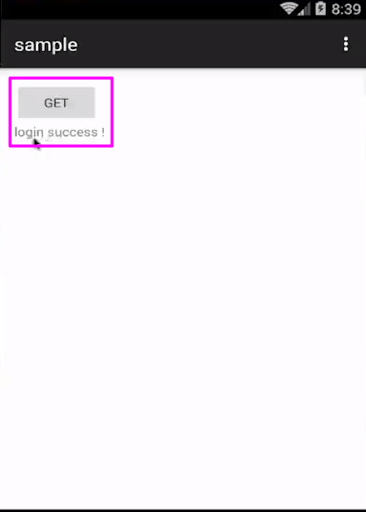
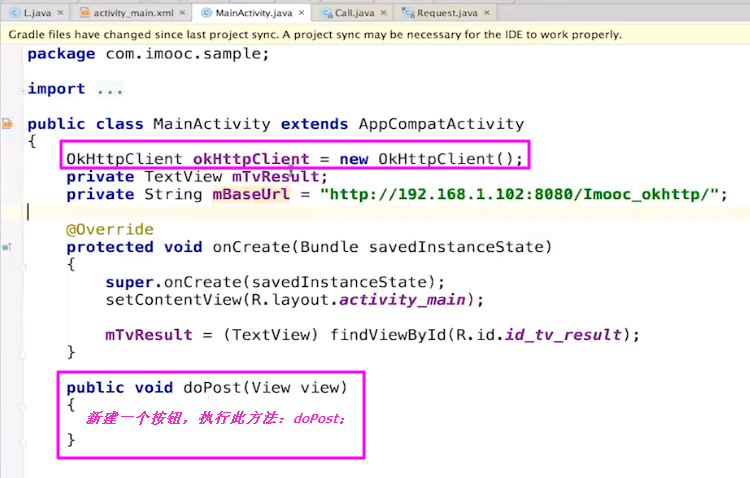
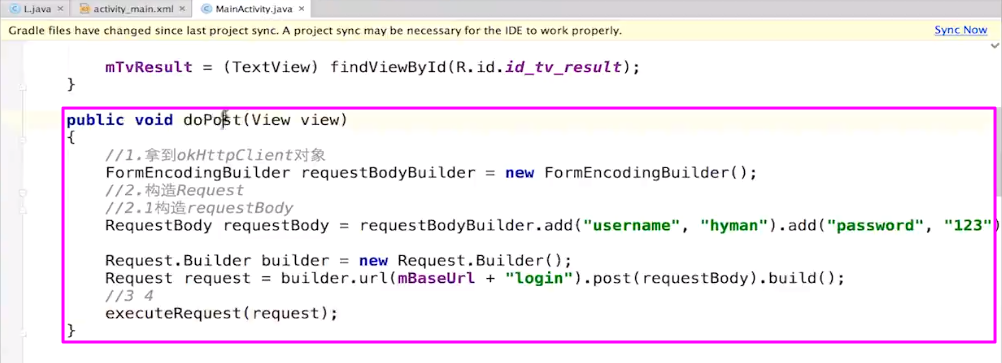
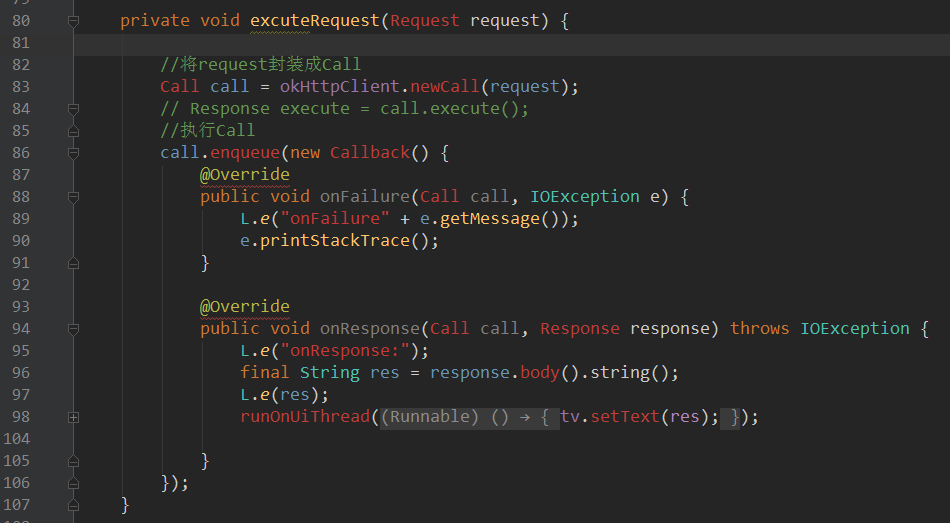
5.post请求
【运行结果】
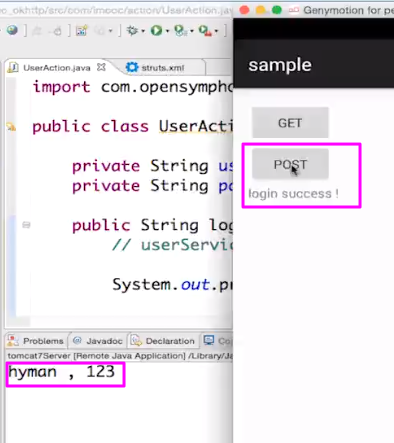
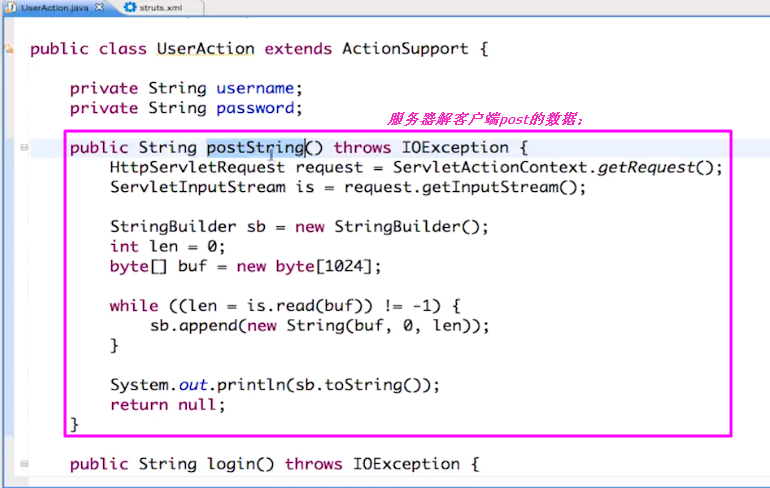
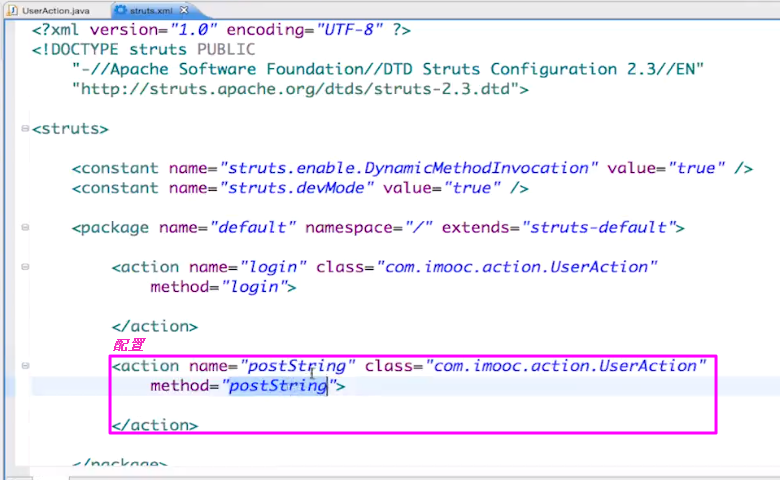
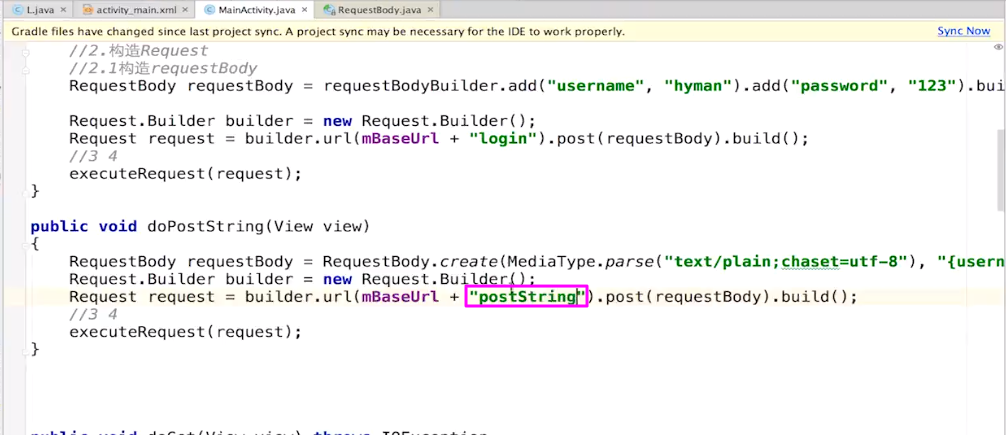
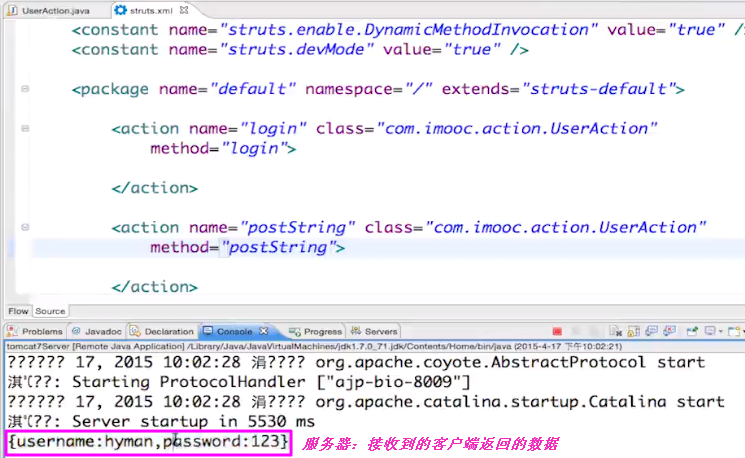
6.服务端接收客户端post的数据
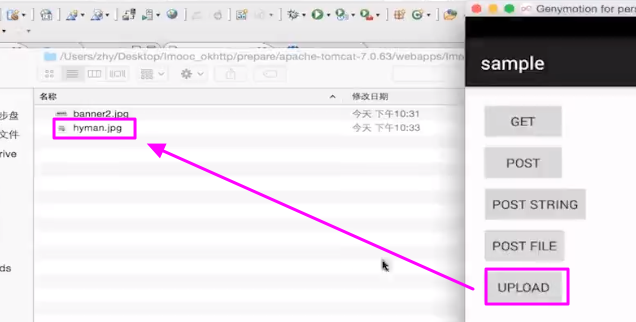
7.post-file
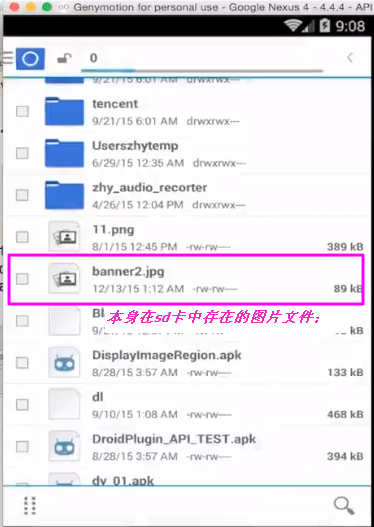
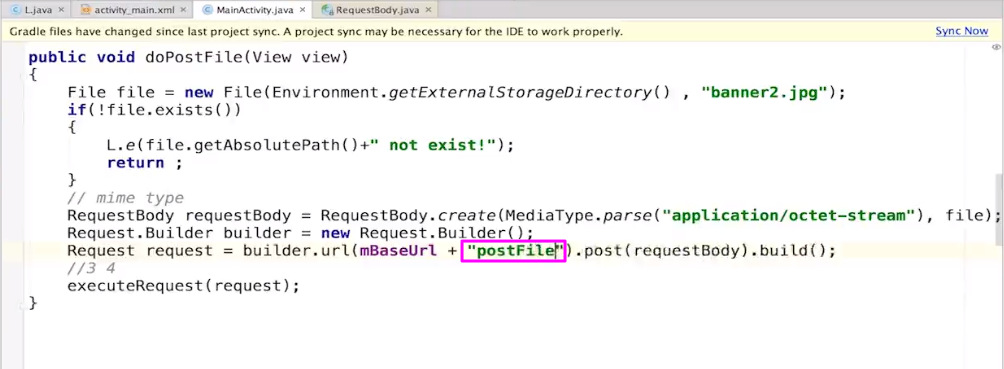
【客户端上传文件的方法】
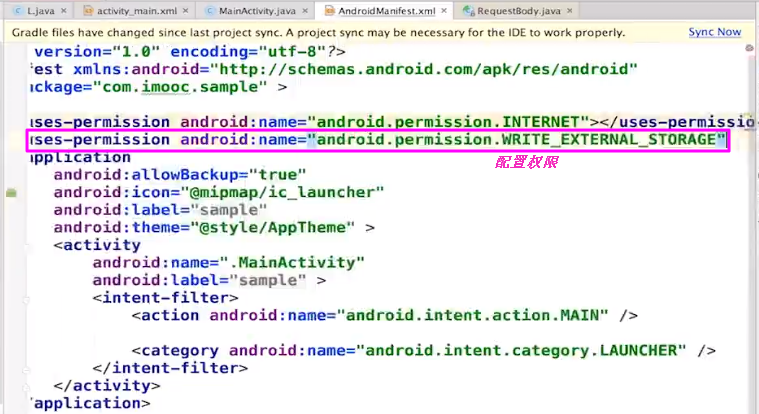
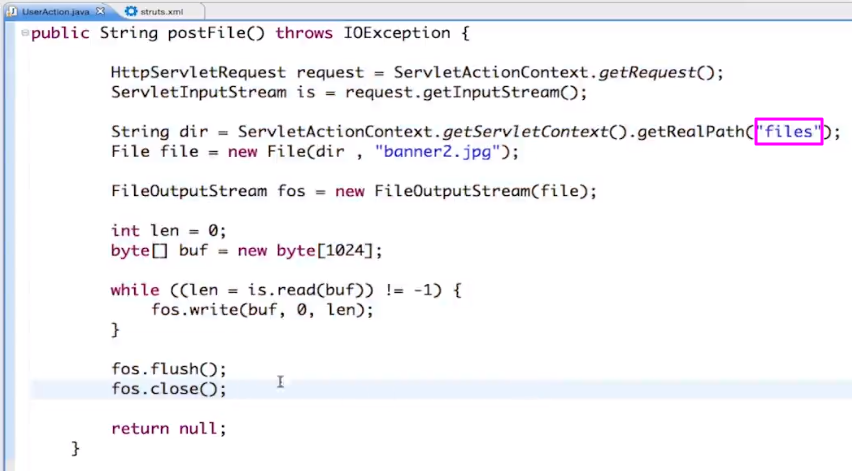
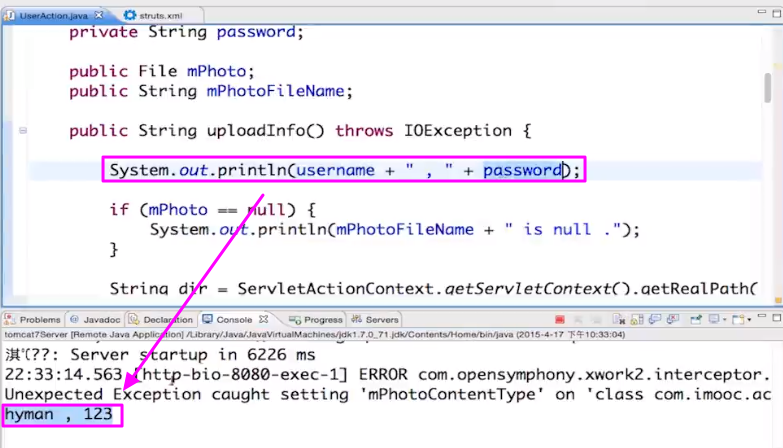
【服务器端接收文件】
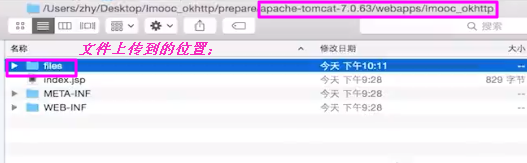
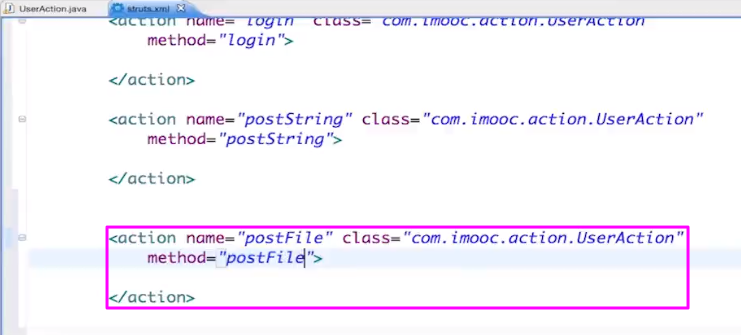
【配置方法并重启服务器】
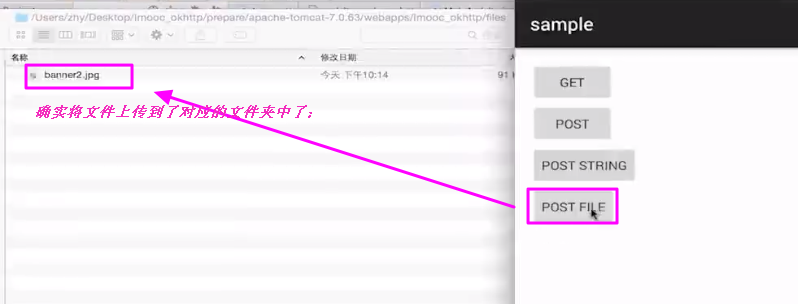
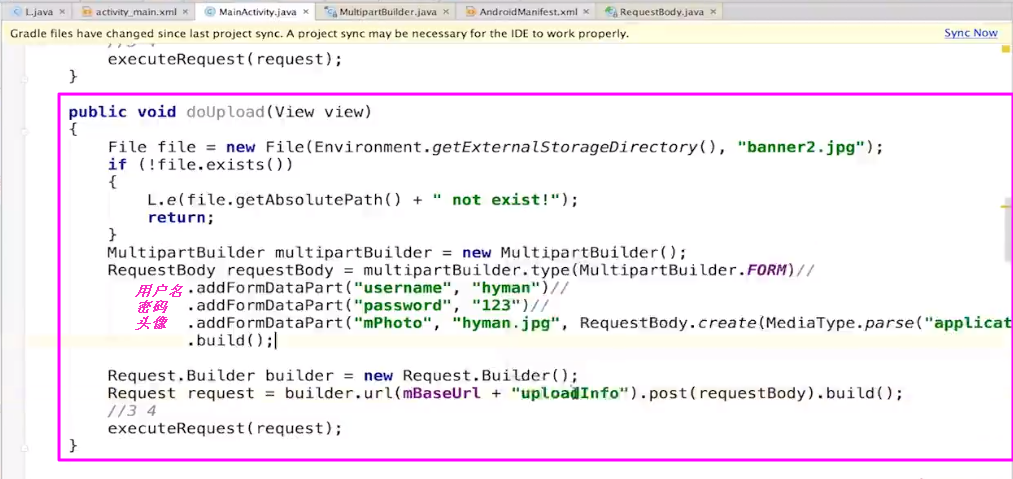
【服务器接收文件】
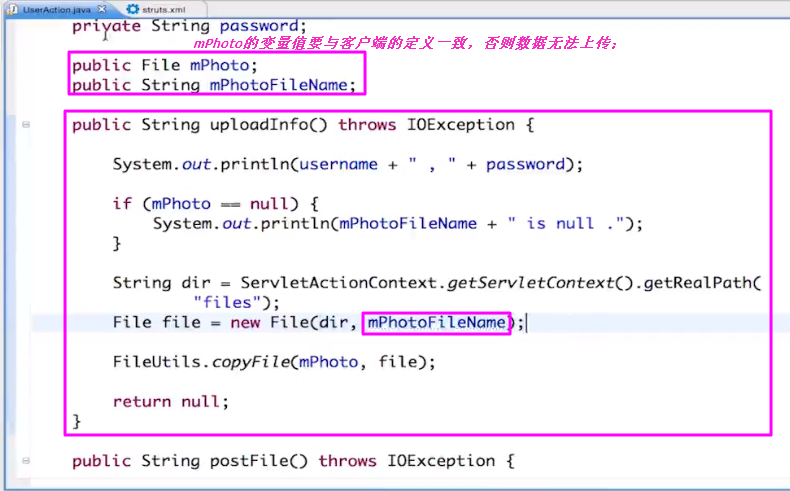
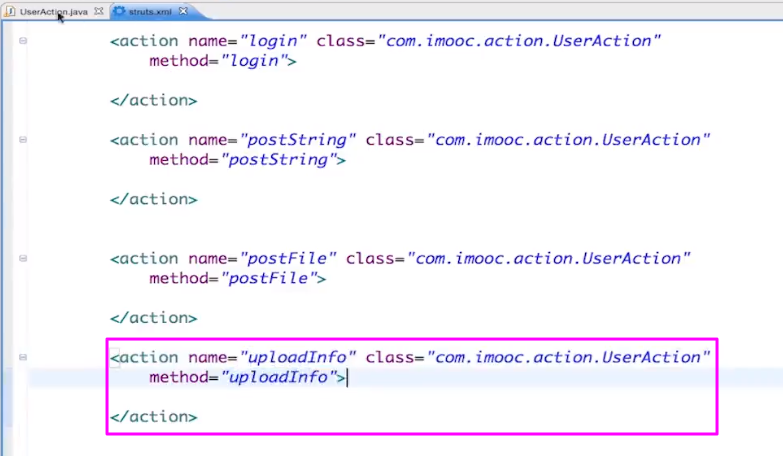
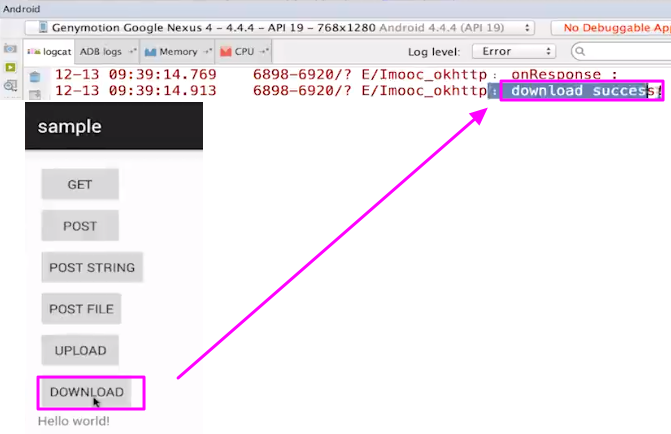
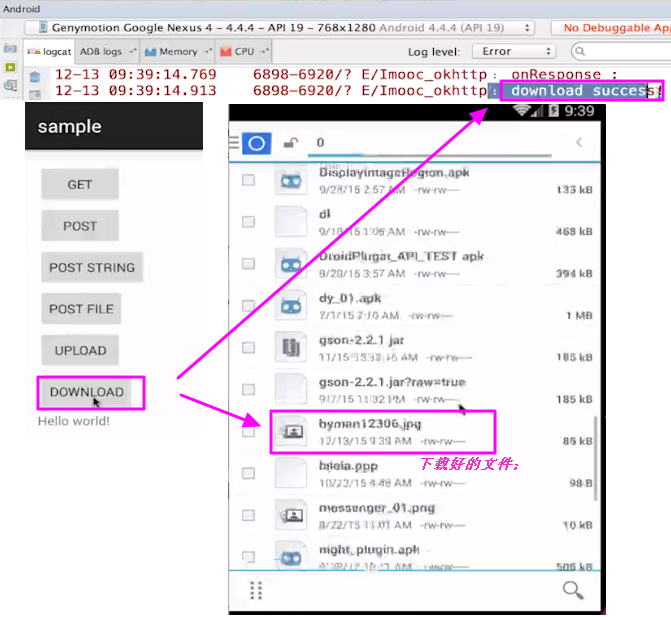
8.post-download文件
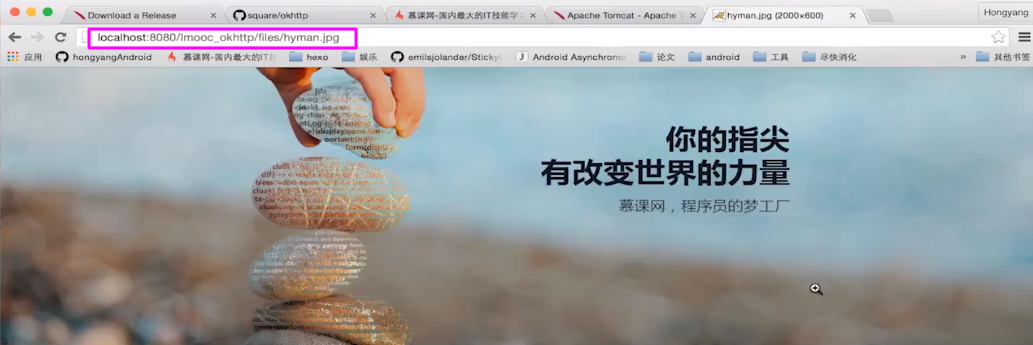
【服务器上已经存在的文件】
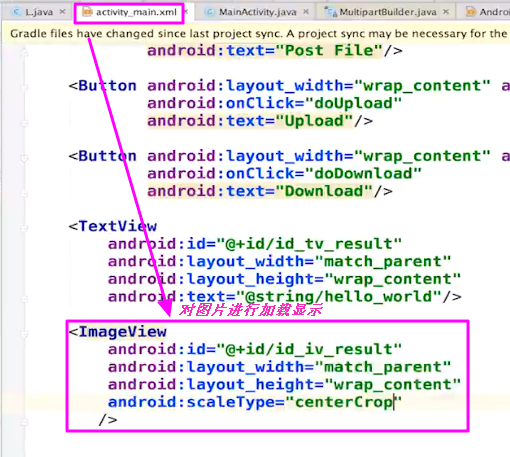
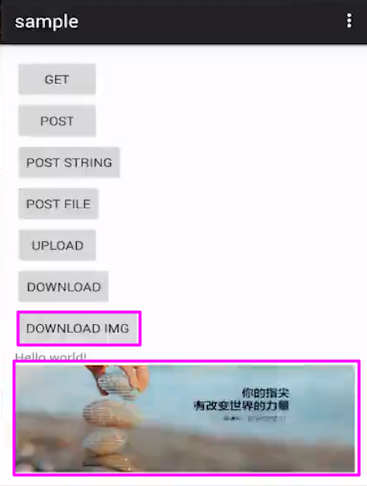
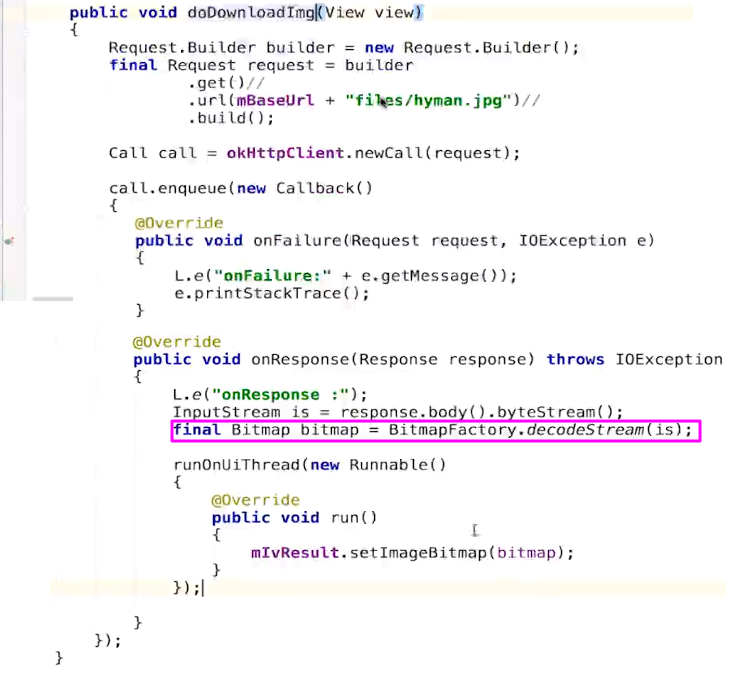
9.对图片进行加载显示
【注意】在图片的显示需要压缩;压缩具有三种方法;
10.session过期问题
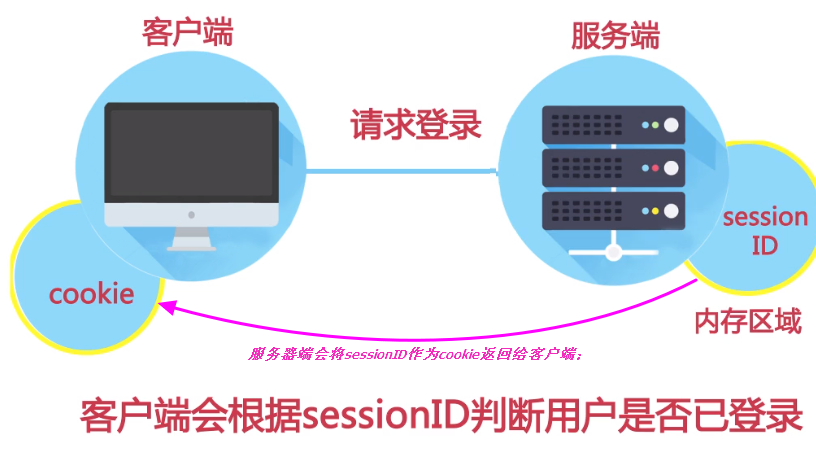
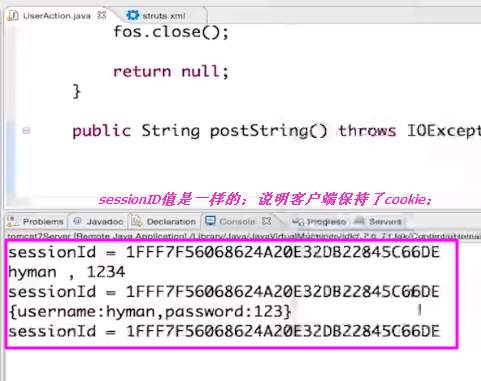
【session】
1,session 在服务器端,cookie 在客户端(浏览器)
2,session 默认被存在在服务器的一个文件里(不是内存)
3,session 的运行依赖 session id,而 session id 是存在 cookie 中的,也就是说,如果浏览器禁用了 cookie ,同时 session 也会失效(但是可以通过其它方式实现,比如在 url 中传递 session_id)
4,session 可以放在 文件、数据库、或内存中都可以。
5,用户验证这种场合一般会用 session 因此,维持一个会话的核心就是客户端的唯一标识,即 session id
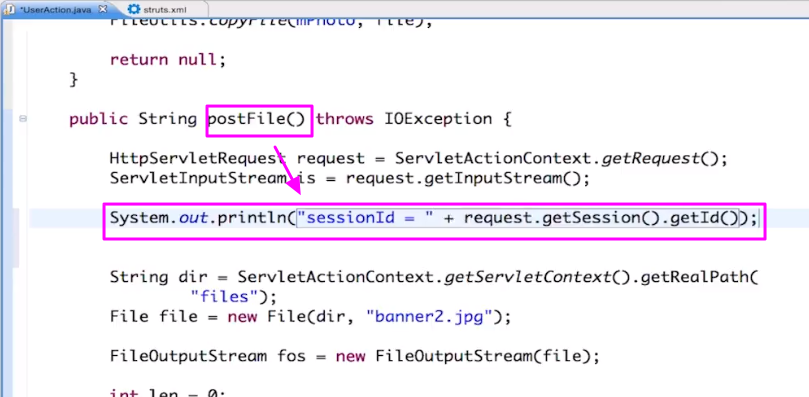
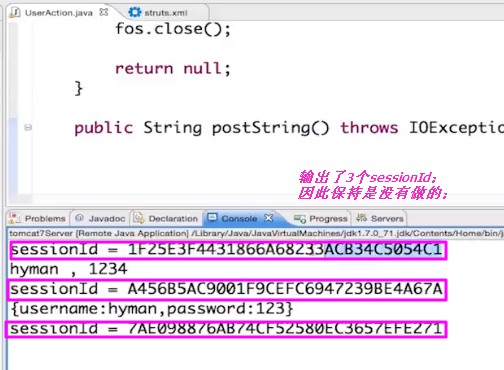
【客户端增加cookie的管理】都是java.net包下的管理类;可以移植使用;
【cookie的保存没有做】可以参考别的代码:precent开源框架等等;
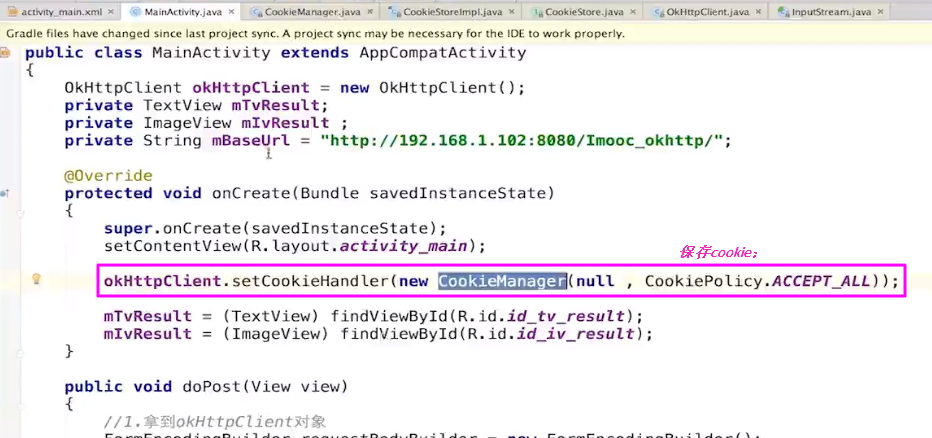
【测试】
11.追踪进度问题
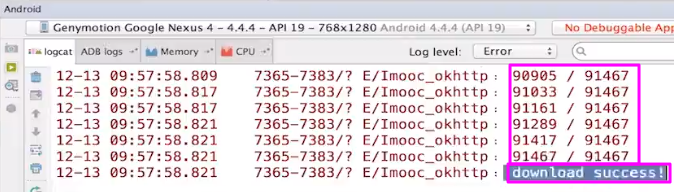
11.1 下载的进度问题
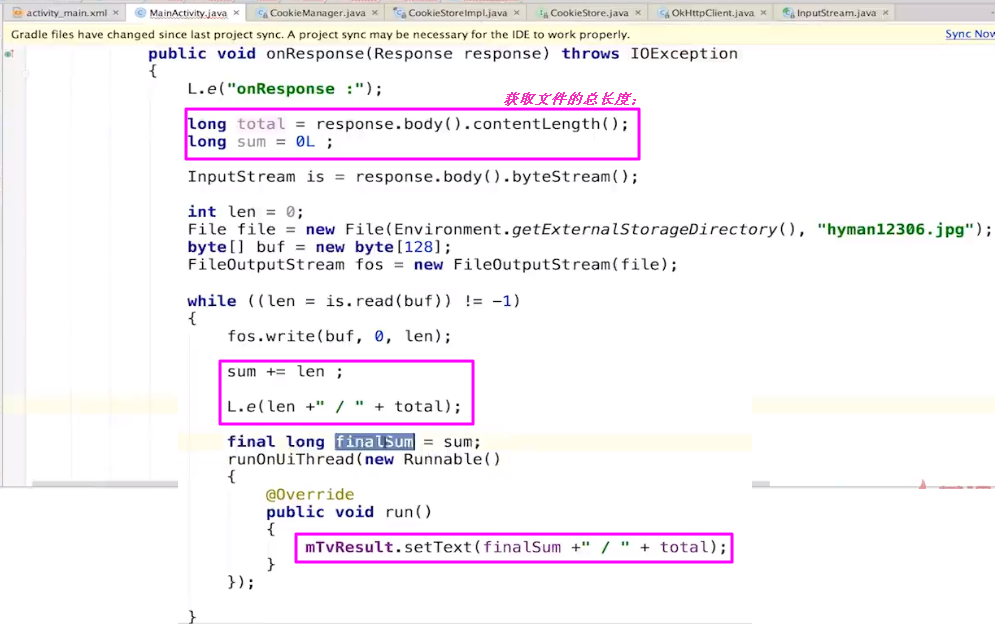
【结果】
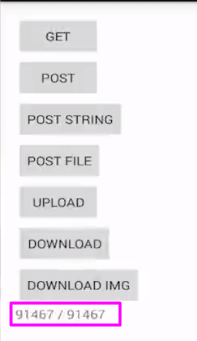
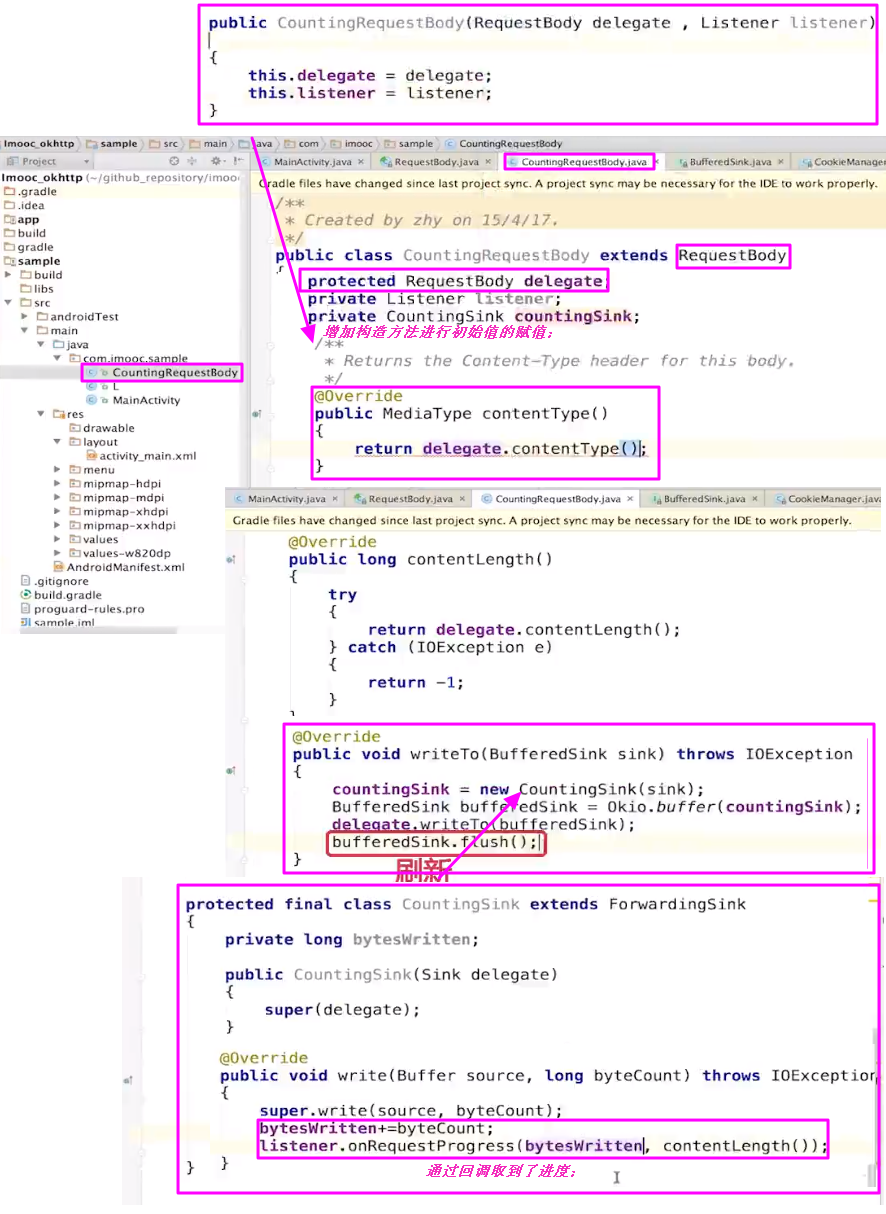
11.2 上传的进度问题
【说明】比较棘手;
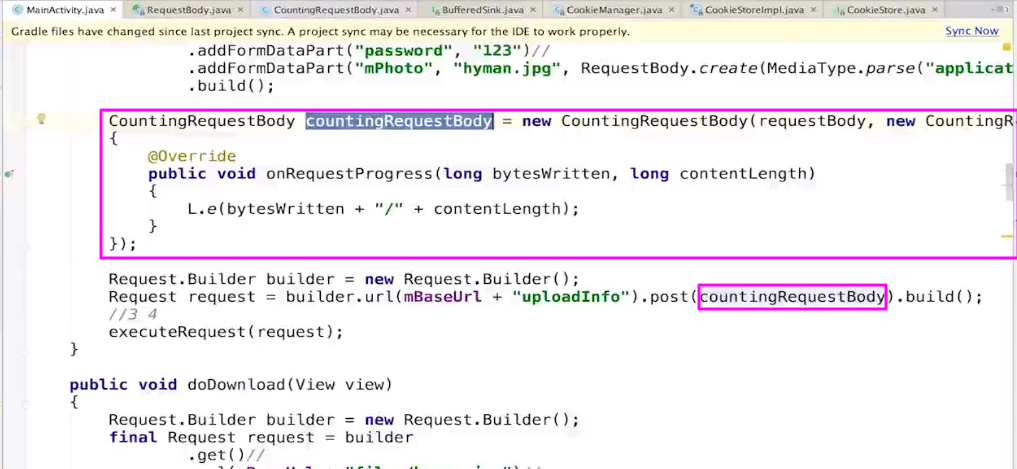
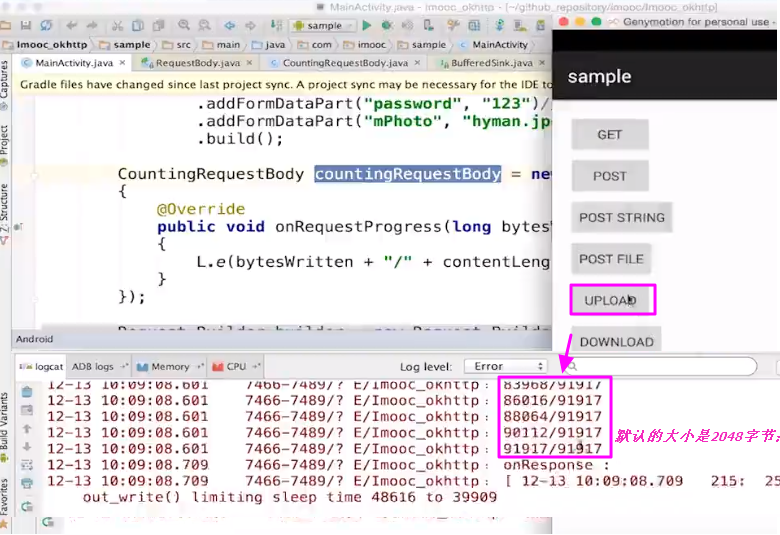
【在上传中的调用】
12【封转的思路】

 浙公网安备 33010602011771号