【0117】【项目实战】-【Android 从零开发安卓节目点播直播】-【2】启动,引导页功能开发
1.启动页面功能实现
1.1 逻辑梳理
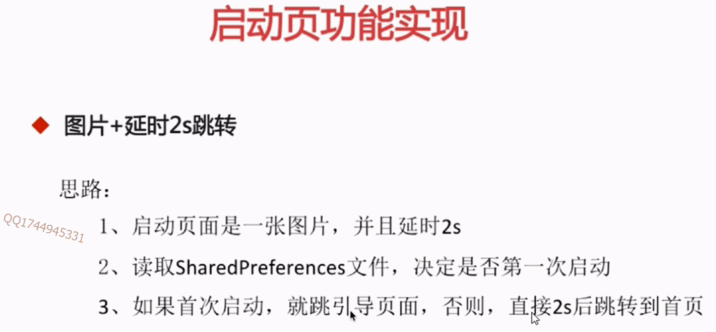
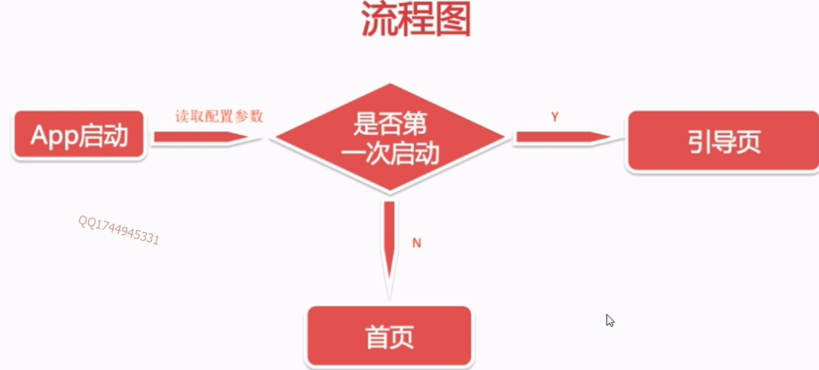
1.2. 启动页面功能实现
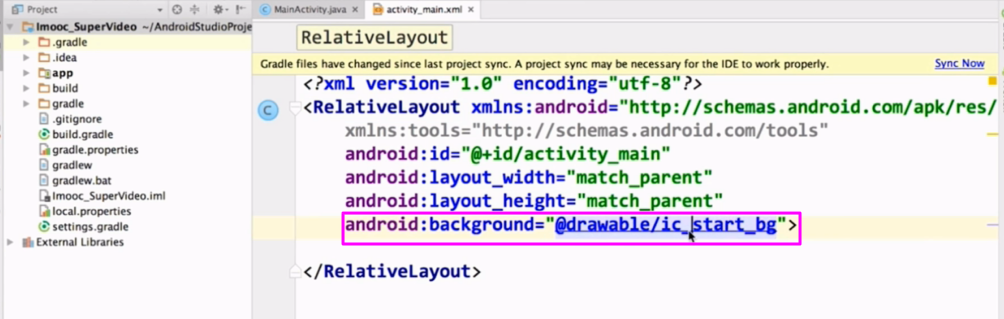
【源码】
 1 package com.hejunlin.imooc_supervideo;
 2
 3 import android.app.Activity;
 4 import android.content.Intent;
 5 import android.content.SharedPreferences;
 6 import android.os.Handler;
 7 import android.os.Message;
 8 import android.os.Bundle;
 9
10 import com.hejunlin.imooc_supervideo.home.HomeActivity;
11
12 public class SpalshActivity extends Activity {
13
14     private SharedPreferences mSharedPreference;
15     private static final int GO_HOME = 1;
16     private static final int GO_GUIDE = 2;
17     private static final int ENTEER_DURATION = 2000; //等待两秒钟之后的跳转到首页
18
19     private Handler mHandler = new Handler() {
20         @Override
21         public void handleMessage(Message msg) {
22             switch (msg.what) {
23                 case GO_GUIDE:
24                     startGuideActivity();
25                     break;
26                 case GO_HOME:
27                     startHomeActivity();
28                     break;
29                 default:
30                     break;
31             }
32         }
33     };
34
35     @Override
36     protected void onCreate(Bundle savedInstanceState) {
37         super.onCreate(savedInstanceState);
38         setContentView(R.layout.activity_main);
39         mSharedPreference = getSharedPreferences("config", MODE_PRIVATE); //获取sp对象;
40         init();
41     }
42
43     private void init() {
44         boolean isFirstIn = mSharedPreference.getBoolean("mIsFirstIn",true);
45         if (isFirstIn) {  //通过isFirstIn判断是否为首页:true:引导页;false:首页
46             mHandler.sendEmptyMessageDelayed(GO_GUIDE,ENTEER_DURATION);
47         } else  {
48             mHandler.sendEmptyMessageDelayed(GO_HOME,ENTEER_DURATION);
49         }
50     }
51
52     private void startHomeActivity() {
53         Intent intent = new Intent(SpalshActivity.this, HomeActivity.class);
54         startActivity(intent);
55         finish();
56     }
57
58     private void startGuideActivity() {
59         Intent intent = new Intent(SpalshActivity.this, GuideActivity.class);
60         startActivity(intent);
61         finish();
62     }
63 }
【layout.activity_main源码】
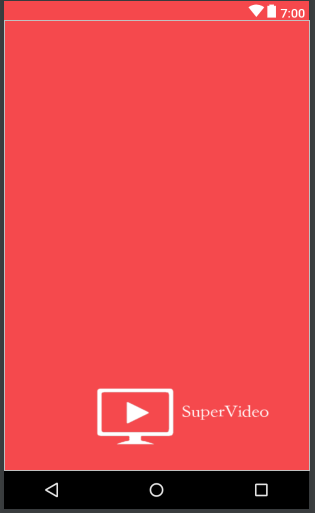
1 <?xml version="1.0" encoding="utf-8"?>
2 <RelativeLayout xmlns:android="http://schemas.android.com/apk/res/android"
3     xmlns:tools="http://schemas.android.com/tools"
4     android:id="@+id/activity_main"
5     android:layout_width="match_parent"
6     android:layout_height="match_parent"
7     android:background="@drawable/ic_start_bg">
8
9 </RelativeLayout>
2. 引导页图片处理
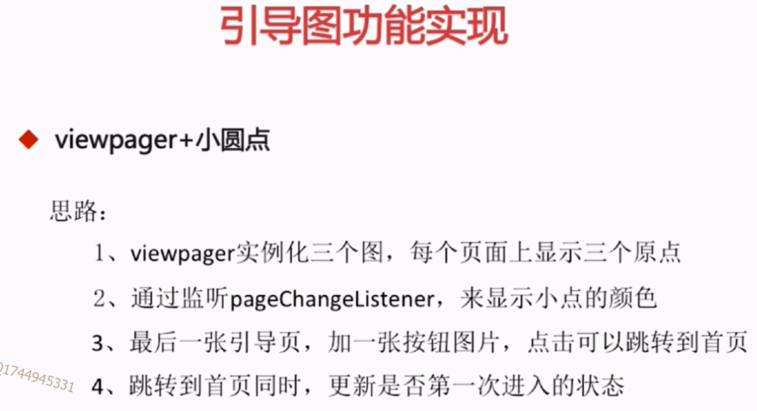
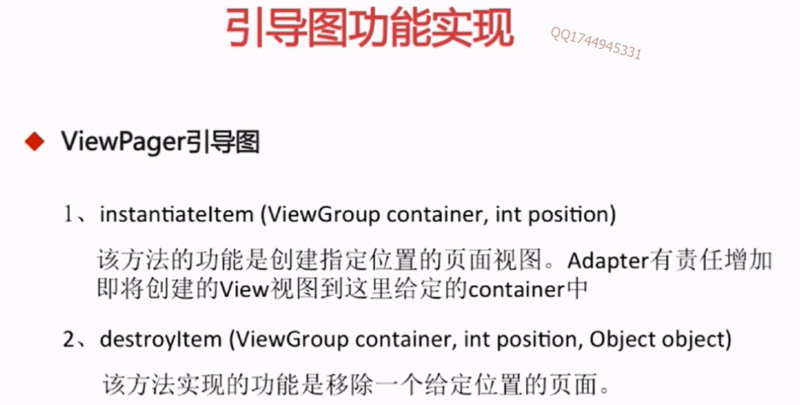
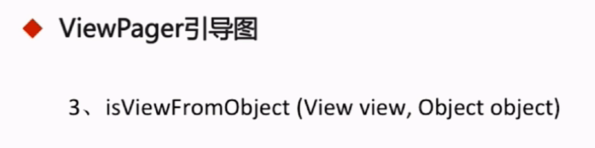
2.1 逻辑梳理
2.2 引导页实现
【布局】h1jt1t\app\src\main\res\layout\activity_guide.xml
 1 <?xml version="1.0" encoding="utf-8"?>
 2 <RelativeLayout xmlns:android="http://schemas.android.com/apk/res/android"
 3     xmlns:tools="http://schemas.android.com/tools"
 4     android:id="@+id/activity_guide"
 5     android:layout_width="match_parent"
 6     android:layout_height="match_parent">
 7
 8     <android.support.v4.view.ViewPager
 9         android:id="@+id/viewpager"
10         android:layout_width="match_parent"
11         android:layout_height="match_parent" />
12
13     <LinearLayout
14         android:id="@+id/ll_dots_layout"
15         android:layout_width="match_parent"
16         android:layout_height="wrap_content"
17         android:layout_alignParentBottom="true"
18         android:orientation="horizontal"
19         android:gravity="center_horizontal"
20         android:layout_marginBottom="@dimen/dimen_24dp">
21
22         <ImageView  //三个点指示器
23             android:layout_width="wrap_content"
24             android:layout_height="wrap_content"
25             android:src="@drawable/dot" //引用指示器的选择的点
26             android:padding="@dimen/dimen_15dp"
27             android:layout_gravity="center_vertical"/>
28
29         <ImageView
30             android:layout_width="wrap_content"
31             android:layout_height="wrap_content"
32             android:src="@drawable/dot"  //引用指示器状态选择
33             android:padding="@dimen/dimen_15dp"
34             android:layout_gravity="center_vertical"/>
35
36         <ImageView
37             android:layout_width="wrap_content"
38             android:layout_height="wrap_content"
39             android:src="@drawable/dot"  //引用指示器的状态选择
40             android:padding="@dimen/dimen_15dp"
41             android:layout_gravity="center_vertical"/>
42
43     </LinearLayout>
44
45 </RelativeLayout>
【指示器状态源码】h1jt1t\app\src\main\res\drawable\dot.xml
1 <?xml version="1.0" encoding="UTF-8"?>
2 <selector xmlns:android="http://schemas.android.com/apk/res/android">
3
4     <item android:drawable="@drawable/dark_dot" android:state_enabled="false" />
5     <item android:drawable="@drawable/white_dot" android:state_enabled="true" />
6
7 </selector>

 浙公网安备 33010602011771号