websecurify Scanner0.9安装包以及用websecurify Scanner0.9进行网站安全测试
文章末尾会给出安装包!!!
一、安装教程
双击打开安装程序:
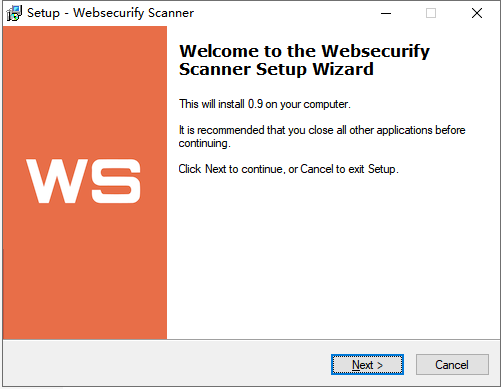
选择安装路径:
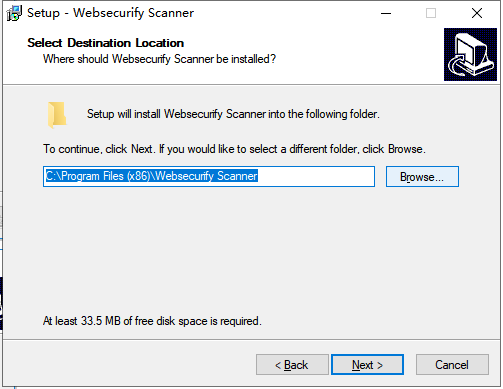
选择安装的文件夹名字,可以默认:
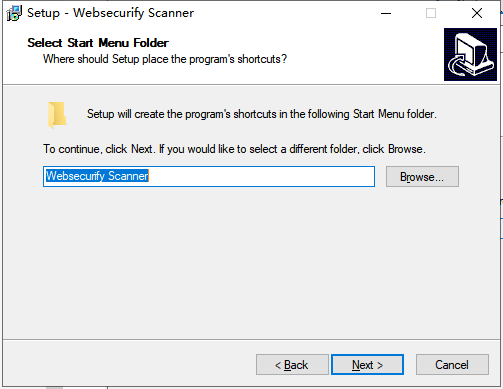
点击Install按钮进行安装。
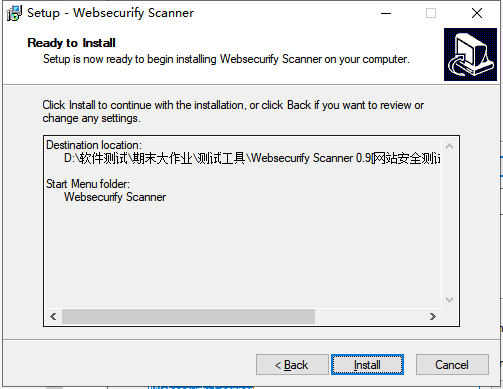
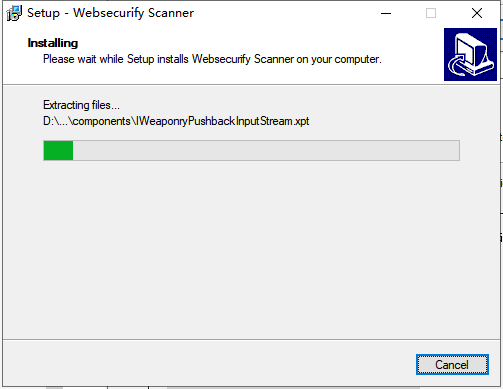
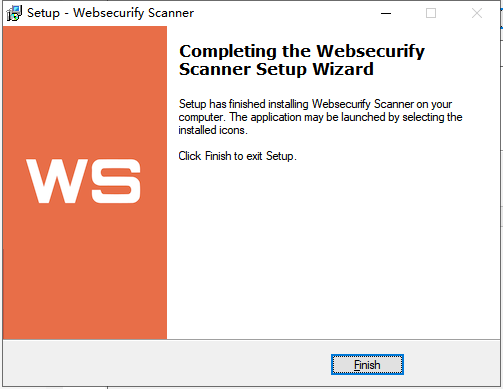
安装完成点击Finish:
二、配置教程
找到刚刚安装的软件,双击打开进入软件主页面:
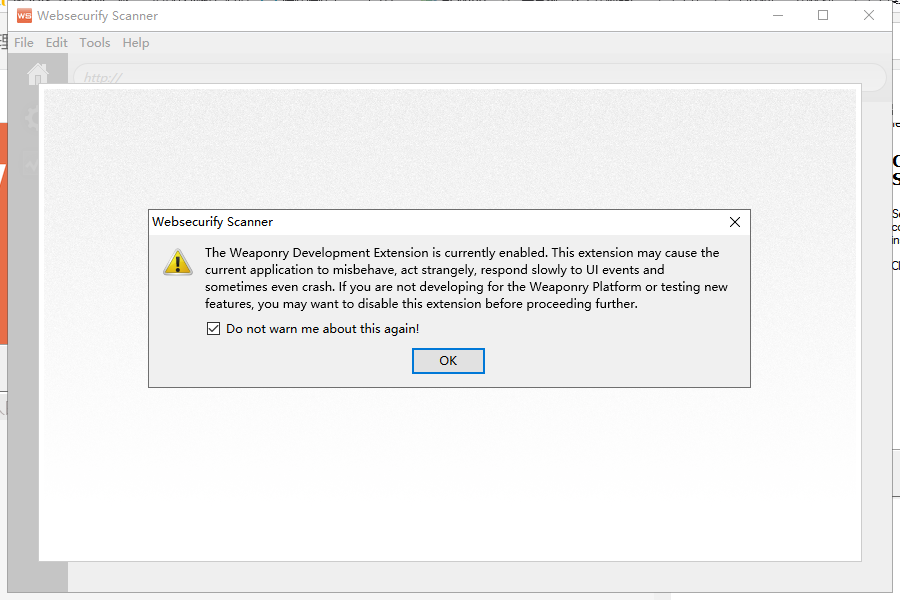
软件弹出提示信息,内容翻译大概如下:
The Weaponry Development Extension is currently enabled. This extension may cause the current application to misbehave, act strangely, respond slowly to UI events and sometimes even crash. If you are not developing for the Weaponry Platform or testing new features, you may want to disable this extension before proceeding further.
武器发展扩展目前已启用。这个扩展可能会导致当前应用程序的错误行为,行为奇怪,响应缓慢的UI事件,有时甚至崩溃。如果你不是为武器装备平台开发或测试新功能,你可能想要禁用这个扩展,然后继续。
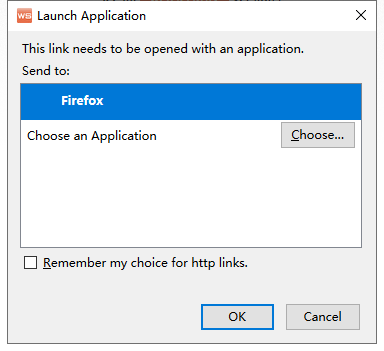
不用理会,勾选,然后点击OK即可,之后让你选择浏览器,点那个websecurify进去设置浏览器,比如firefox,chrome,找到你的ff或者chrome和其它浏览器的路径. 再点一下就启动了:
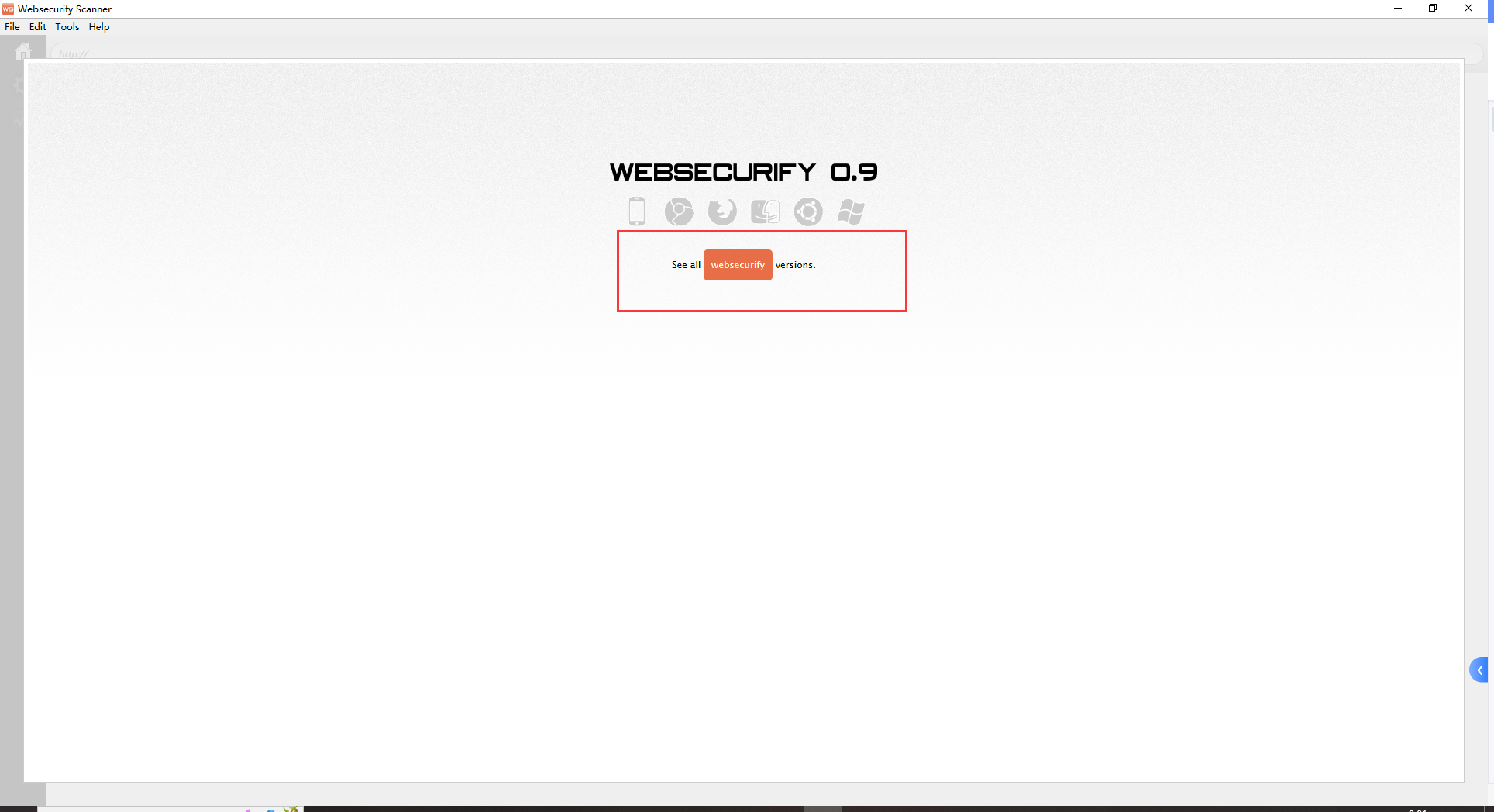
三、使用教程
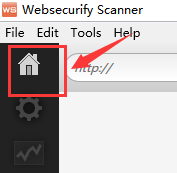
点击左上角的小房子图标:
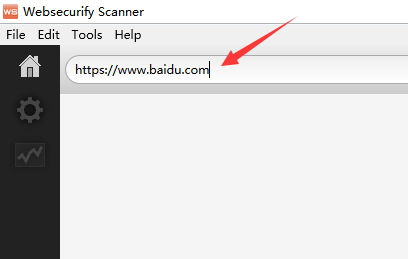
输入要测试的网站的地址:
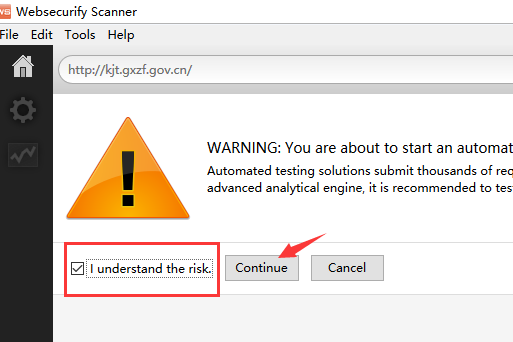
会弹出一个警告框,不用理会,勾选直接Continue:
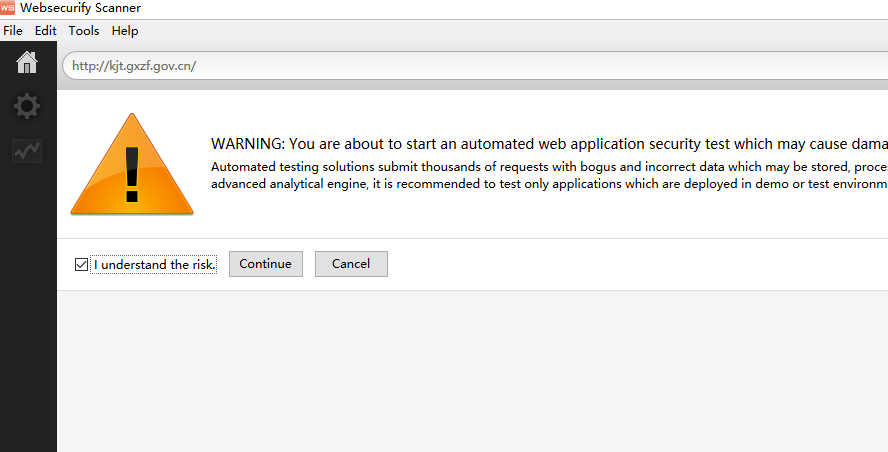
Automated testing solutions submit thousands of requests with bogus and incorrect data which may be stored, processed and later used by important business wokflows. Although Websecurify will try to limit the potential damage of the automated vlnerability discovery process by using
advanced analytical engine, it is recommended to test only applications which are deployed in demo or test environments.
大概的翻译如下:
自动化测试解决方案提交了数千个带有虚假和不正确数据的请求,这些数据可能会被存储、处理并稍后被重要的业务工作流使用。虽然Websecurify将试图限制自动脆弱性发现过程的潜在损害使用
高级分析引擎,建议只测试部署在演示或测试环境中的应用程序。
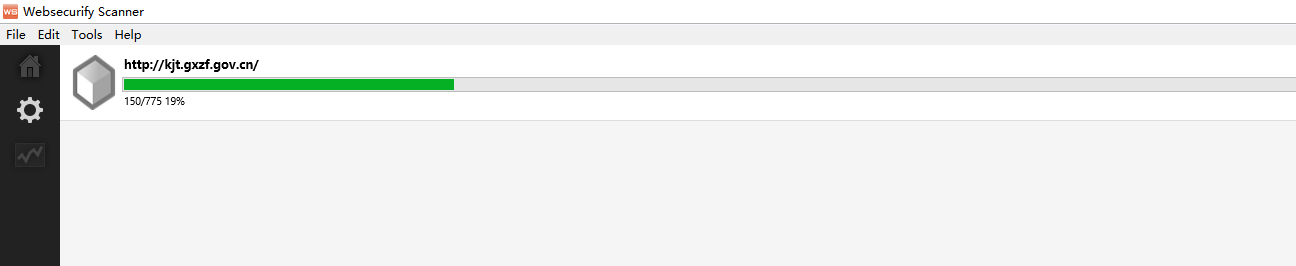
之后软件会自动对网站进行扫描:
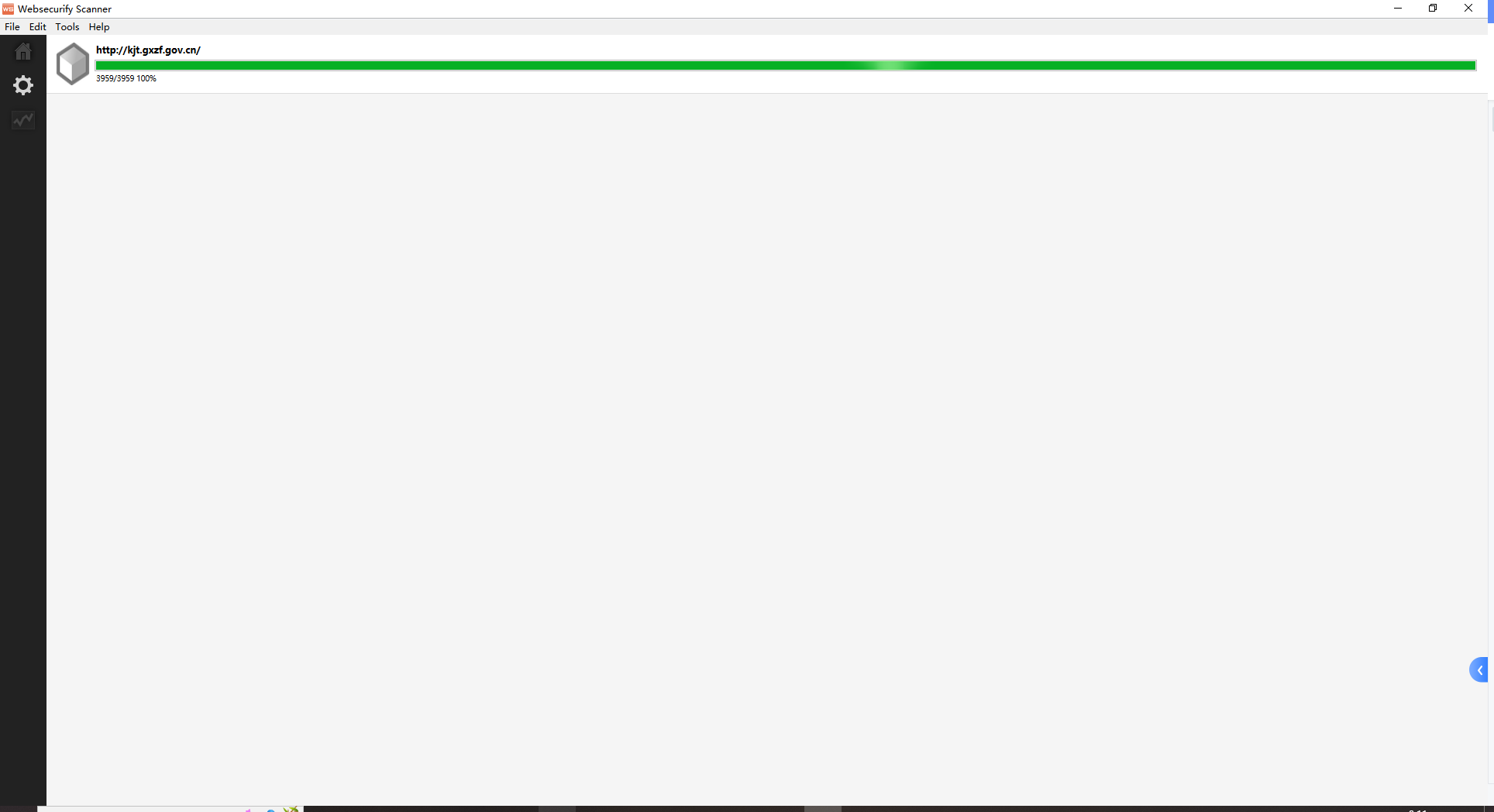
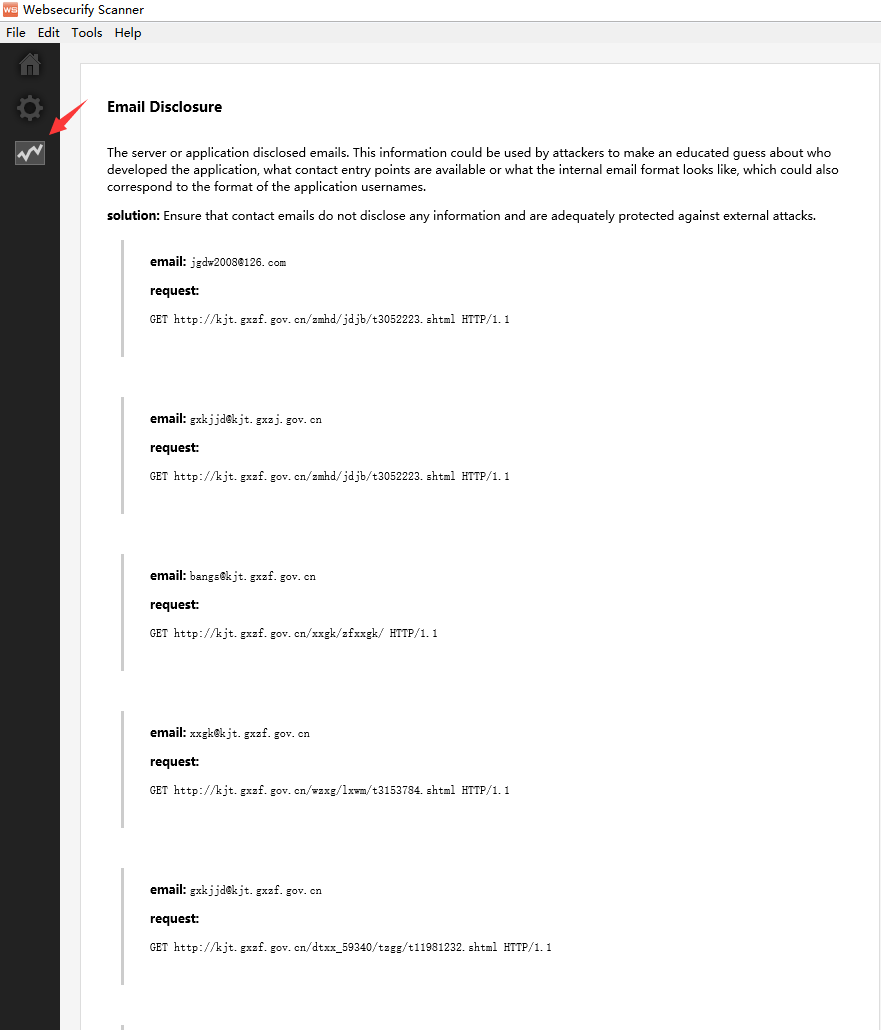
等扫描到100%的时候,点击波浪线图标就可以查看到扫描报告了:
四、软件安装包
阿里云盘链接:
https://www.aliyundrive.com/s/piJV1KarwgX
提取码: ev45

 浙公网安备 33010602011771号