
Android前端学习——Button(颜色、图片变换)
- Button背景色
直接修改 android:background="@color/black"是没有效果的
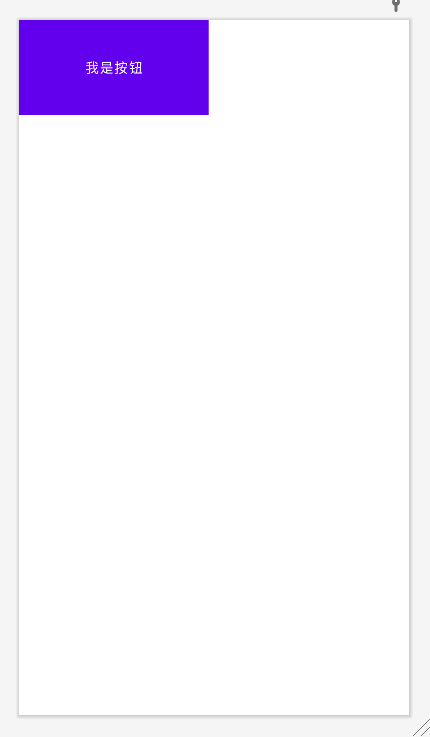
我们需要到themes.xml文件夹下修改style
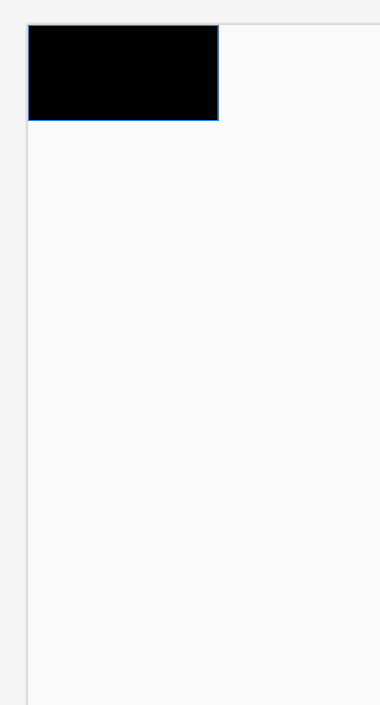
将<style name="Theme.My_Button" parent="Theme.MaterialComponents.DayNight.DarkActionBar>修改为<style name="Theme.My_Button" parent="Theme.MaterialComponents.DayNight.DarkActionBar.Bridge">这样我们就可以得到如下效果
- Button图片
但是当我们点击设置好的颜色后发现,没有任何变化,这里我们就需要通过StateListDrawable来进行修改
(StateListDrawable是Drawable资源的一种,可以根据不同的状态,设置不同的图片效果,关键节点<selector>,我们只需要将button的键节点< selector>,我们只需要将Button的background属性设置为该drawable资源即可轻松实现,按下按钮时不同的按钮颜色或背景)
1. drawable:引用 的Drawable位图
2. state. _focused:是 否获得焦点
3. state_ pressed:控件是否被按下
4. state_ enabled:控件是否 可用
5. state_ selected:控件 是否被选择,针对有滚轮的情祝
6. state_ _checked:控件 是否被勾选
07. state_ _checkable:控件 可否被勾选,eg:checkbox
8. state_ _window_ focused:是否获得 窗口焦点
9. state_ active:控件是 否处于活动状态,eg:slidingTab
10. state_ single:控件包含多个子控件时,确定是否只显示- -个子控件
11. state_ first:控件包含多 个子控件时,确定第一个子 控件是否处于显示状态
12. state_ _middle:控件包含多个子控件时,确定中间一个子控件是否处于显示状态
13. state_ last:控件包含多个子控件时,确定最后一个子控件是否处于显示状态
在drawable文件夹下新建DrawableResourceFile选择器文件
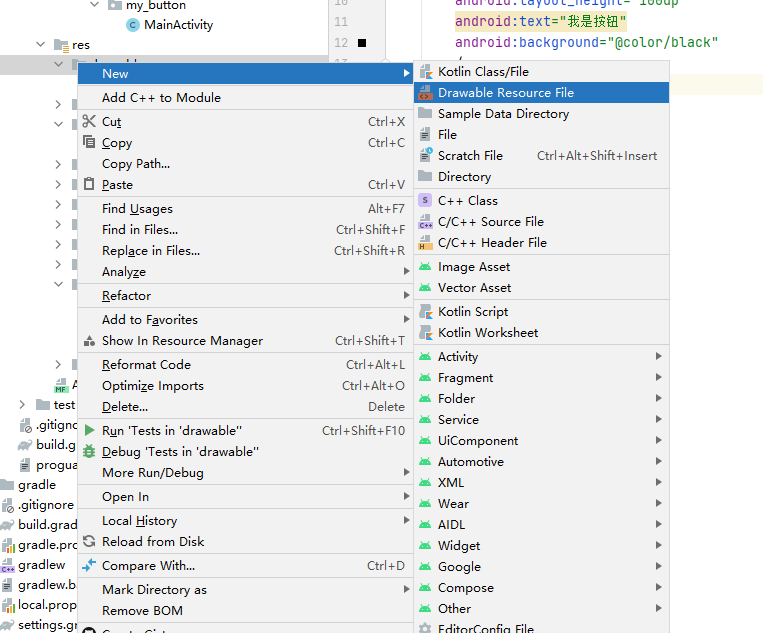
之后我们就可在selector根节点下通过item来引用上面所提到的属性,但是drawable属性不能直接使用颜色只能用Drawable位图,所以我们需要在drawable文件下导入位图文件
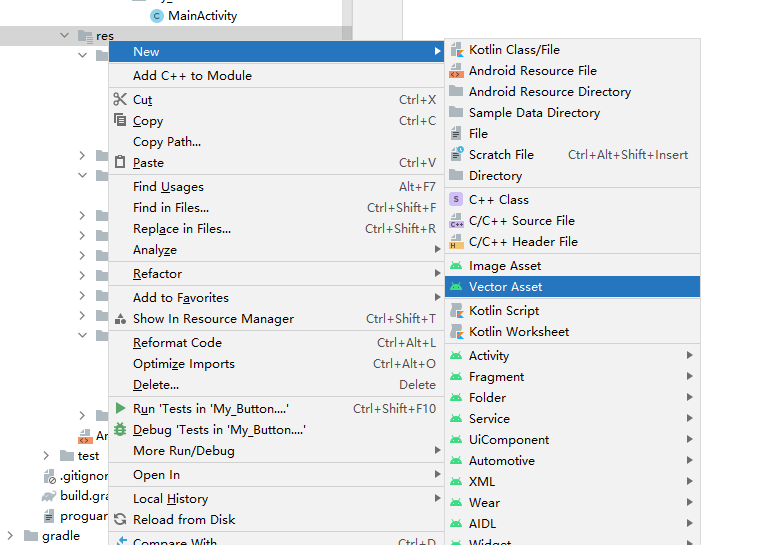
然后在selector下应用所导入的位图文件
<?xml version="1.0" encoding="utf-8"?>
<selector xmlns:android="http://schemas.android.com/apk/res/android">

    <item android:drawable="@drawable/ic_baseline_alarm_on_24" android:state_pressed="true"/>
    <item android:drawable="@drawable/ic_baseline_alarm_off_24" />
</selector>
这样我们就能看到如下效果
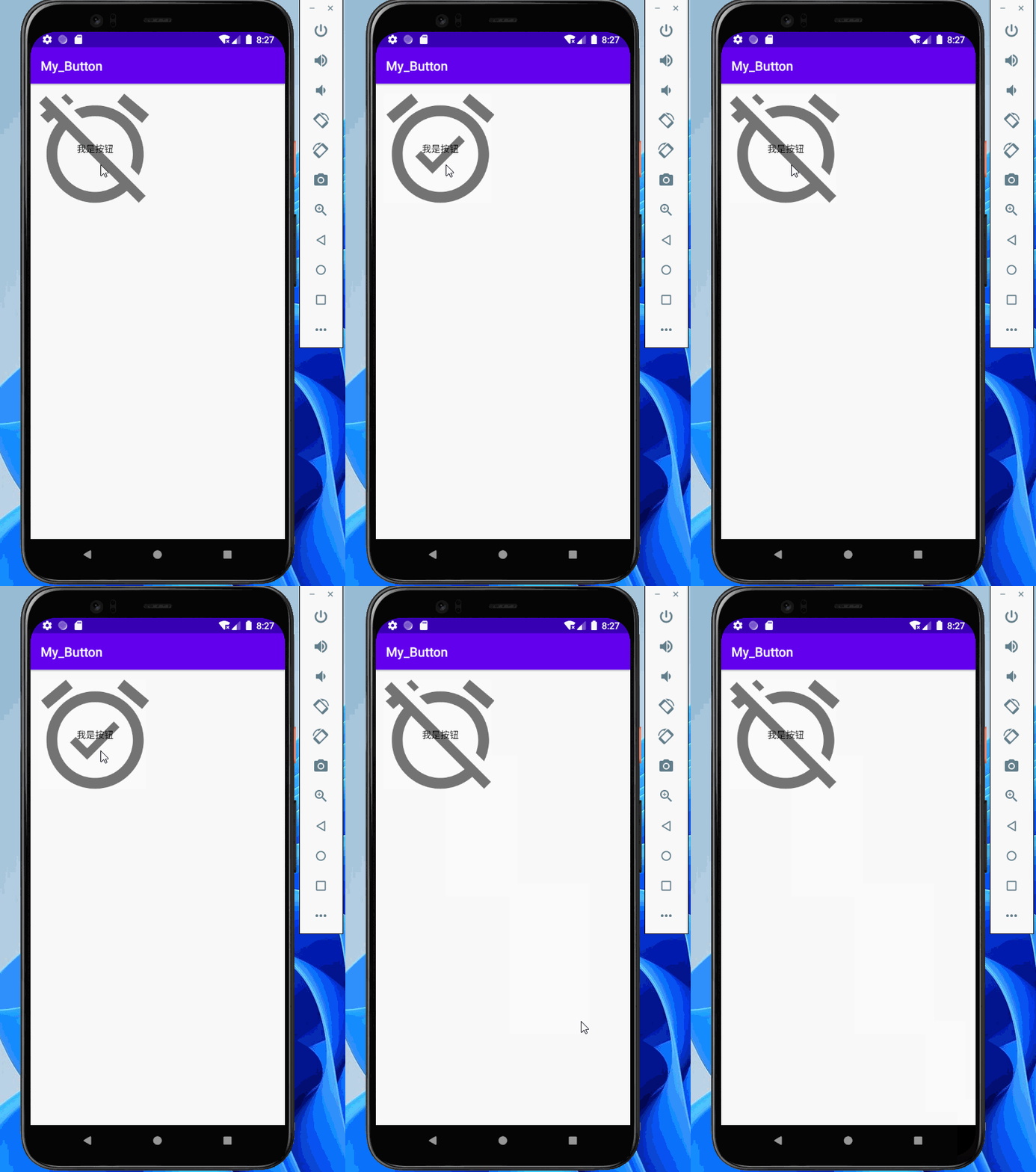
当我们需要更改button的颜色我们就需要用到Android:backgroundTint属性( Android:backgroundTint属性的详解请看这篇文章在这里就不详细解释了Android中使用tint属性和backgroundTint属性瘦身_Clayx的博客-CSDN博客_backgroundtint)
具体用法和android:background一样,只不过我们需要在res文件夹下新建color文件夹然后再去设置一个选择器
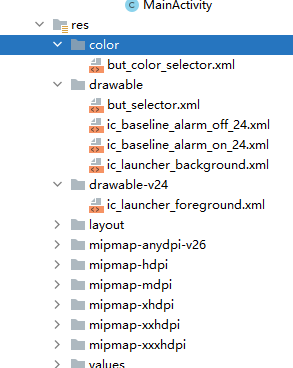
和上面的drawable一样,在selector根中用item引用属性
<?xml version="1.0" encoding="utf-8"?>
<selector xmlns:android="http://schemas.android.com/apk/res/android">
    <item android:color="#FFFF0000" android:state_pressed="true"/>
    <item android:color="#FF000000"/>
</selector>
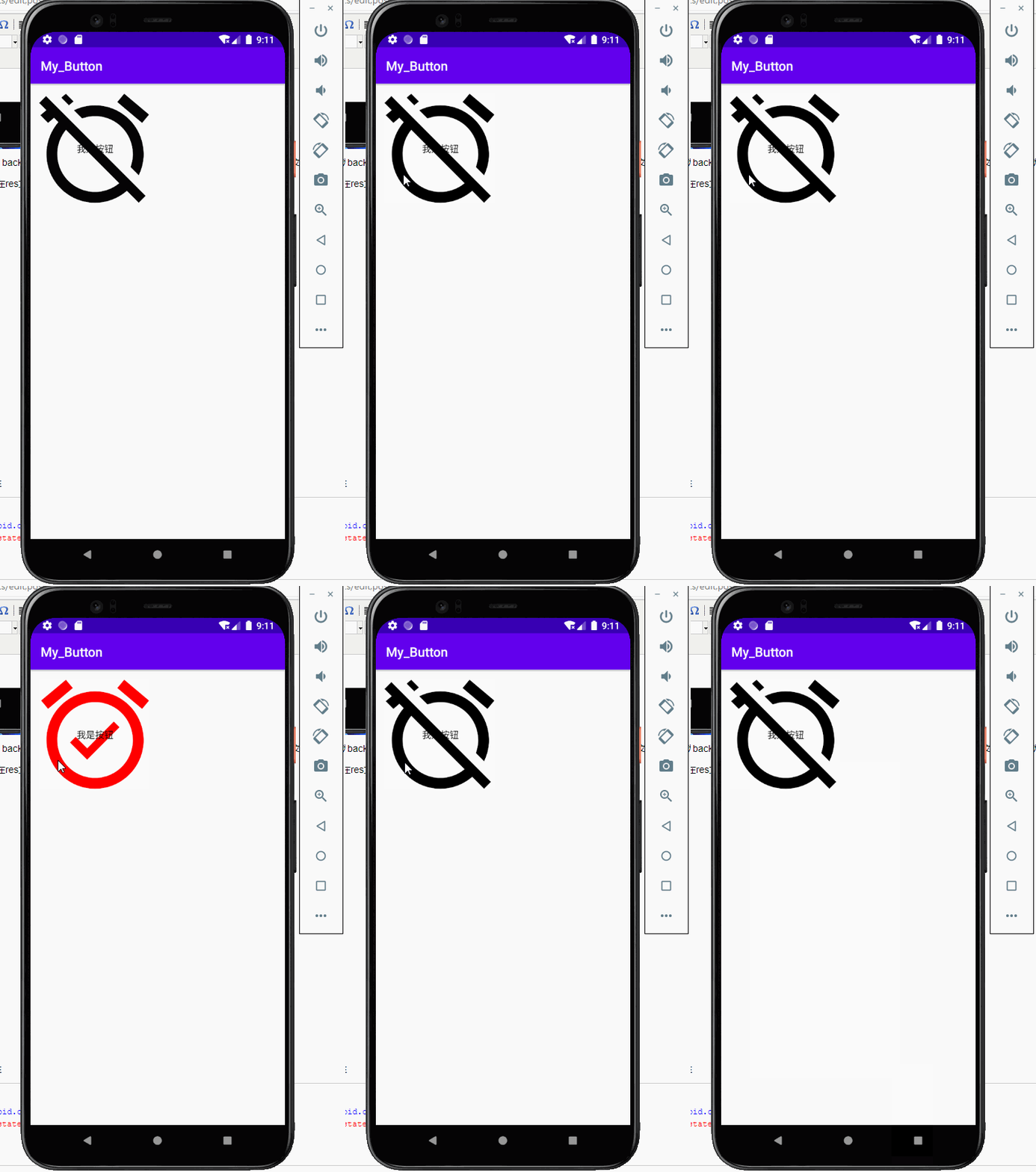
那么我们button所显示的效果就是这样的
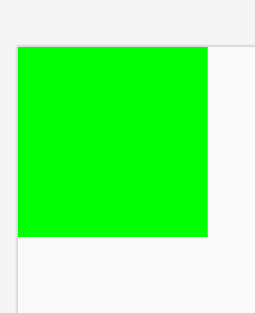
最后,button的前景色android:foreground属性
当我们设置了前景色后就看不到背景色和字体颜色,因为button的颜色等级理解为
前景色>字体>背景色
最后附上源代码
activity
<?xml version="1.0" encoding="utf-8"?>
<LinearLayout xmlns:android="http://schemas.android.com/apk/res/android"
    android:layout_width="wrap_content"
    android:layout_height="wrap_content"
    android:orientation="vertical">


    <Button
        android:layout_width="200dp"
        android:layout_height="200dp"
        android:text="我是按钮"
        android:background="@drawable/but_selector"
        android:backgroundTint="@color/but_color_selector"
        android:foreground="#FF00FF00"
        />


</LinearLayout>
but_selector
<?xml version="1.0" encoding="utf-8"?>
<selector xmlns:android="http://schemas.android.com/apk/res/android">

    <item android:drawable="@drawable/ic_baseline_alarm_on_24" android:state_pressed="true"/>
    <item android:drawable="@drawable/ic_baseline_alarm_off_24" />
</selector>
but_color_selector
<?xml version="1.0" encoding="utf-8"?>
<selector xmlns:android="http://schemas.android.com/apk/res/android">
    <item android:color="#FFFF0000" android:state_pressed="true"/>
    <item android:color="#FF000000"/>
</selector>
本文来自博客园,作者:猫与少年,转载请注明原文链接:https://www.cnblogs.com/MrZhaoprogramnotes/p/15255628.html

 浙公网安备 33010602011771号