
Android前端学习——TextView跑马灯效果
<?xml version="1.0" encoding="utf-8"?>
<LinearLayout xmlns:android="http://schemas.android.com/apk/res/android"
    android:layout_width="match_parent"
    android:layout_height="match_parent"
    android:orientation="vertical"
    >


    <TextView
        android:id="@+id/tv1"
        android:layout_width="wrap_content"
        android:layout_height="wrap_content"
        android:text="@string/tv_1"
        android:textColor="#000000"
        android:textStyle="bold"
        android:textSize="30sp"
        android:gravity="center"
        android:shadowColor="@color/rad"
        android:background="@color/yellow"
        android:shadowRadius="5.0"
        android:shadowDx="10"
        android:shadowDy="10"
        android:singleLine="true"
        android:ellipsize="marquee"
        android:marqueeRepeatLimit="marquee_forever"
        android:focusable="true"
        android:focusableInTouchMode="true"
        />

</LinearLayout>
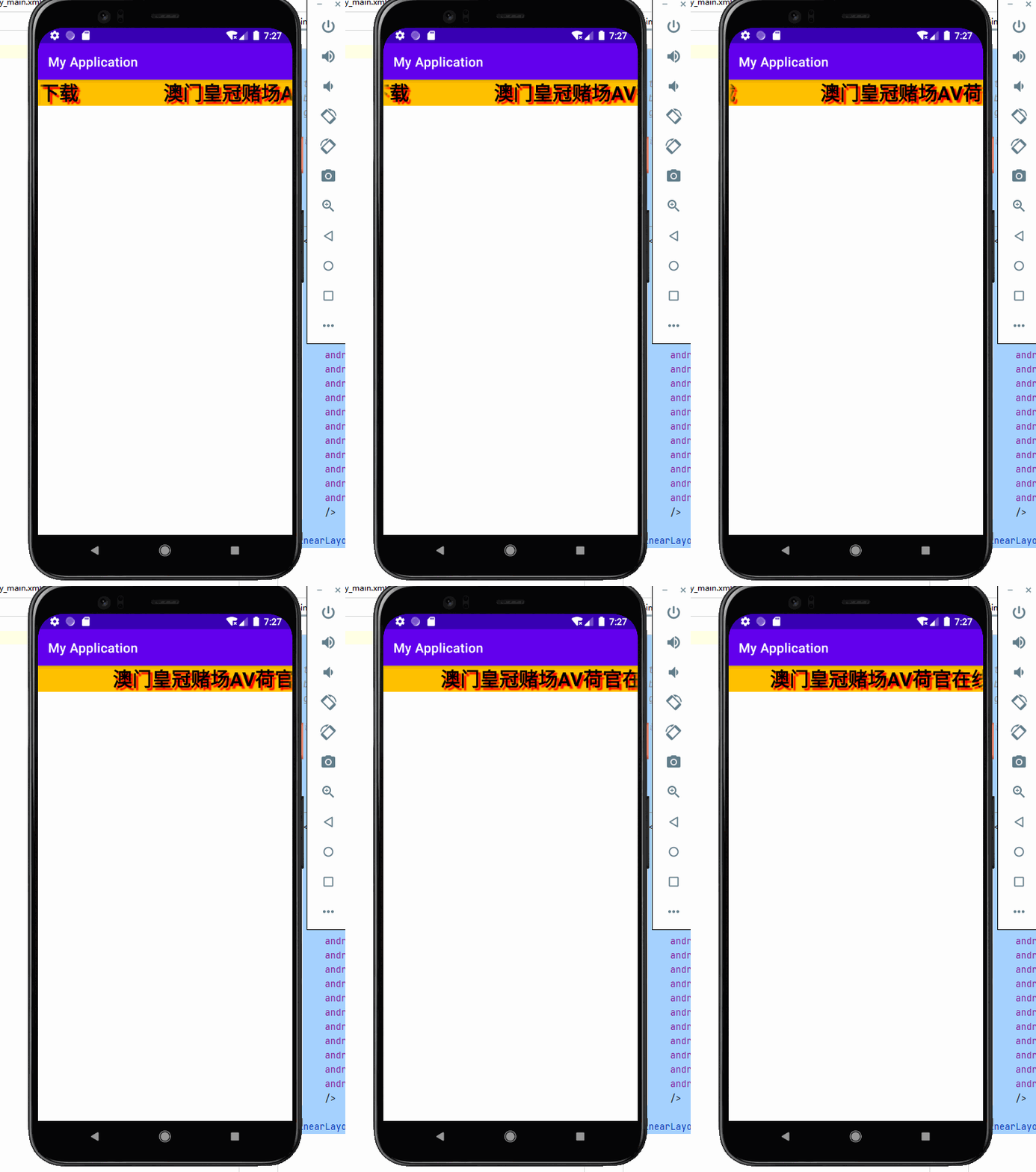
原代码效果如上
需要使用到这几个属性
android:singleLine:内容单行显示
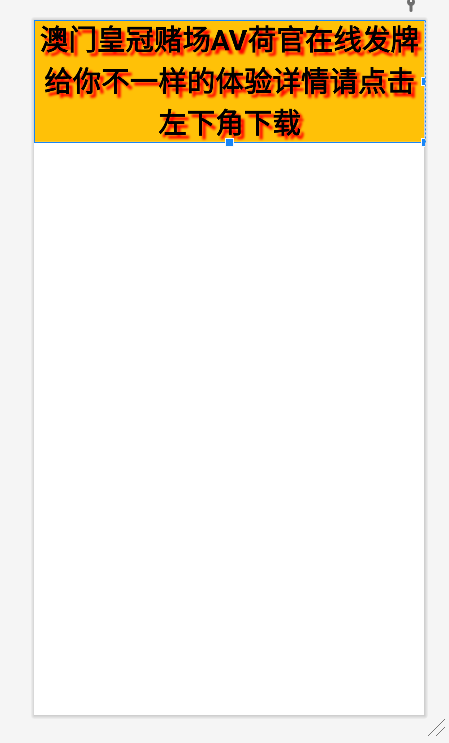
(不设置android:singleLine的效果)
android:ellipsize:在哪里省略文本
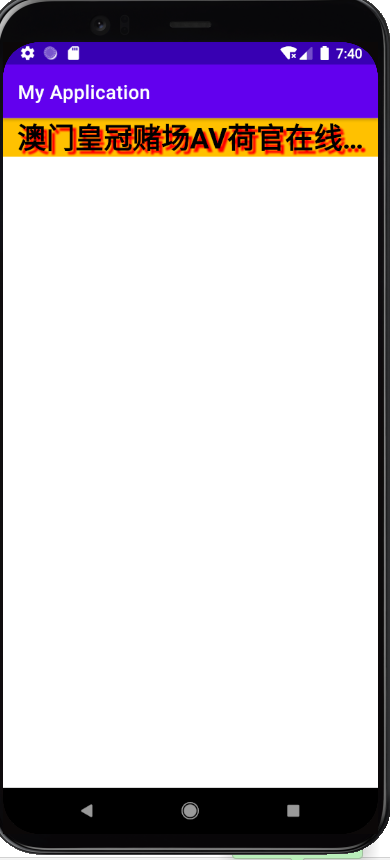
(不设置android:ellipsize的效果)
android:marqueeRepeatLimit:字幕动画重复的次数
一般跑马灯效果都需要让他永久的跑动,所以我们需要设置属性为
android:focusable:是否可以获取焦点 marquee_forever
android:focusableInTouchMode:用于控制视图在触摸模式下是否可以聚焦
本文来自博客园,作者:猫与少年,转载请注明原文链接:https://www.cnblogs.com/MrZhaoprogramnotes/p/15255407.html

 浙公网安备 33010602011771号