
安装pytorch,使用python
安装pytorch
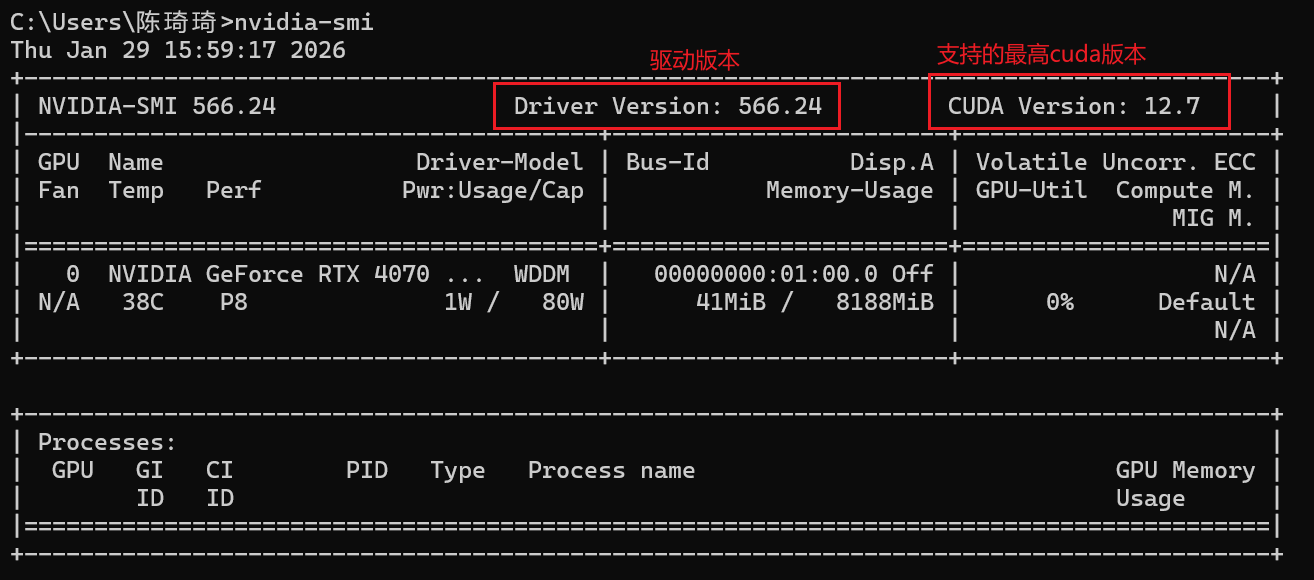
1.查询我的显卡支持的cuda版本:最高12.7。
2.已经安装好anaconda。
3.创建新环境
conda create -n learning_pytorch python==3.10
- 登录pytorch官网
cuda12.6应该是可以支持的:
![image]()
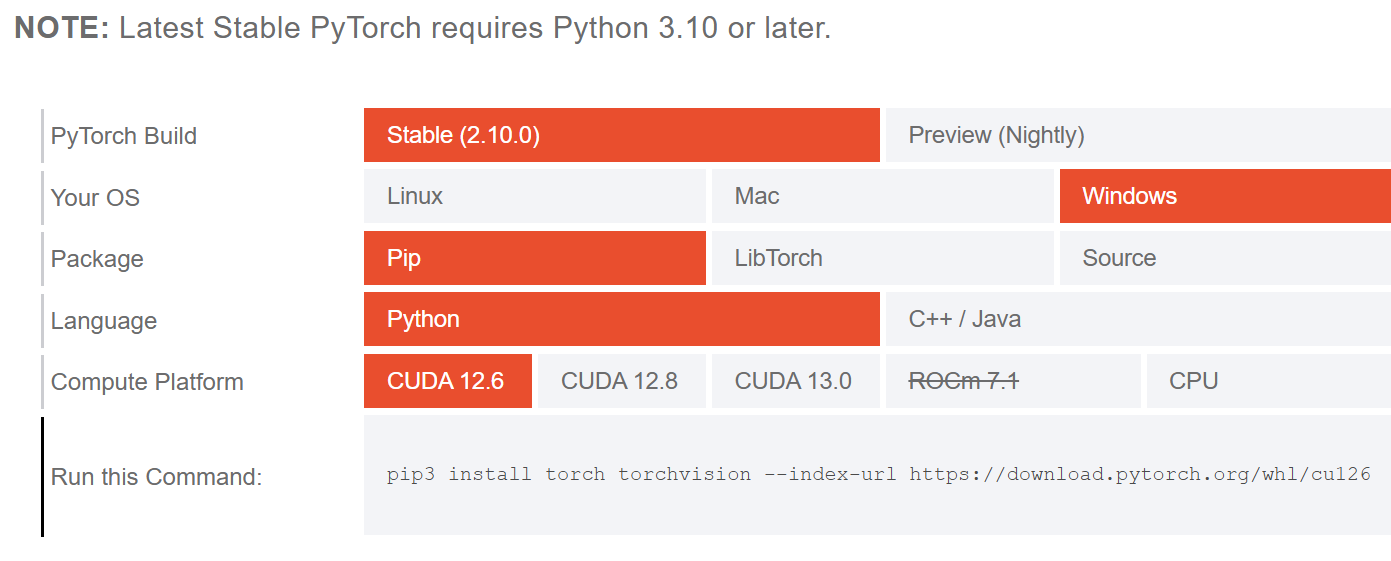
pip3 install torch torchvision --index-url https://download.pytorch.org/whl/cu126
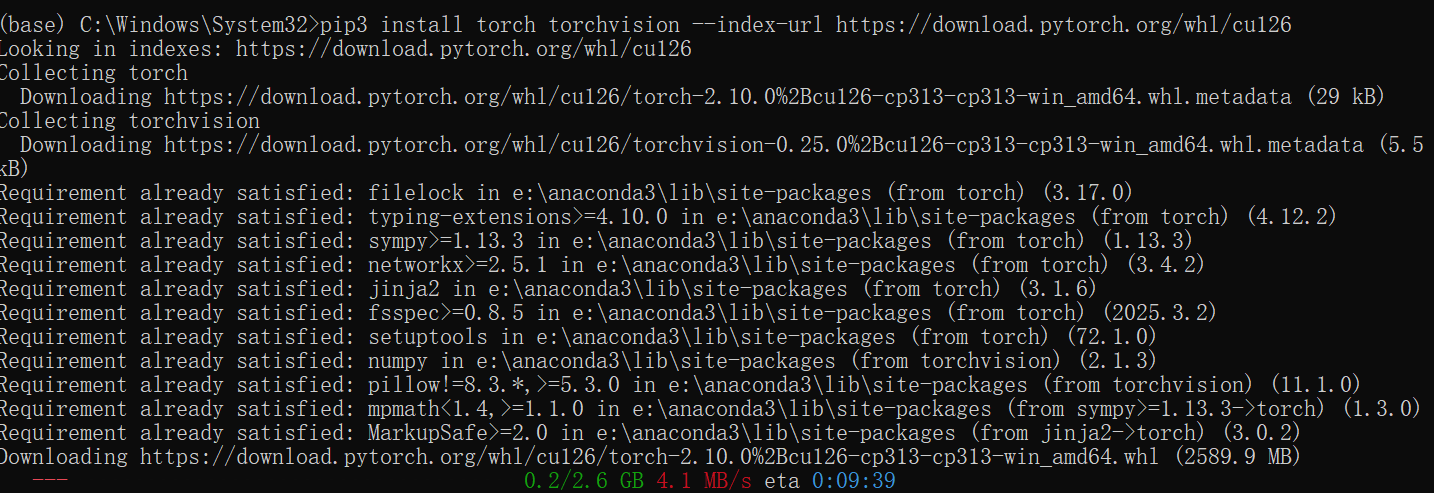
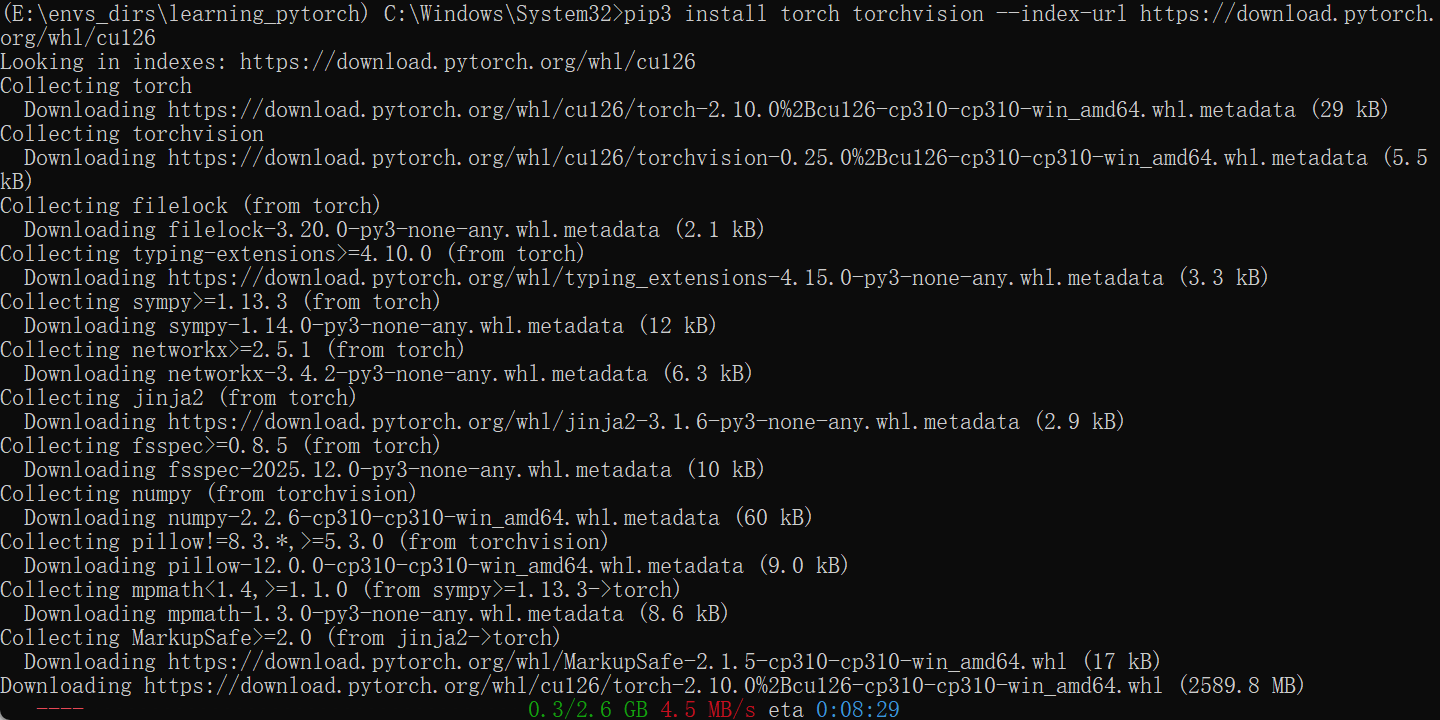
4.惨啦,忽然发现我忘记切换环境了,紧急停止。
conda activate learning_pytorch
pip3 install torch torchvision --index-url https://download.pytorch.org/whl/cu126
5.在桌面创建hungry.py并执行
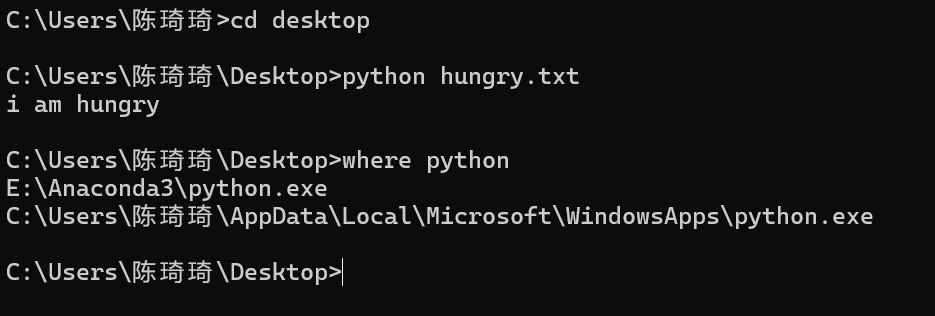
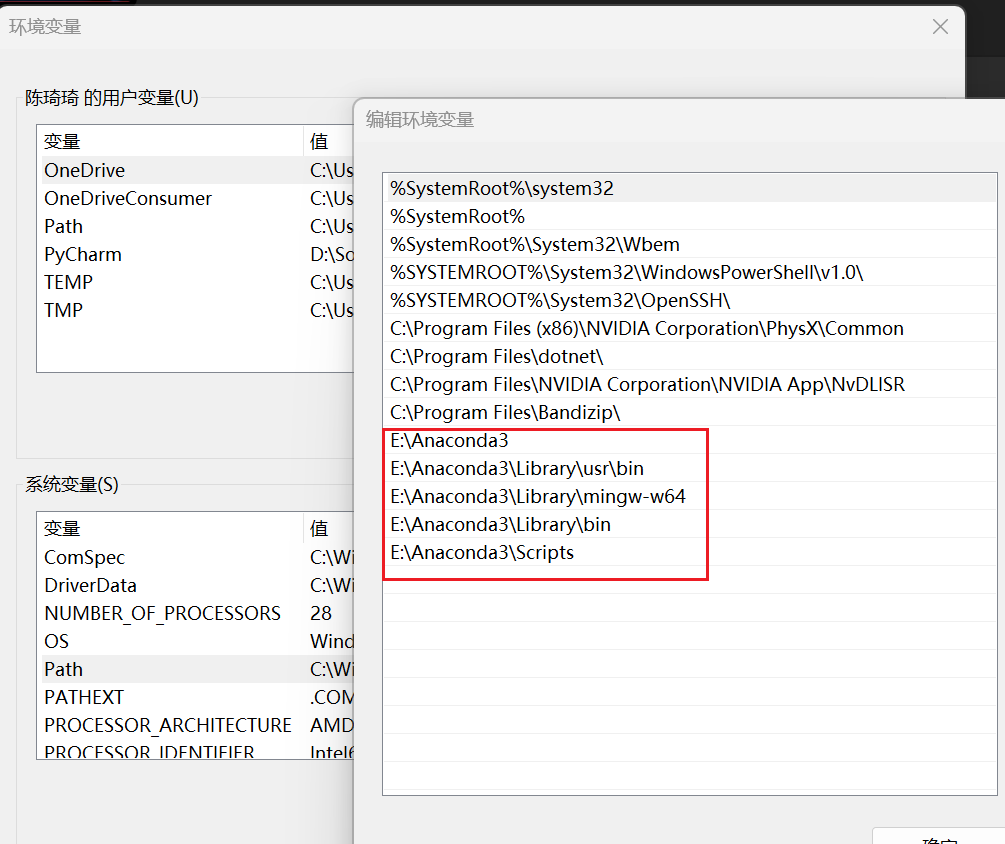
6.为什么系统成功执行了?
因为环境变量path告诉系统应该去哪里查找可执行文件。
7.python类的定义
class Man:
	def __init__(self,name):
		self.name = name
		print("Initialized")

	def hello(self):
		print("Hello " + self.name + "!")

m = Man("David")
m.hello()

 浙公网安备 33010602011771号