Matt Can Code  


Installation: https://www.decodingdevops.com/how-to-install-terraform-on-windows-10-or-8-or-7/

Create a .tf file

provider "aws" {
   region = "us-east-1"
}

cd to the folder where .tf file resides, run "terraform init" and terraform will downlaod the aws provider to local diretory

terrform aws provider cli : https://docs.aws.amazon.com/cli/latest/userguide/cli-configure-files.html


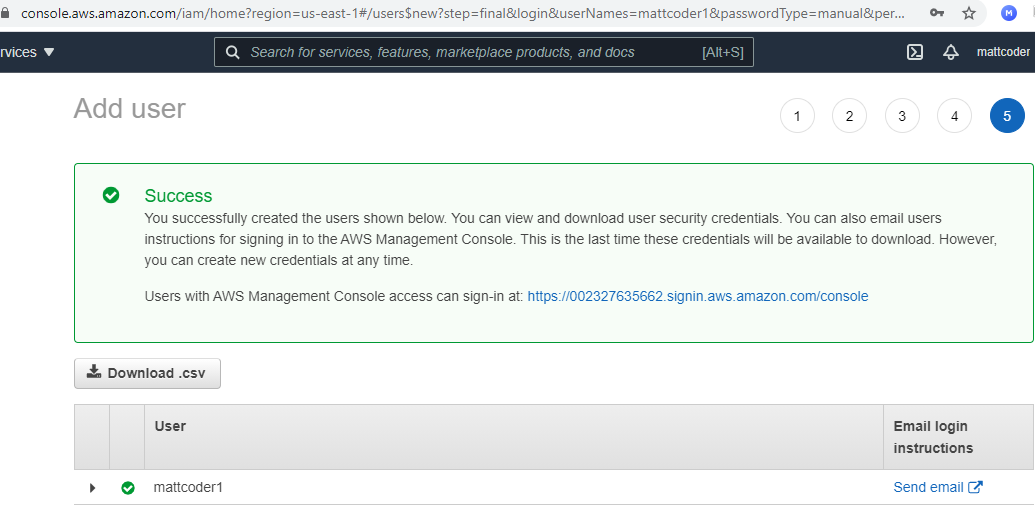
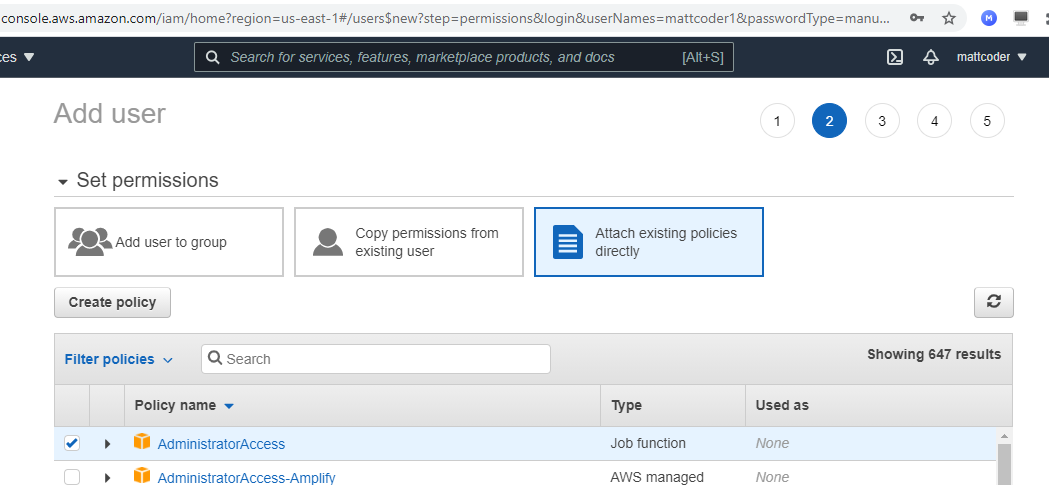
 Create IAM account at AWS cloud, and simply assign it the admin role to have all acess


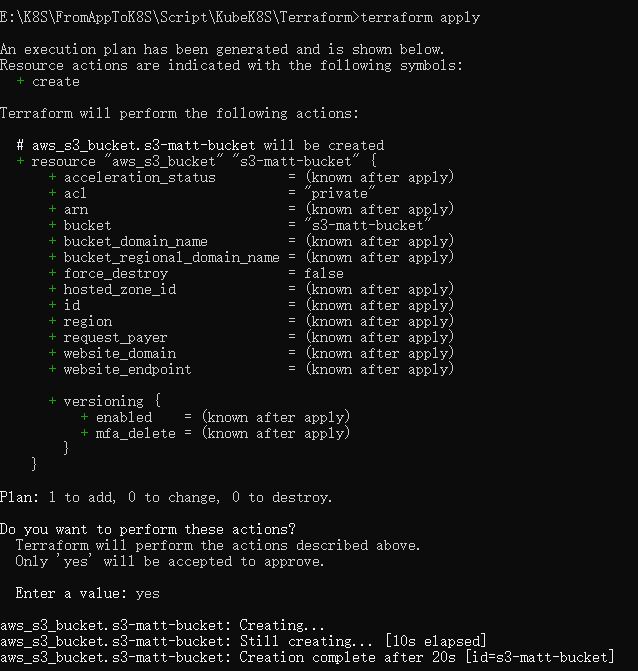
 Use following script to create S3 

provider "aws" {
   region = "us-east-1"
   access_key = "AKIA***"
   secret_key = "hMHx***"
   #shared_credentials_file="E:/K8S/FromAppToK8S/Script/KubeK8S/Terraform"
   #profile = "mattcoder1"
}

resource "aws_s3_bucket" "s3-matt-bucket"{
  bucket = "s3-matt-bucket"
}
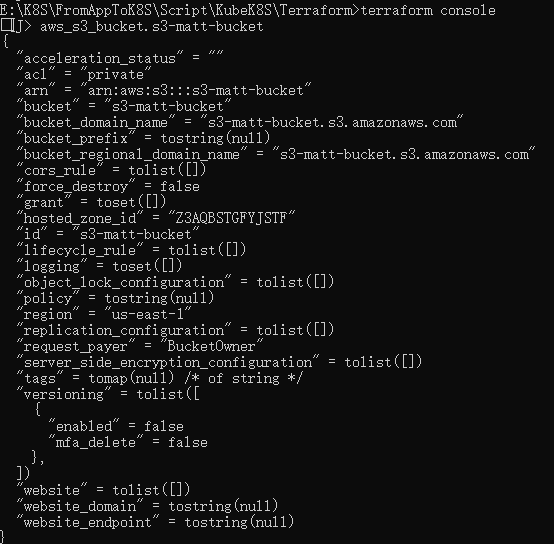
 Using terraform console for query
 

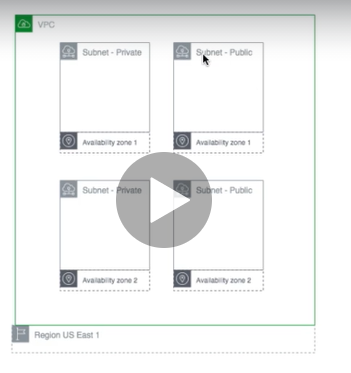
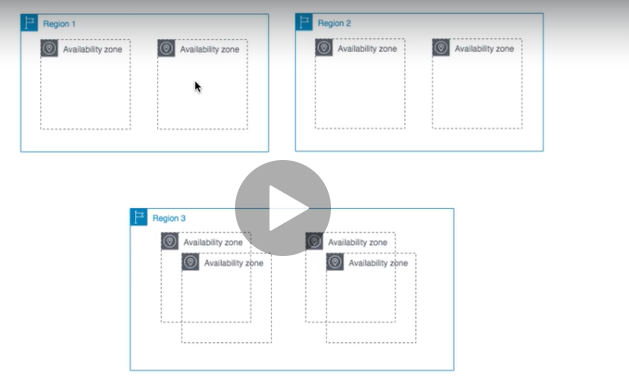
 AWS Region - Availability Zone - VPC (Virtual private cloud)

1 Region -  1 VPC - Mutltiple AZ
 

 Use terraform to create EC2 instance

Firstly collect all required info

 Region - us-east-1

vpc-id:vpc-b040eecd

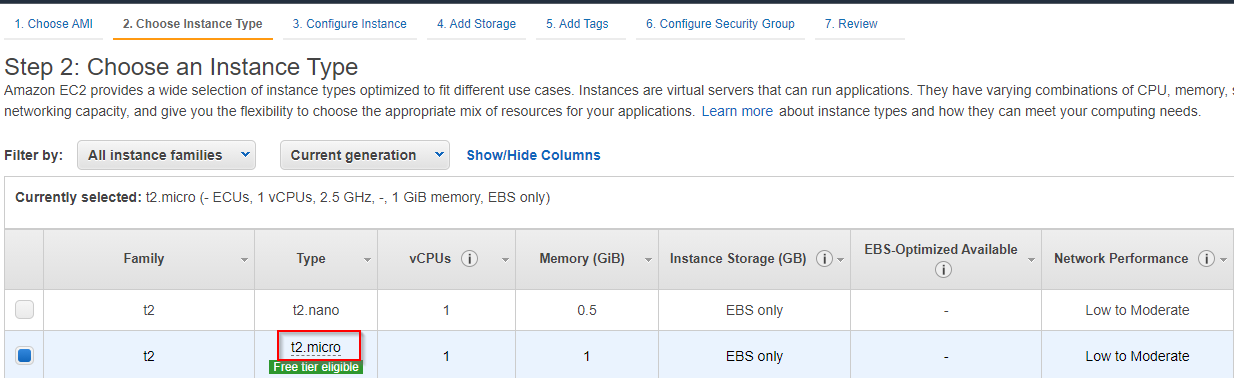
instance type: 

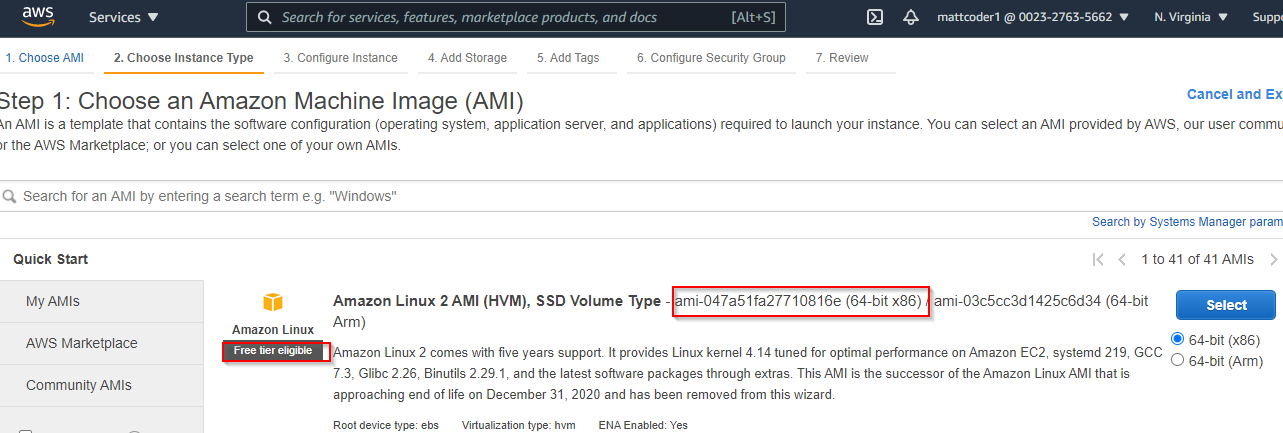
     Amazone Machine Image (AMI):  ami-047a51fa27710816e

     Type:t2.micro


variable "aws_keyfile" {
  default = "E:/K8S/FromAppToK8S/Script/KubeK8S/TerraformEC2/http_server_key.pem"
}

provider "aws" {
   region = "us-east-1"
   access_key = "AKIA***"
   secret_key = "hMHx***"
}

resource "aws_default_vpc" "default" {

}

resource "aws_security_group" "http_server_sg" {
  name = "http_server_sg"
  //vpc_id = "vpc-c49ff1be"
  vpc_id = aws_default_vpc.default.id

  ingress {
    from_port   = 80
    to_port     = 80
    protocol    = "tcp"
    cidr_blocks = ["0.0.0.0/0"]
  }

  ingress {
    from_port   = 22
    to_port     = 22
    protocol    = "tcp"
    cidr_blocks = ["0.0.0.0/0"]
  }

  egress {
    from_port   = 0
    to_port     = 0
    protocol    = -1
    cidr_blocks = ["0.0.0.0/0"]
  }

  tags = {
    name = "http_server_sg"
  }
}


 resource "aws_instance" "http_server" {
     ami = "ami-047a51fa27710816e" 
     key_name = "http_server_key"
     subnet_id = "subnet-2d124523"
     instance_type = "t2.micro"
     vpc_security_group_ids = [ aws_security_group.http_server_sg.id ]
     user_data     = <<-EOF
                  #!/bin/bash
                  sudo su
                  yum -y install httpd
                  echo "<p> My Instance!</p>" >> /var/www/html/index.html
                  sudo systemctl enable httpd
                  sudo systemctl start httpd
                  EOF
    connection {
      private_key = (var.aws_keyfile.default)
      type = "ssh"
      host = self.public_ip
      user = "ec2-user"
    }


 }


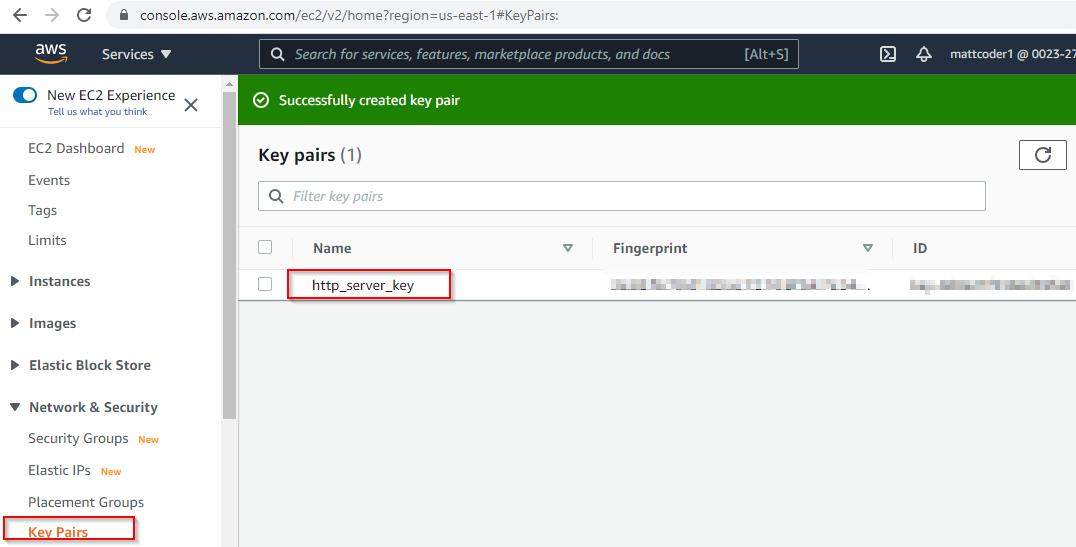
 Generate a key pair for EC2 that is going to be created
 

posted on 2026-01-17 11:14  Matt Yeung  阅读(0)  评论(0)    收藏  举报