
Gitlab命令
1.在gitlab创建空仓库
2.给gitlan设置ssh key
ssh-keygen -t ed25519 -C "email@example.com"默认在C:\Users\HP\.ssh\id_ed25519.pub

3.上传代码,命令如下:
git config --global user.name "XXXX"
git config --global user.email "fanjm@XXXX.com"
gitlab
cd existing_folder
git init
git config core.autocrlf false
git remote add origin ssh://git@gitlab.XXXX.com:10022/zhejiang/XXXX.git
git add .
git commit -m "Initial commit"
git push -u origin master
4.在IDEA安装gitlab插件
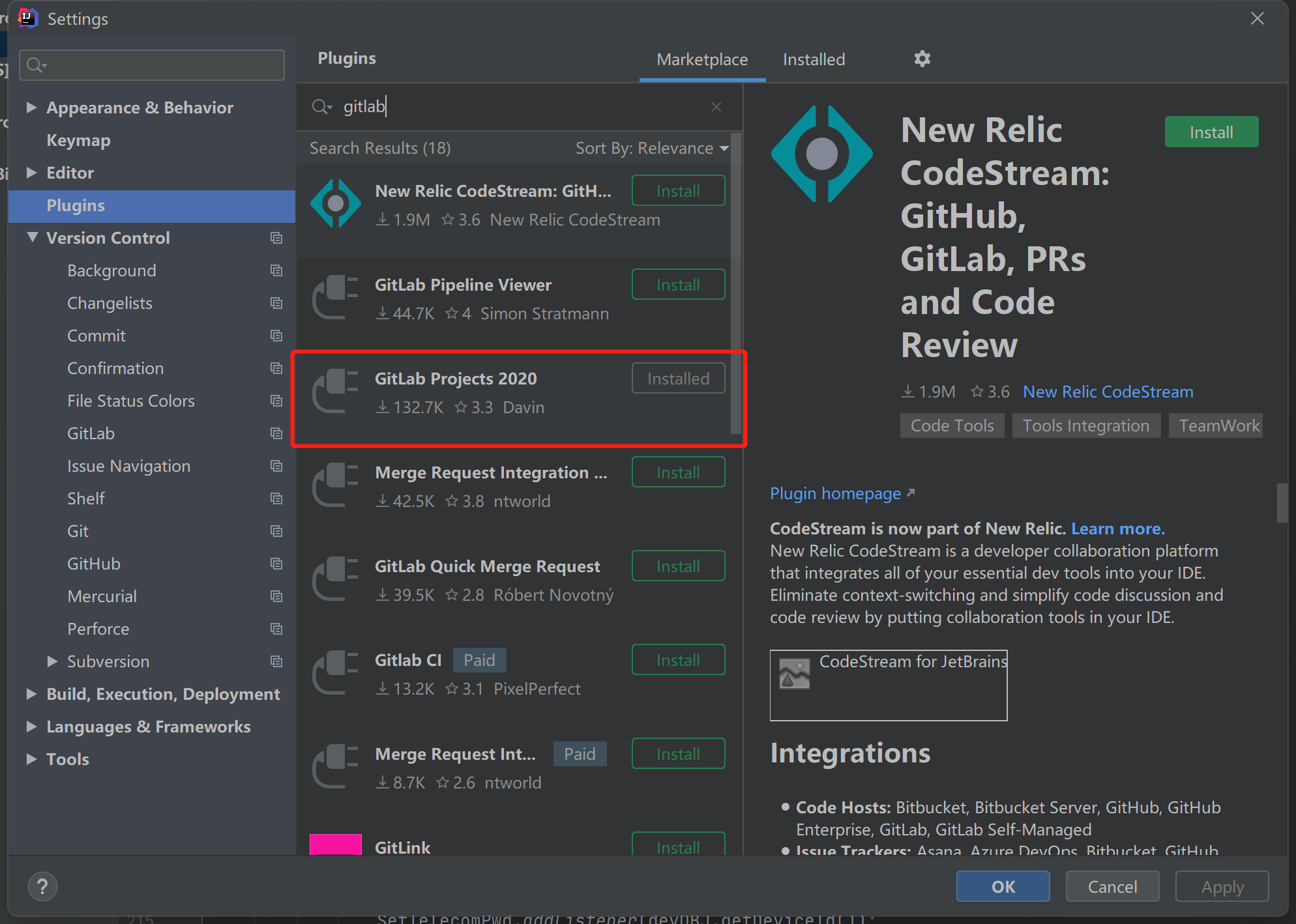
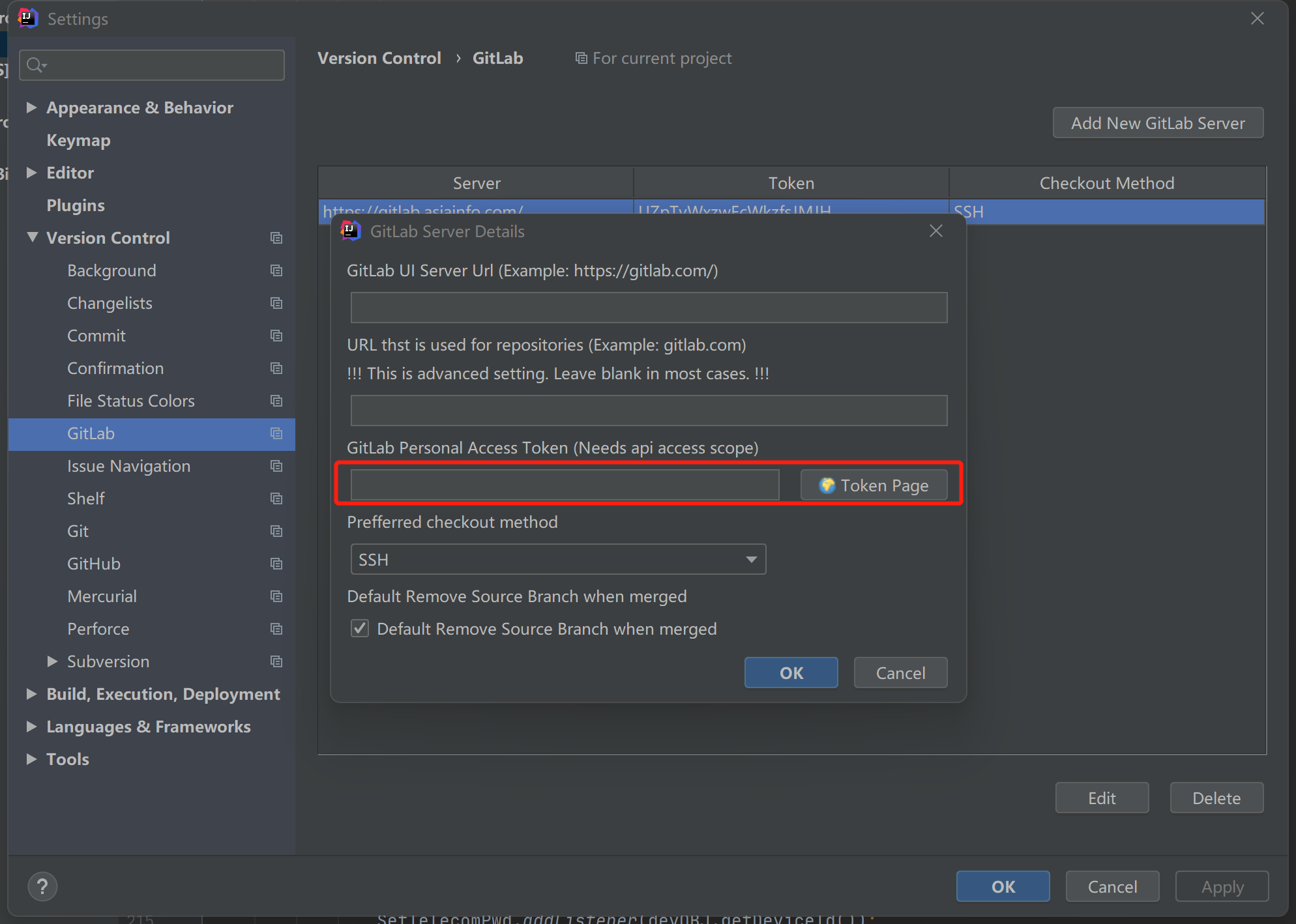
5.IDEA添加gitlab账号
其中token需要在gitlab站点添加访问令牌

6.CSV get from
6.commit与push

 浙公网安备 33010602011771号