


第二次作业
一、 实验名称:计算器软件用户登录系统
二、 实验目的:1.掌握软件开发的基本流程
2.掌握常用的软件开发方式和工具
三、实验内容:设计一个包含登录界面的计算器软件,该软件可以实现第一次作业中的全部功能,同时可以保存用户的历史计算记录,数据使用数据库保存
三、 实验环境:pycharm,mysql,visio
四、 实验步骤:
(一)流程图
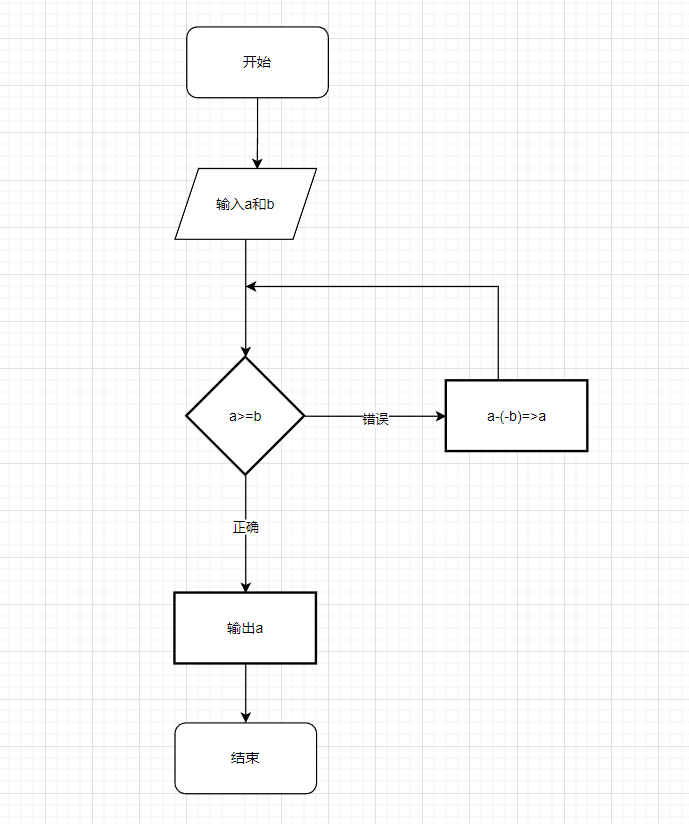
1、计算器运算流程图
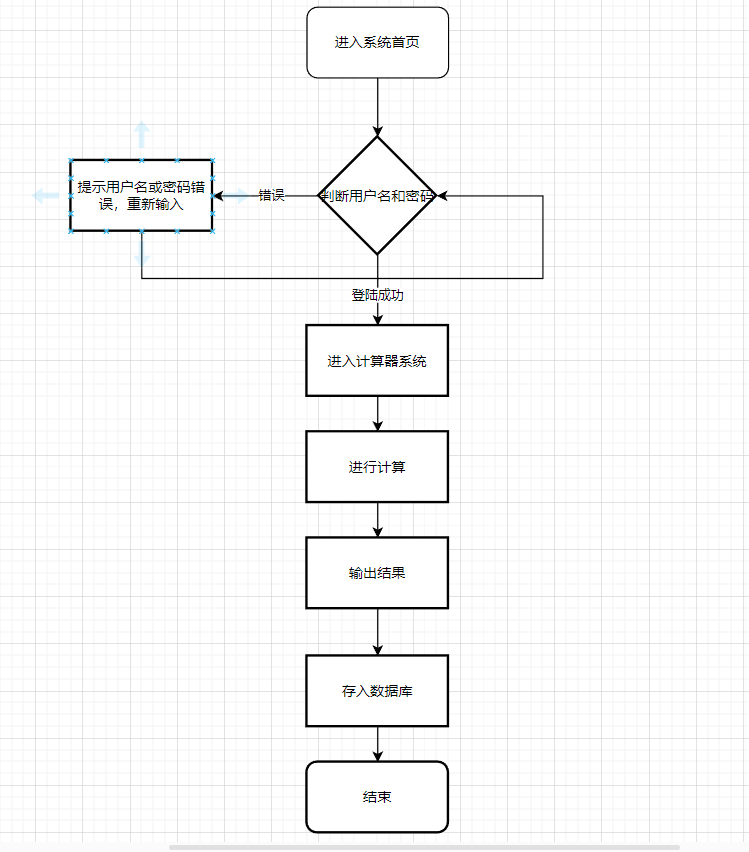
2、登录系统流程图如图所示:
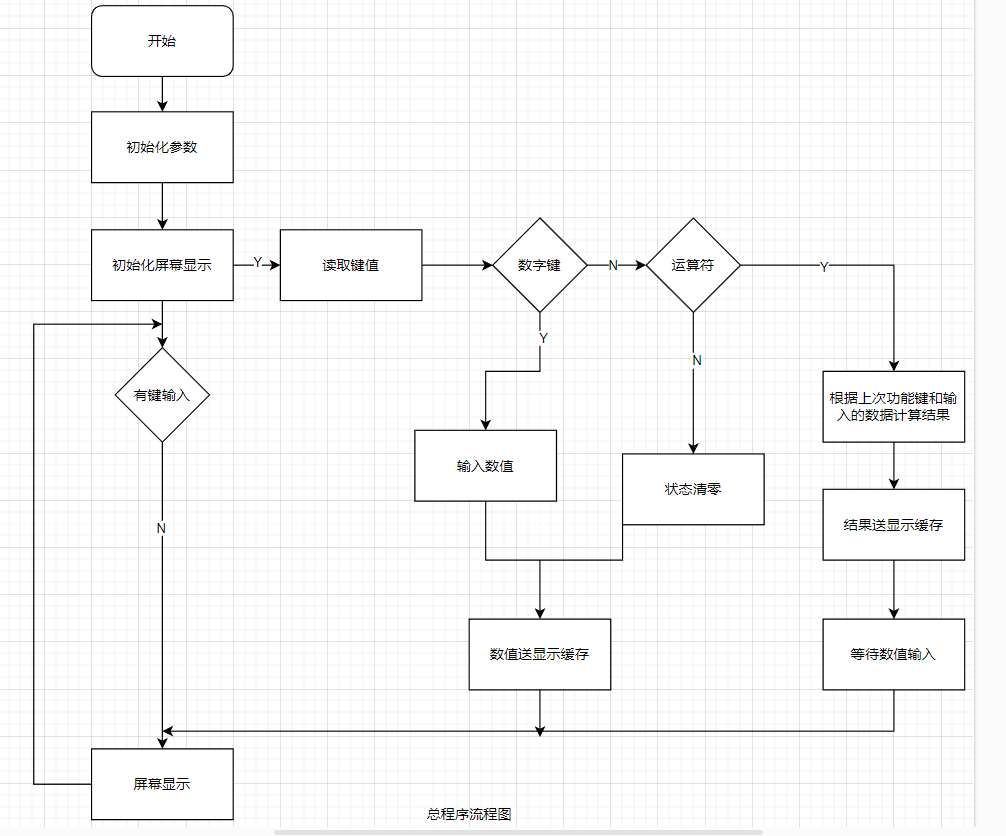
3、总程序流程图如图所示:
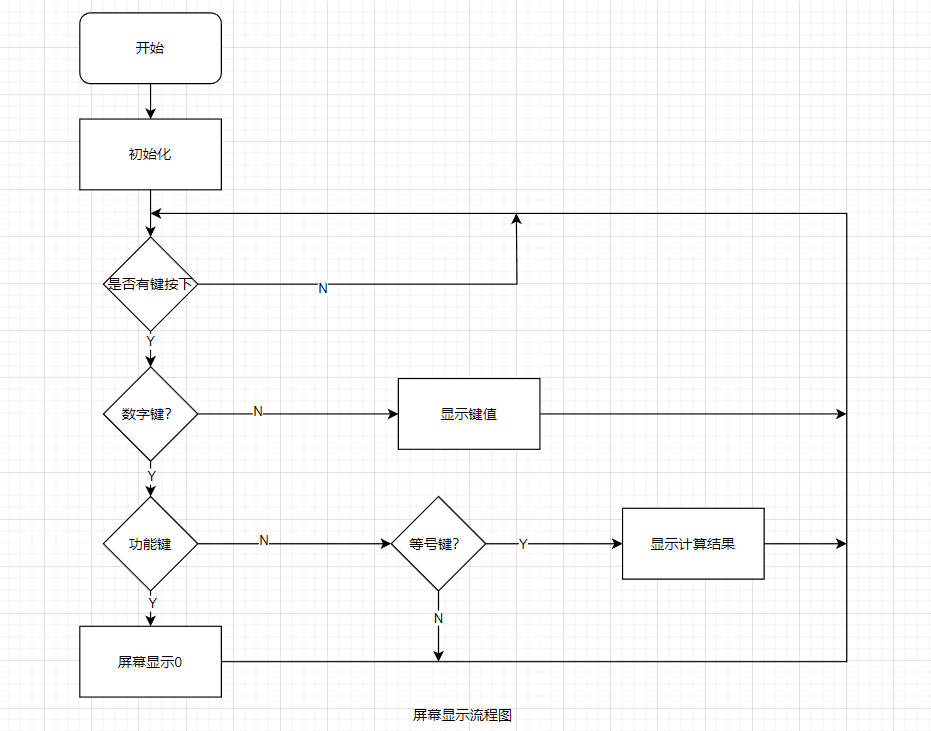
4、屏幕显示流程图如图所示:
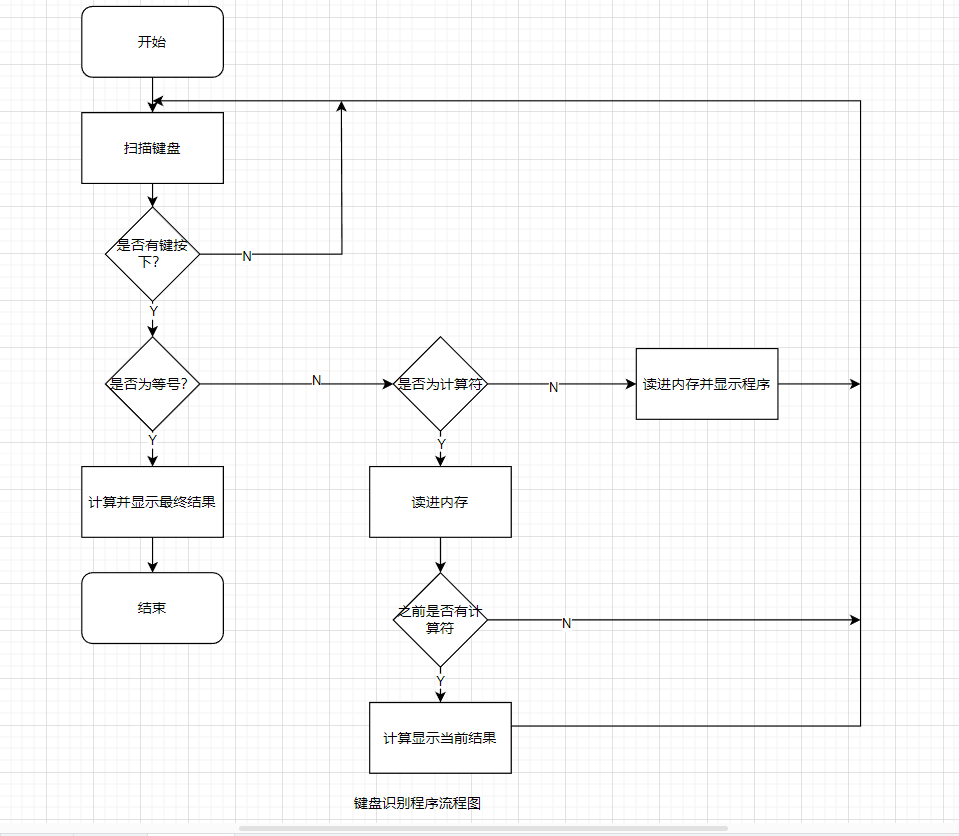
5、键盘识别流程图如图所示:
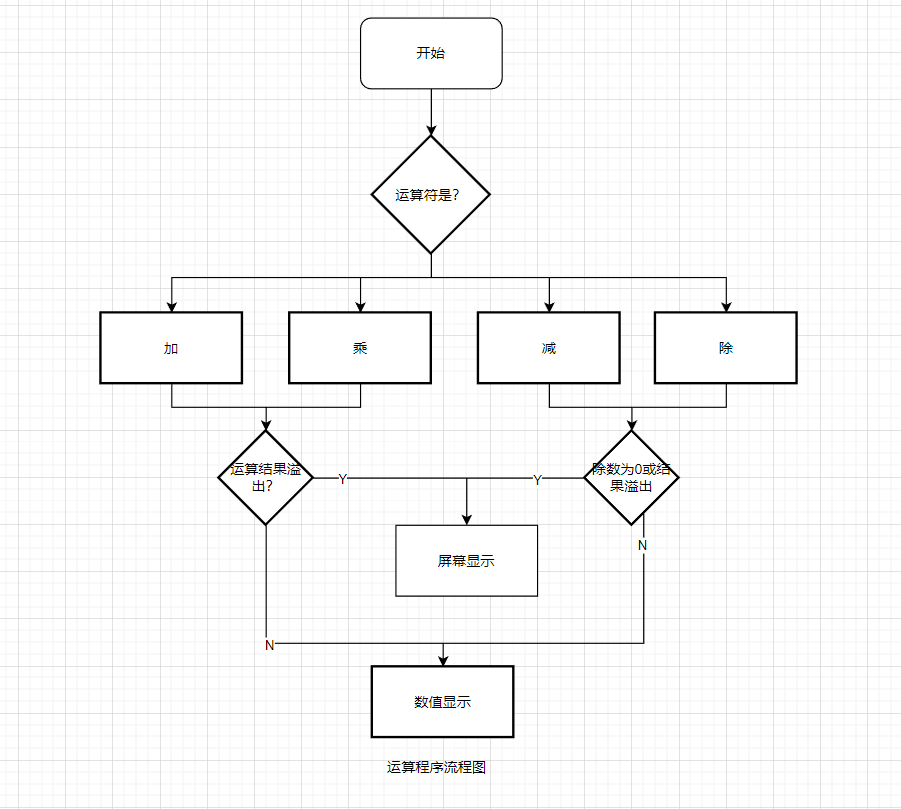
6、运算程序流程图如图所示:
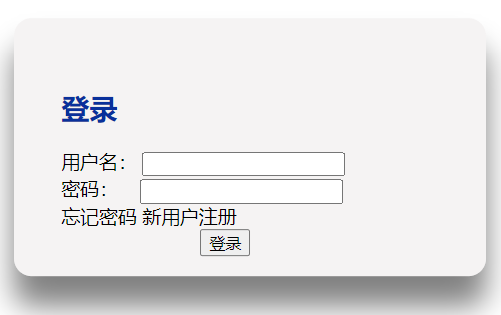
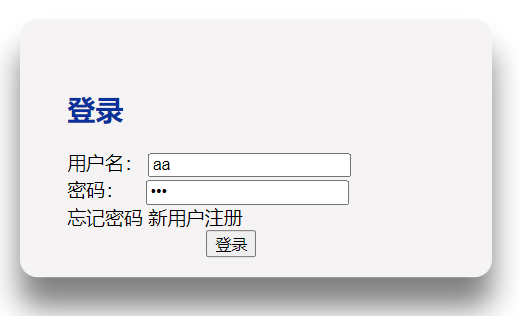
(二)用户登录界面:
(三)计算器运行结果
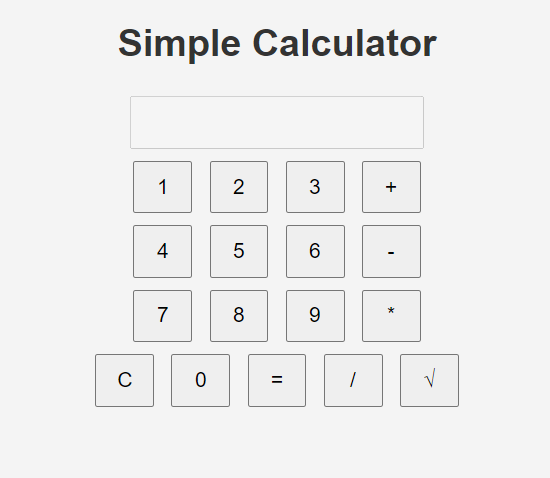
1.加法:
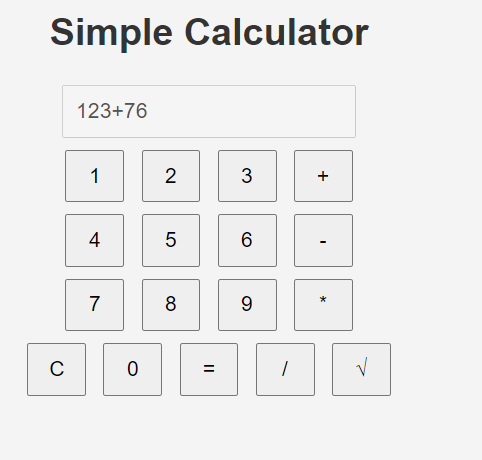
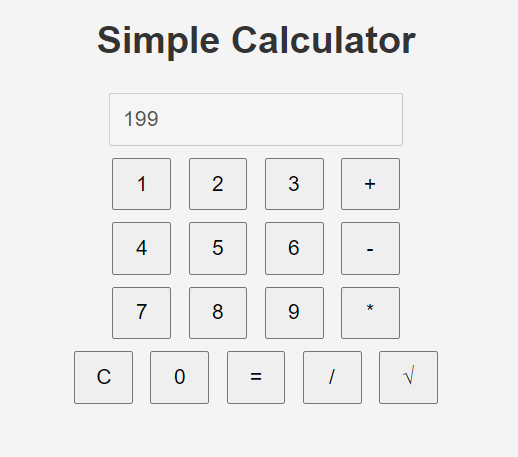
2.减法
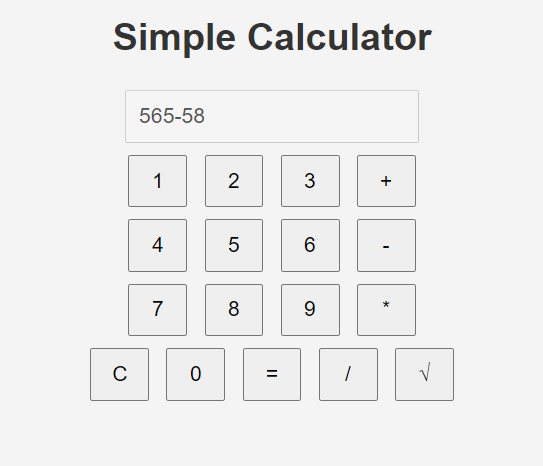
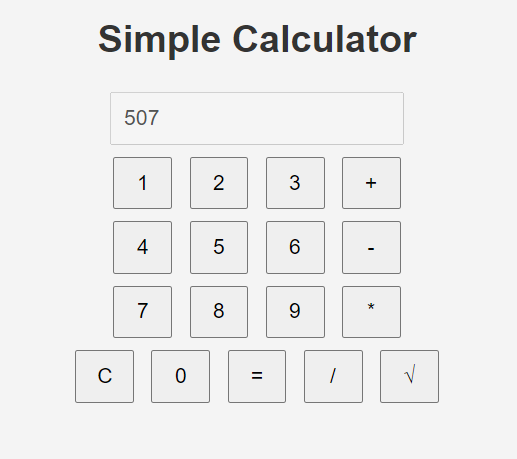
3.乘法
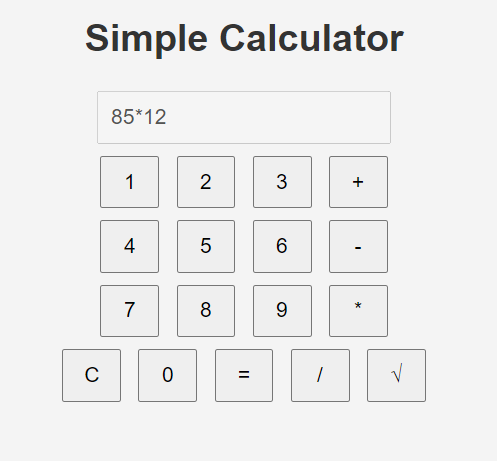
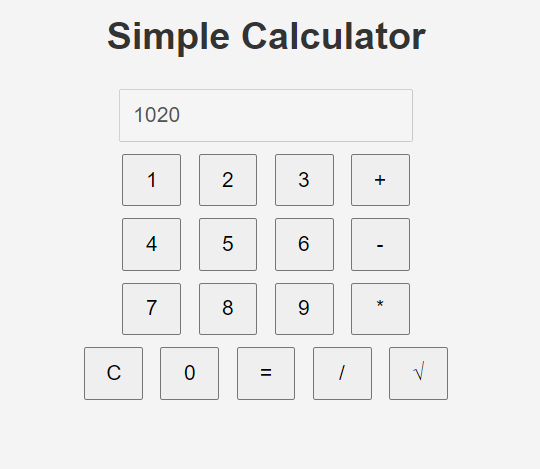
4.除法:
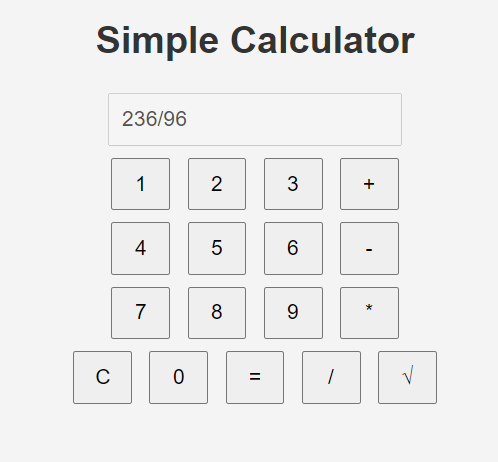
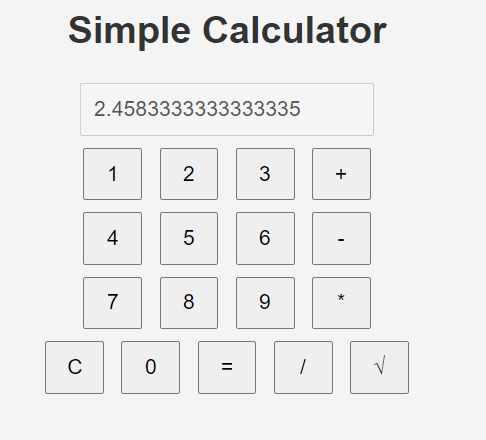
5.开方
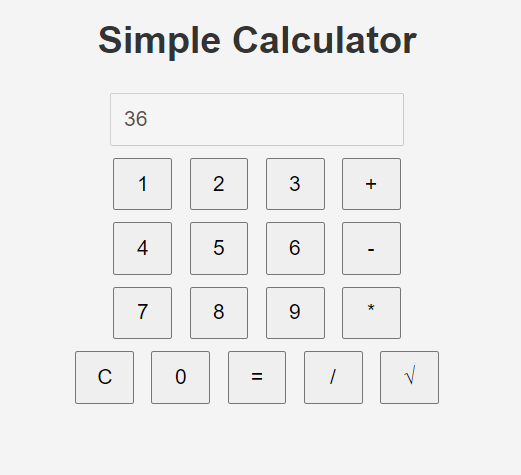
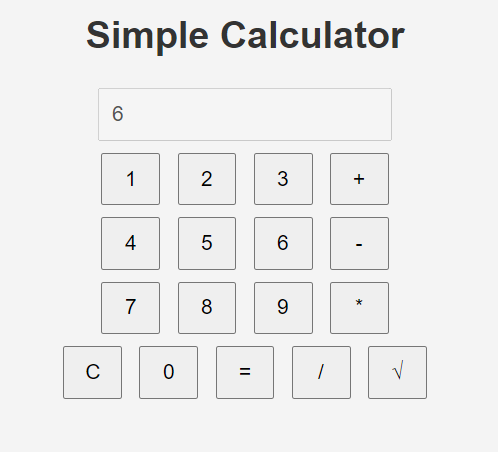
(四)数据库连接
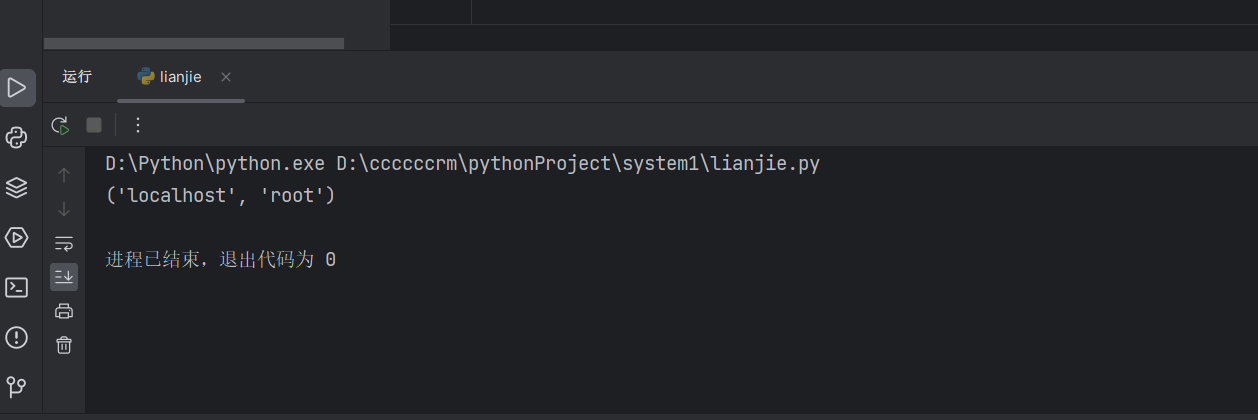
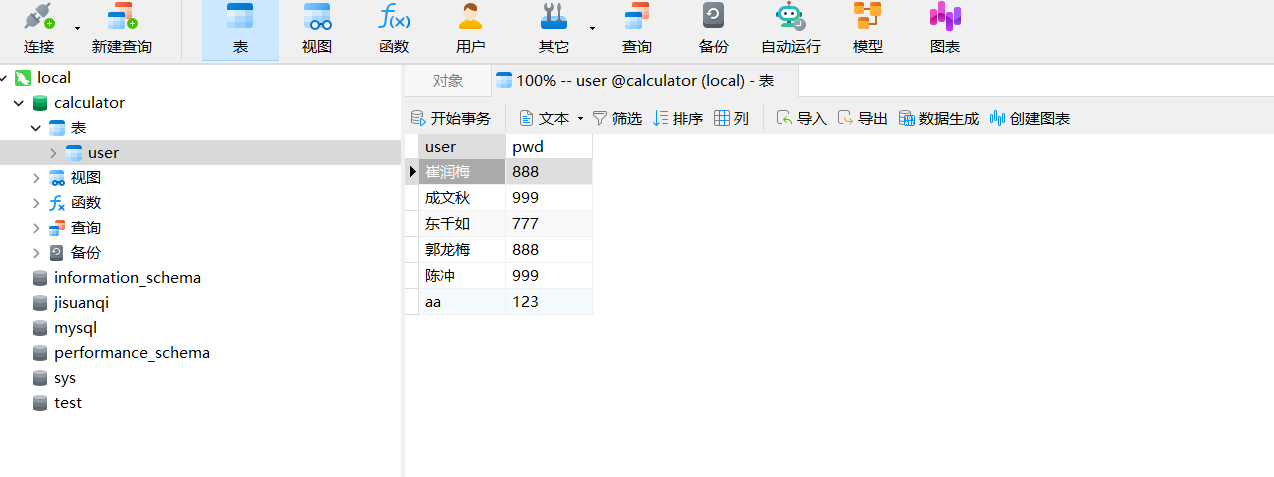
(五)用户信息
五、代码部分
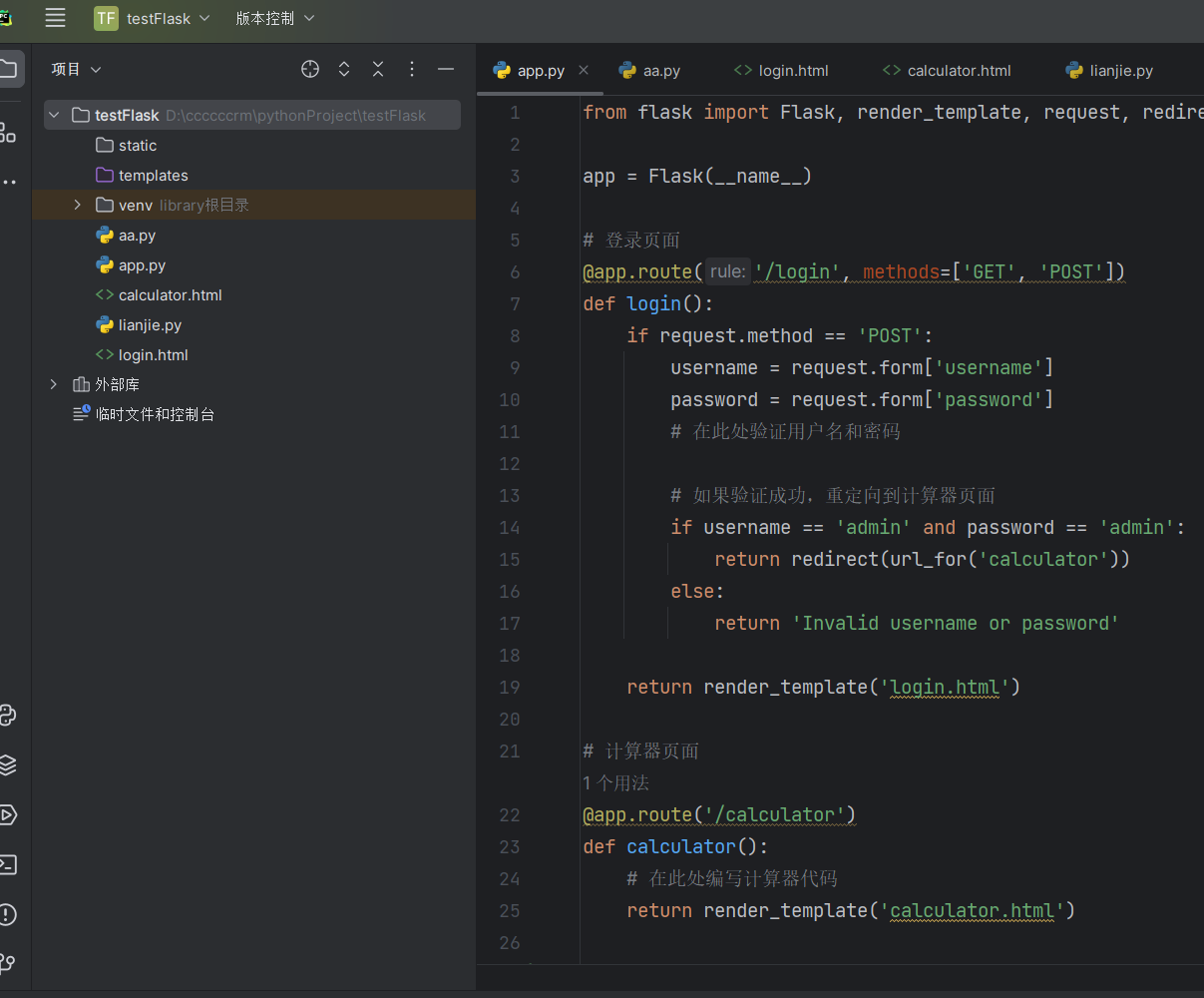
全部代码截图:
login.html
<!DOCTYPE html> <html lang="en"> <head> <meta charset="UTF-8"> <meta http-equiv="X-UA-Compatible" content="IE=edge"> <meta name="viewport" content="width=device-width, initial-scale=1.0"> <title>Document</title> <style> table{ width:1300px ; height: 100px; margin: 0 auto; } a{ color: rgb(240, 253, 255)249, 255); } .box{ width: 400px; padding: 40px; position: absolute; top:50%; left: 50%; transform: translate(-50%,-50%); background: rgba(235, 231, 231, 0.5); box-sizing: border-box; box-shadow: 0px 25px 25px rgb(0,0,0,.5); border-radius: 15px; } h2{ color: rgb(9, 48, 155); } </style> </head> <body background="imges\背景.jpg" > <nav> <table> <tr> <th>Welcome</th> <th>View</th> <th>About</th> <th>Join</th> </tr> </table> </nav> <div class="box"> <h2> 登录</h2> <form> <div class="inputbox"> <label>用户名:</label> <input type="text" name=" " required=""/> </div> <div class="inputbox"> <labe>密码: </labe> <input type="password" name=" " required=""/> </div> <div> 忘记密码 新用户注册 </div> <input type="submit" name=" " value="登录" style="position: absolute;right: 50%;"> </form> </div> </body> </html>
app.py
from flask import Flask, render_template, request, redirect, url_for

app = Flask(__name__)

# 登录页面
@app.route('/login', methods=['GET', 'POST'])
def login():
    if request.method == 'POST':
        username = request.form['username']
        password = request.form['password']
        # 在此处验证用户名和密码

        # 如果验证成功,重定向到计算器页面
        if username == 'admin' and password == 'admin':
            return redirect(url_for('calculator'))
        else:
            return 'Invalid username or password'

    return render_template('login.html')

# 计算器页面
@app.route('/calculator')
def calculator():
    # 在此处编写计算器代码
    return render_template('calculator.html')

if __name__ == '__main__':
    app.run()
calculator.html
<!DOCTYPE html>
<html lang="en">
<head>
    <meta charset="UTF-8">
    <meta name="viewport" content="width=device-width, initial-scale=1.0">
    <title>Calculator</title>
    <style>
        body {
            font-family: Arial, sans-serif;
            background-color: #f4f4f4;
            text-align: center;
        }
        h1 {
            color: #333;
        }
        input[type="text"], input[type="button"] {
            padding: 10px;
            margin: 5px;
            font-size: 18px;
        }
        input[type="button"] {
            width: 50px;
            cursor: pointer;
        }
    </style>
</head>
<body>
    <h1>Calculator</h1>
    <input type="text" id="display" disabled><br>
    <input type="button" value="1" onclick="addToDisplay('1')">
    <input type="button" value="2" onclick="addToDisplay('2')">
    <input type="button" value="3" onclick="addToDisplay('3')">
    <input type="button" value="+" onclick="addToDisplay('+')"><br>
    <input type="button" value="4" onclick="addToDisplay('4')">
    <input type="button" value="5" onclick="addToDisplay('5')">
    <input type="button" value="6" onclick="addToDisplay('6')">
    <input type="button" value="-" onclick="addToDisplay('-')"><br>
    <input type="button" value="7" onclick="addToDisplay('7')">
    <input type="button" value="8" onclick="addToDisplay('8')">
    <input type="button" value="9" onclick="addToDisplay('9')">
    <input type="button" value="*" onclick="addToDisplay('*')"><br>
    <input type="button" value="C" onclick="clearDisplay()">
    <input type="button" value="0" onclick="addToDisplay('0')">
    <input type="button" value="=" onclick="calculate()">
    <input type="button" value="/" onclick="addToDisplay('/')">
    <input type="button" value="√" onclick="squareRoot()"><br>

    <script>
        function addToDisplay(value) {
            document.getElementById('display').value += value;
        }

        function clearDisplay() {
            document.getElementById('display').value = '';
        }

        function calculate() {
            let expression = document.getElementById('display').value;
            let result = eval(expression);
            document.getElementById('display').value = result;
        }

        function squareRoot() {
            let value = document.getElementById('display').value;
            let result = Math.sqrt(parseFloat(value));
            document.getElementById('display').value = result;
        }
    </script>
</body>


</html>
aa.py
import pymysql
from app import hello_login
pymysql.install_as_MySQLdb()
connection = pymysql.connect(host='127.0.0.1', user='root', passwd="123456", db='caculator',charset='utf8')
cursor = connection.cursor()

sql="insert into user(name,pwd) values('aa', '12346');"

cursor.execute(sql)
cursor.execute("select * from user1")
for r in cursor:
    print(r)

connection.commit()
cursor.close()
lianjie.py
import pymysql


conn = pymysql.connect(host='127.0.0.1', user='root',charset='utf8',passwd="123456", db='mysql')
cur = conn.cursor()
cur.execute("SELECT Host,User FROM user")
for r in cur:
    print(r)
cur.close()
conn.close()

 浙公网安备 33010602011771号