

React坑(一):解决使用 <NavLink to="/home1" activeClassName="selected"> 中选中样式不生效报错
源码:
<NavLink to="/home1" activeClassName="selected"> 主页一</NavLink>
        <NavLink activeStyle={{
            fontWeight: 'bold',
            color: 'red'}}
          to="/home2"> 主页二
        </NavLink>
报错:
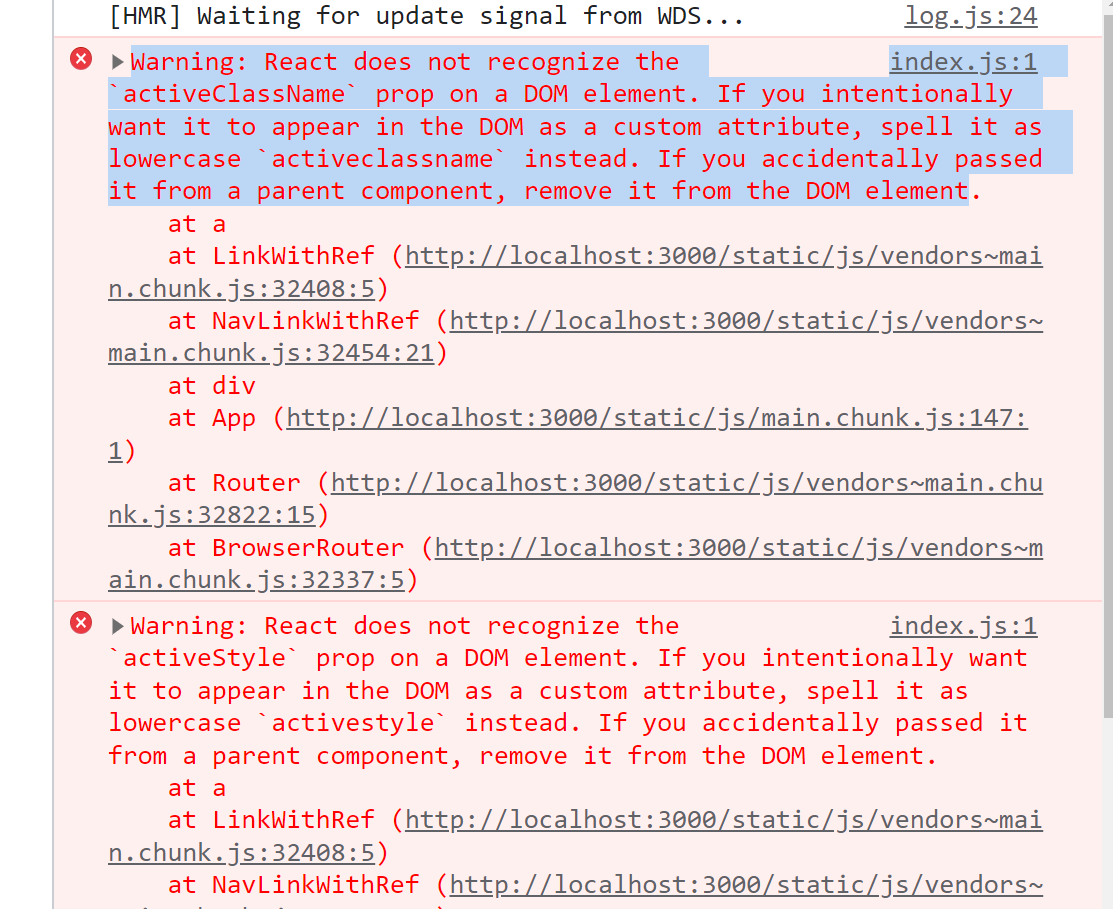
index.js:1 Warning: React does not recognize the `activeClassName` prop on a DOM element. If you intentionally want it to appear in the DOM as a custom attribute, spell it as lowercase `activeclassname` instead. If you accidentally passed it from a parent component, remove it from the DOM element.
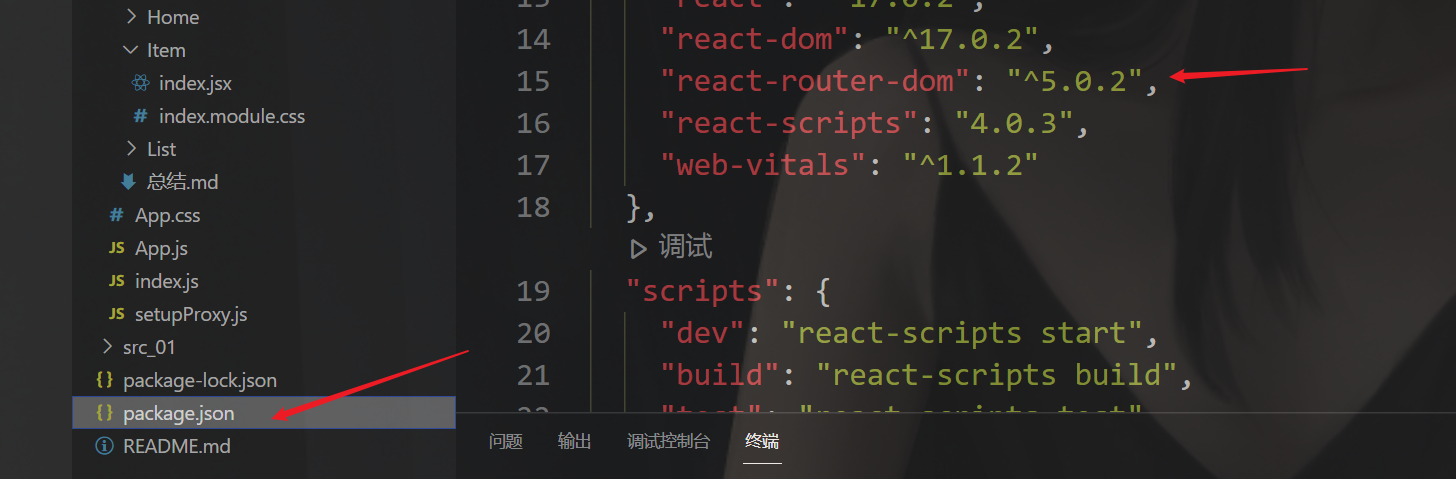
首先检查你的版本:
v6以上版本 都会报这个错,改回v5就行,同时如果使用<Routes>请删除,这个时v6的属性

 浙公网安备 33010602011771号