第一天-初识Go语言
安装VScode编辑器
通过gomod管理项目,
1.创建目录
2.进入目录
go mod init week1
vscode 打开week1目录
package main

import "fmt"

func main() {
	fmt.Println("hello\ngolang\n你好")
}
第一行首先要写:packege main
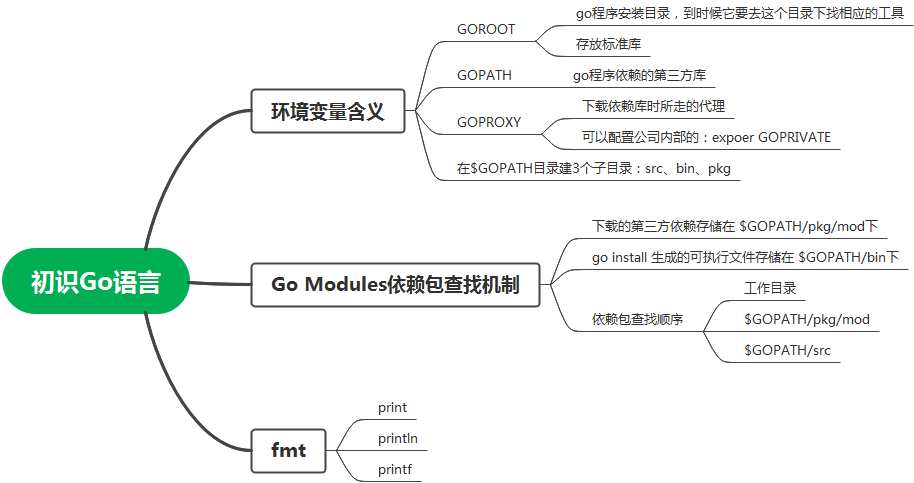
然后写import,这里是import一个包。fmt是一个包,多个包可以写小括号,每个包一行
然后是main函数,
Println 添加一个换行符
可以自己在结尾加\n
写成print,则结尾不换行
printf 格式化输出,通常与%d连用
package main

import (
    "fmt"
)
func main() {
	fmt.Print("hello\ngolang\n你好")
}
ctrl + s 把不需要的包移除
ctrl+ ~  调出终端
执行
go run .\hello.go
package main

import "fmt"

func main() {
    fmt.Print("hello\ngolang\n你好\n")
    fmt.Printf("Hello %d\n", 6666)
    fmt.Printf("Hello %d", 6666)
}

 浙公网安备 33010602011771号