
问题描述
已经创建反馈:https://aka.ms/AAxorw5
具体问题如下:
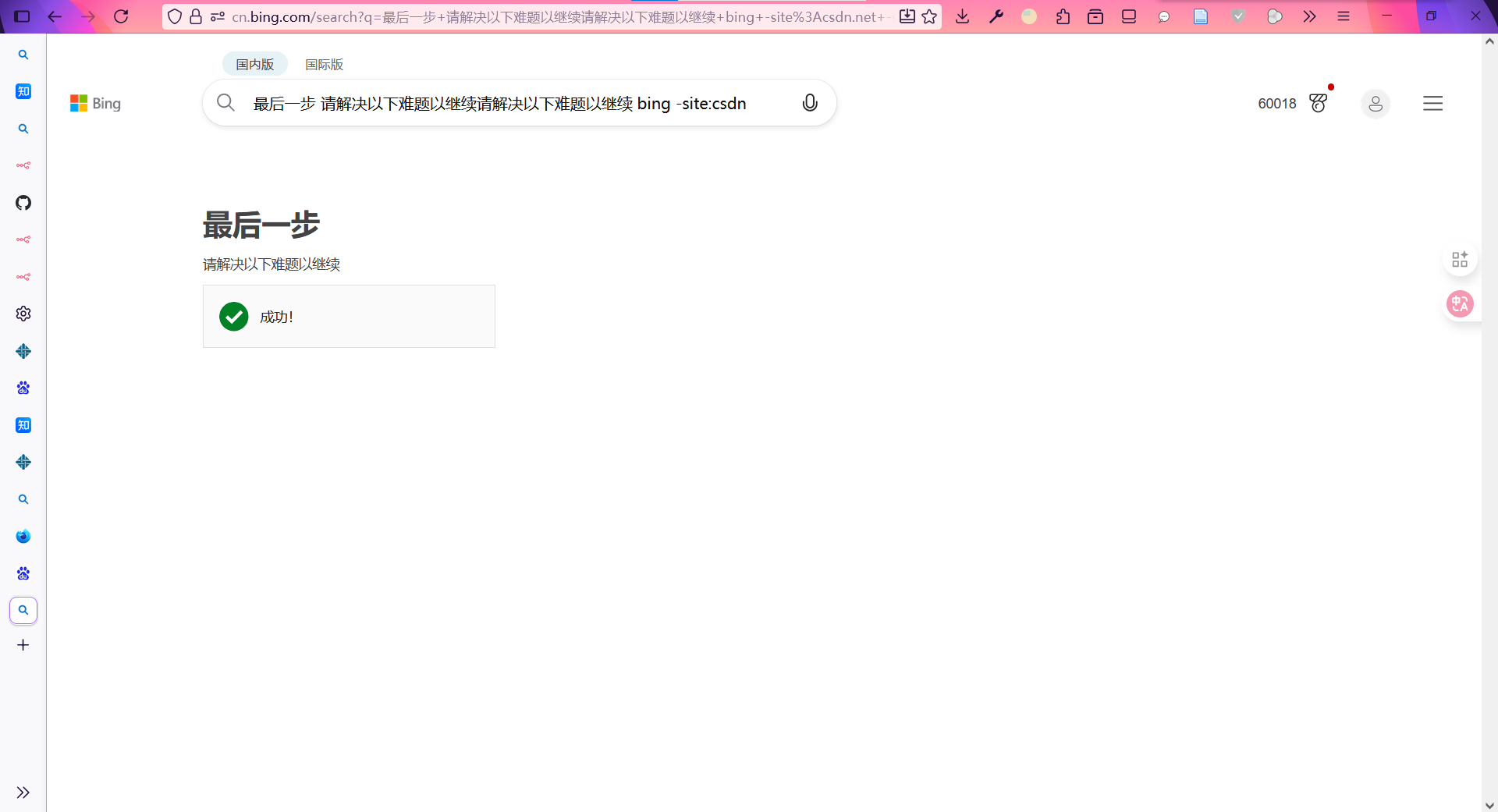
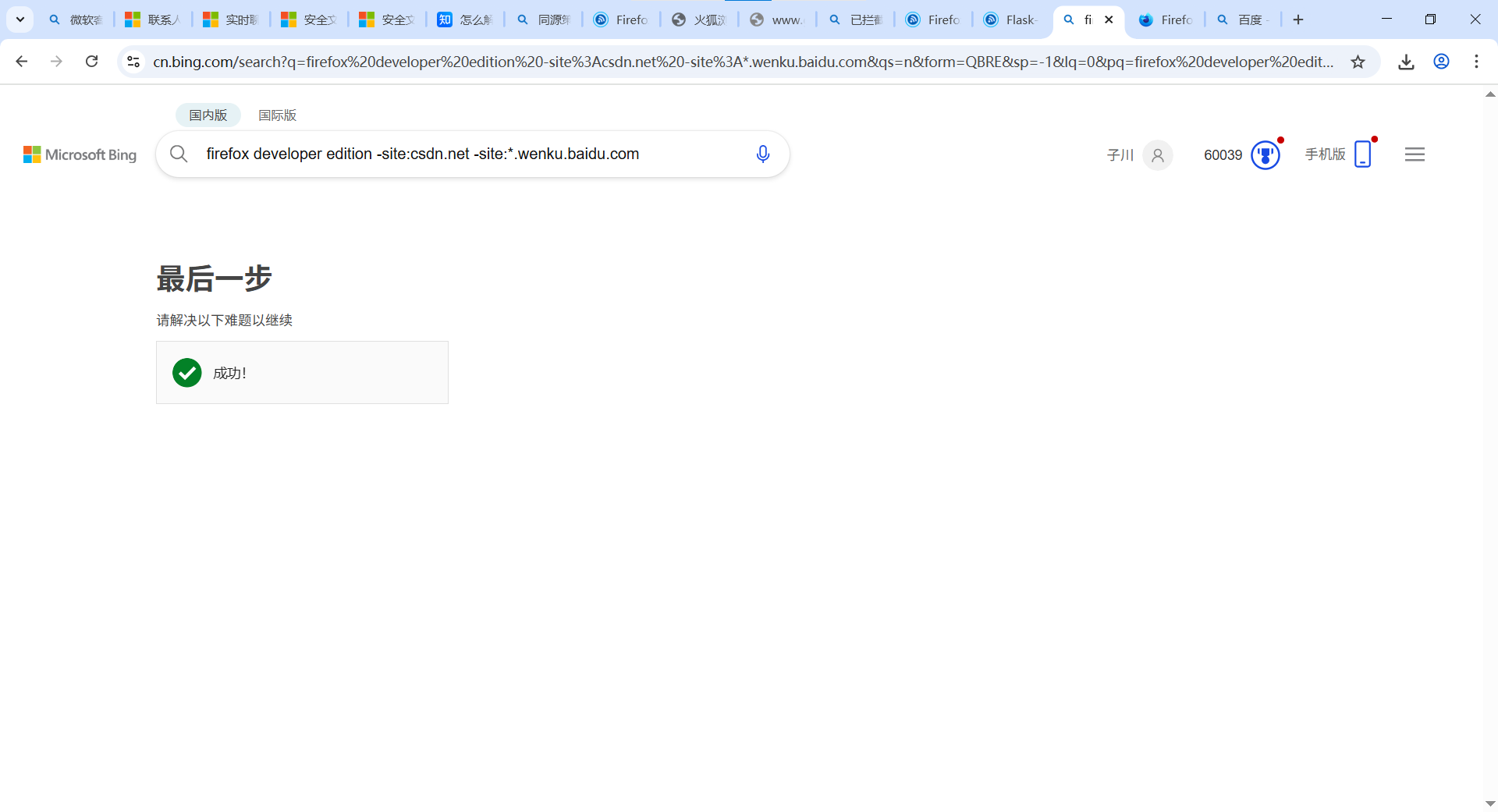
在浏览器中(chrome、firefox)中修改默认搜索引擎加入使用过滤器的选项会导致触发bing的人机验证,但关键是人机验证无法通过
显示:
已拦截跨源请求:同源策略禁止读取位于
确认您是真人
在点击了 选框之后显示成功,但是搜索界面并没有进行跳转
如图所示
打开控制台选项之后会发现以下报错:
火狐:
已拦截跨源请求:同源策略禁止读取位于 https://www.bing.com/challenge/verify?partner=7&token=xxxxx
chrome:
Access to fetch at 'https://www.bing.com/challenge/verify?partner=7&token=xxxxx‘ from origin 'https://cn.bing.com' has been blocked by CORS policy: No 'Access-Control-Allow-Origin' header is present on the requested resource.
火狐已经在about:config中将security.fileuri.strict_origin_policy设置为false但是不起作用(参考文章 https://www.cnblogs.com/wutou/p/18123311)
清除cookie和网站数据以及页面缓存不起作用
解决方式
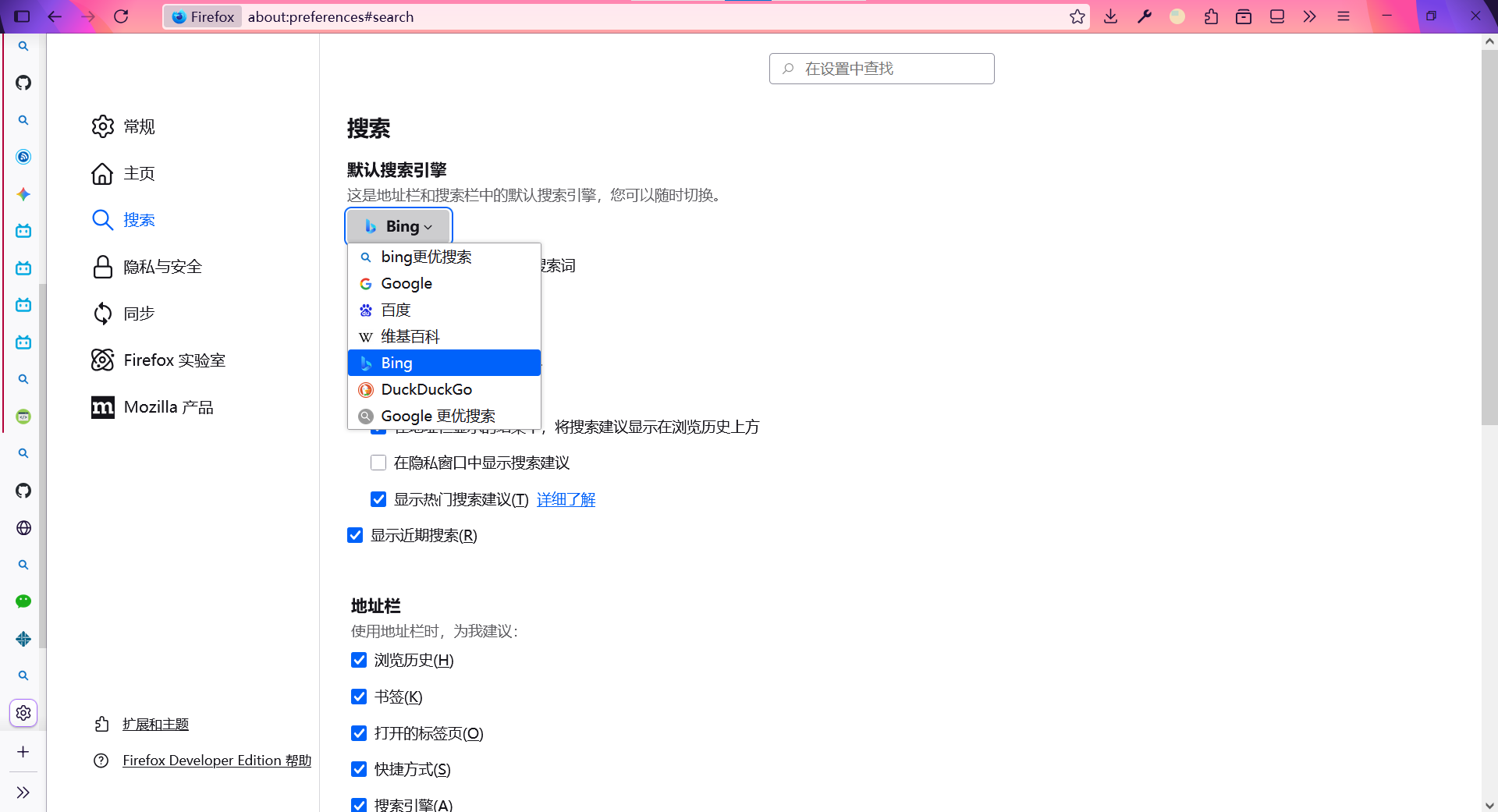
更改默认的搜索引擎,去除每次搜索使用的过滤器。在使用过滤器过多的时候会触发bing反滥用机制。
 posted on

 浙公网安备 33010602011771号