控制流表
dpctl dump-flows //查看流表
dpctl del-flows //删除流表
dpctl add-flows in_port=1,actions=output:2//添加控制流表,从1口进入的数据会从2口出
———————————————————————————————————————————————————————————————————————————————
单台ovs交换机练习扩展
xterm h3 //打开h3终端
tcpdump -n -i h3 -eth0 //在h3上抓包
dpctl add-flow dl_type=0x0806,actions=NORMAL //0806为ARP的数据包
dpctl add-flow dl_dst=00:00:00:00:00:01,actions=output:1 //目的MAC地址为01的主机数据从1号口出
dpctl add-flow dl_dst=00:00:00:00:00:02,actions=output:2
dpctl add-flow dl_dst=00:00:00:00:00:03,actions=output:3
———————————————————————————————————————————————————————————————————————————————
单台ovs交换机练习扩展2
dpctl add-flow dl_type=0x0806,actions=NORMAL
dpctl add-flow dl_type=0x0800,nw_dst=10.0.0.1/32,actions=output:1 //0800为IP的数据包
dpctl add-flow dl_type=0x0800,nw_dst=10.0.0.2/32,actions=output:2 //目的IP地址为0.2的主机数据从2号口出
dpctl add-flow dl_type=0x0800,nw_dst=10.0.0.3/32,actions=output:3
———————————————————————————————————————————————————————————————————————————————
2台ovs交换机4台主机流表
sh ovs-ofctl add-flow s2 in_port=1,actions=output:2
sh ovs-ofctl add-flow s2 in_port=2,actions=output:1
sh ovs-ofctl add-flow s1 dl_dst=00:00:00:00:00:01,actions=output:1
sh ovs-ofctl add-flow s1 dl_dst=00:00:00:00:00:02,actions=output:2
sh ovs-ofctl add-flow s1 dl_dst=00:00:00:00:00:03,actions=output:3
sh ovs-ofctl add-flow s1 dl_dst=00:00:00:00:00:04,actions=output:4
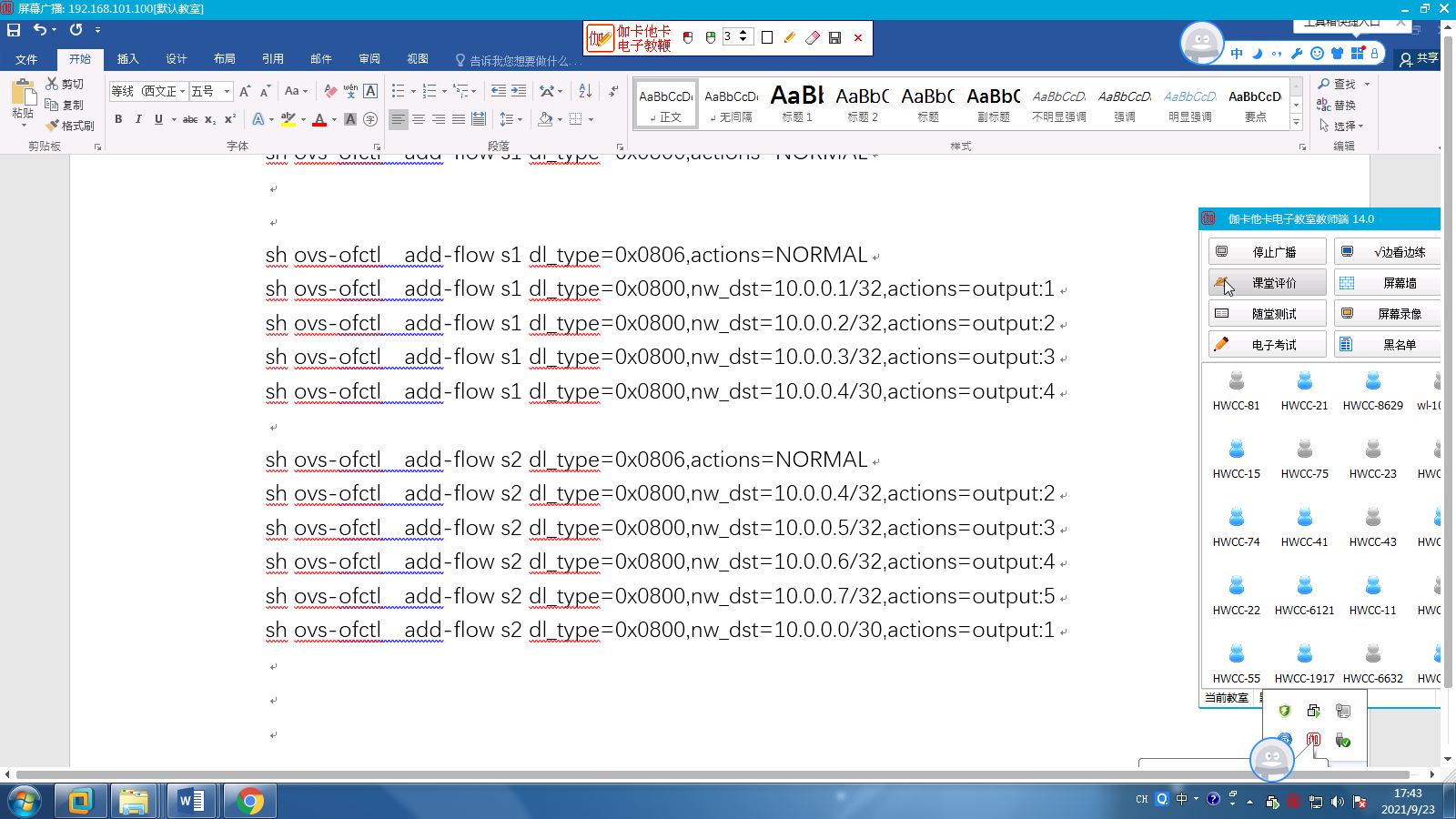
sh ovs-ofctl add-flow s1 dl_type=0x0806,actions=NORMAL
sh ovs-ofctl add-flow s1 dl_type=0x0800,nw_dst=10.0.0.1/32,actions=output:1 //IP的
———————————————————————————————————————————————————————————————————————————————

 浙公网安备 33010602011771号