
Toast自定义
一、创建布局文件
toast.xml
<?xml version="1.0" encoding="utf-8"?>
<LinearLayout xmlns:android="http://schemas.android.com/apk/res/android"
    android:layout_width="wrap_content"
    android:layout_height="wrap_content">
    <TextView
        android:id="@+id/state"
        android:background="@drawable/dialog_bg"
        android:padding="12dp"
        android:textColor="@android:color/white"
        android:layout_width="wrap_content"
        android:layout_height="wrap_content"
        android:textSize="13dp"
        android:text="加载中"/>
</LinearLayout>
二、创建资源文件。
dialog_bg.xml
<?xml version="1.0" encoding="utf-8"?>
<shape xmlns:android="http://schemas.android.com/apk/res/android">
    <solid android:color="#BC000000"/>
    <!-- 设置圆角半径 -->
    <corners android:radius="10dp"/>
</shape>
三、Activity中添加一下方法
    public void showToast(String text){
        View view = getLayoutInflater().inflate(R.layout.toast,null);//引用自定义布局
        ((TextView)view.findViewById(R.id.state)).setText(text);//展示信息
        Toast toast = Toast.makeText(this, text, Toast.LENGTH_LONG);
        toast.setGravity(Gravity.CENTER, 0, 0);//显示位置居中
        toast.setView(view);
        toast.show();
    }
四、调用
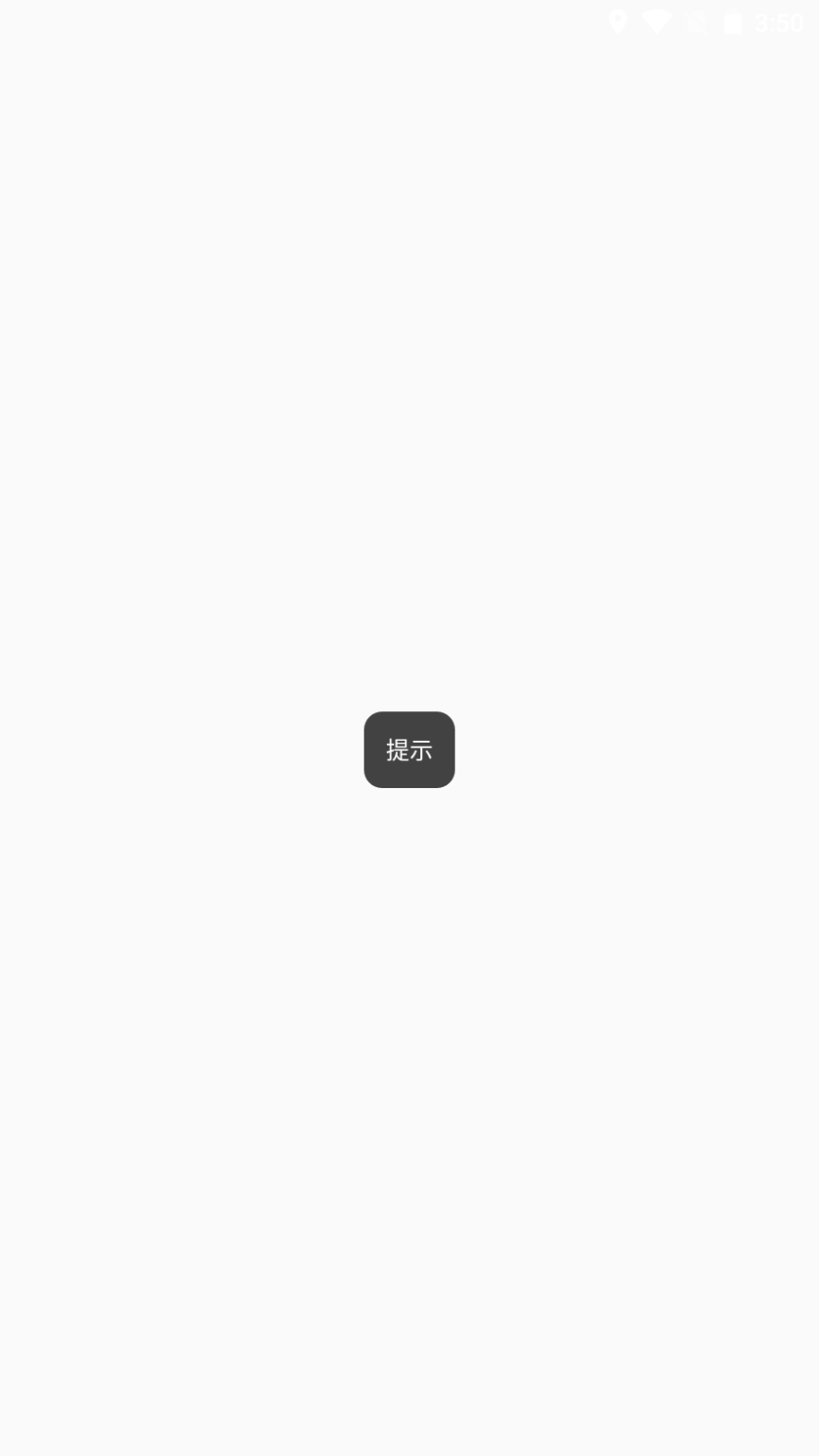
showToast("消息提示");
可新建Activity基类添加此方法,将其他的Activity都继承基类。这样的话所有的界面都可以用了
图示

 浙公网安备 33010602011771号