

kali启动ssh
在 Kali Linux 中启动 SSH 服务的步骤如下:
首先检查 SSH 服务状态:
sudo systemctl status ssh
如果服务未运行,启动 SSH 服务:
sudo systemctl start ssh
为了让 SSH 服务在系统启动时自动运行,执行:
sudo systemctl enable ssh
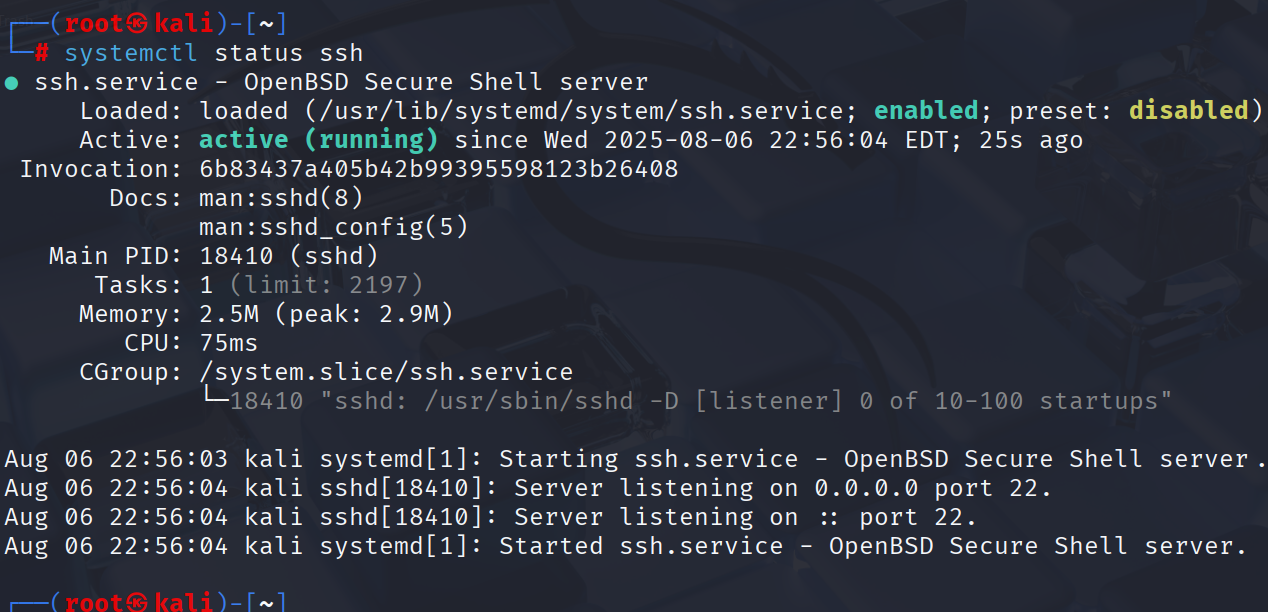
确认 SSH 服务已正确启动:
sudo systemctl status ssh
如果看到 "active (running)" 字样,说明 SSH 服务已成功启动。

 浙公网安备 33010602011771号