uwp学习——Naïve媒体播放器2
github:https://github.com/wuqianwen/MediaPlayer2
一、在线播放
参照:https://docs.microsoft.com/zh-cn/windows/uwp/launch-resume/launch-default-app
private async void launchURI_Click(object sender, RoutedEventArgs e)
{
   // The URI to launch
   var uriBing = new Uri(@"http://www.bing.com");

   // Launch the URI
   var success = await Windows.System.Launcher.LaunchUriAsync(uriBing);

   if (success)
   {
      // URI launched
   }
   else
   {
      // URI launch failed
   }
}
二、下载保存播放
参照:https://docs.microsoft.com/zh-cn/windows/uwp/files/quickstart-save-a-file-with-a-picker
var savePicker = new Windows.Storage.Pickers.FileSavePicker();
savePicker.SuggestedStartLocation =
    Windows.Storage.Pickers.PickerLocationId.DocumentsLibrary;
// Dropdown of file types the user can save the file as
savePicker.FileTypeChoices.Add("Plain Text", new List<string>() { ".txt" });
// Default file name if the user does not type one in or select a file to replace
savePicker.SuggestedFileName = "New Document";
先确定了下载文件以一种什么方式保存本地
再来解决:如何从网上下载下来;
参照:https://docs.microsoft.com/zh-cn/windows/uwp/files/file-access-permissions
using Windows.Storage;
StorageFile file = await StorageFile.GetFileFromApplicationUriAsync("ms-appx:///file.txt");
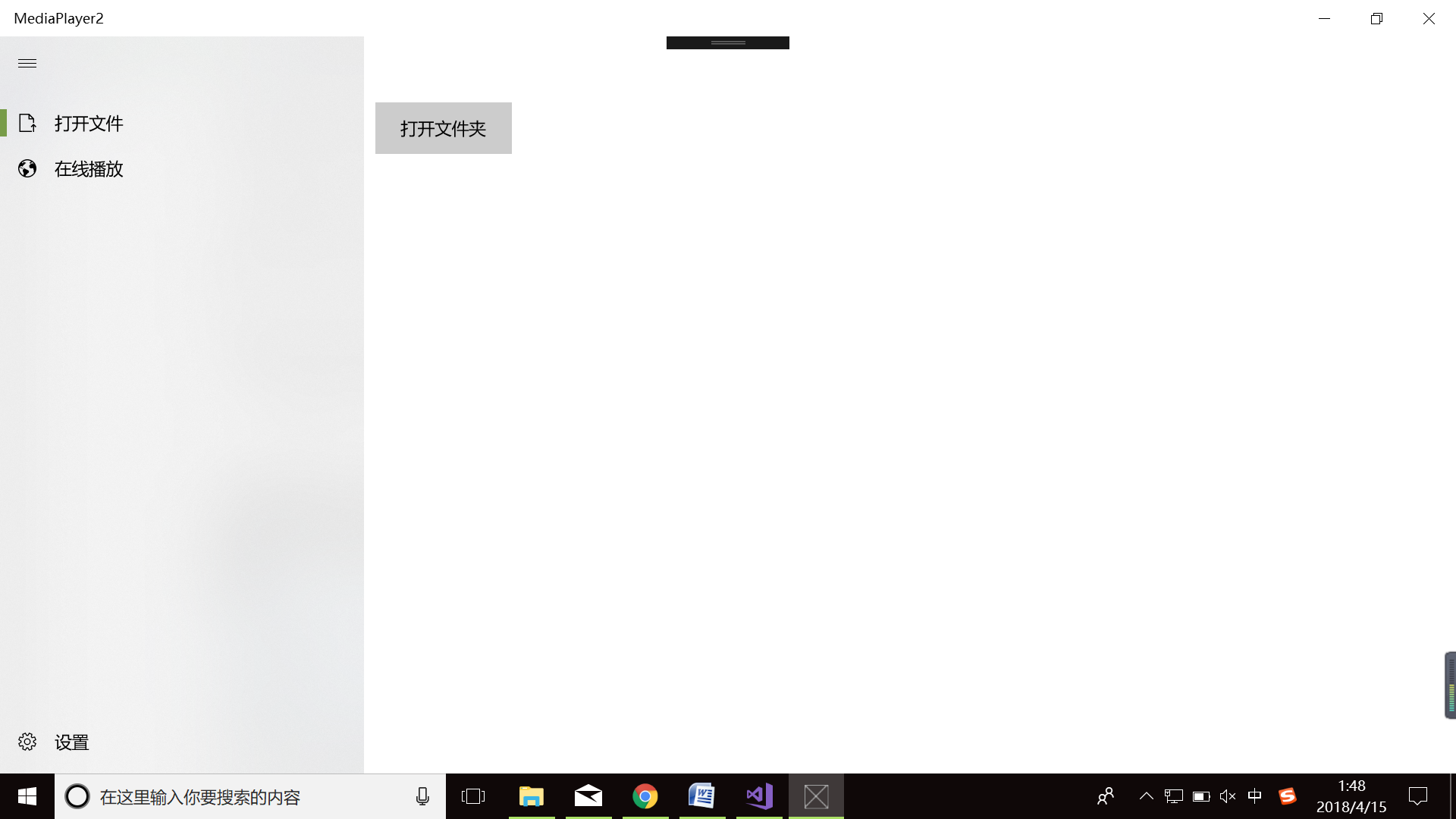
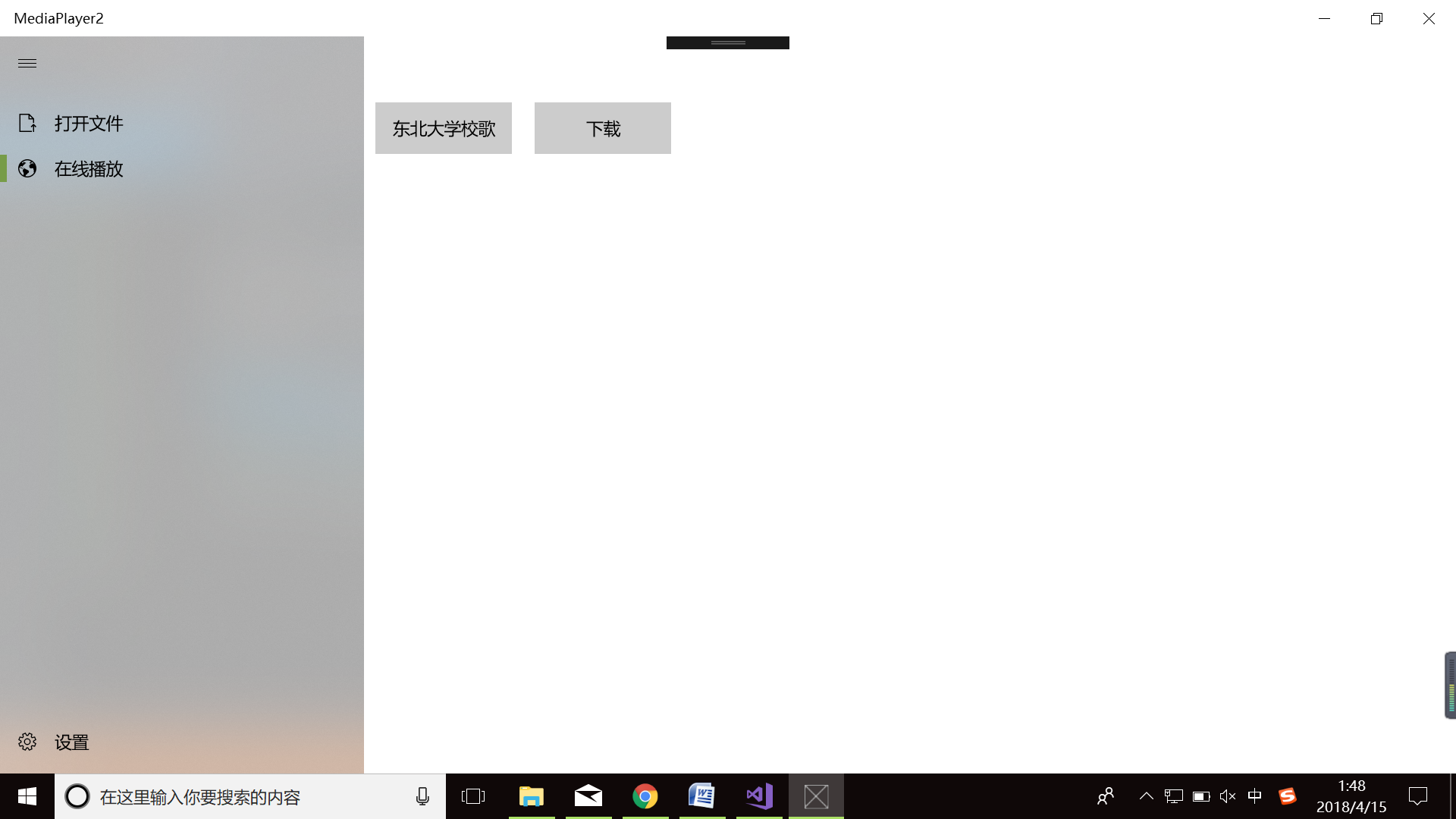
三、除此之外,我在第一次作业的基础上改了一下界面,使用了NavigationView控件,感觉非常nice;


 浙公网安备 33010602011771号