

阿里云短信验证
1.导入所要用的依赖
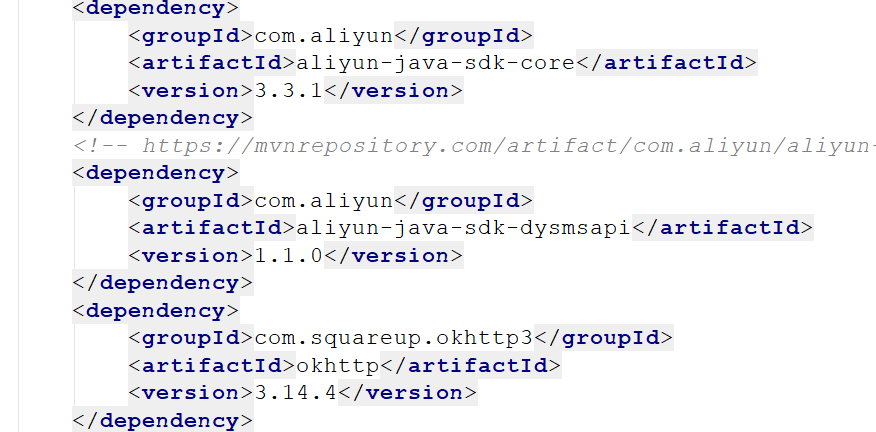
 <dependency>
            <groupId>com.aliyun</groupId>
            <artifactId>aliyun-java-sdk-core</artifactId>
            <version>3.3.1</version>
        </dependency>
        <!-- https://mvnrepository.com/artifact/com.aliyun/aliyun-java-sdk-dysmsapi -->
        <dependency>
            <groupId>com.aliyun</groupId>
            <artifactId>aliyun-java-sdk-dysmsapi</artifactId>
            <version>1.1.0</version>
        </dependency>
        <dependency>
            <groupId>com.squareup.okhttp3</groupId>
            <artifactId>okhttp</artifactId>
            <version>3.14.4</version>
        </dependency>
2.创建sms 短信服务的utils类
import com.aliyuncs.DefaultAcsClient;
import com.aliyuncs.IAcsClient;
import com.aliyuncs.dysmsapi.model.v20170525.SendSmsRequest;
import com.aliyuncs.dysmsapi.model.v20170525.SendSmsResponse;
import com.aliyuncs.exceptions.ClientException;
import com.aliyuncs.http.MethodType;
import com.aliyuncs.profile.DefaultProfile;
import com.aliyuncs.profile.IClientProfile;

/**
 * @author kc
 * @create 2021/4/8  9:56
 */
public class SMSUtils {
    /**
     * TODO  从阿里云的后台查找【一定要是通过审核】
     */
    public static final String VALIDATE_CODE = "SMS_215340200";//发送短信验证码
    public static final String QUICK_LOGIN_VALIDATE_CODE = "SMS_215340200";//发送短信验证码
    public static final String ORDER_NOTICE = "SMS_183267615";//体检预约成功通知

    /**
     * 发送短信
     * @param templateCode 短信模板名称
     * @param phoneNumbers 手机号码,多个手机号码时以英文的逗号做分割(a,b,c)
     * @param param 验证码内容(123456)
     * @throws
     */
    public static void sendShortMessage(String templateCode,String phoneNumbers,String param) throws ClientException, ClientException {
        // 设置超时时间-可自行调整
        System.setProperty("sun.net.client.defaultConnectTimeout", "10000");
        System.setProperty("sun.net.client.defaultReadTimeout", "10000");
        // 初始化ascClient需要的几个参数
        final String product = "Dysmsapi";// 短信API产品名称(短信产品名固定,无需修改)
        final String domain = "dysmsapi.aliyuncs.com";// 短信API产品域名(接口地址固定,无需修改)
        //TODO  替换成你的AK
        final String accessKeyId = "LTAI5tFKuK477jojFWweWx9n";// 你的accessKeyId,参考本文档步骤2
        final String accessKeySecret = "HwR83xKHBRMtFlUhI5vAP5fo4CzEcw";// 你的accessKeySecret,参考本文档步骤2
        // 初始化ascClient,暂时不支持多region(请勿修改)
        IClientProfile profile = DefaultProfile.getProfile("cn-hangzhou", accessKeyId, accessKeySecret);
        DefaultProfile.addEndpoint("cn-hangzhou", "cn-hangzhou", product, domain);
        IAcsClient acsClient = new DefaultAcsClient(profile);
        // 组装请求对象
        SendSmsRequest request = new SendSmsRequest();
        // 使用post提交
        request.setMethod(MethodType.POST);
        // 必填:待发送手机号。支持以逗号分隔的形式进行批量调用,批量上限为1000个手机号码,批量调用相对于单条调用及时性稍有延迟,验证码类型的短信推荐使用单条调用的方式
        request.setPhoneNumbers(phoneNumbers);
        //TODO  必填:短信签名-可在短信控制台中找到
        request.setSignName("nanhuan");
        // 必填:短信模板-可在短信控制台中找到
        request.setTemplateCode(templateCode);
        // 可选:模板中的变量替换JSON串,如模板内容为"亲爱的${name},您的验证码为${code}"时,此处的值为
        // 友情提示:如果JSON中需要带换行符,请参照标准的JSON协议对换行符的要求,比如短信内容中包含\r\n的情况在JSON中需要表示成\\r\\n,否则会导致JSON在服务端解析失败
        request.setTemplateParam("{\"code\":\""+param+"\"}");
        // 可选-上行短信扩展码(扩展码字段控制在7位或以下,无特殊需求用户请忽略此字段)
        // request.setSmsUpExtendCode("90997");
        // 可选:outId为提供给业务方扩展字段,最终在短信回执消息中将此值带回给调用者
        // request.setOutId("yourOutId");
        // 请求失败这里会抛ClientException异常
        SendSmsResponse sendSmsResponse = acsClient.getAcsResponse(request);
        if (sendSmsResponse.getCode() != null && sendSmsResponse.getCode().equals("OK")) {
            // 请求成功
            System.out.println("请求成功");
        }
    }
3.创建生成验证码的工具类
import java.util.Random;

/**
 * @author kc
 * @create 2021/4/8  9:52
 */
public class ValidateCodeUtils {

    /**
     * 随机生成验证码
     *
     * @param length length 长度为4位或者6位
     * @return
     */
    public static Integer generateValidateCode(int length) {
        Integer code = null;
        if (length == 4) {
            code = new Random().nextInt(9999);//生成随机数,最大为9999
            if (code < 1000) {
                code = code + 1000;//保证随机数为4位数字
            }
        } else if (length == 6) {
            code = new Random().nextInt(999999);//生成随机数,最大为999999
            if (code < 100000) {
                code = code + 100000;//保证随机数为6位数字
            }
        } else {
            throw new RuntimeException("只能生成4位或6位数字验证码");
        }
        return code;
    }

    /**
     * 随机生成指定长度字符串验证码
     *
     * @param length 长度
     * @return
     */
    public static String generateValidateCode4String(int length) {
        Random rdm = new Random();
        String hash1 = Integer.toHexString(rdm.nextInt());
        String capstr = hash1.substring(0, length);
        return capstr;
    }
}
4.element ui和vue结合使用的页面
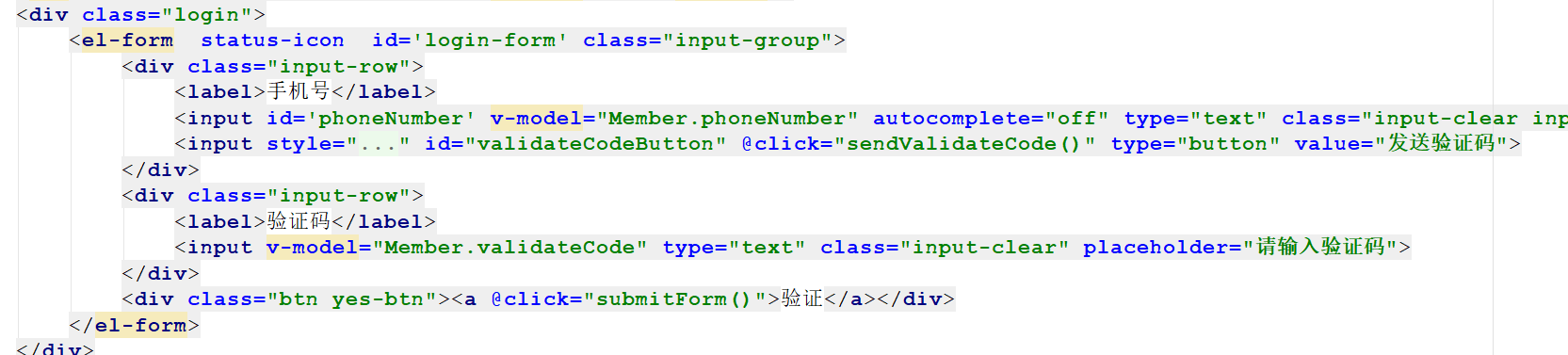
手机号码验证和点击发送验证码30秒倒计时
/**
 * 手机号校验
 1--以1为开头;
 2--第二位可为3,4,5,7,8,中的任意一位;
 3--最后以0-9的9个整数结尾。
 */
function checkTelephone(telephone) {
    let reg=/^[1][3,5,7,8,9][0-9]{9}$/;
    if (!reg.test(telephone)) {
        return false;
    } else {
        return true;
    }
}


let clock = '';//定时器对象,用于页面30秒倒计时效果
let nums = 30;
let validateCodeButton;
//基于定时器实现30秒倒计时效果
function doLoop() {
    validateCodeButton.disabled = true;//将按钮置为不可点击
    nums--;
    if (nums > 0) {
        validateCodeButton.value = nums + '秒后重新获取';
    } else {
        clearInterval(clock); //清除js定时器
        validateCodeButton.disabled = false;
        validateCodeButton.value = '重新获取验证码';
        nums = 30; //重置时间
    }
}
5.点击验证发送异步请求
 sendValidateCode() {
                //获取用户输入的手机号
                var telephone = this.Member.phoneNumber;
                //校验手机号输入是否正确
                if (!checkTelephone(telephone)) {
                    this.$message.error('请输入正确的手机号');
                    return false;
                }
                validateCodeButton = $("#validateCodeButton")[0];
                clock = window.setInterval(doLoop, 1000); //一秒执行一次
                axios.post("/validateCode/send4Order.do?telephone=" + telephone).then((response) => {
                    if (!response.data.flag) {
                        //验证码发送失败
                        this.$message.error('验证码发送失败,请检查手机号输入是否正确');
                    }
                });
            }
        }
6.后端拿到手机号码去发送验证码
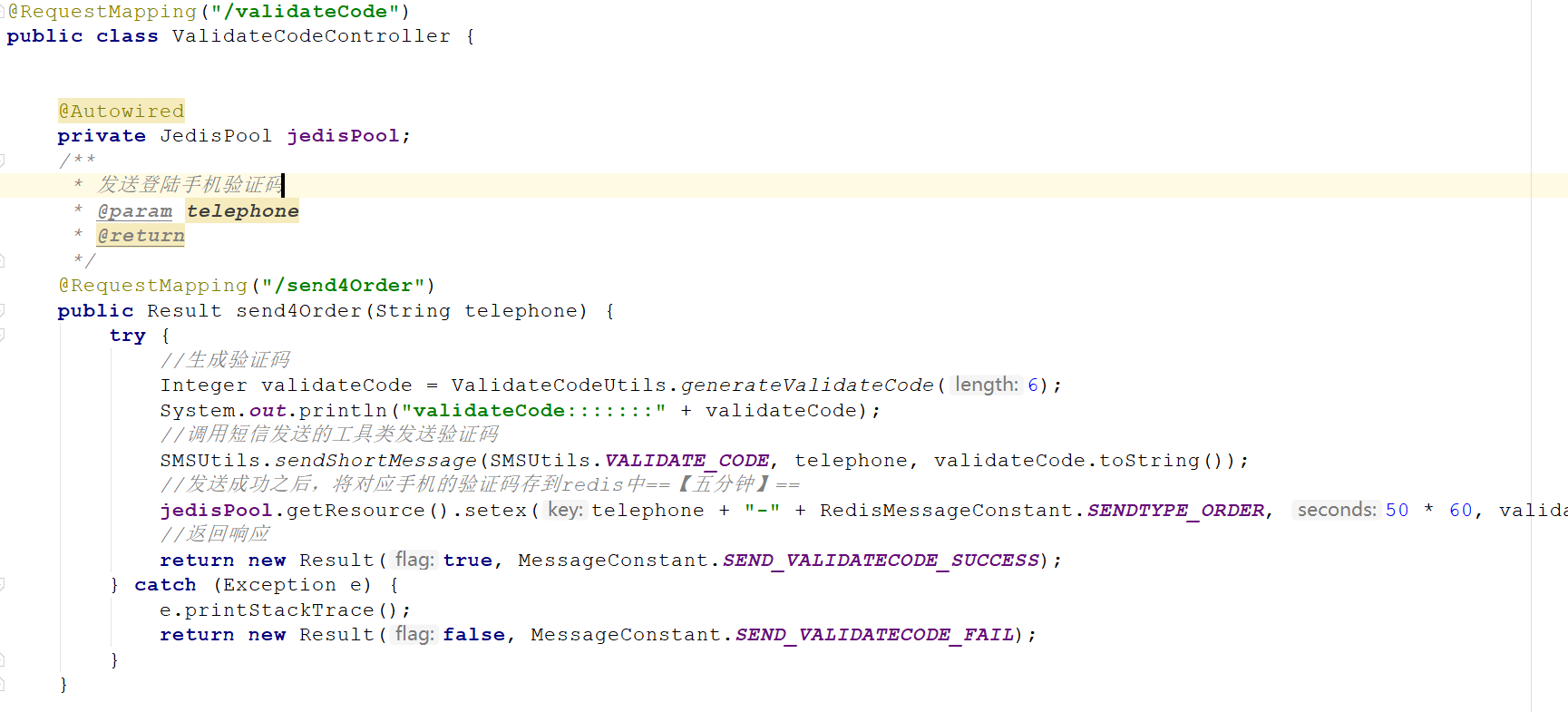
    @Autowired
    private JedisPool jedisPool;
    /**
     * 发送登陆手机验证码
     * @param telephone
     * @return
     */
    @RequestMapping("/send4Order")
    public Result send4Order(String telephone) {
        try {
            //生成验证码
            Integer validateCode = ValidateCodeUtils.generateValidateCode(6);
            System.out.println("validateCode:::::::" + validateCode);
            //调用短信发送的工具类发送验证码
            SMSUtils.sendShortMessage(SMSUtils.VALIDATE_CODE, telephone, validateCode.toString());
            //发送成功之后,将对应手机的验证码存到redis中==【五分钟】==
            jedisPool.getResource().setex(telephone + "-" + RedisMessageConstant.SENDTYPE_ORDER, 50 * 60, validateCode.toString());
            //返回响应
            return new Result(true, MessageConstant.SEND_VALIDATECODE_SUCCESS);
        } catch (Exception e) {
            e.printStackTrace();
            return new Result(false, MessageConstant.SEND_VALIDATECODE_FAIL);
        }
    }
如果还有疑问的小伙伴 可以私信或留言在下方

 浙公网安备 33010602011771号