

Hive 操作与应用 词频统计
一、hive用本地文件进行词频统计
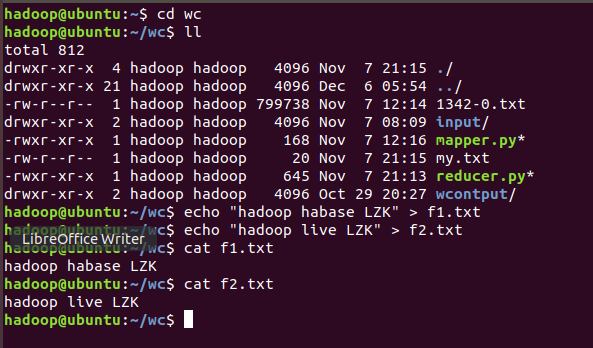
1.准备本地txt文件
mkdir wc
cd wc
 echo "hadoop hbase" > f1.txt
 echo "hadoop hive" > f2.txt
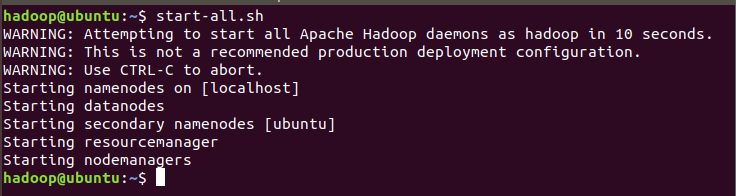
2.启动hadoop,启动hive
start-all.sh
jps
hive
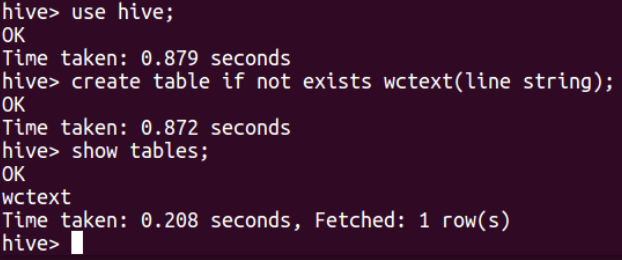
3.创建数据库,创建文本表
use hive;
create table if not exists wctext(line string);
show tables;
4.映射本地文件的数据到文本表中
load data local inpath '/home/hadoop/wc/f1.txt' into table wctext;
load data local inpath '/home/hadoop/wc/f2.txt' into table wctext;
select * from wctext;

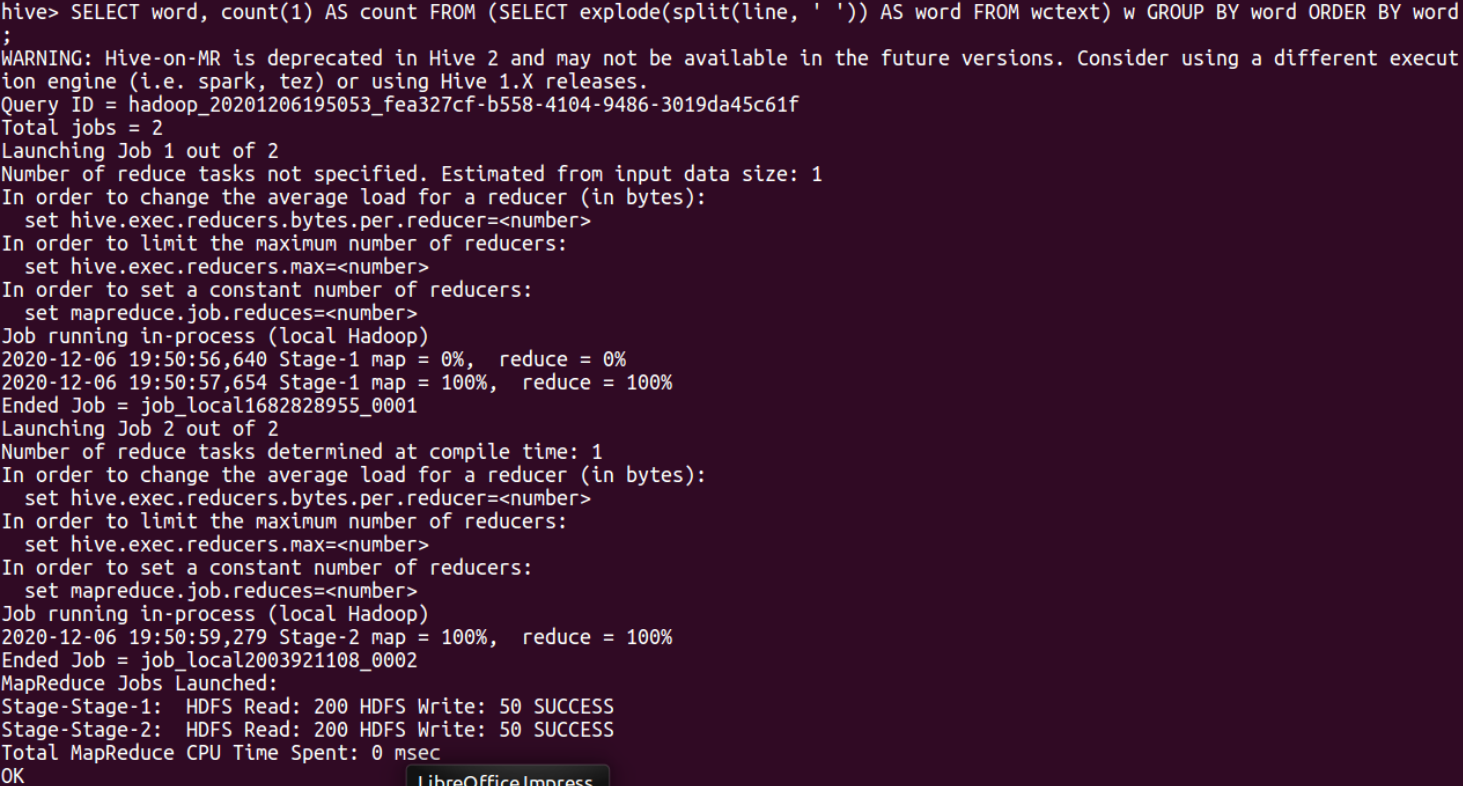
5.hql语句进行词频统计交将结果保存到结果表中。
SELECT word, count(1) AS count FROM (SELECT explode(split(line, ' ')) AS
 word FROM wctext) w GROUP BY word ORDER BY word;
CREATE table wc as SELECT word, count(1) AS count FROM (SELECT explode(split(line, ' ')) AS word FROM wctext) w GROUP BY word ORDER BY word;

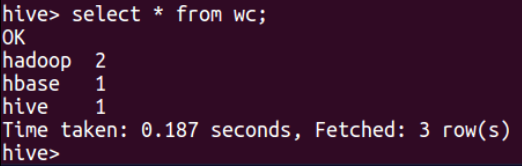
6.查看统计结果
select * from wc;
二、hive用HDFS上的文件进行词频统计
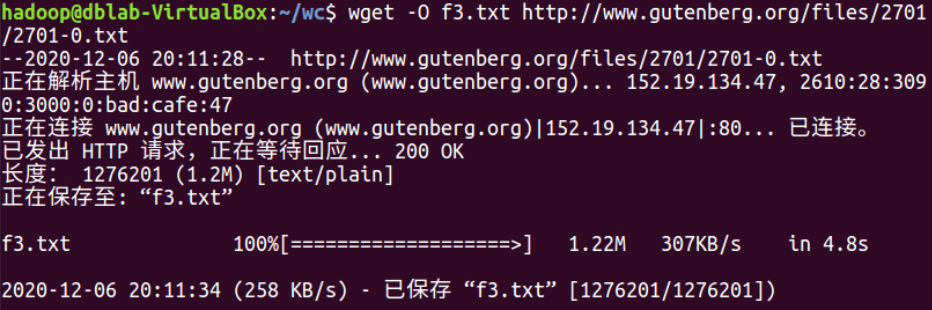
1.准备电子书或其它大的文本文件
wget -O f3.txt http://www.gutenberg.org/files/2701/2701-0.txt
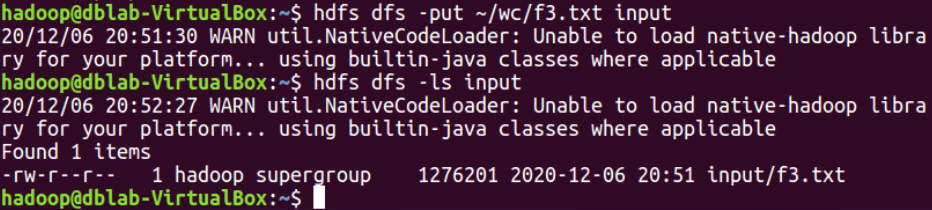
2.将文本文件上传到HDFS上
hdfs dfs -put ~/wc/f3.txt input
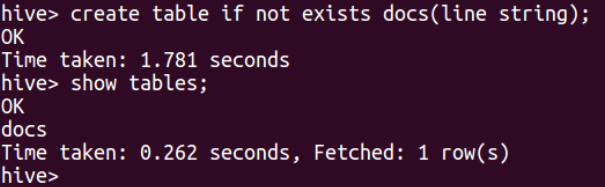
3.创建文本表
create table if not exists docs(line string);
show tables;
4.映射HDFS中的文件数据到文本表中
load data inpath '/user/hadoop/input/f3.txt' into table docs;

5.hql语句进行词频统计交将结果保存到结果表中
CREATE table wctest as SELECT word, count(1) AS count FROM (SELECT explode(split(line, ' ')) AS word FROM docs) w GROUP BY word ORDER BY word;
SELECT word, count(1) AS count FROM (SELECT explode(split(line, ' ')) AS word FROM docs) w GROUP BY word ORDER BY word;
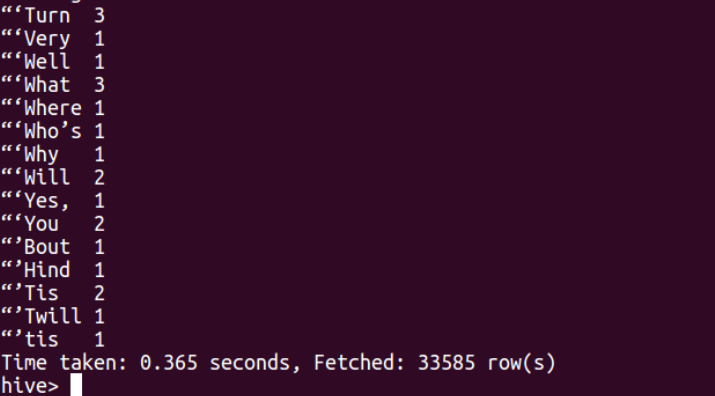
6.查看统计结果

 浙公网安备 33010602011771号