
MES新增CP界面
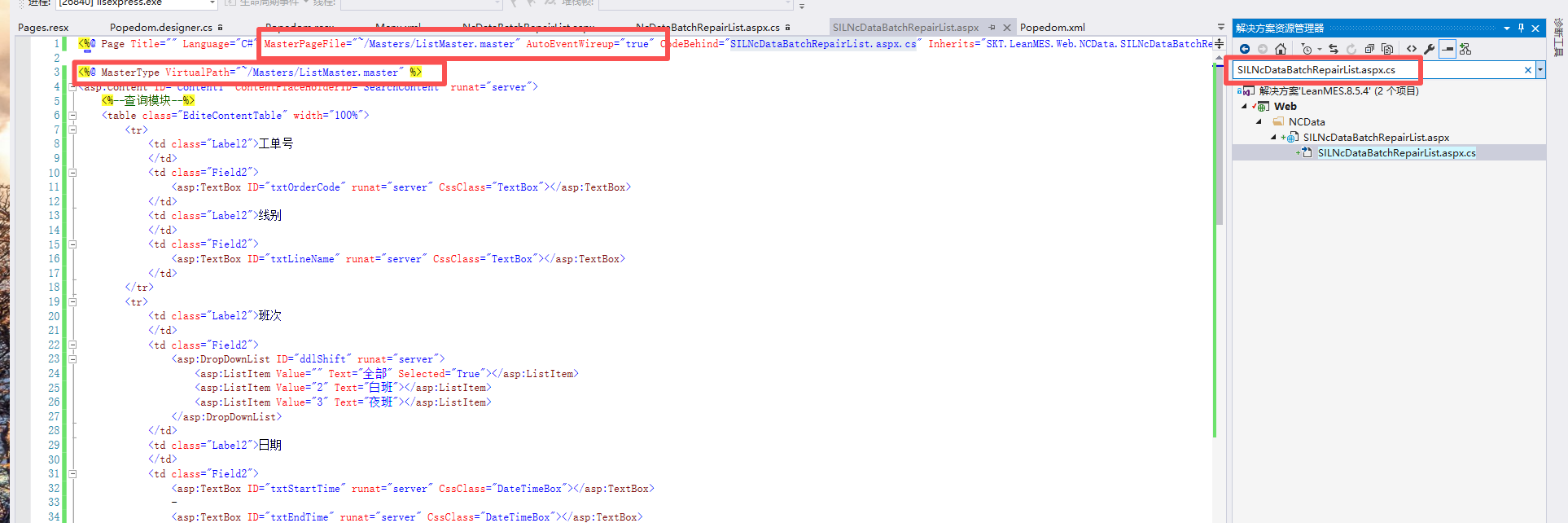
修改配置:
<%@ Page Title="" Language="C#" MasterPageFile="~/Masters/ListMaster.master" AutoEventWireup="true" CodeBehind="SILNcDataBatchRepairList.aspx.cs" Inherits="SKT.LeanMES.Web.NCData.SILNcDataBatchRepairList" %>
<%@ MasterType VirtualPath="~/Masters/ListMaster.master" %>
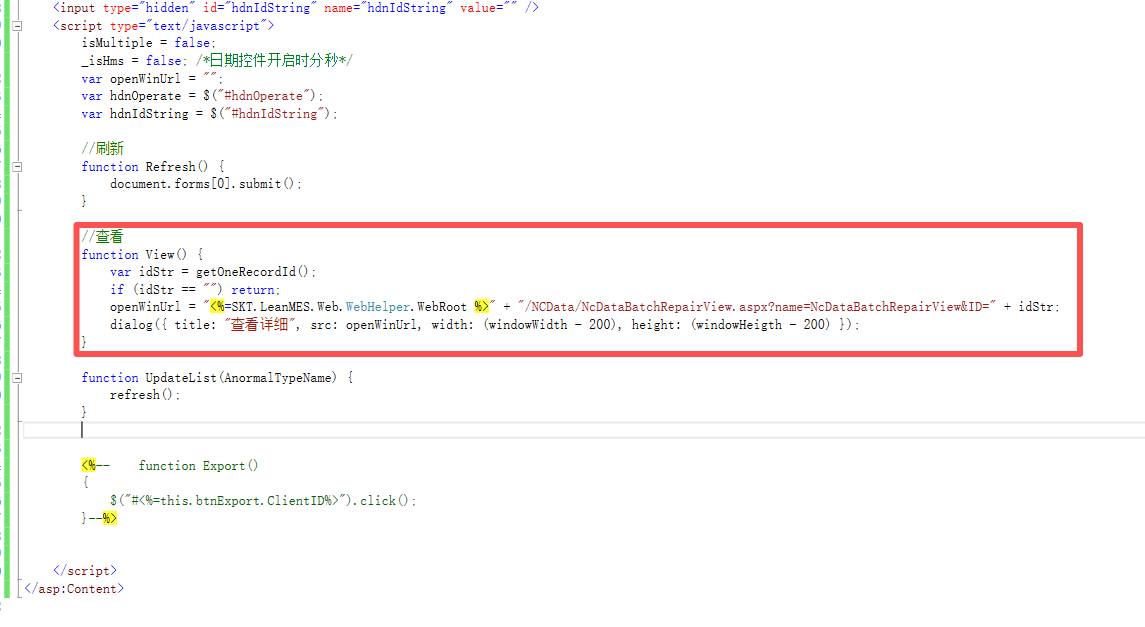
查询对于方法:
在添加界面权限和添加模板按钮权限:
Menu.xml

<!--不良条码登记-->
<page inMenu="1" url="NCData/SILNcDataBatchRepairList.aspx?name=SILNcDataBatchRepairList" icon="" sequence="3" popedom="SILNcDataBatchRepairList">
<button inToolbar="1" text="COM_View" tooltip="COM_View" icon="view" handler="View()" sequence="0" popedom="SILNcDataBatchRepairListView"/>
<!--<button inToolbar="1" text="COM_Add" tooltip="COM_Add" icon="add" handler="Add()" sequence="0" popedom="NcDataBatchRepairListAdd"/>
<button inToolbar="1" text="COM_Edit" tooltip="COM_Edit" icon="edit" handler="Edit()" sequence="0" popedom="NcDataBatchRepairListEdit"/>
<button inToolbar="1" text="COM_Delete" tooltip="COM_Delete" icon="delete" handler="Delete()" sequence="0" popedom="NcDataBatchRepairListDelete"/>-->
</page>
Popedom.xml
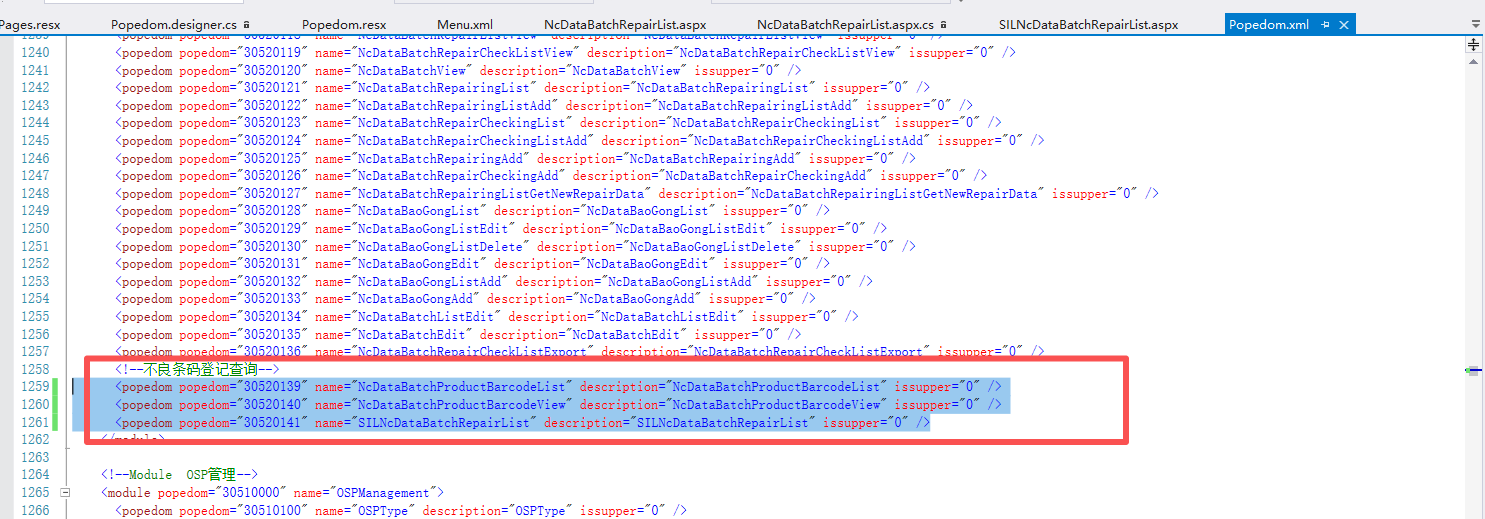
<popedom popedom="30520141" name="SILNcDataBatchRepairList" description="SILNcDataBatchRepairList" issupper="0" />
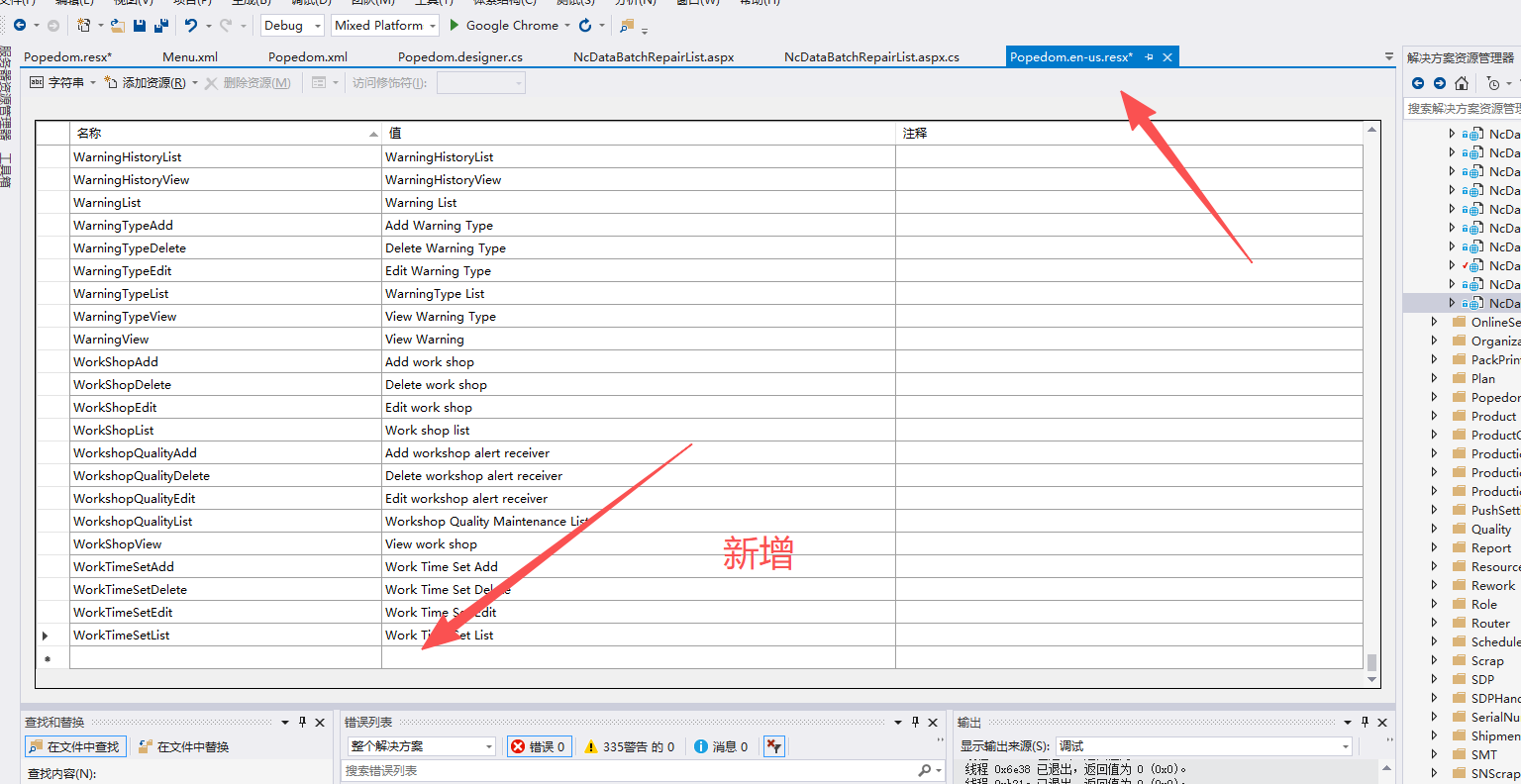
Popedom.resx
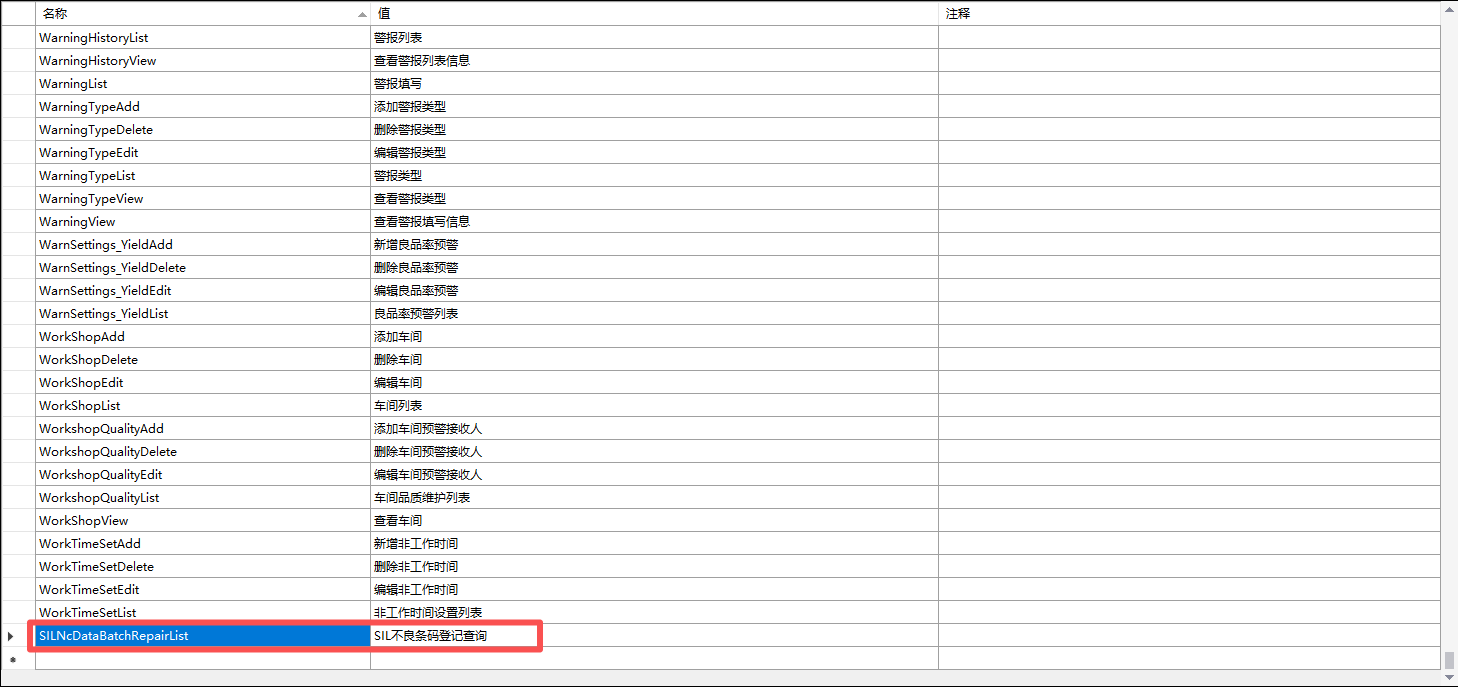
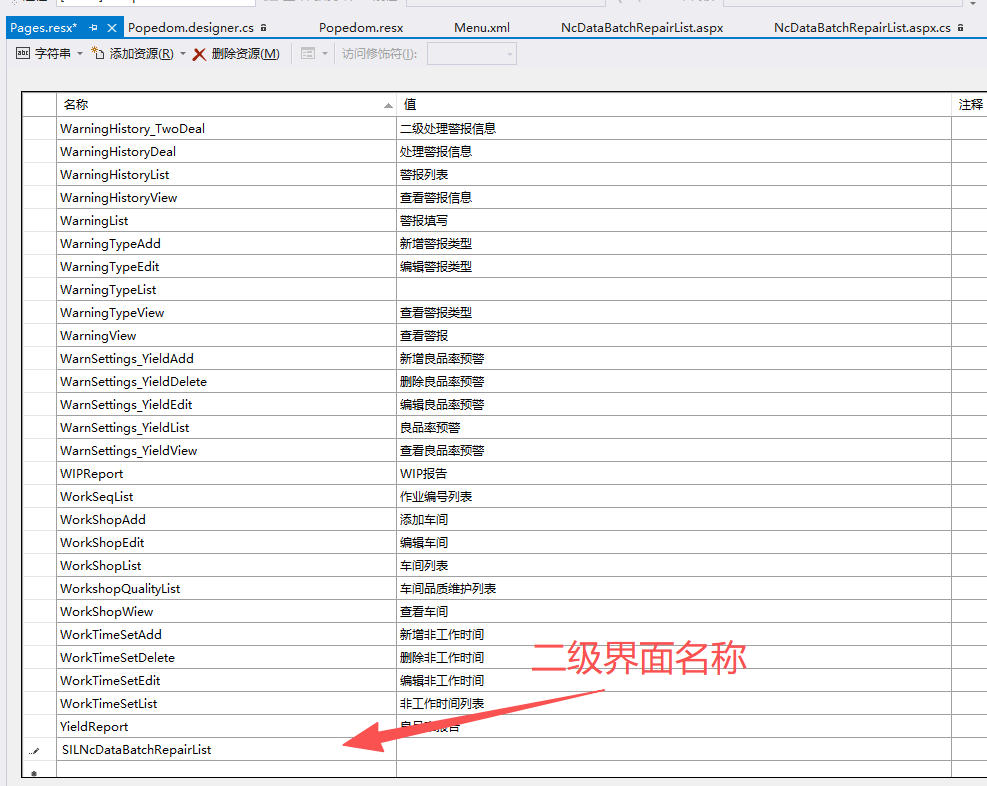
Pages.resx
本文来自博客园,作者:舒然,转载请注明原文链接:https://www.cnblogs.com/Jeffrey1172417122/p/19074971

 浙公网安备 33010602011771号