
图片验证码
#2020云栖大会#阿里云海量offer来啦!投简历、赢阿里云限量礼品及阿里云ACA认证免费考试资格!>>> 
图片验证码

1.装有各种成语的文本文件
2.随机选取词语并绘制的servlet
3.页面静态文件html
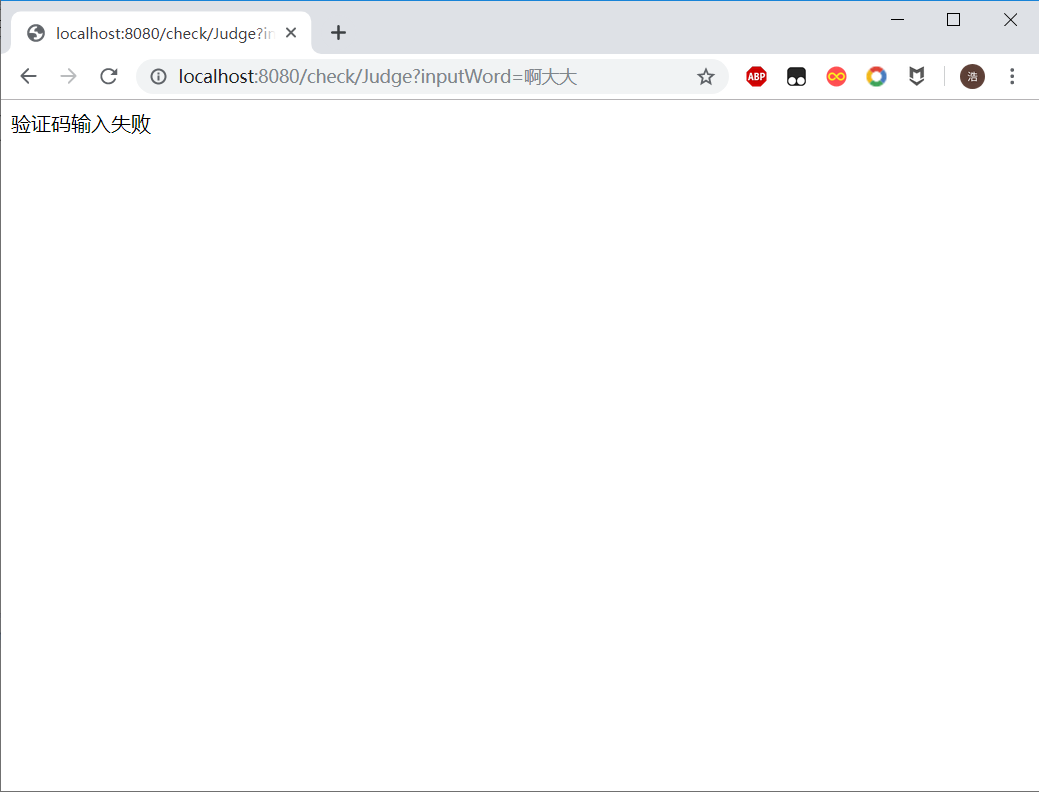
4.判断验证码是否输入正确的servlet
 0
1
0
1
words.txt
福如东海
寿比南山
马到成功
守株待兔
亡羊补牢public class CheckWord extends HttpServlet { private List<String> words = new ArrayList<String>(); @Override
public void init() throws ServletException { // 初始化阶段,读取new_words.txt
// web工程中读取 文件,必须使用绝对磁盘路径
String path = getServletContext().getRealPath("words.txt"); try {
BufferedReader reader = new BufferedReader(new FileReader(path));
String line; while ((line = reader.readLine()) != null) {
words.add(line);
}
reader.close();
} catch (IOException e) {
e.printStackTrace();
}
} public void doGet(HttpServletRequest request, HttpServletResponse response)
throws ServletException, IOException { // 禁止缓存
// response.setHeader("Cache-Control", "no-cache");
// response.setHeader("Pragma", "no-cache");
// response.setDateHeader("Expires", -1);
request.setCharacterEncoding("UTF-8"); int width = 120; int height = 30; // 步骤一 绘制一张内存中图片
BufferedImage bufferedImage = new BufferedImage(width, height,
BufferedImage.TYPE_INT_RGB); // 步骤二 图片绘制背景颜色 ---通过绘图对象
Graphics graphics = bufferedImage.getGraphics();// 得到画图对象 --- 画笔
// 绘制任何图形之前 都必须指定一个颜色
graphics.setColor(getRandColor(200, 250));
graphics.fillRect(0, 0, width, height); // 步骤三 绘制边框
graphics.setColor(Color.WHITE);
graphics.drawRect(0, 0, width - 1, height - 1); // 步骤四 四个随机数字
Graphics2D graphics2d = (Graphics2D) graphics; // 设置输出字体
graphics2d.setFont(new Font("宋体", Font.BOLD, 18));
Random random = new Random();// 生成随机数
int index = random.nextInt(words.size());
String word = words.get(index);// 获得成语
// 定义x坐标
int x = 10; for (int i = 0; i < word.length(); i++) { // 随机颜色
graphics2d.setColor(new Color(20 + random.nextInt(110), 20 + random
.nextInt(110), 20 + random.nextInt(110))); // 旋转 -30 --- 30度
int jiaodu = random.nextInt(60) - 30; // 换算弧度
double theta = jiaodu * Math.PI / 180; // 获得字母数字
char c = word.charAt(i); // 将c 输出到图片
graphics2d.rotate(theta, x, 20);
graphics2d.drawString(String.valueOf(c), x, 20);
graphics2d.rotate(-theta, x, 20);
x += 30;
} // 将验证码内容保存session
request.getSession().setAttribute("checkcode", word); // 步骤五 绘制干扰线
graphics.setColor(getRandColor(160, 200)); int x1; int x2; int y1; int y2; for (int i = 0; i < 30; i++) {
x1 = random.nextInt(width);
x2 = random.nextInt(12);
y1 = random.nextInt(height);
y2 = random.nextInt(12);
graphics.drawLine(x1, y1, x1 + x2, x2 + y2);
} // 将上面图片输出到浏览器 ImageIO
graphics.dispose();// 释放资源
//将图片写到response.getOutputStream()中
ImageIO.write(bufferedImage, "jpg", response.getOutputStream());
} public void doPost(HttpServletRequest request, HttpServletResponse response)
throws ServletException, IOException {
doGet(request, response);
} /**
* 取其某一范围的color
*
* @param fc
* int 范围参数1
* @param bc
* int 范围参数2
* @return Color
*/
private Color getRandColor(int fc, int bc) { // 取其随机颜色
Random random = new Random(); if (fc > 255) {
fc = 255;
} if (bc > 255) {
bc = 255;
} int r = fc + random.nextInt(bc - fc); int g = fc + random.nextInt(bc - fc); int b = fc + random.nextInt(bc - fc); return new Color(r, g, b);
}
}<!DOCTYPE html>
<html>
<head>
<meta charset="UTF-8">
<title>Insert title here</title>
<!--实现点击图片就再访问一次,并避免缓存问题-->
<script type="text/javascript">
function freshen(obj){
obj.src="/check/CheckWord?time="+new Date().getTime();
}
</script>
</head>
<body>
<form action="/check/Judge">
<img src="/check/CheckWord" onclick="freshen(this)"></br></br>
<input type="text" name="inputWord" placeholder="请输入验证码"></br></br>
<input type="submit" value="提交">
</form>
</body>
</html>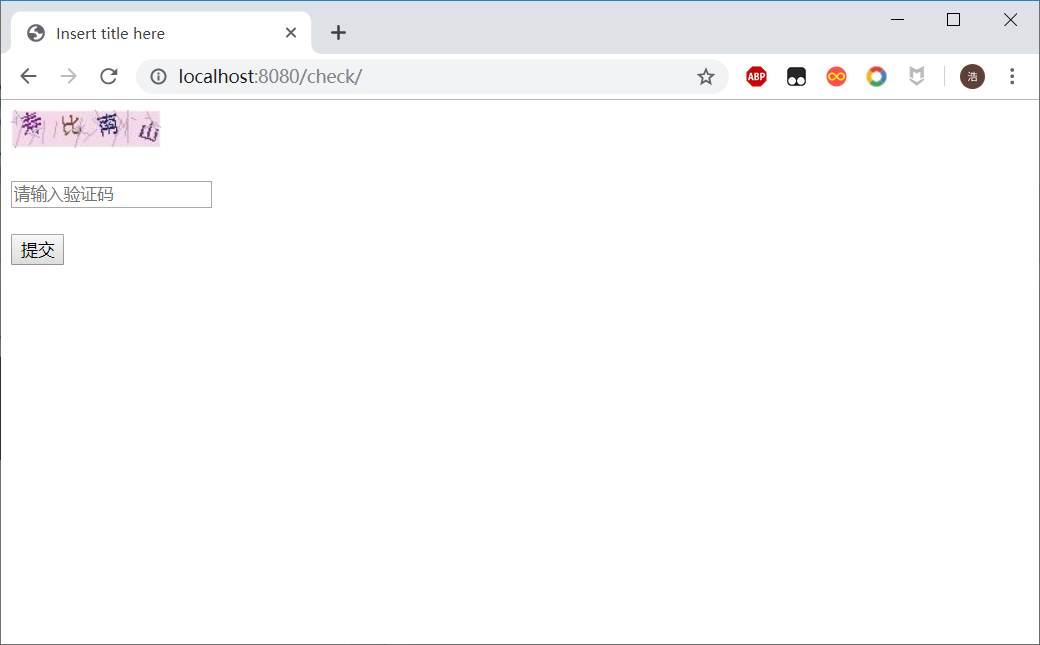
public class Judge extends HttpServlet {    protected void service(HttpServletRequest request, HttpServletResponse response) throws ServletException, IOException {
        response.setContentType("text/html;charset=UTF-8");

        String inputword= request.getParameter("inputWord");

        String checkword = (String) this.getServletContext().getAttribute("checkcode");
        if(checkword.equals(inputword)) {
            response.getWriter().write("注册成功");
        }else {
            response.getWriter().write("验证码输入失败");
            response.setHeader("refresh", "2;url=/check");
        }

    }

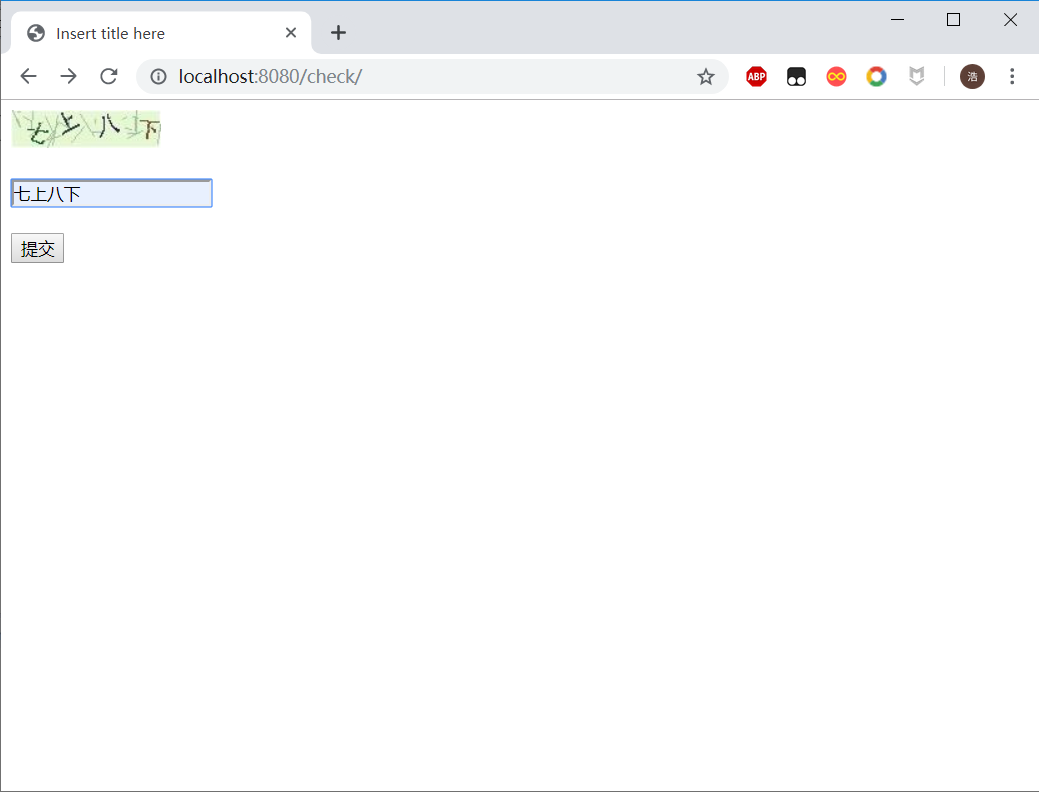
}
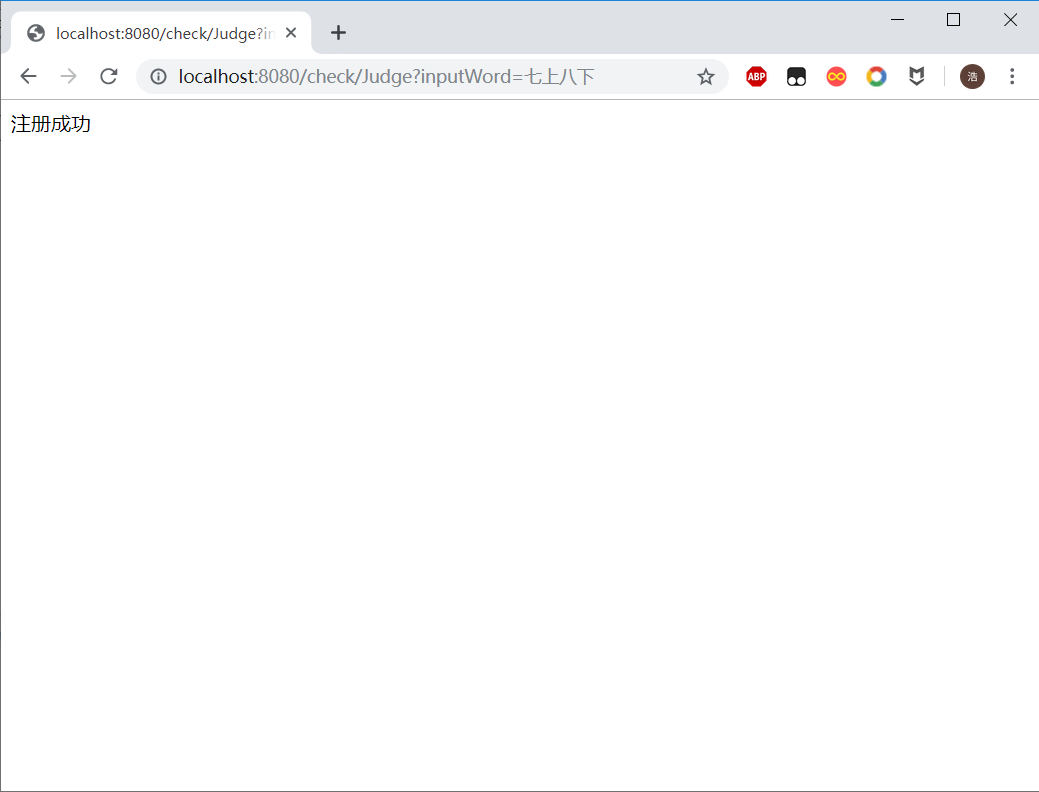
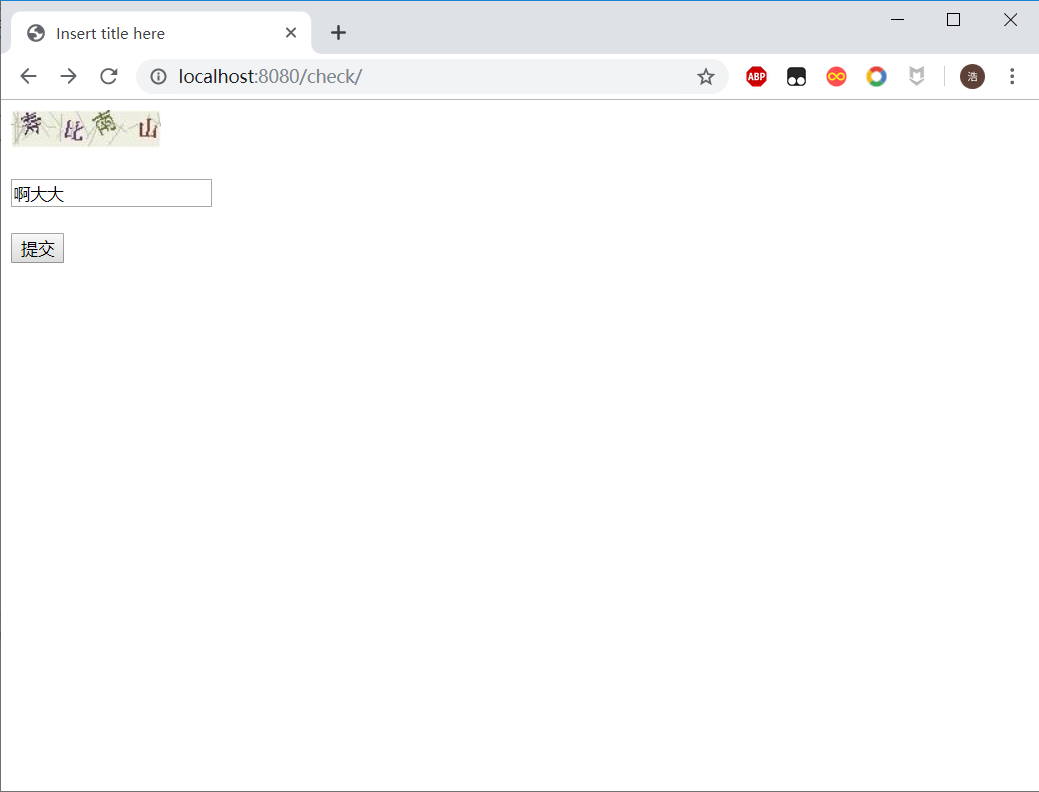

它,
不仅仅是一个码
本文分享自微信公众号 - IT那个小笔记(qq1839646816)。
如有侵权,请联系 support@oschina.cn 删除。
本文参与“OSC源创计划”,欢迎正在阅读的你也加入,一起分享。

 浙公网安备 33010602011771号