
windows安装Nessus

生成挑战码
E:\ProgramFiles\Tenable\Nessus>nessuscli.exe fetch --challenge

Challenge code: 4f69abffea578514628d6053e688759567320a03

You can copy the challenge code above and paste it alongside your
Activation Code at:
https://plugins.nessus.org/v2/offline.php
注册
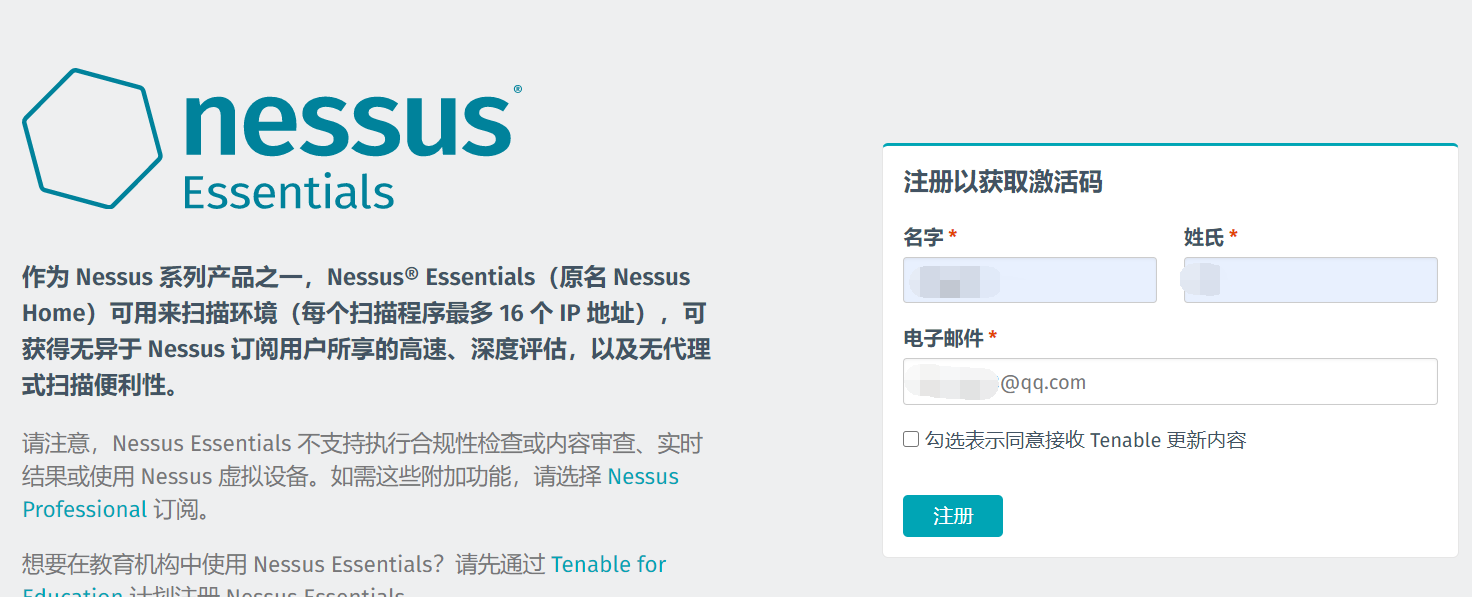
输入挑战码和验证码
https://plugins.nessus.org/v2/offline.php
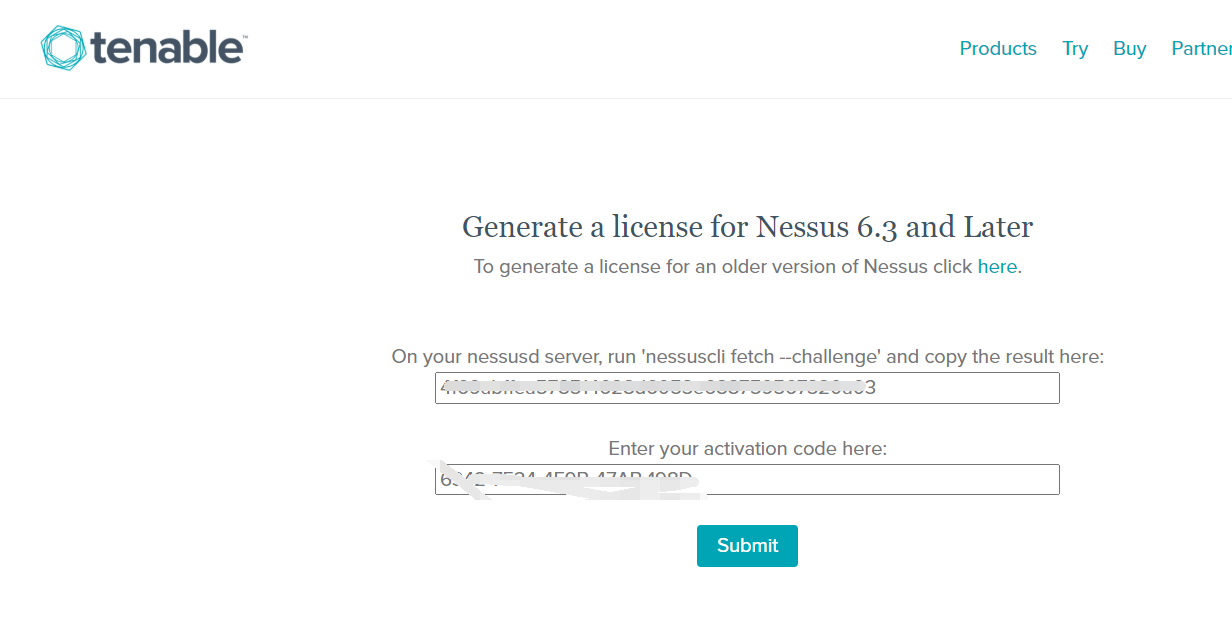
点击链接下载


将文件加载到nessus中
E:\ProgramFiles\Tenable\Nessus>nessuscli.exe update "all-2.0 .tar.gz"

[info] Copying templates version 202009231305 to E:\ProgramFiles\Tenable\Nessus\nessus\templates\tmp
[info] Finished copying templates.
[info] Moved new templates with version 202009231305 from plugins dir.
 * Update successful.  The changes will be automatically processed by Nessus.
开启服务
E:\ProgramFiles\Tenable\Nessus>net start "Tenable Nessus"
Tenable Nessus 服务正在启动 .
Tenable Nessus 服务已经启动成功。
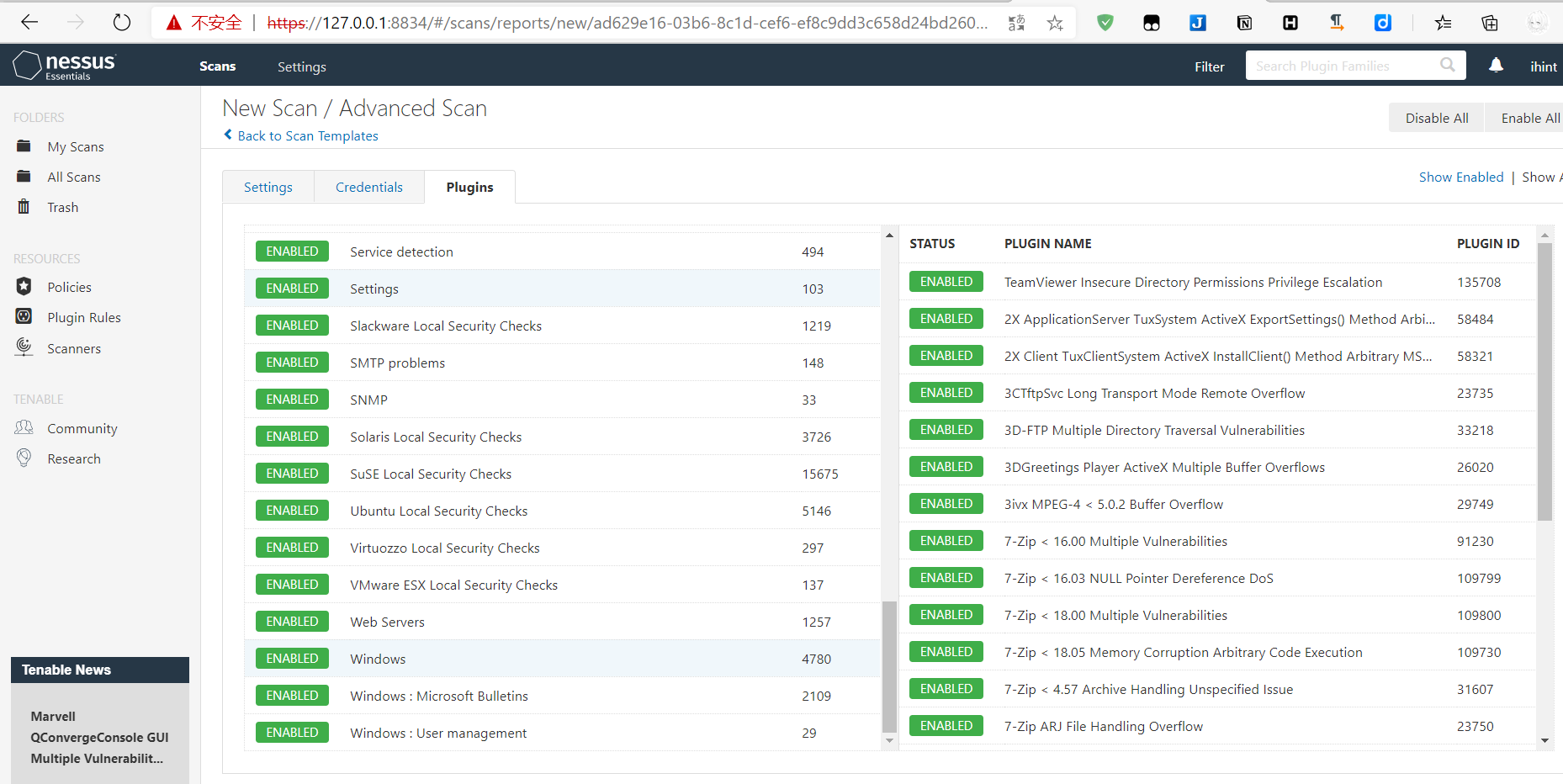
等待加载之后,会提示设置用户名和密码,之后就可以使用了

 浙公网安备 33010602011771号