

Ubuntu18.04 搭建Witchcraft and Wizardry哈利波特Minecraft服务器
一、搭建MC服务器
本教程建立在上文搭建服务器的基础上
二、下载地图
地图展示:Witchcraft and Wizardry - The Floo Network
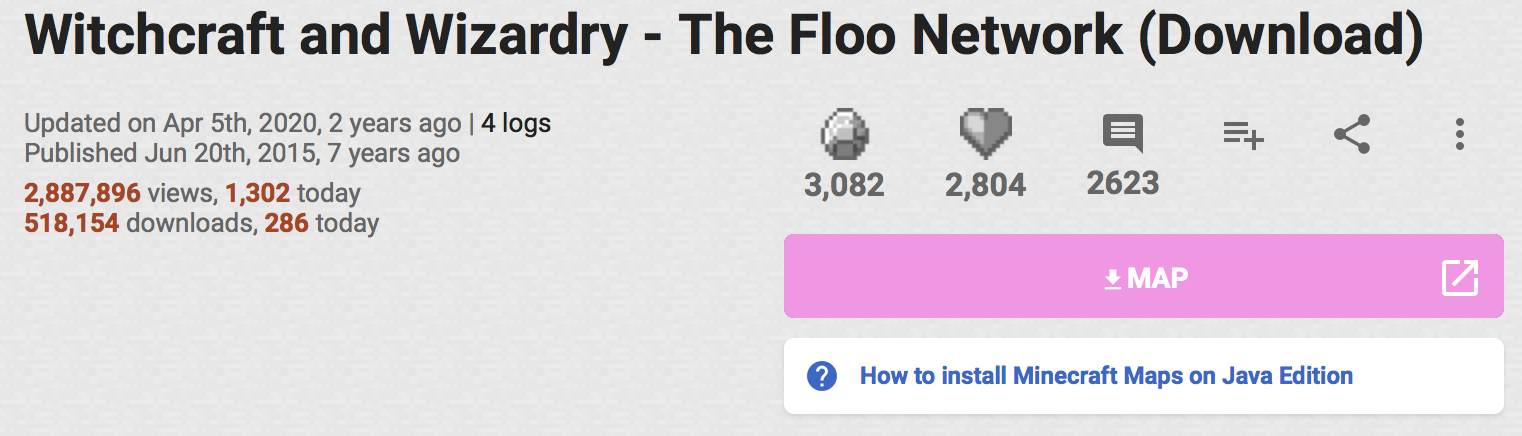
点击MAP进入下载页面
下载normal version

下载得到Witchcraft and Wizardry.zip
三、服务端安装地图
将Witchcraft and Wizardry.zip上传到mcserver文件夹并解压
修改server.properties文件为:
spawn-protection=16
max-tick-time=60000
query.port=25565
generator-settings=
sync-chunk-writes=true
force-gamemode=false
allow-nether=true
enforce-whitelist=false
gamemode=survival
broadcast-console-to-ops=true
enable-query=false
player-idle-timeout=0
difficulty=easy
spawn-monsters=true
broadcast-rcon-to-ops=true
op-permission-level=4
pvp=true
entity-broadcast-range-percentage=100
snooper-enabled=true
level-type=default
hardcore=false
enable-status=true
enable-command-block=true
max-players=4
network-compression-threshold=256
resource-pack-sha1=
max-world-size=29999984
function-permission-level=2
rcon.port=25575
server-port=25565
server-ip=
spawn-npcs=true
allow-flight=true
level-name=Witchcraft and Wizardry
view-distance=10
resource-pack=
spawn-animals=true
white-list=false
rcon.password=
generate-structures=true
online-mode=false
max-build-height=256
level-seed=
prevent-proxy-connections=false
use-native-transport=true
enable-jmx-monitoring=false
motd=Harry Potter Server
rate-limit=0
enable-rcon=false
运行服务端:
./run-mc.sh
四、客户端加入服务器
在加入服务器前,需要单独安装材质包
解压Witchcraft and Wizardry.zip,将其中的resources.zip提取出来
启动MC,选择Options->Resource Packs->Open Pack Folder,跳出文件夹
将resources.zip放入该文件夹中,点击确定
加载后,Resource Packs列表出现材质包

单击图标将其选中到右侧,点击确定
此时界面发生变化:

点击多人游戏,加入服务器
(该游戏在生存模式下才能开始,若不是生存模式,在服务端设置玩家为op进行修改)
进入游戏后按照提示开始游玩

 浙公网安备 33010602011771号