
SSH配置(Google cloud VM instance)
本地:local machine VM instance:server
step 1:
local machine ssh-keygen 产生公有密钥和私有密钥
ssh-keygen -t rsa -f ~/.ssh/[KEY_FILENAME] -C [USERNAME]
# KEY_FILENAME is the name for ssh keys
# USERNAME should be replaced by user name on the server(VM instance)
注意: USERNAME是server上用户的用户名,如果USERNAME不是server上的用户,进行完后续操作,以这个密钥登入,server会产生一个新用户,用户名为USERNAME
step 2:
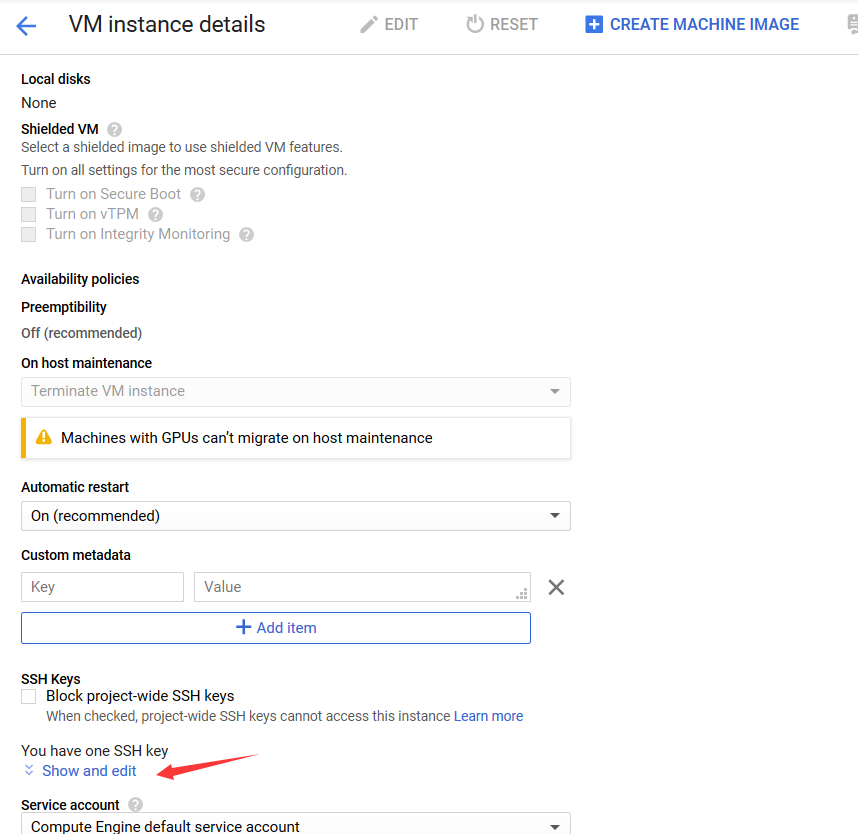
Gloud Console
把公钥复制到VM instance的ssh keys中即可

 浙公网安备 33010602011771号