VUE——组件(二)组件通讯
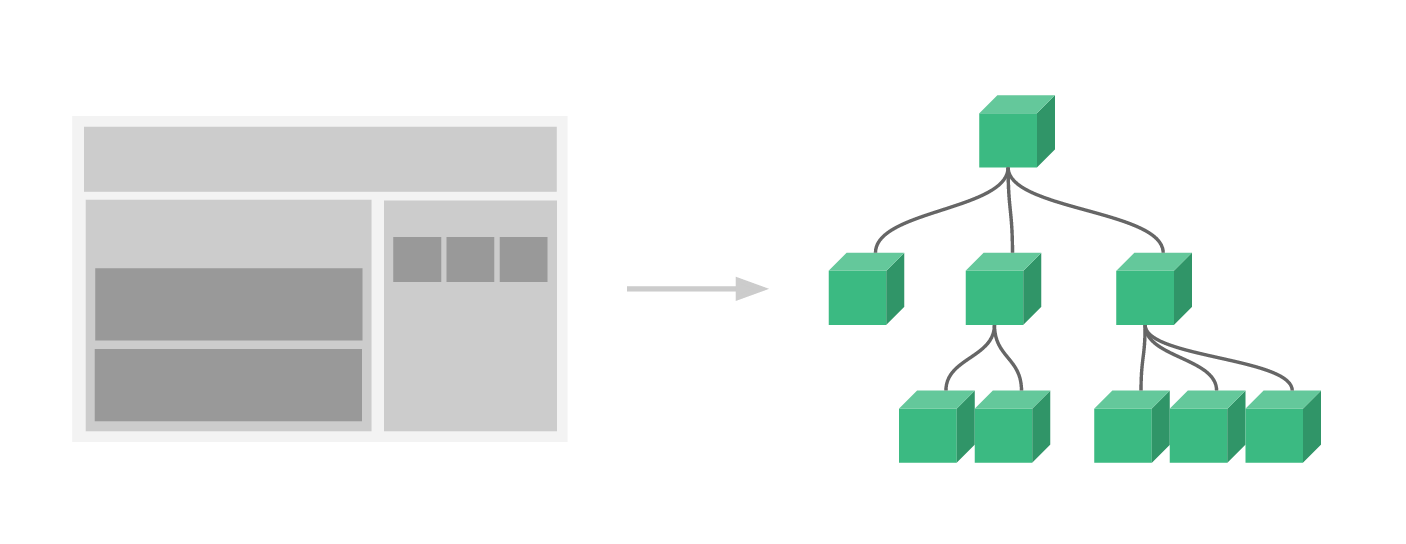
组件关系可分为父子组件通信、兄弟组件通信、跨级组件通信。
一、自定义事件——当子组件向父组件传递数据时,就要用到自定义事件
子组件用$emit()来触发事件,父组件用$on()来监听子组件事件
    <div id="app">
        <p>总数{{totalCount}}</p>
        <my-component
        @increase="handelChangeCount"
        @redicu="handelChangeCount"
        ></my-component>
    </div>
    <script type="text/javascript">
        Vue.component('my-component',{
            props:{

            },
            template:'\
            <div>\
                <button @click="handelIncrease">+1</button>\
                <button @click="handelRedicu">-1</button>\
            </div>\
            ',
            data:function(){
                return{
                    count:0
                }
            },
            methods:{
                handelIncrease:function(){
                    this.count ++;
                    this.$emit('increase',this.count)
                },
                handelRedicu:function(){
                    this.count --;
                    this.$emit('redicu',this.count)
                }
            }
        })
        var app = new Vue({
            el: '#app',
            data: {
                totalCount: 0
            },
            methods:{
                handelChangeCount:function(val){
                    this.totalCount=val
                }
            }
        })
    </script>
通过两个按钮实现+1 -1的效果,在改变组件data中的count后,通过$emit()将值传给父组件,父组件用v-on:increase和v-on:redicu
$emit()第一个参数是自定义事件名称,第二个参数是要传递的参数,可以不填或者填写多个。
二、非父组件通信——跨级组件、兄弟组件
Vue2推荐使用一个空的vue实例作为中央事件总线(bus),也就是中介。
    <div id="app">
        <p>{{message}}</p>
        <component-a></component-a>
        <component-b :message="message"></component-b>
    </div>
    <script type="text/javascript">
        var bus = new Vue(); //空的中央事件总线
        Vue.component('component-a',{
            props:{},
            template:'\
            <div>\
                <button @click="handelEvent">组件A传递事件</button>\
            </div>\
            ',
            methods:{
                handelEvent:function(){
                    bus.$emit('on-message','来自componet-a的事件')
                }
            }
        })
        Vue.component('component-b',{
            props:{
                message:String
            },
            template:'<div>组件B同步信息:{{message}}</div>'
        })
        var app = new Vue({
            el: '#app',
            data: {
                message:'初始化数据'
            },
            mounted:function(){
                let _this = this;
          //在初始化时,监听来自bus的事件
                bus.$on('on-message',function(msg){
                    _this.message = msg
                })
            }
        })
    </script>
这种方式巧妙的实现了任何组件间的通信,还可给bus实例添加data,computed,methods等。
还有一种更好的解决方案——vuex,以后另外写专题
子组件索引——ref
VUE提供了子组件索引的方法,用特殊的属性ref来为子组件定义一个特殊的索引名。
    <div id="app">
        <button @click="handelRef">通过ref获得子组件实例</button>
        <component-a ref="coma"></component-a>
        <p>{{message}}</p>
    </div>
    <script type="text/javascript">
        var bus = new Vue(); //空的中央事件总线
        Vue.component('component-a',{
            props:{},
            template:'<div>子组件</div>',
            data:function(){
                return{
                    message:'来自子组件的信息'
                }
            }
        })
        var app = new Vue({
            el: '#app',
            data: {
                message:''
            },
            methods:{
                handelRef:function(){//通过$refs来访问指定的实例
                    this.message = this.$refs.coma.message
                }
            }
        })
    </script>

 浙公网安备 33010602011771号