
【PostgreSQL 17】2 使用pgAdmin初始化示例表
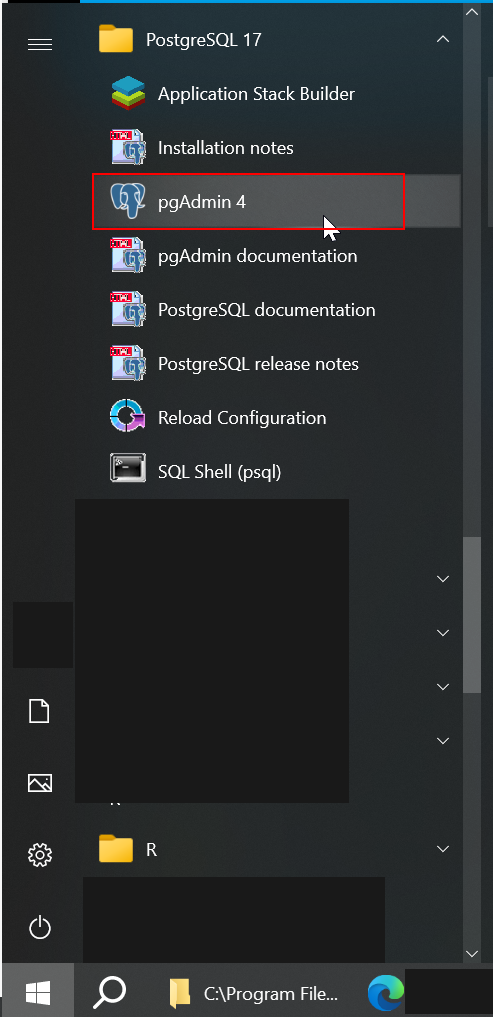
启动pgAdmin
从开始菜单启动 pgAdmin
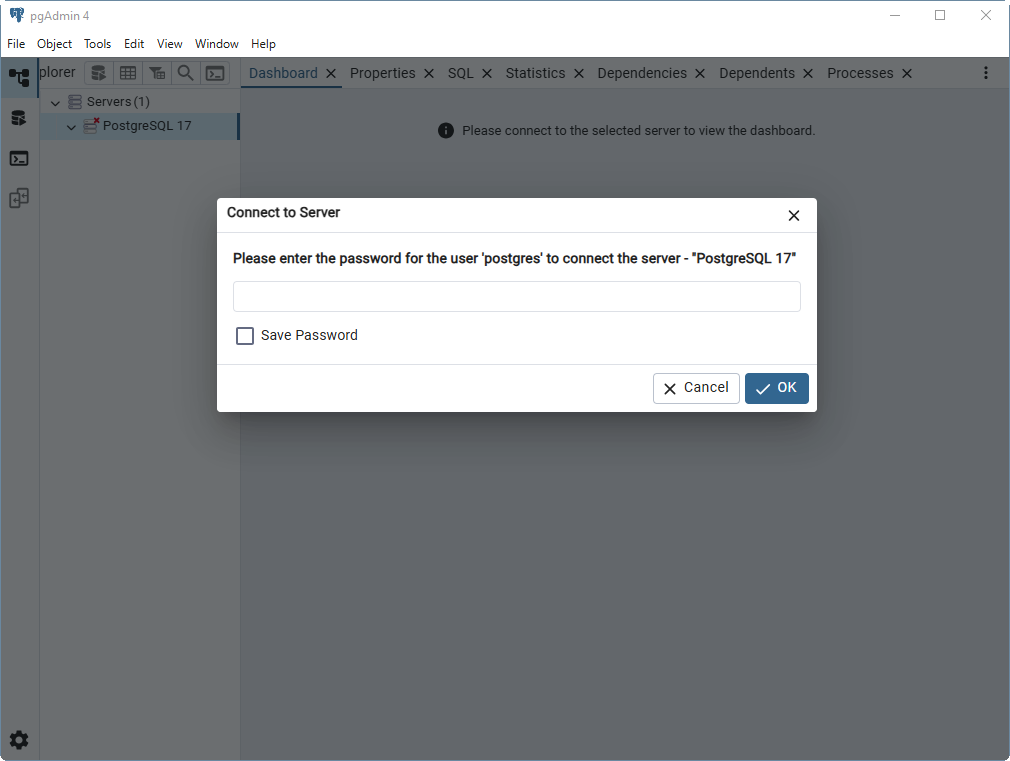
这里默认有一个连接,点击后会让我们设置密码
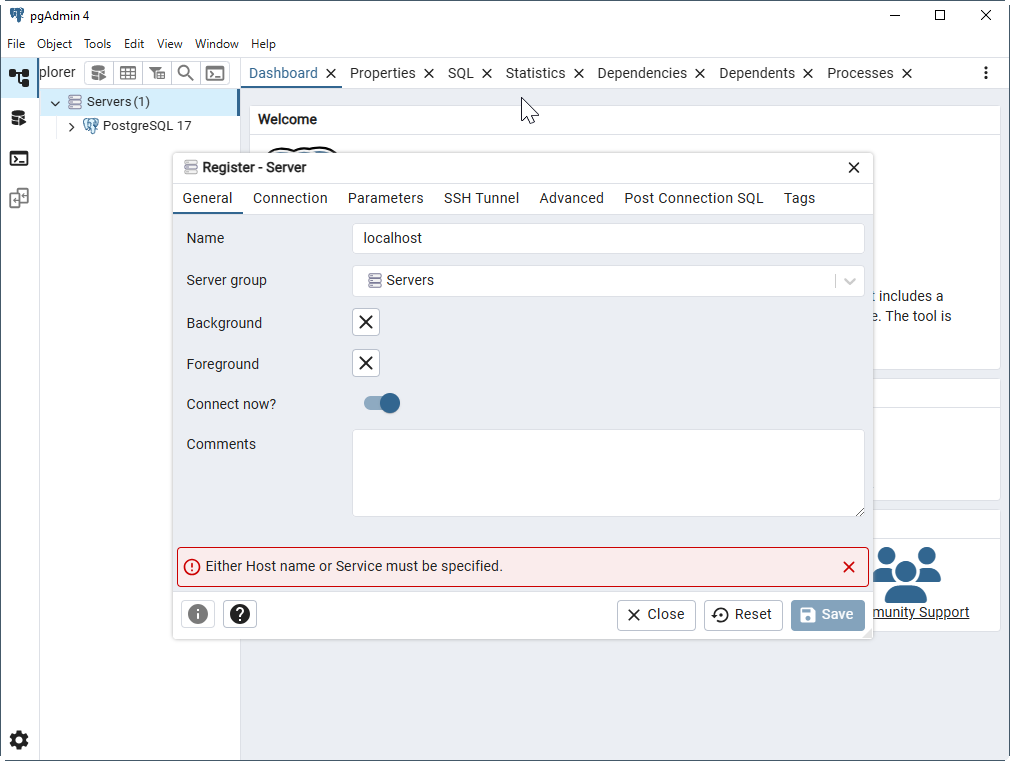
新建连接
Servers → Register → Server

General
因为在数据库服务器就在本地,Name就设为localhost
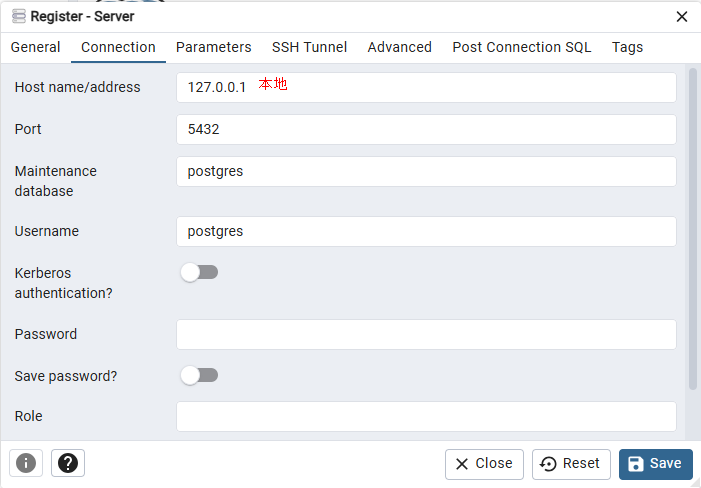
Connection
新建数据库
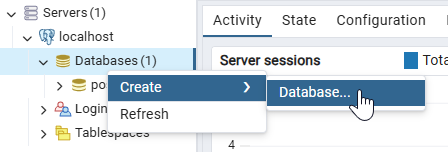
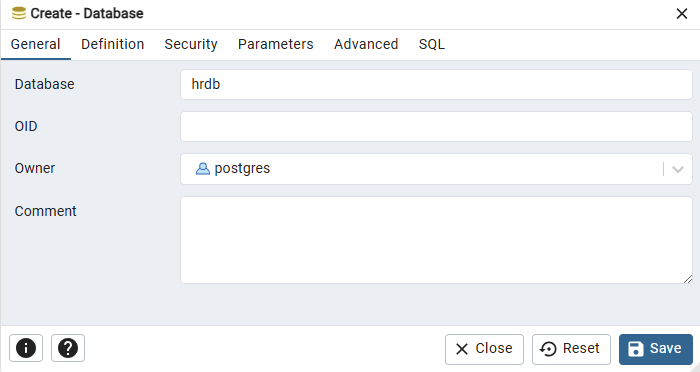
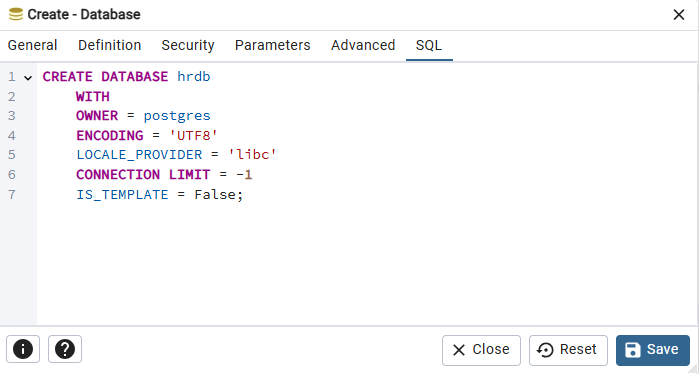
可以在SQL界面看到对应的SQL语句
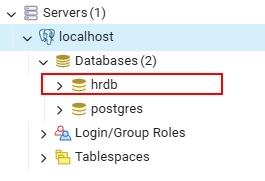
创建好后这里就能看到
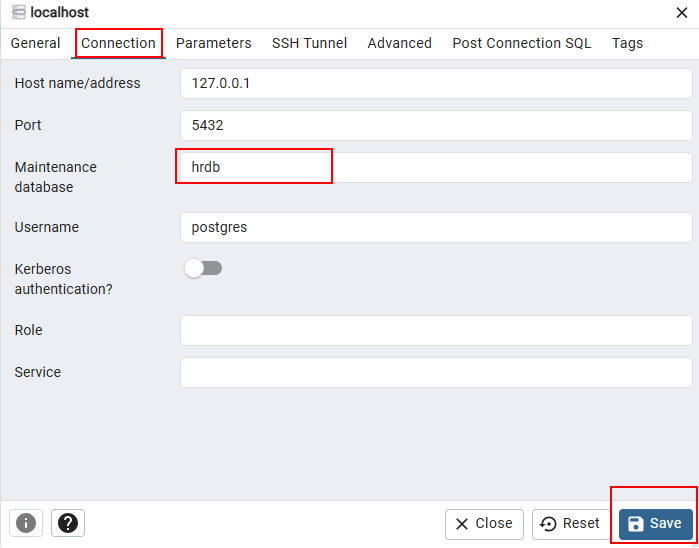
设置连接
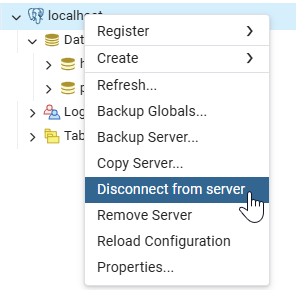
断开连接
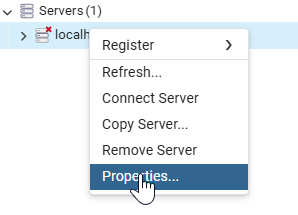
更改配置
默认连接到我们刚新建的数据库
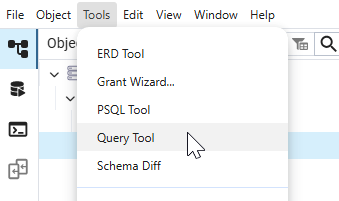
查询工具 Query Tool
打开查询工具
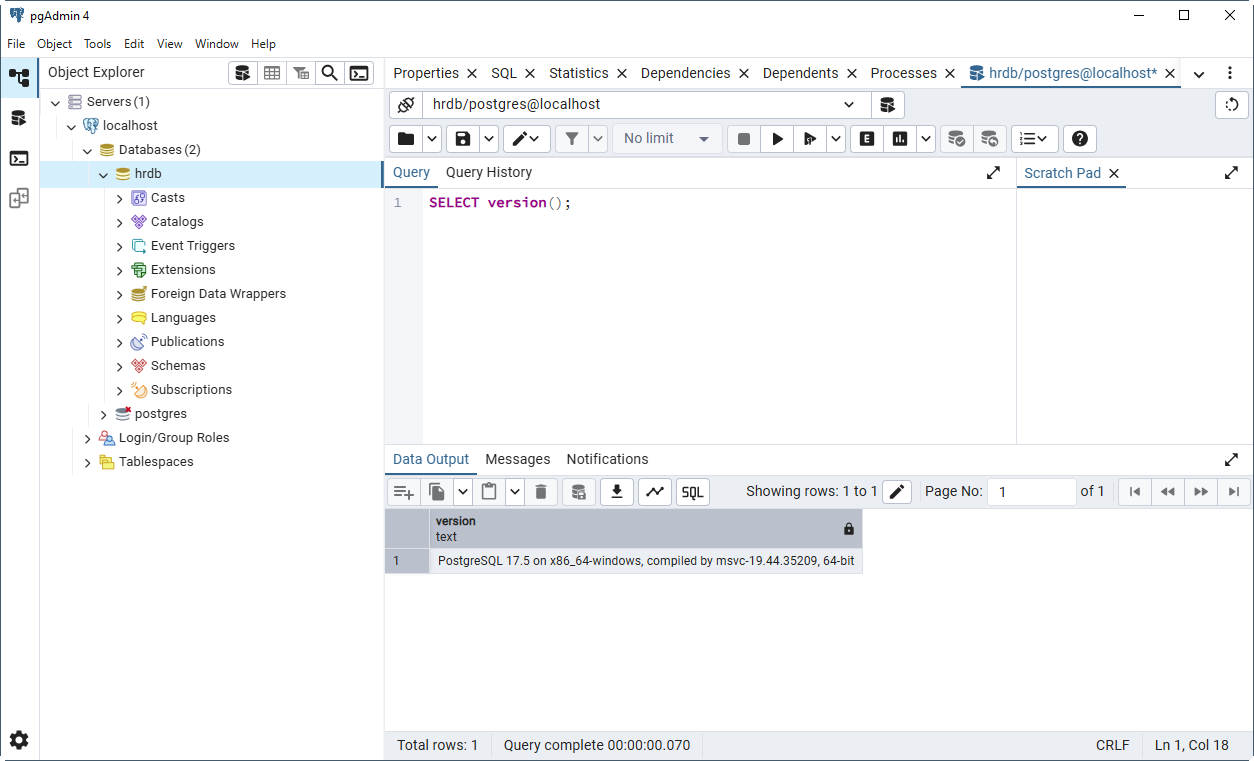
查询数据库版本
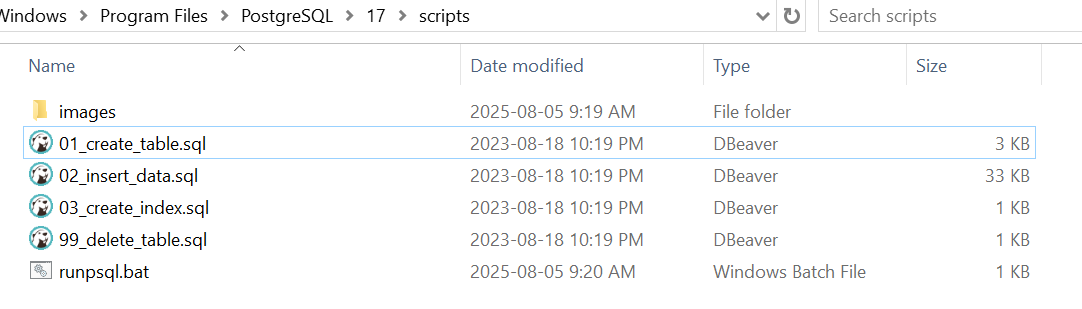
从教程的github中下载脚本,放到安装目录的scripts文件夹下
下载地址位于文末参考资料中。
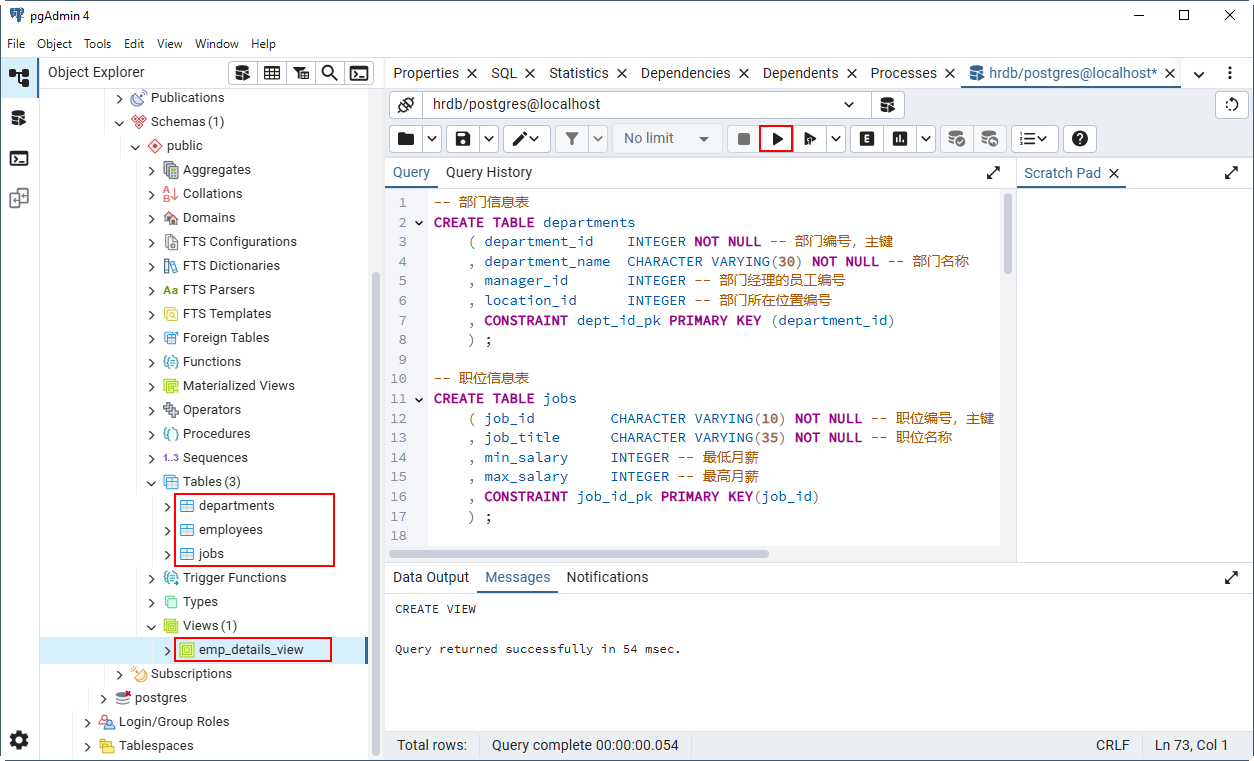
运行01_create_table.sql,新建了3张表和1个视图
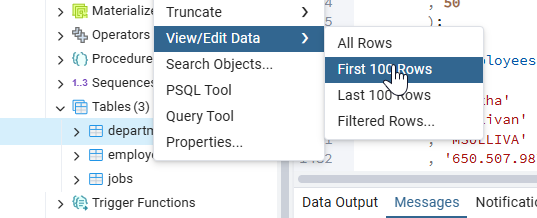
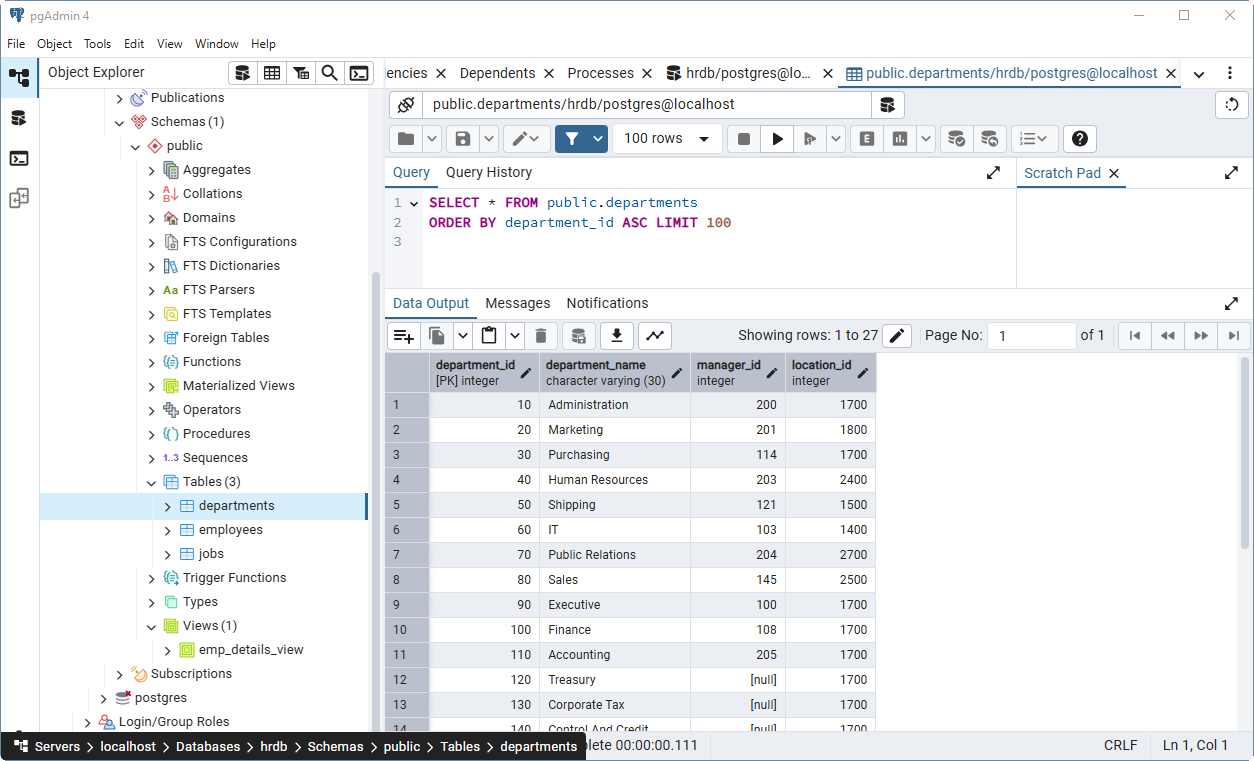
运行02_insert_data.sql,插入一些数据。查看前100行
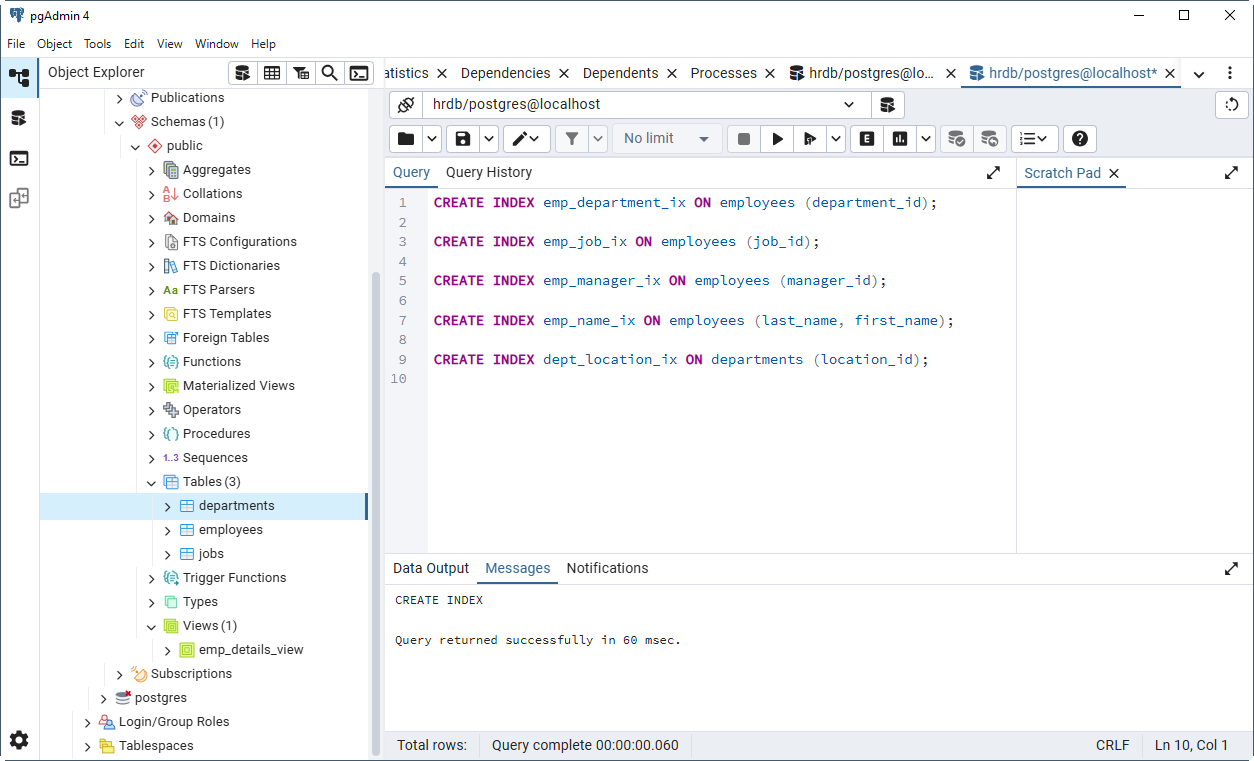
运行03_create_index.sql创建索引

 浙公网安备 33010602011771号