
WPF sub module/project retrieve its own folder' image via Assembly GetManifestResourceStream ResourceReader
private void LoadImagesFromResources()
{
    // 1. Get the CarProject assembly
    Assembly carAssembly = Assembly.GetExecutingAssembly();
    string assemblyName = carAssembly.GetName().Name;

    // 2. Access the WPF resource dictionary (.g.resources)
    using (Stream resourceStream = carAssembly.GetManifestResourceStream($"{assemblyName}.g.resources"))
    {
        if (resourceStream == null)
        {
            System.Diagnostics.Debug.WriteLine("Failed to open .g.resources stream!");
            return;
        }

        // 3. Read the resource dictionary
        using (ResourceReader reader = new ResourceReader(resourceStream))
        {
            foreach (DictionaryEntry entry in reader)
            {
                string resourceKey = entry.Key.ToString();
                System.Diagnostics.Debug.WriteLine($"Found resource key: {Path.GetFullPath(resourceKey)}");

                // 4. Filter for image files (png/jpg/jpeg)
                if (resourceKey.EndsWith(".png", StringComparison.OrdinalIgnoreCase) ||
                    resourceKey.EndsWith(".jpg", StringComparison.OrdinalIgnoreCase) ||
                    resourceKey.EndsWith(".jpeg", StringComparison.OrdinalIgnoreCase))
                {
                    // 5. Load the image from the resource entry
                    if (entry.Value is Stream imageStream)
                    {
                        var imgSource = GetImgSourceViaStream(imageStream, resourceKey);

                        // 6. Add to your collection
                        CarsCollection.Add(new CarModel
                        {
                            ImgSource = imgSource,
                            ImgName = Path.GetFullPath(resourceKey)
                        });
                    }
                }
            }
        }
    }
}

private ImageSource GetImgSourceViaStream(Stream streamValue, string imgUrl)
{
    if (imgCache.TryGetValue(imgUrl, out var img))
    {
        return img;
    }

    BitmapImage bmi = new BitmapImage();
    bmi.BeginInit();
    bmi.StreamSource = streamValue;
    bmi.CreateOptions = BitmapCreateOptions.DelayCreation;
    bmi.CacheOption = BitmapCacheOption.OnDemand;
    bmi.EndInit();
    bmi.Freeze();
    imgCache[imgUrl] = bmi;
    return bmi;
}

private ObservableCollection<CarModel> carsCollection;
public ObservableCollection<CarModel> CarsCollection
{
    get
    {
        return carsCollection;
    }
    set
    {
        SetProperty(ref carsCollection, value);
    }
}
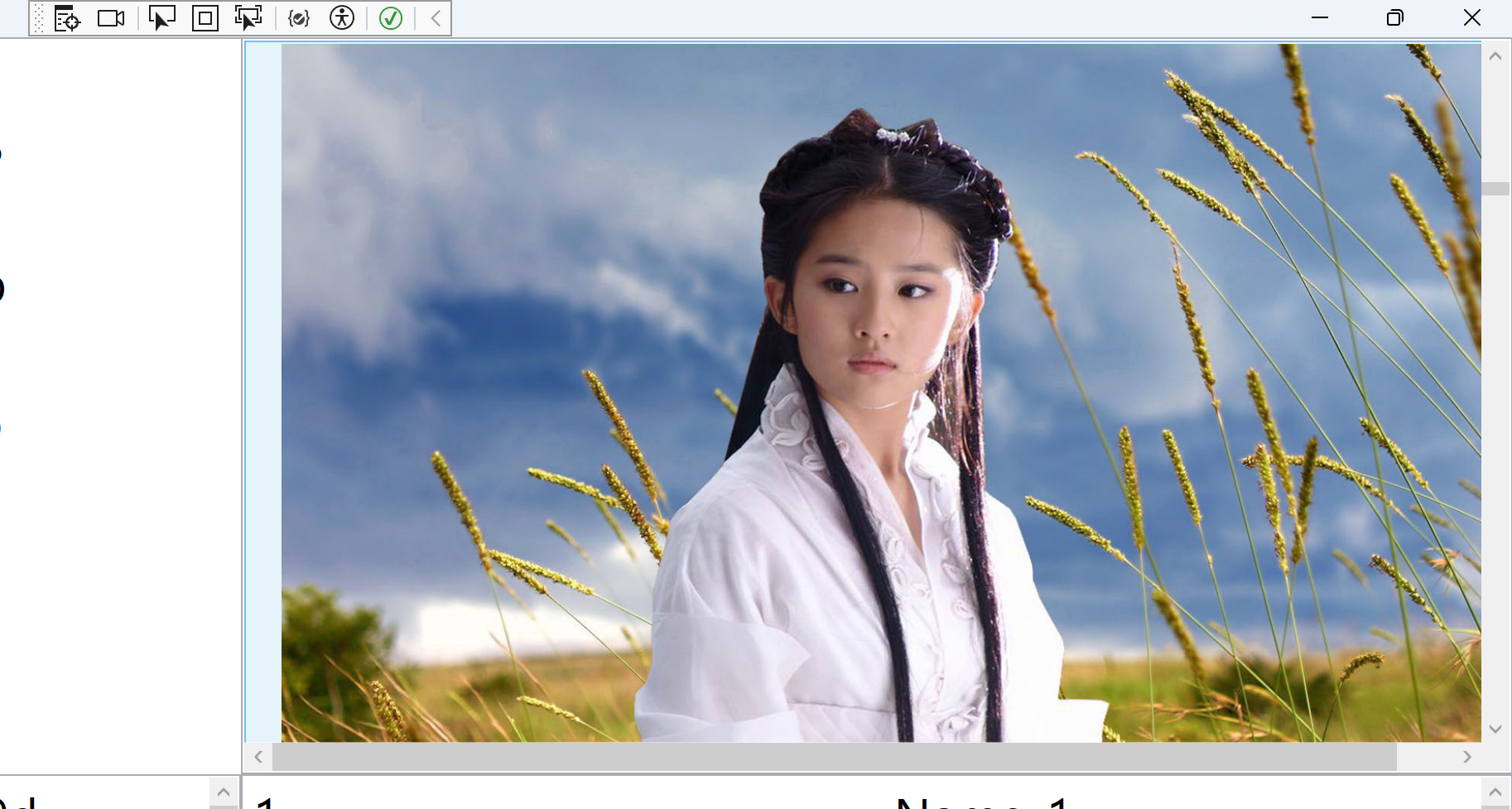
Set image as resource and never copy

using Prism.Mvvm;
using System;
using System.Collections;
using System.Collections.Concurrent;
using System.Collections.Generic;
using System.Collections.ObjectModel;
using System.IO;
using System.Reflection;
using System.Resources;
using System.Text;
using System.Windows;
using System.Windows.Media;
using System.Windows.Media.Imaging;

namespace CarProject
{
    public class CarViewModel : BindableBase
    {
        private ConcurrentDictionary<string, ImageSource> imgCache = new ConcurrentDictionary<string, ImageSource>();
        public CarViewModel()
        {
            var win=Application.Current.MainWindow;
            win.Loaded += (s, e) =>
            {
                if (win != null)
                {
                    ImgHeight = win.ActualHeight / 2;
                    ImgWidth = win.ActualWidth / 2;
                }
            };

            CarsCollection = new ObservableCollection<CarModel>();
            LoadImagesFromResources();
        }

        private void LoadImagesFromResources()
        {
            // 1. Get the CarProject assembly
            Assembly carAssembly = Assembly.GetExecutingAssembly();
            string assemblyName = carAssembly.GetName().Name;

            // 2. Access the WPF resource dictionary (.g.resources)
            using (Stream resourceStream = carAssembly.GetManifestResourceStream($"{assemblyName}.g.resources"))
            {
                if (resourceStream == null)
                {
                    System.Diagnostics.Debug.WriteLine("Failed to open .g.resources stream!");
                    return;
                }

                // 3. Read the resource dictionary
                using (ResourceReader reader = new ResourceReader(resourceStream))
                {
                    foreach (DictionaryEntry entry in reader)
                    {
                        string resourceKey = entry.Key.ToString();
                        System.Diagnostics.Debug.WriteLine($"Found resource key: {Path.GetFullPath(resourceKey)}");

                        // 4. Filter for image files (png/jpg/jpeg)
                        if (resourceKey.EndsWith(".png", StringComparison.OrdinalIgnoreCase) ||
                            resourceKey.EndsWith(".jpg", StringComparison.OrdinalIgnoreCase) ||
                            resourceKey.EndsWith(".jpeg", StringComparison.OrdinalIgnoreCase))
                        {
                            // 5. Load the image from the resource entry
                            if (entry.Value is Stream imageStream)
                            {
                                var imgSource = GetImgSourceViaStream(imageStream, resourceKey);

                                // 6. Add to your collection
                                CarsCollection.Add(new CarModel
                                {
                                    ImgSource = imgSource,
                                    ImgName = Path.GetFullPath(resourceKey)
                                });
                            }
                        }
                    }
                }
            }
        }

        private ImageSource GetImgSourceViaStream(Stream streamValue, string imgUrl)
        {
            if (imgCache.TryGetValue(imgUrl, out var img))
            {
                return img;
            }

            BitmapImage bmi = new BitmapImage();
            bmi.BeginInit();
            bmi.StreamSource = streamValue;
            bmi.CreateOptions = BitmapCreateOptions.DelayCreation;
            bmi.CacheOption = BitmapCacheOption.OnDemand;
            bmi.EndInit();
            bmi.Freeze();
            imgCache[imgUrl] = bmi;
            return bmi;
        }

        private ObservableCollection<CarModel> carsCollection;
        public ObservableCollection<CarModel> CarsCollection
        {
            get
            {
                return carsCollection;
            }
            set
            {
                SetProperty(ref carsCollection, value);
            }
        }

        private double imgWidth;
        public double ImgWidth
        {
            get
            {
                return imgWidth;
            }
            set
            {
                SetProperty(ref imgWidth, value);
            }
        }

        private double imgHeight;
        public double ImgHeight
        {
            get
            {
                return imgHeight;
            }
            set
            {
                SetProperty(ref imgHeight, value);
            }
        }
    }
}

 浙公网安备 33010602011771号