python -m pip install flask
python -m pip install flask-cors
//Flask

from flask import Flask,jsonify,send_from_directory
from flask_cors import CORS
import uuid
import time
import os
from datetime import datetime
import json
import uuid

app=Flask(__name__)

#启用CORS支持
CORS(app)

idx=0

@app.route('/')
def index():
    """返回HTML页面"""
    return send_from_directory('.','Index3.html')

@app.route('/get_books_list')
def get_books_list():
    """返回"""
    global idx

    arr=range(1,21)
    book_list=[]
    for a in arr:
        idx+=1
        book_list.append({
            "Id":idx,
            "Name":f'Name_{idx}',
            "Content":f'Content_{idx}',
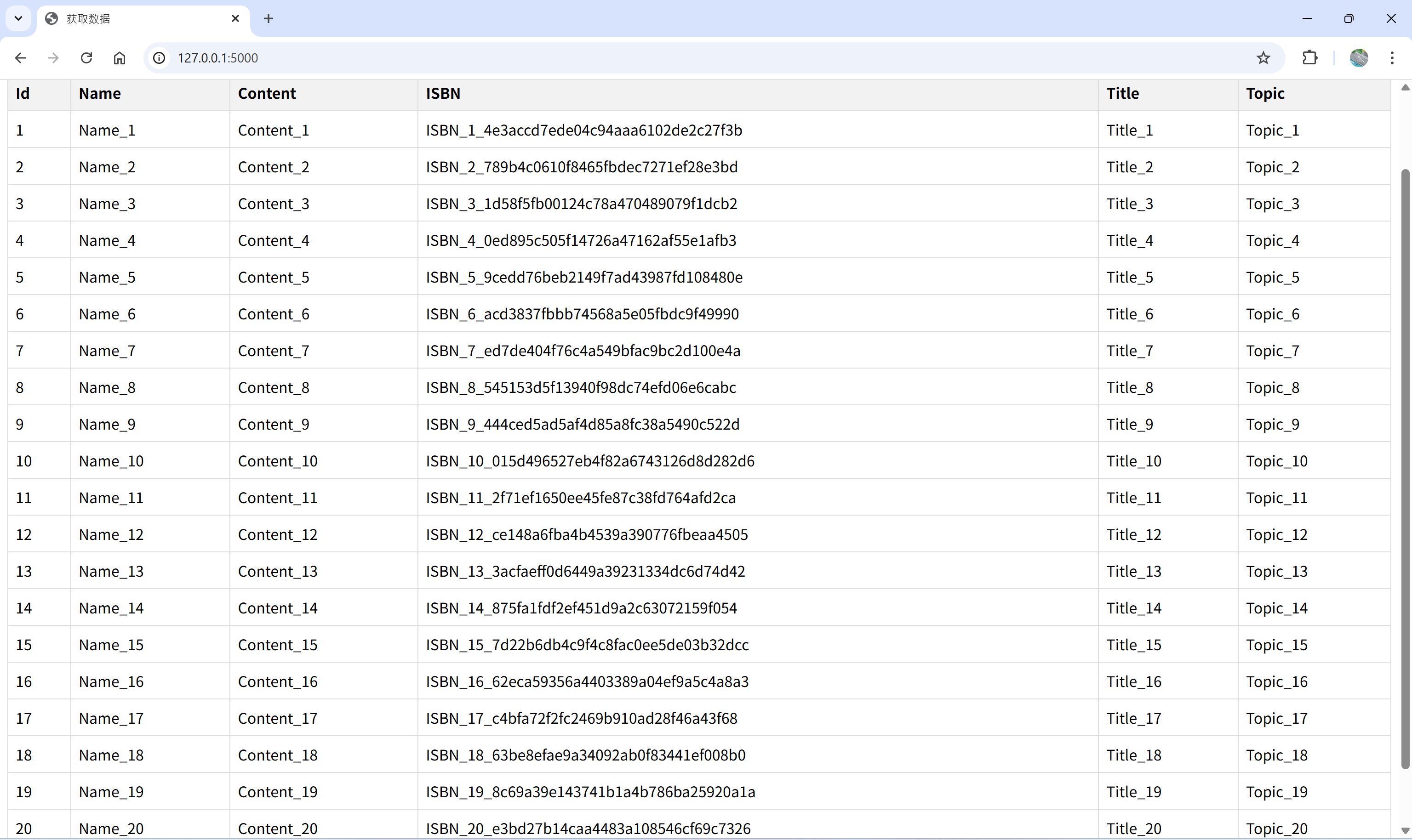
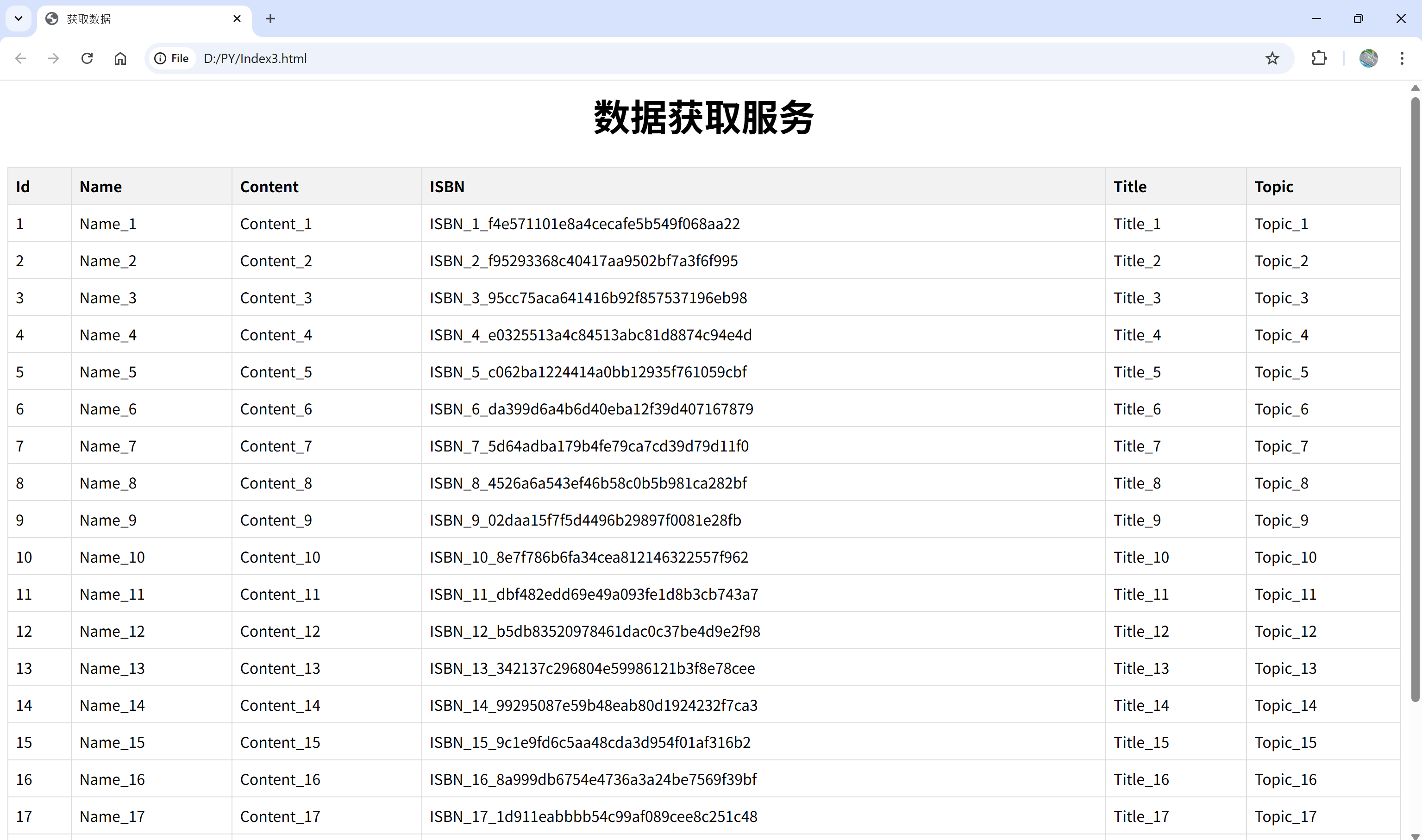
            "ISBN":f'ISBN_{idx}_{uuid.uuid4().hex}',
            "Title":f'Title_{idx}',
            "Topic":f'Topic_{idx}'
        })

    print(book_list)

    json_str=json.dumps(book_list,indent=4,ensure_ascii=False)
    print(f'Json_str:{json_str}')
    return jsonify({
        'data':json_str,
        'timestamp':datetime.now().strftime('%Y%m%d%H%M%S%f')
    })

if __name__=='__main__':
    app.run(debug=True,port=5000,host='0.0.0.0')
<html lang="zh-CN">
    <head>
        <meta charset="UTF-8">
        <meta name="viewport" content="width=device-width,initial-scale=1.0">
        <title>获取数据</title>
        <style>
            body{
                align-items: center;
                min-width: 1500px;
            }

            .container {
                    text-align: center;
                    font-size: 20px;
            }

           table {
                width:100%;
                margin:20px auto;
                border-collapse:collapse;
           }

           th,td{
                border:1px solid #ddd;
                padding:8px;
                text-align:left;
           }

           th {
                background-color:#f2f2f2;
           }

            #fetchBtn {
                font-size: 20px;
                min-width: 1200px;
            }
        </style>
    </head>
    <body align-items="center">
        <div class="container">
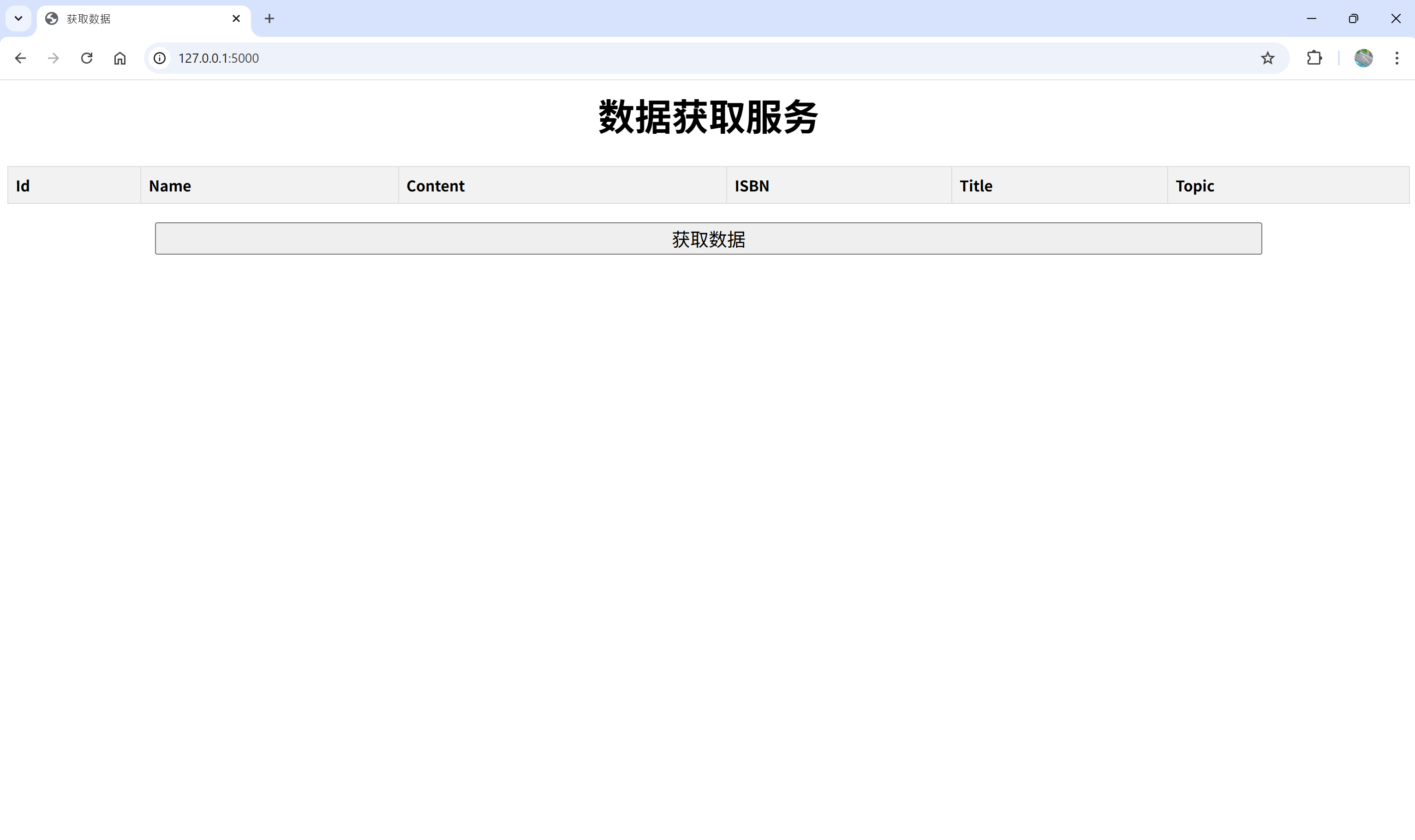
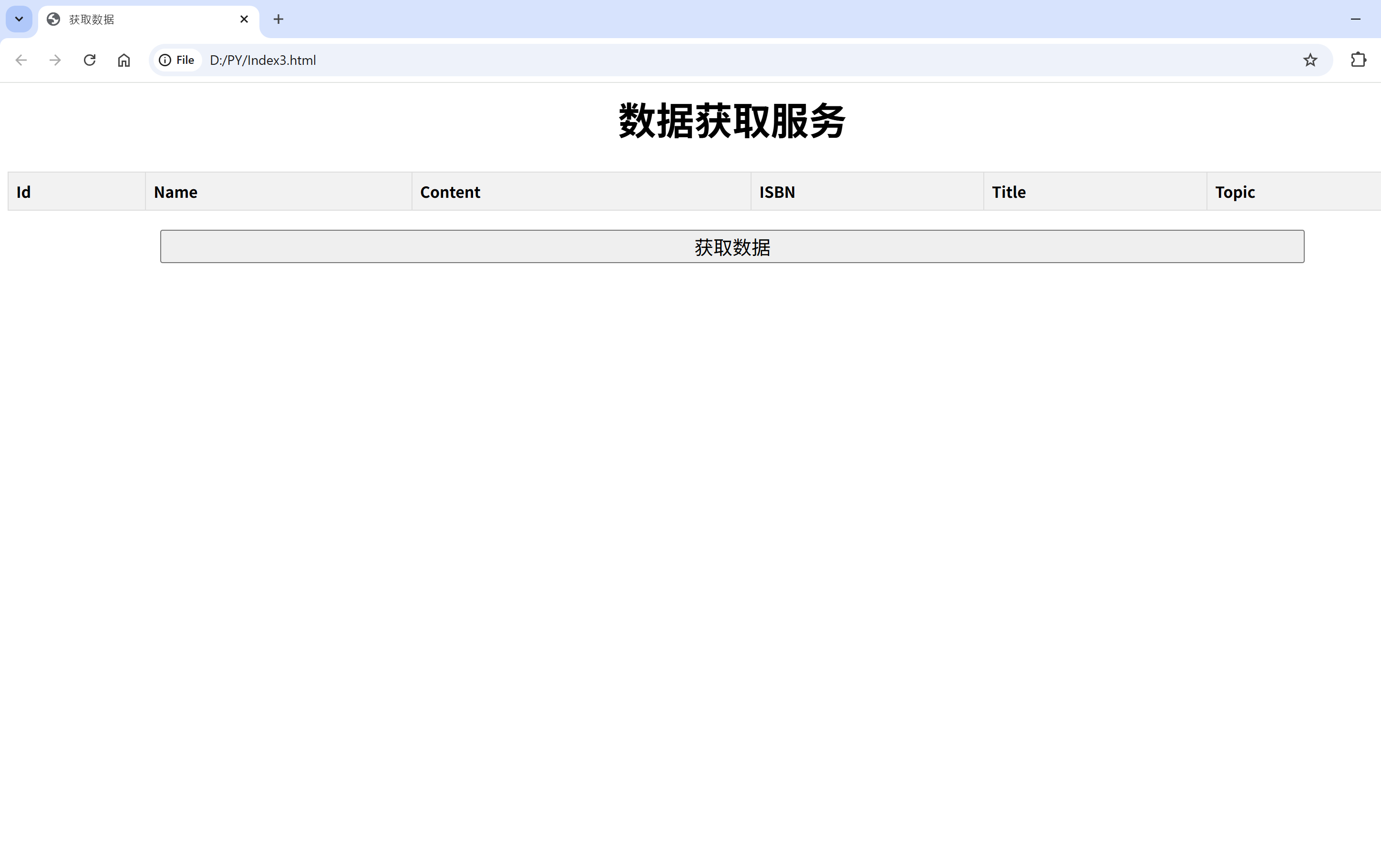
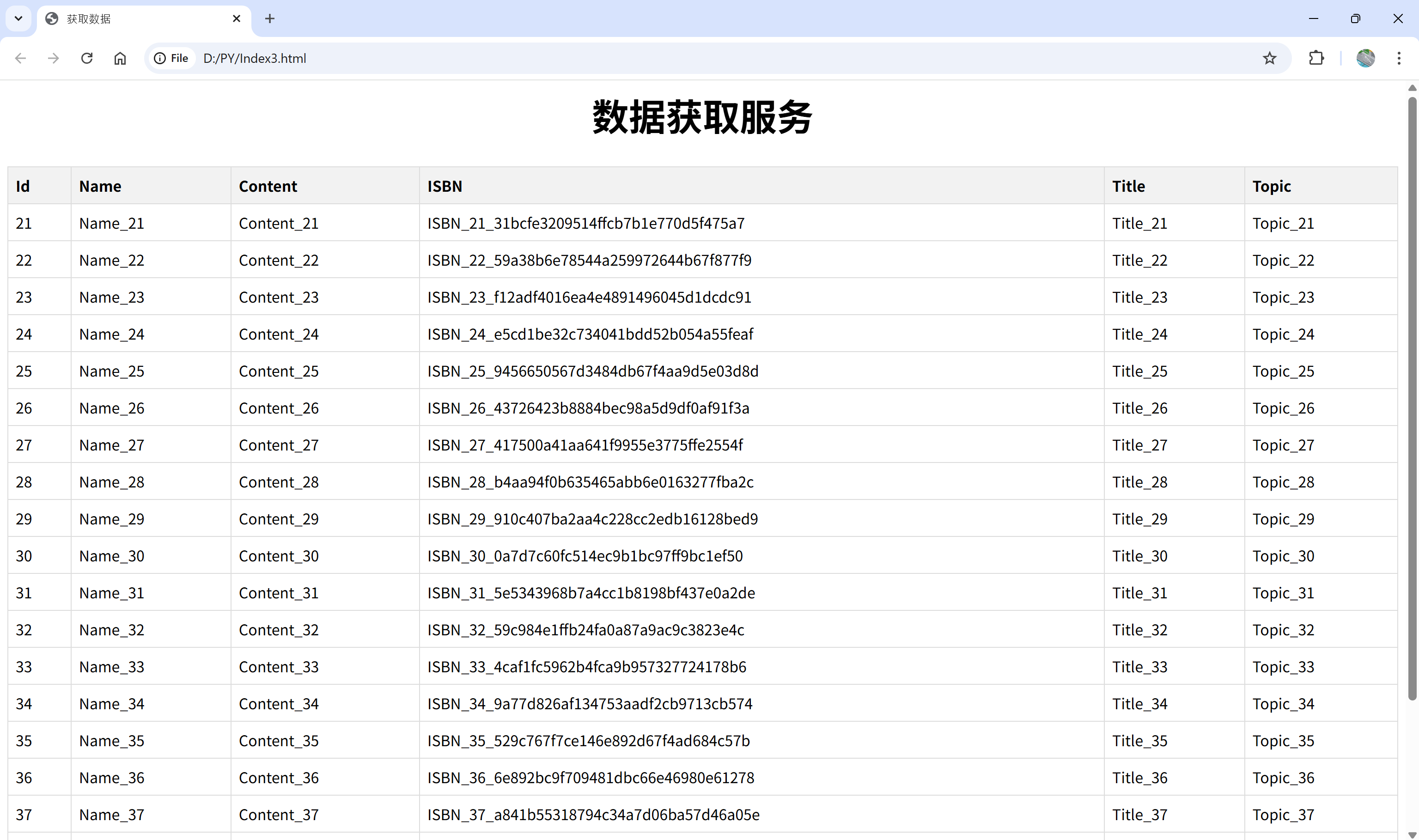
            <h1>数据获取服务</h1>
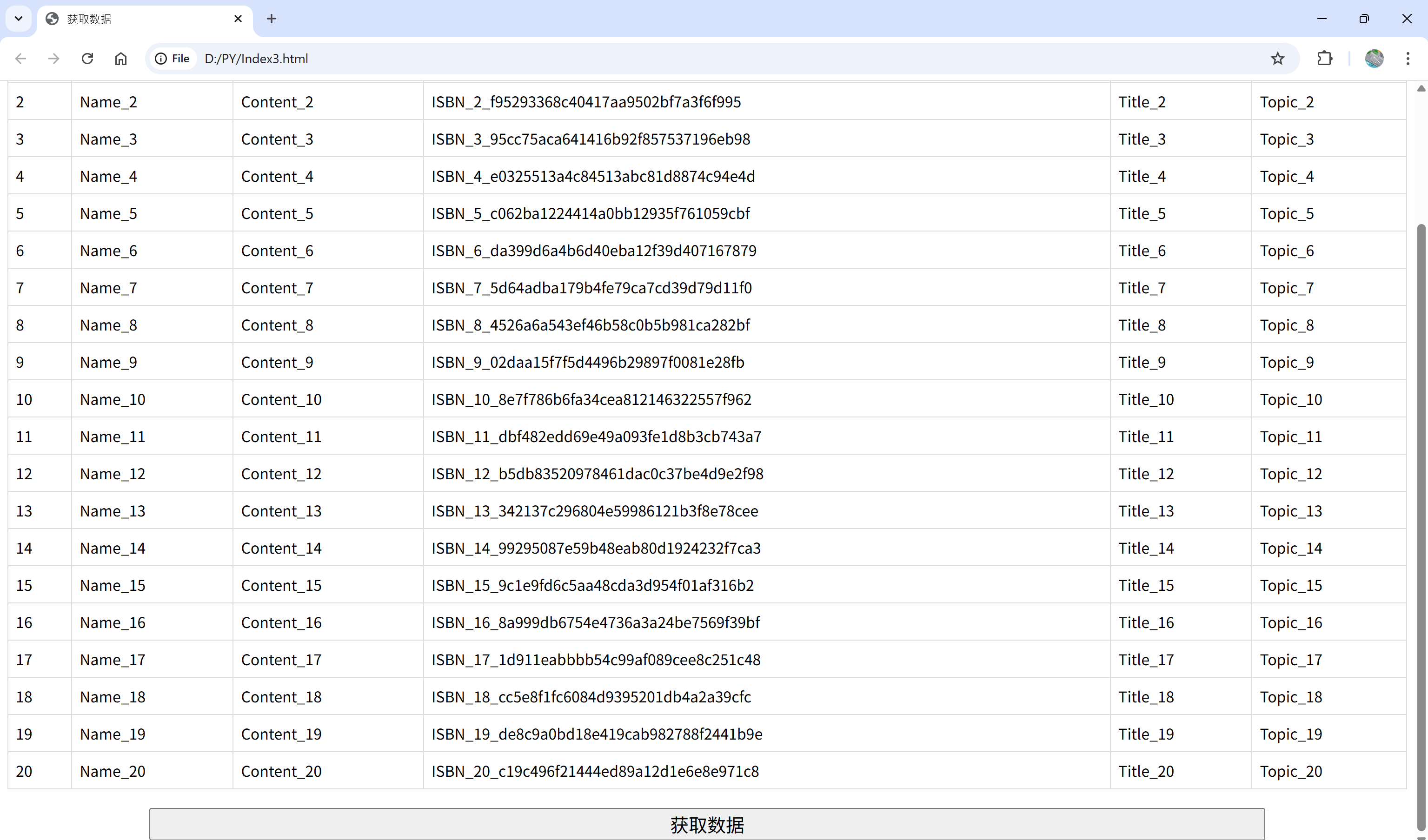
            <table id='testTable'>
                <tr><th>Id</th><th>Name</th><th>Content</th><th>ISBN</th><th>Title</th><th>Topic</th></tr>
            </table>
             <div>
                <button id="fetchBtn">获取数据</button>
             </div>
        </div>

        <script>
            document.getElementById('fetchBtn').addEventListener('click',function(){
                //显示加载状态
                const testTable=document.getElementById('testTable');
                //禁用按钮防止重复点击
                const btn=document.getElementById('fetchBtn');

                //清空表格数据(保留表头)
                while(testTable.rows.length>1){
                    testTable.deleteRow(1);
                }
                btn.disabled=true;
                btn.textContent='获取中...';

                //发送请求
                fetch('http://localhost:5000//get_books_list')
                .then(response=>response.json())
                .then(data=>{
                    <!-- alert(data.data); -->
                     try{
                        //解析返回的JSON数据
                        const books=JSON.parse(data.data);

                        //遍历数据并添加到表格
                        books.forEach(book=>{
                            const row=testTable.insertRow();
                            row.innerHTML=`
                                <td>${book.Id}</td>
                                <td>${book.Name}</td>
                                <td>${book.Content}</td>
                                <td>${book.ISBN}</td>
                                <td>${book.Title}</td>
                                <td>${book.Topic}</td>
                            `;
                        });

                        console.log('loaded data successfully:',books.length);
                     }
                     catch(error)
                     {
                        console.error('Parse data failed:',error);
                        alert('data format error');
                     }
                      //恢复按钮
                        btn.disabled=false;
                        btn.textContent='获取数据';
                }).catch(error=>{
                    //错误处理
                    console.error('Request failed:',error);
                    alert('fetch data failed '+error.message);

                    //恢复按钮
                    btn.disabled=false;
                    btn.textContent='Fetch Data';
                });
            });
        </script>
    </body>
</html>
![image]()
![image]()
![image]()
![image]()
![image]()
![image]()


 浙公网安备 33010602011771号