import uuid
import datetime
import time
import json
import tkinter as tk
import tkinter.messagebox as msgBox

class Book():
    def __init__(self,id,name,isbn,comment,content,summary,title,topic):
        self.id=id
        self.name=name
        self.isbn=isbn
        self.comment=comment
        self.content=content
        self.summary=summary
        self.title=title
        self.topic=topic

    def __str__(self):
        return f'Id:{self.id},name:{self.name},isbn:{self.isbn},comment:{self.comment},content:{self.content},summary:{self.summary},title:{self.title},topic:{self.topic}'

book_list=[]

arr=range(1,100001)
for a in arr:
    book_list.append(Book(f'{a}',f'Name_{a}',f'ISBN_{a}',f'Comment_{a}',f'Content_{a}',f'Summary_{a}',f'Title_{a}',f'Topic_{a}'))

book_data=[]
for bk in book_list:
    dic={
        'id':bk.id,
        'name':bk.name,
        'isbn':bk.isbn,
        'comment':bk.comment,
        'content':bk.content,
        'summary':bk.summary,
        'title':bk.title,
        'topic':bk.topic
    }
    book_data.append(dic)

jsonFile=f'Json_{datetime.datetime.now().strftime("%Y%m%d%H%M%S%f")}.json'
with open(jsonFile,'a+',encoding='utf-8') as jsonWriteFile:
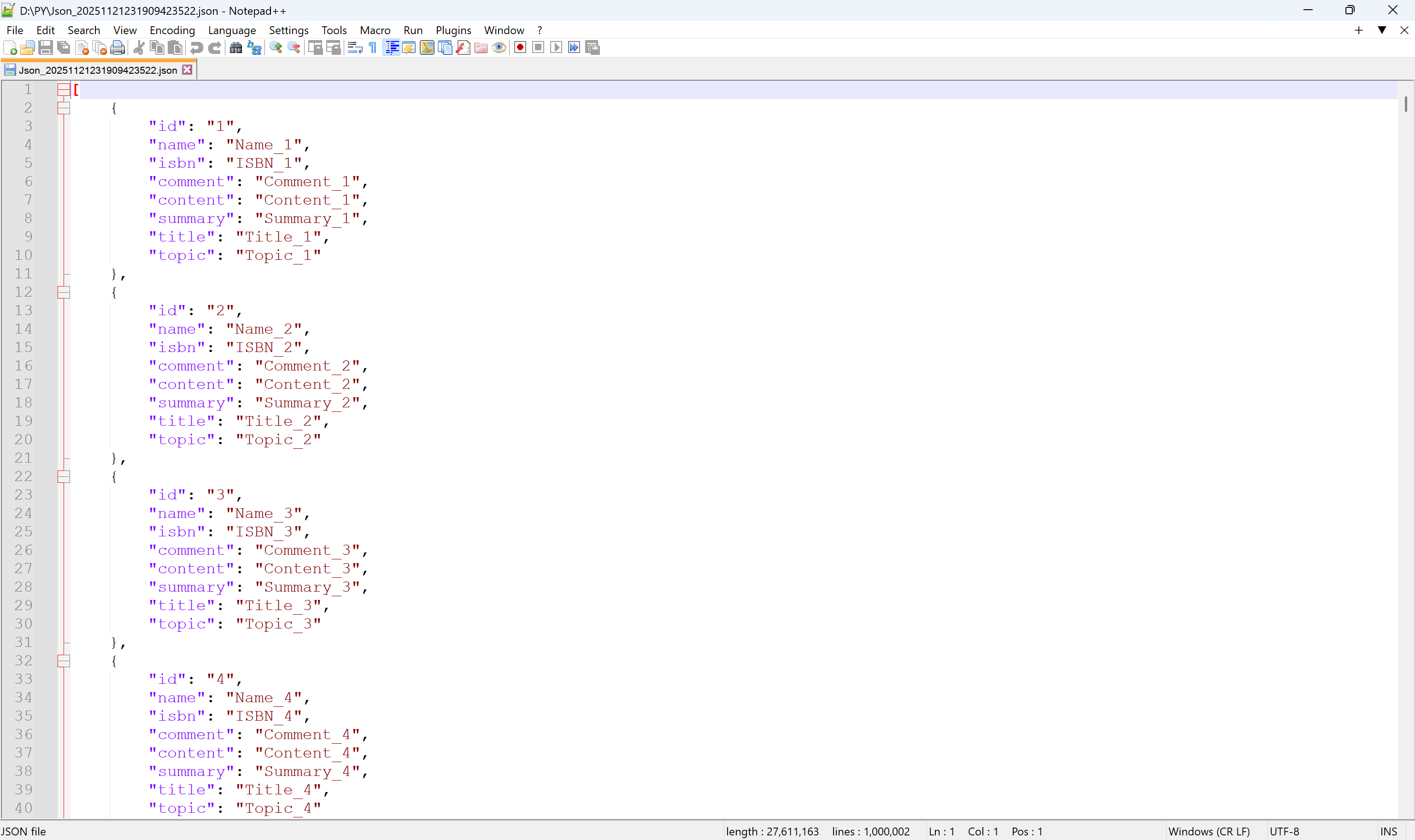
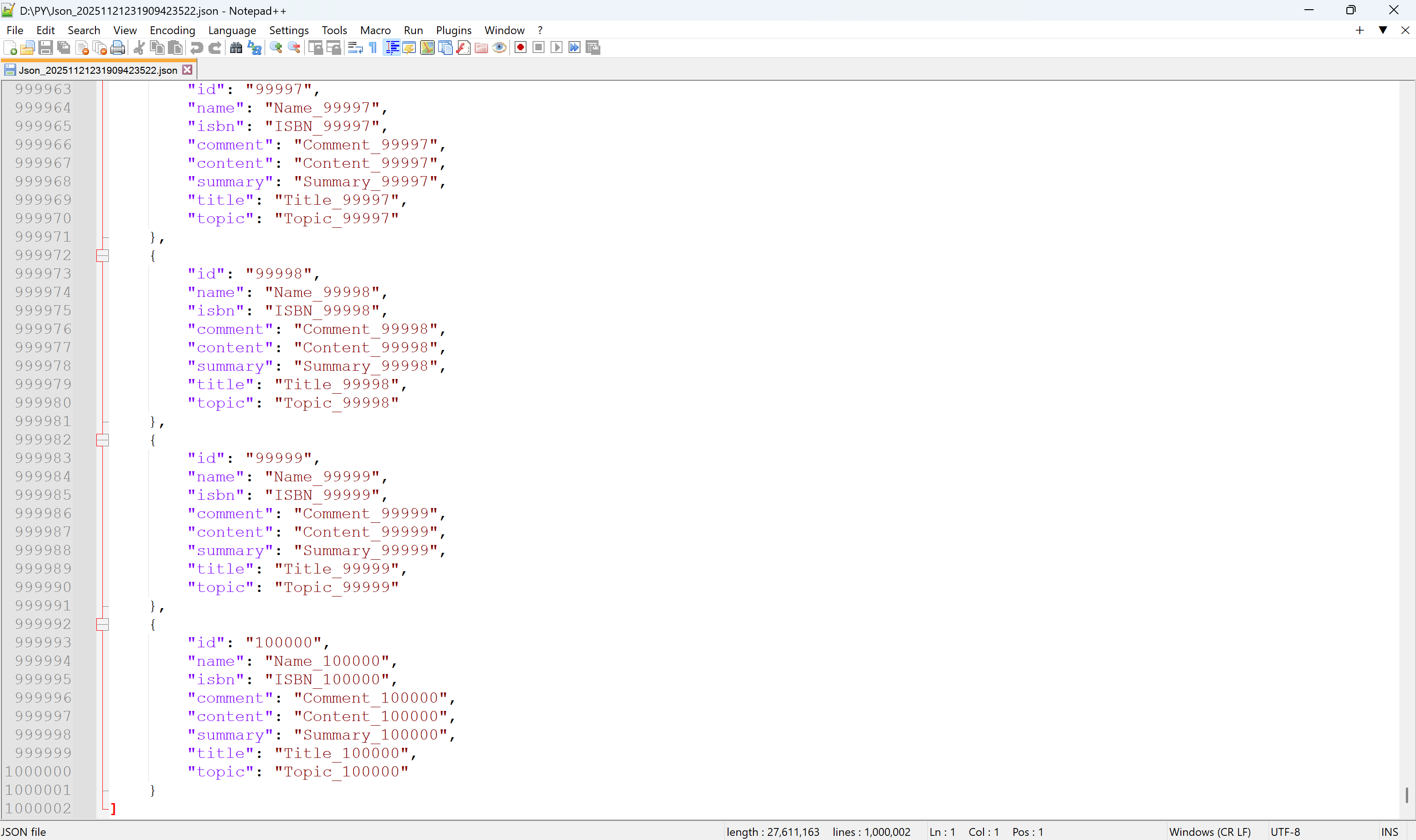
    json.dump(book_data,jsonWriteFile,indent=4)

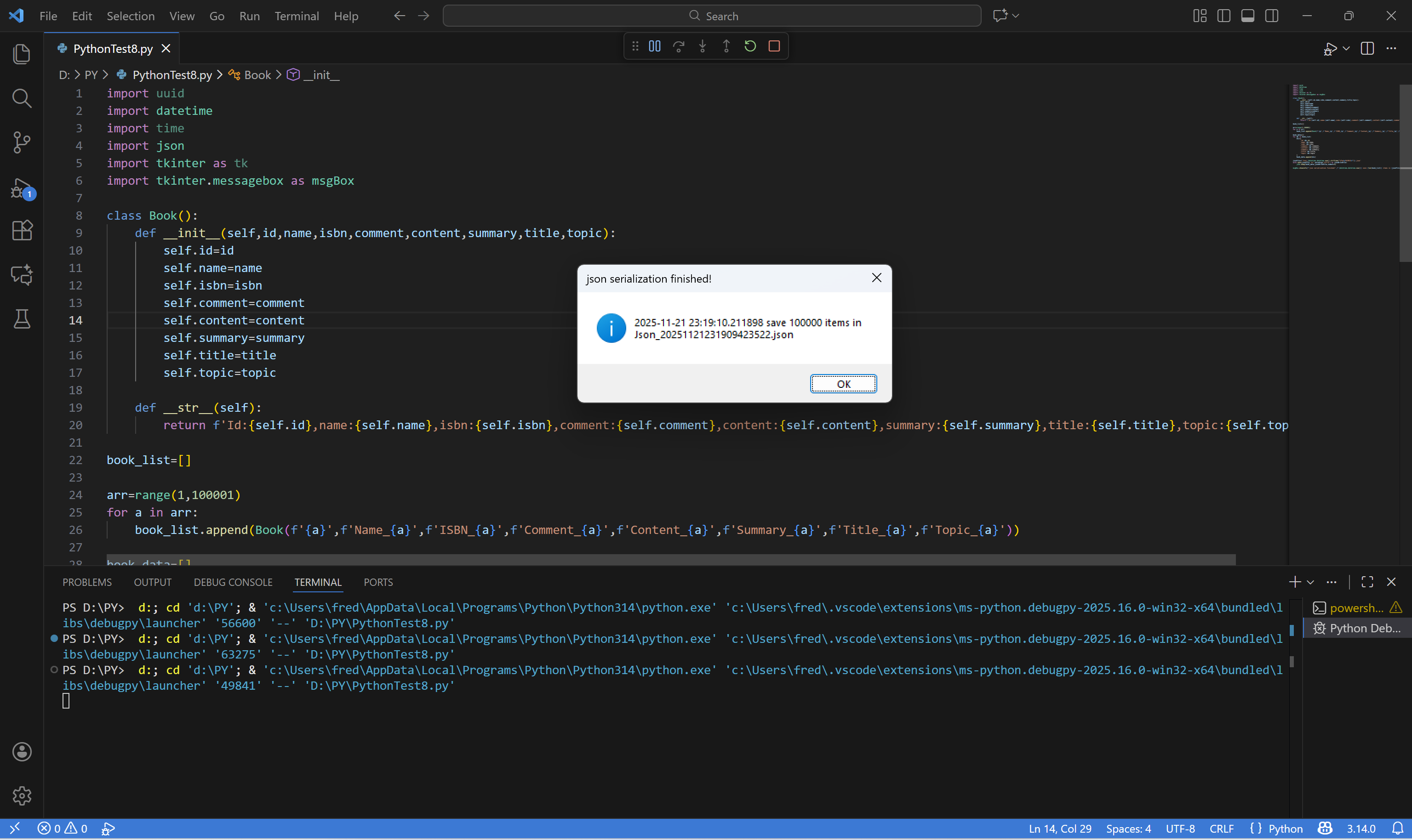
msgBox.showinfo(f'json serialization finished!',f'{datetime.datetime.now()} save {len(book_list)} items in {jsonFile}')
![image]()
![image]()
![image]()


 浙公网安备 33010602011771号