//1.in order to use System.Windows.MessageBox,update the csproj file as below
<Project Sdk="Microsoft.NET.Sdk">

  <PropertyGroup>
    <TargetFramework>net8.0-windows</TargetFramework>
    <UseWPF>true</UseWPF>
    <OutputType>Exe</OutputType>
    <ImplicitUsings>enable</ImplicitUsings>
    <Nullable>enable</Nullable>
  </PropertyGroup>
</Project>
//2.
install-package epplus
<Project Sdk="Microsoft.NET.Sdk">

  <PropertyGroup>
    <TargetFramework>net8.0-windows</TargetFramework>
    <UseWPF>true</UseWPF>
    <OutputType>Exe</OutputType>
    <ImplicitUsings>enable</ImplicitUsings>
    <Nullable>enable</Nullable>
  </PropertyGroup>

  <ItemGroup>
    <PackageReference Include="epplus" Version="8.0.5" />
  </ItemGroup>

</Project>
using OfficeOpenXml;
using System.IO;
using System.Windows;

namespace ConsoleApp7
{
    internal class Program
    {
        static FileInfo destFile;
        static void Main(string[] args)
        {
            ListExportViaEpp();
        }
        static void ListExportViaEpp()
        {
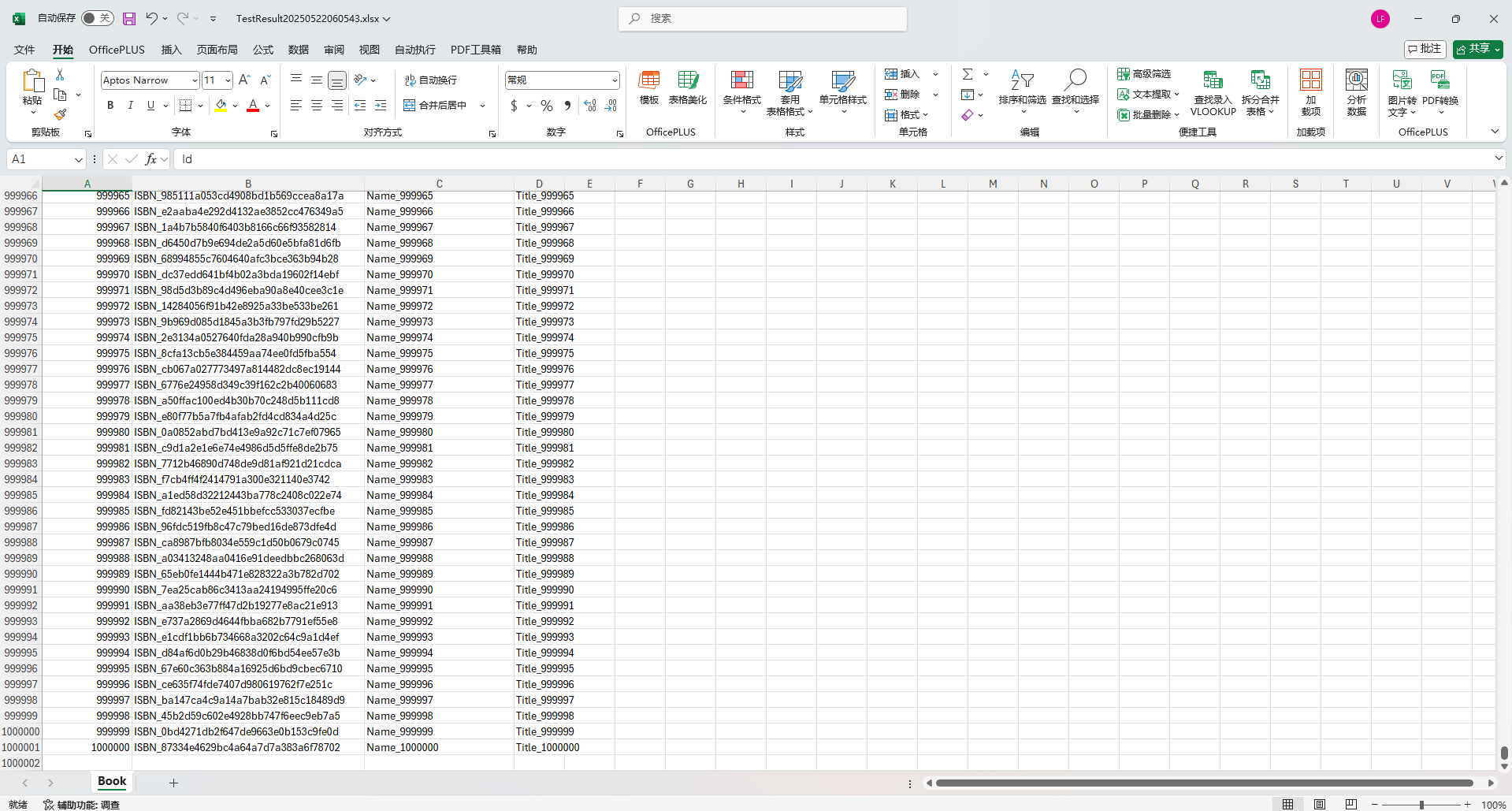
            List<Book> booksList = new List<Book>();
            for (int i = 0; i < 1000000; i++)
            {
                booksList.Add(new Book()
                {
                    Id = i + 1,
                    Name = $"Name_{i + 1}",
                    Title = $"Title_{i + 1}",
                    ISBN = $"ISBN_{Guid.NewGuid().ToString("N")}"
                });
            }
            ExportListToExcel(booksList, ".");
        }


        public static void ExportListToExcel<T>(List<T> dataList, string folderPath)
        {
            try
            {
                ExcelPackage.License.SetNonCommercialPersonal("fredtest");
                destFile = new FileInfo(Path.Combine(folderPath, "TestResult" + DateTime.Now.ToString("yyyyMMddhhMMss") + ".xlsx"));

                using (var package = new ExcelPackage(destFile))
                {
                    var worksheet = package.Workbook.Worksheets.Add(typeof(T).Name);
                    worksheet.Cells["A1"].LoadFromCollection(dataList, true);
                    package.Save();
                }
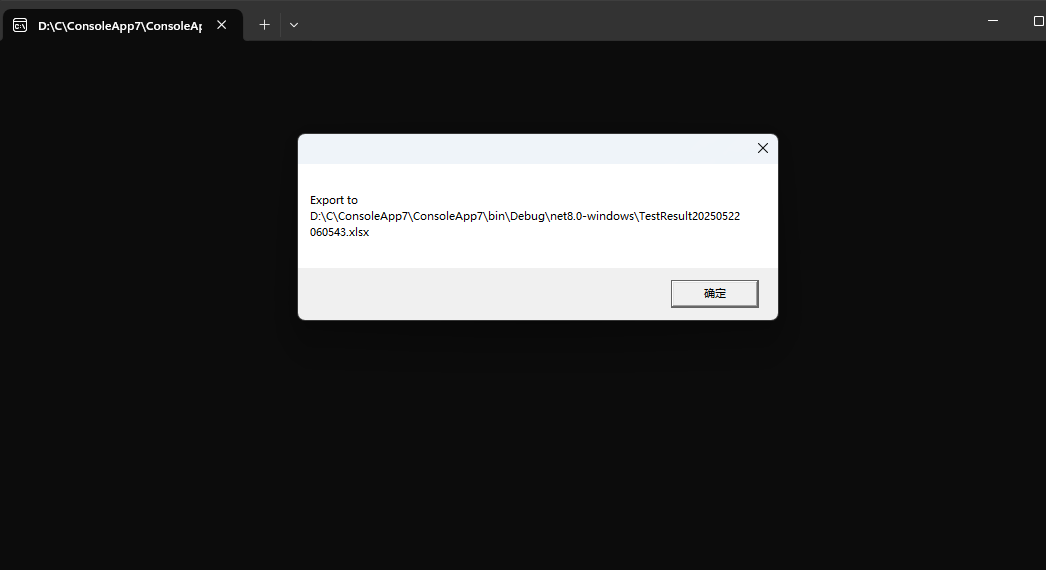
                MessageBox.Show($"Export to {destFile.FullName}");
            }
            catch (Exception ex)
            {
                MessageBox.Show(ex.Message);
            }
        }
    }

    public class Book
    {
        public int Id { get; set; }
        public string ISBN { get; set; }
        public string Name { get; set; }
        public string Title { get; set; }

    }
}
![]()
![]()


 浙公网安备 33010602011771号