[PlayWright入门教程]通过 Chrome DevTools 协议 (CDP)连接已打开的实体浏览器
- Playwright下通过CDP连接浏览器调测源码:
using System;
using System.Collections.Generic;
using System.Diagnostics;
using System.IO;
using System.Text;
using Microsoft.Playwright;
using System.Threading.Tasks;

namespace ConsoleApp1
{
    public class Program
    {
        public static void Main(string[] args)
        {
            PlaywrightWithCDP();
            Console.WriteLine("Done");
            Console.ReadKey(true);
        }

        public async static void PlaywrightWithCDP()
        {
            //浏览器路径
            string path_googlechrome = @"C:\Program Files\Google\Chrome\Application\chrome.exe";
            //浏览器调测连接端口
            int googlechrome_debugport = 13006;
            //浏览器用户数据存储目录
            string dir_userdata = @"D:\playwright_chrome";
            //不建议每次初始化该目录(删除重建),否则浏览器基础设置将丢失
            if (!Directory.Exists(dir_userdata))
                Directory.CreateDirectory(dir_userdata);
            Process.Start(path_googlechrome, $"--remote-debugging-port={googlechrome_debugport} --user-data-dir=\"{dir_userdata}\"");

            IPlaywright playwright = await Playwright.CreateAsync();
            IBrowserType browserType = playwright.Chromium;
            var browser = await browserType.ConnectOverCDPAsync($"http://localhost:{googlechrome_debugport}");
            IPage page = browser.Contexts[0].Pages[0];
            try
            {
                if (page != null)
                {
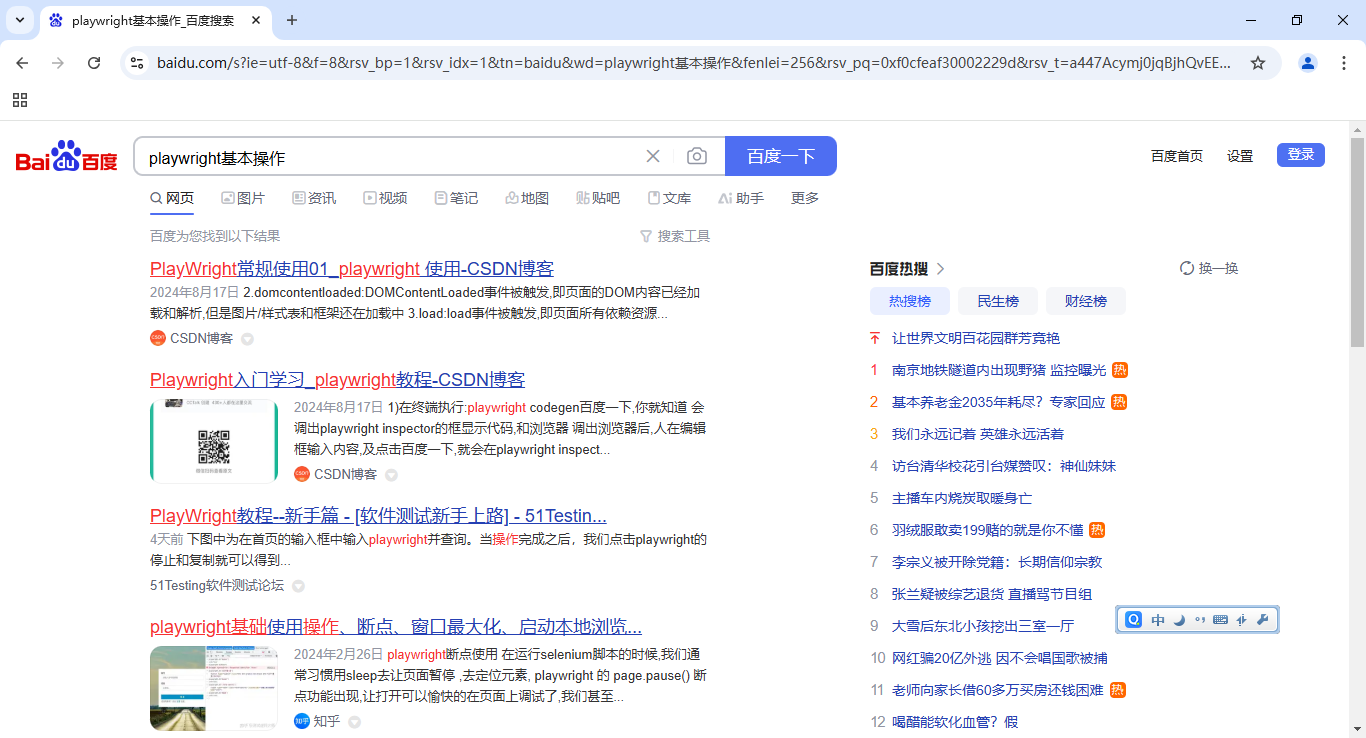
                    await page.GotoAsync("https://www.baidu.com/");
                    await page.Locator("#kw").FillAsync("playwright基本操作");
                    await page.GetByText("百度一下").ClickAsync();
                }
            }
            catch (Exception ex) { }
        }
    }
}
- 运行环境
IDE环境:Visual Studio 2022 Professional 17.8.6
测试程序框架:.NET Framework 4.8
PlayWright版本号:1.49.0.0
Google Chrome版本号:131.0.6778.86(正式版本) (64 位)
- 测试结果


 浙公网安备 33010602011771号