
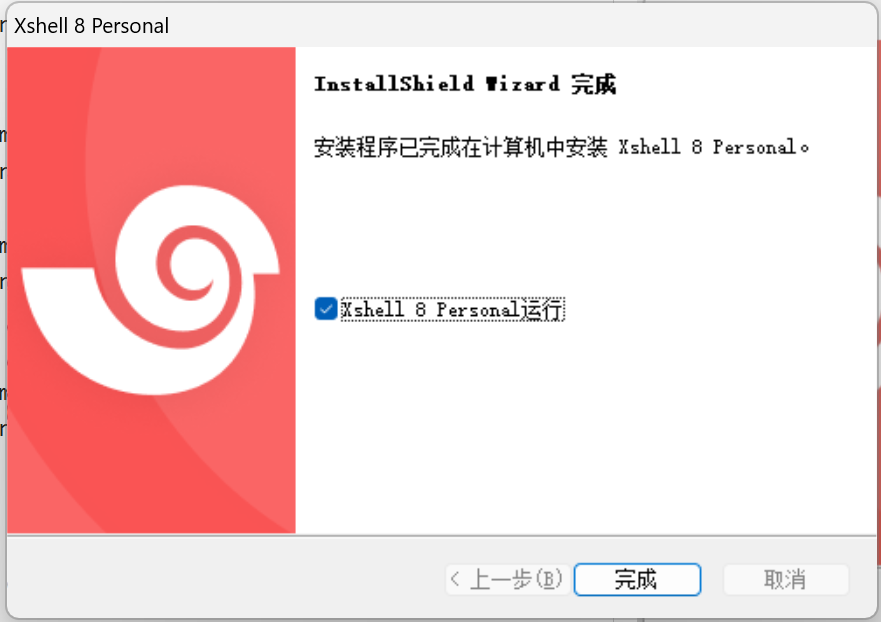
Xshell
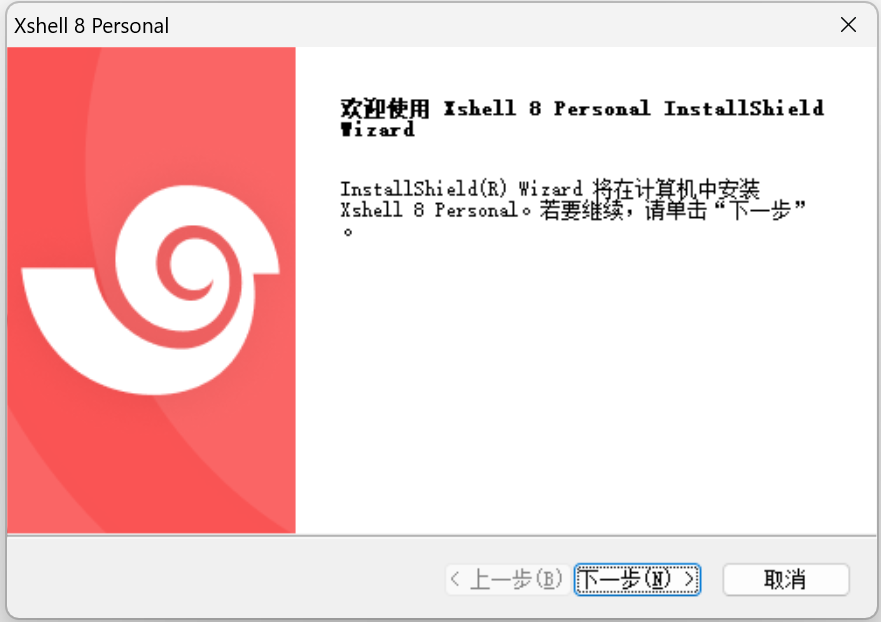
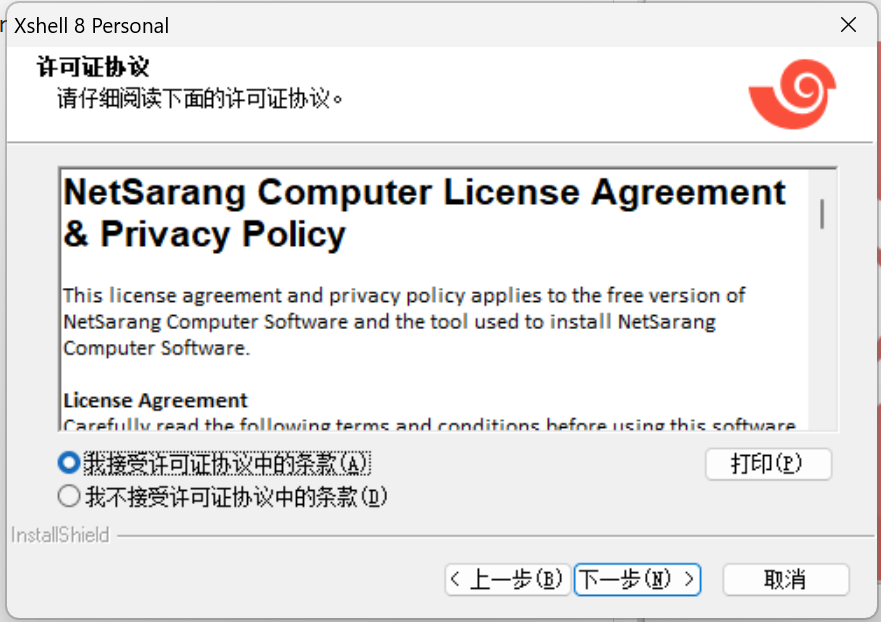
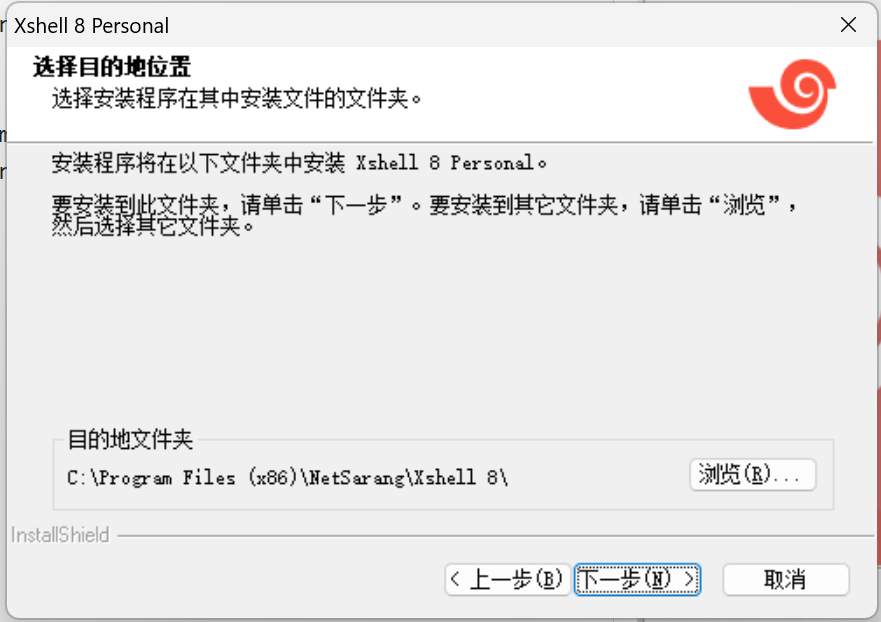
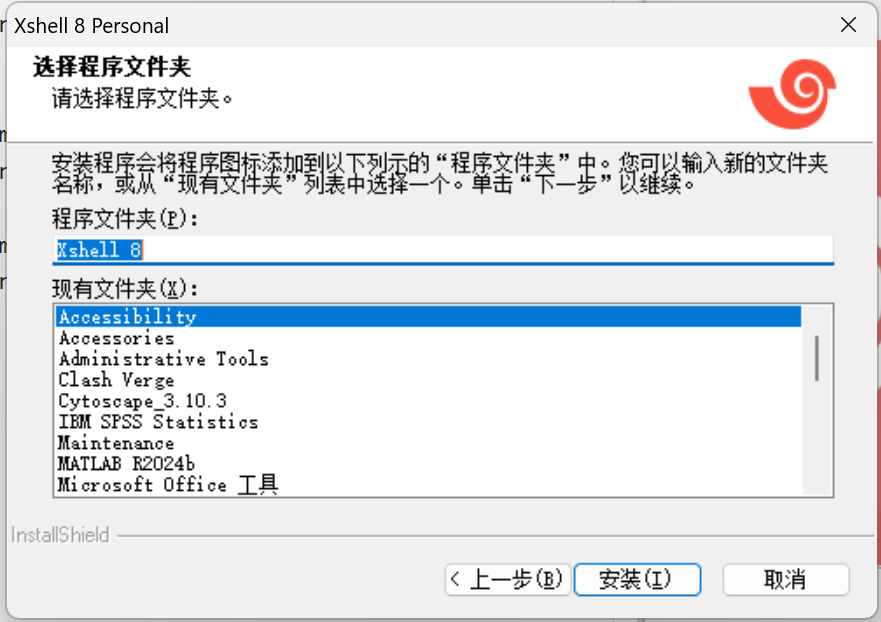

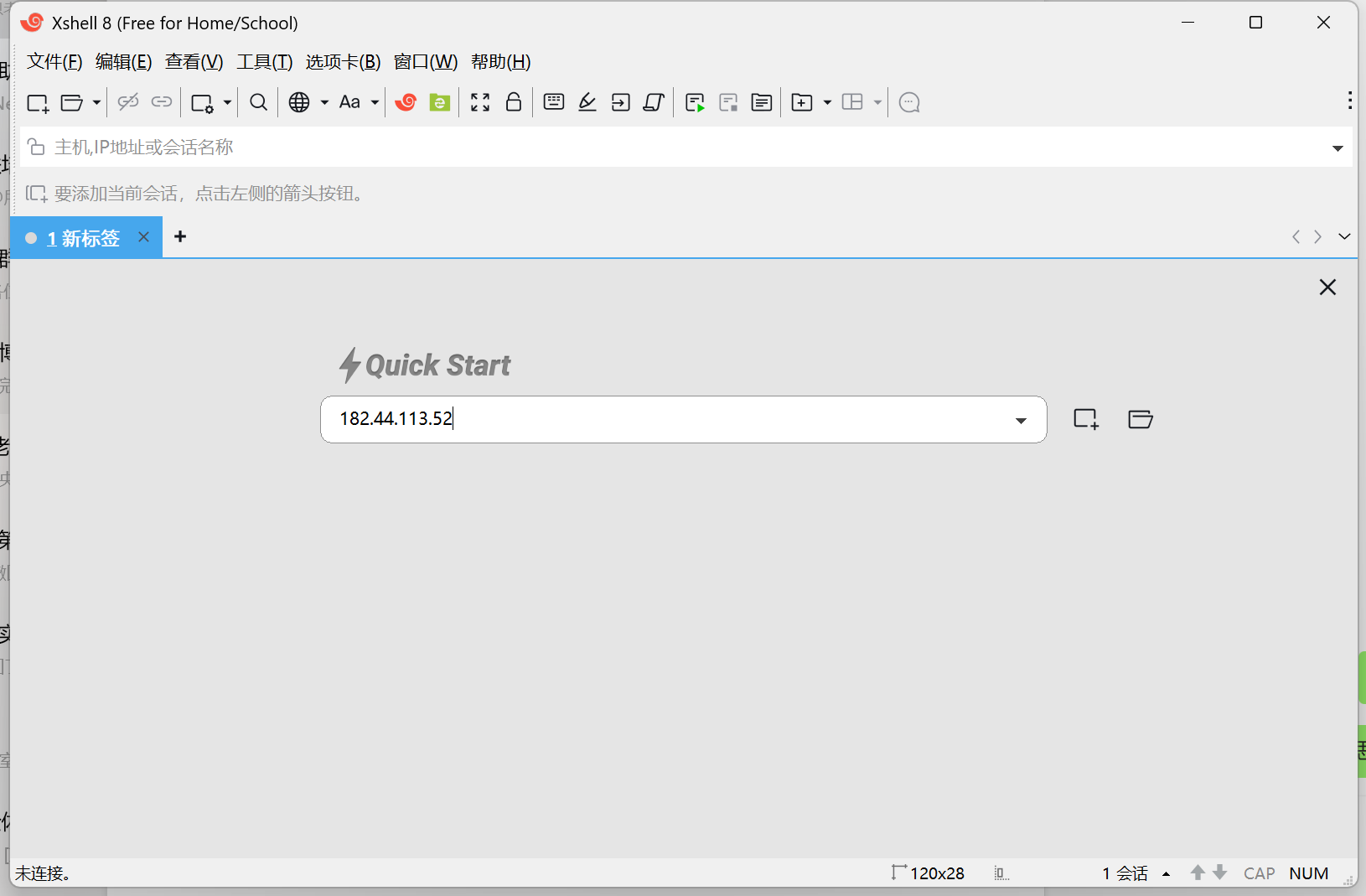
按下回车后可以看到
Xshell 8 (Build 0069)
Copyright (c) 2024 NetSarang Computer, Inc. All rights reserved.

Type `help' to learn how to use Xshell prompt.
[C:\~]$

Connecting to 182.44.113.52:22...
Connection established.
To escape to local shell, press 'Ctrl+Alt+]'.

Welcome to Ubuntu 22.04.4 LTS (GNU/Linux 5.15.0-119-generic x86_64)

 * Documentation:  https://help.ubuntu.com
 * Management:     https://landscape.canonical.com
 * Support:        https://ubuntu.com/pro

This system has been minimized by removing packages and content that are
not required on a system that users do not log into.

To restore this content, you can run the 'unminimize' command.
New release '24.04.2 LTS' available.
Run 'do-release-upgrade' to upgrade to it.

Last login: Fri Apr 11 16:47:44 2025 from 183.172.51.72
输入命令从一个 jump host(182.44.131.52)连接到计算节点(172.16.0.14)
ssh ywy@172.16.0.14
输入密码后可以看到
(base) ywy@ecm-cfe1-0003:~$ ssh ywy@172.16.0.14
ywy@172.16.0.14's password:
Welcome to Ubuntu 22.04.4 LTS (GNU/Linux 5.15.0-94-generic x86_64)

 * Documentation:  https://help.ubuntu.com
 * Management:     https://landscape.canonical.com
 * Support:        https://ubuntu.com/pro

 System information as of Sun Apr 13 03:35:01 PM CST 2025

  System load:  49.49               Temperature:            76.0 C
  Usage of /:   39.7% of 427.47GB   Processes:              2938
  Memory usage: 12%                 Users logged in:        3
  Swap usage:   0%                  IPv4 address for bond0: 172.16.0.14


Expanded Security Maintenance for Applications is not enabled.

5 updates can be applied immediately.
1 of these updates is a standard security update.
To see these additional updates run: apt list --upgradable

10 additional security updates can be applied with ESM Apps.
Learn more about enabling ESM Apps service at https://ubuntu.com/esm


The list of available updates is more than a week old.
To check for new updates run: sudo apt update
Failed to connect to https://changelogs.ubuntu.com/meta-release-lts. Check your Internet connection


Last login: Sun Apr 13 10:18:07 2025 from 192.168.0.6
(base) ywy@host-gpu-4:~$
这里可以查看GPU信息
(base) ywy@host-gpu-4:~/RL_W_Group/YuWang/YuWang$ nvidia-smi
Sun Apr 13 15:41:53 2025
+-----------------------------------------------------------------------------------------+
| NVIDIA-SMI 550.90.07              Driver Version: 550.90.07      CUDA Version: 12.4     |
|-----------------------------------------+------------------------+----------------------+
| GPU  Name                 Persistence-M | Bus-Id          Disp.A | Volatile Uncorr. ECC |
| Fan  Temp   Perf          Pwr:Usage/Cap |           Memory-Usage | GPU-Util  Compute M. |
|                                         |                        |               MIG M. |
|=========================================+========================+======================|
|   0  NVIDIA H800 PCIe               Off |   00000000:0E:00.0 Off |                    0 |
| N/A   47C    P0            127W /  350W |   19762MiB /  81559MiB |     99%      Default |
|                                         |                        |             Disabled |
+-----------------------------------------+------------------------+----------------------+
|   1  NVIDIA H800 PCIe               Off |   00000000:0F:00.0 Off |                    0 |
| N/A   49C    P0            115W /  350W |   37133MiB /  81559MiB |     80%      Default |
|                                         |                        |             Disabled |
+-----------------------------------------+------------------------+----------------------+
|   2  NVIDIA H800 PCIe               Off |   00000000:10:00.0 Off |                    0 |
| N/A   45C    P0             95W /  350W |   16774MiB /  81559MiB |     10%      Default |
|                                         |                        |             Disabled |
+-----------------------------------------+------------------------+----------------------+
|   3  NVIDIA H800 PCIe               Off |   00000000:12:00.0 Off |                    0 |
| N/A   44C    P0            106W /  350W |   56759MiB /  81559MiB |     91%      Default |
|                                         |                        |             Disabled |
+-----------------------------------------+------------------------+----------------------+
|   4  NVIDIA H800 PCIe               Off |   00000000:87:00.0 Off |                    0 |
| N/A   42C    P0             83W /  350W |   70272MiB /  81559MiB |      3%      Default |
|                                         |                        |             Disabled |
+-----------------------------------------+------------------------+----------------------+
|   5  NVIDIA H800 PCIe               Off |   00000000:88:00.0 Off |                    0 |
| N/A   41C    P0             87W /  350W |   70262MiB /  81559MiB |      5%      Default |
|                                         |                        |             Disabled |
+-----------------------------------------+------------------------+----------------------+
|   6  NVIDIA H800 PCIe               Off |   00000000:89:00.0 Off |                    0 |
| N/A   44C    P0             84W /  350W |   70310MiB /  81559MiB |      6%      Default |
|                                         |                        |             Disabled |
+-----------------------------------------+------------------------+----------------------+
|   7  NVIDIA H800 PCIe               Off |   00000000:8A:00.0 Off |                    0 |
| N/A   43C    P0             83W /  350W |   70128MiB /  81559MiB |      4%      Default |
|                                         |                        |             Disabled |
+-----------------------------------------+------------------------+----------------------+

+-----------------------------------------------------------------------------------------+
| Processes:                                                                              |
|  GPU   GI   CI        PID   Type   Process name                              GPU Memory |
|        ID   ID                                                               Usage      |
|=========================================================================================|
|    0   N/A  N/A    974958      C   python                                       1198MiB |
|    0   N/A  N/A   1125318      C   python                                       5948MiB |
|    0   N/A  N/A   3094290      C   python                                       1140MiB |
|    0   N/A  N/A   3149323      C   python                                       3312MiB |
|    0   N/A  N/A   3965938      C   ...sheng/Projects/.envs/jrz/bin/python       4158MiB |
|    0   N/A  N/A   3992517      C   ray::ReferenceModelRayActor                  1896MiB |
|    0   N/A  N/A   3992520      C   ray::ActorModelRayActor.fit                  2070MiB |
|    1   N/A  N/A    973246      C   python                                       6648MiB |
|    1   N/A  N/A   1052536      C   python                                      27114MiB |
|    1   N/A  N/A   1118472      C   python                                       1426MiB |
|    1   N/A  N/A   3171146      C   python                                       1924MiB |
|    2   N/A  N/A    403551      C   python                                       5238MiB |
|    2   N/A  N/A    423802      C   python                                       5240MiB |
|    2   N/A  N/A    897724      C   python                                       2096MiB |
|    2   N/A  N/A    902161      C   python                                       2098MiB |
|    2   N/A  N/A   3992519      C   ray::CriticModelRayActor                     2070MiB |
|    3   N/A  N/A   3050062      C   python                                      30318MiB |
|    3   N/A  N/A   3203731      C   python                                      26428MiB |
|    4   N/A  N/A   3341151      C   ....0_deepspeed0.16.3_mini2/bin/python      70264MiB |
|    5   N/A  N/A   3341152      C   ....0_deepspeed0.16.3_mini2/bin/python      70254MiB |
|    6   N/A  N/A   3341153      C   ....0_deepspeed0.16.3_mini2/bin/python      70302MiB |
|    7   N/A  N/A   3341154      C   ....0_deepspeed0.16.3_mini2/bin/python      70120MiB |
+-----------------------------------------------------------------------------------------+
退出计算节点,返回 jump host 配置自己的环境
exit
conda create -n YuWang python=3.8
在终端中运行以下命令激活 YuWang 环境:
conda activate YuWang
验证环境激活
python --version
安装 nnUNet
pip install nnunet
在终端中运行以下命令,查看 nnUNet 是否能正常输出帮助信息:
nnUNet_plan_and_preprocess --help
配置环境变量,在 jump host 上,打开 ~/.bashrc 文件:
vim ~/.bashrc
文件底部添加以下内容,直接按 i 键可以对文件进行修改
export nnUNet_raw_data_base="$HOME/RL_W_Group/YuWang/unet/nnUNet_raw"
export nnUNet_preprocessed="$HOME/RL_W_Group/YuWang/unet/nnUNet_preprocessed"
export RESULTS_FOLDER="$HOME/RL_W_Group/YuWang/unet/nnUNet_trained_models"

export nnUNet_raw="$HOME/RL_W_Group/YuWang/unet/nnUNet_raw"
export nnUNet_preprocessed="$HOME/RL_W_Group/YuWang/unet/nnUNet_preprocessed"
export nnUNet_results="$HOME/RL_W_Group/YuWang/unet/nnUNet_trained_models"
在 vim 中,按 Esc 键,然后输入 :wq 保存并退出。
更新.bashrc文件:
source ~/.bashrc
验证环境变量是否正确设置:应该打印出正确的文件夹
echo $nnUNet_raw
echo $nnUNet_preprocessed
echo $nnUNet_results
在使用 nnUNet 之前,需要准备数据集并将其转换为 nnUNet 所需的格式。
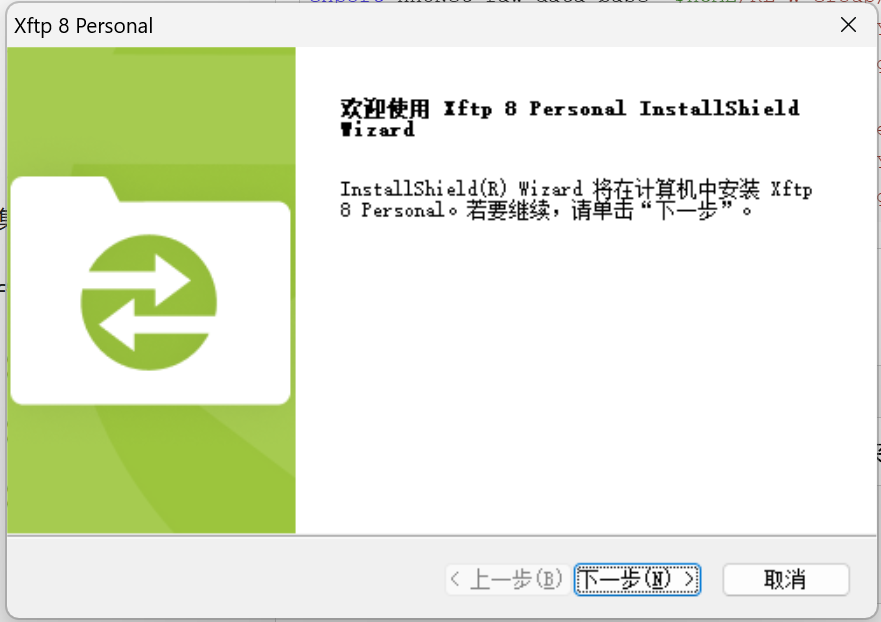
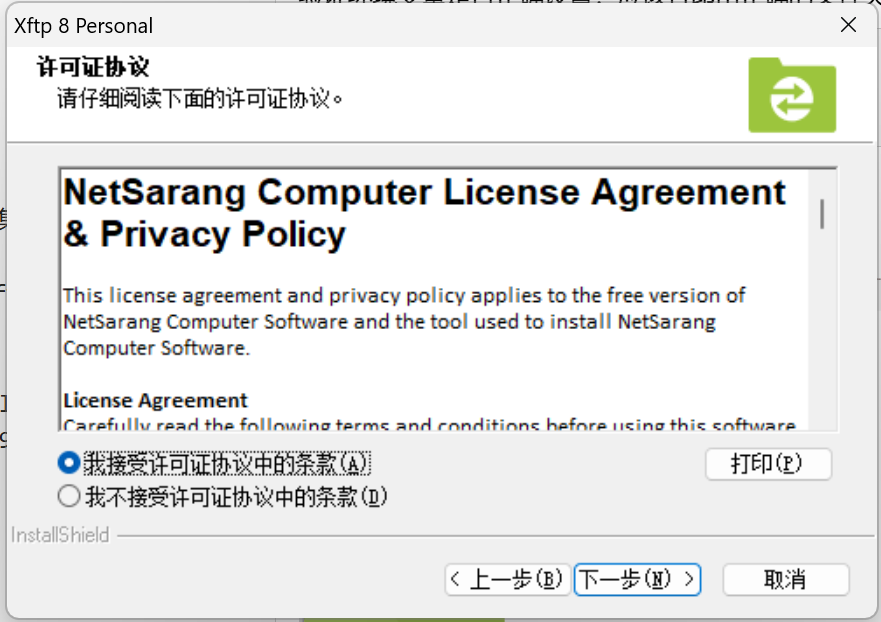
下载 Task02_Heart 数据集,使用Xftp
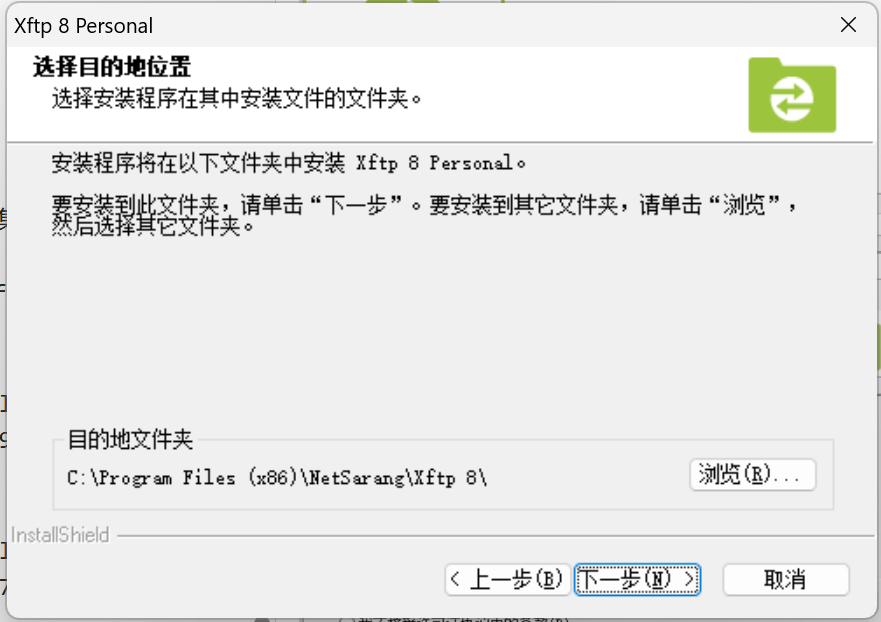
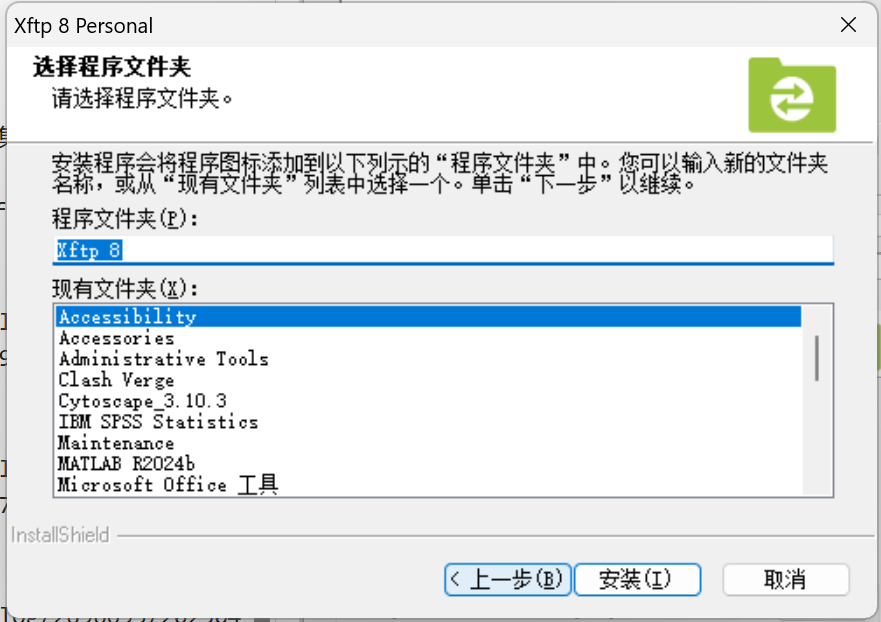
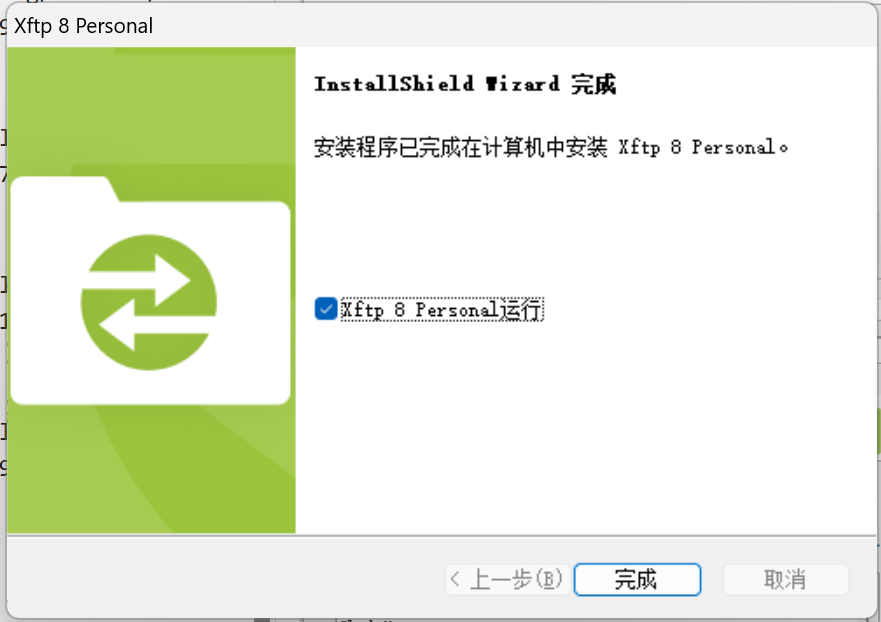
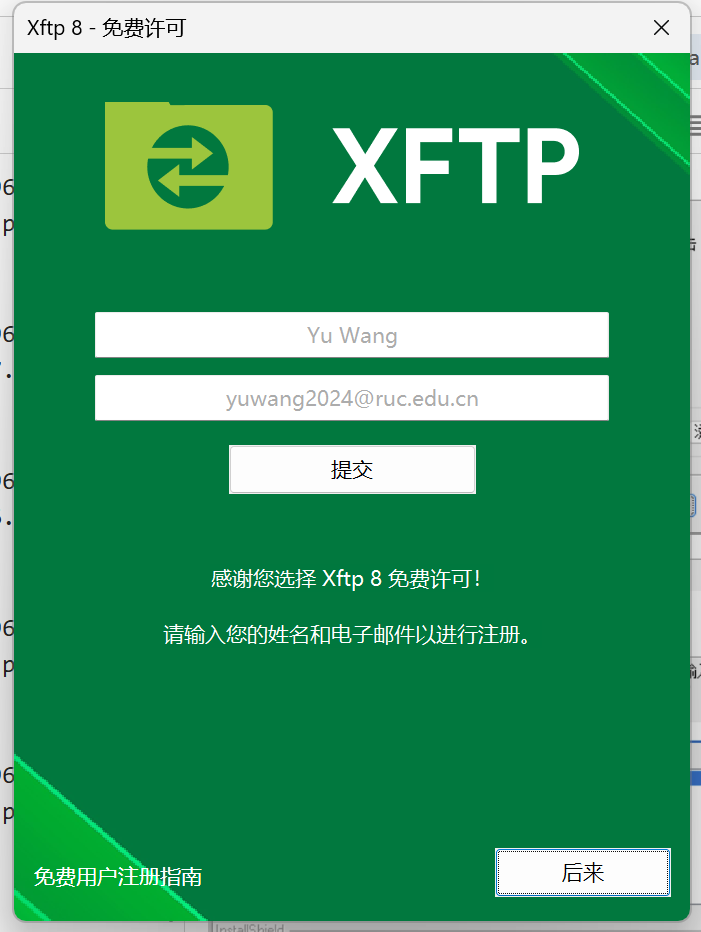
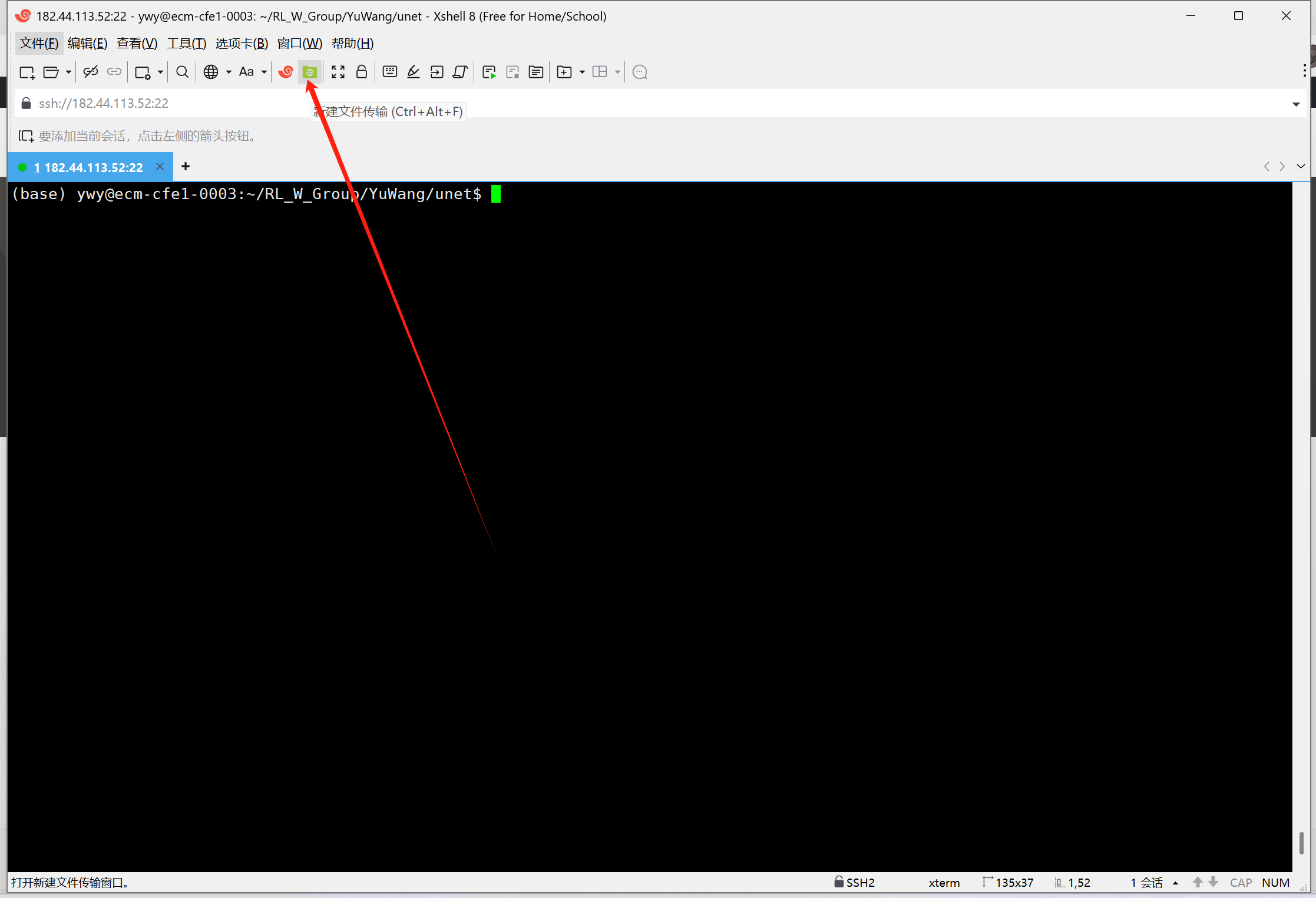
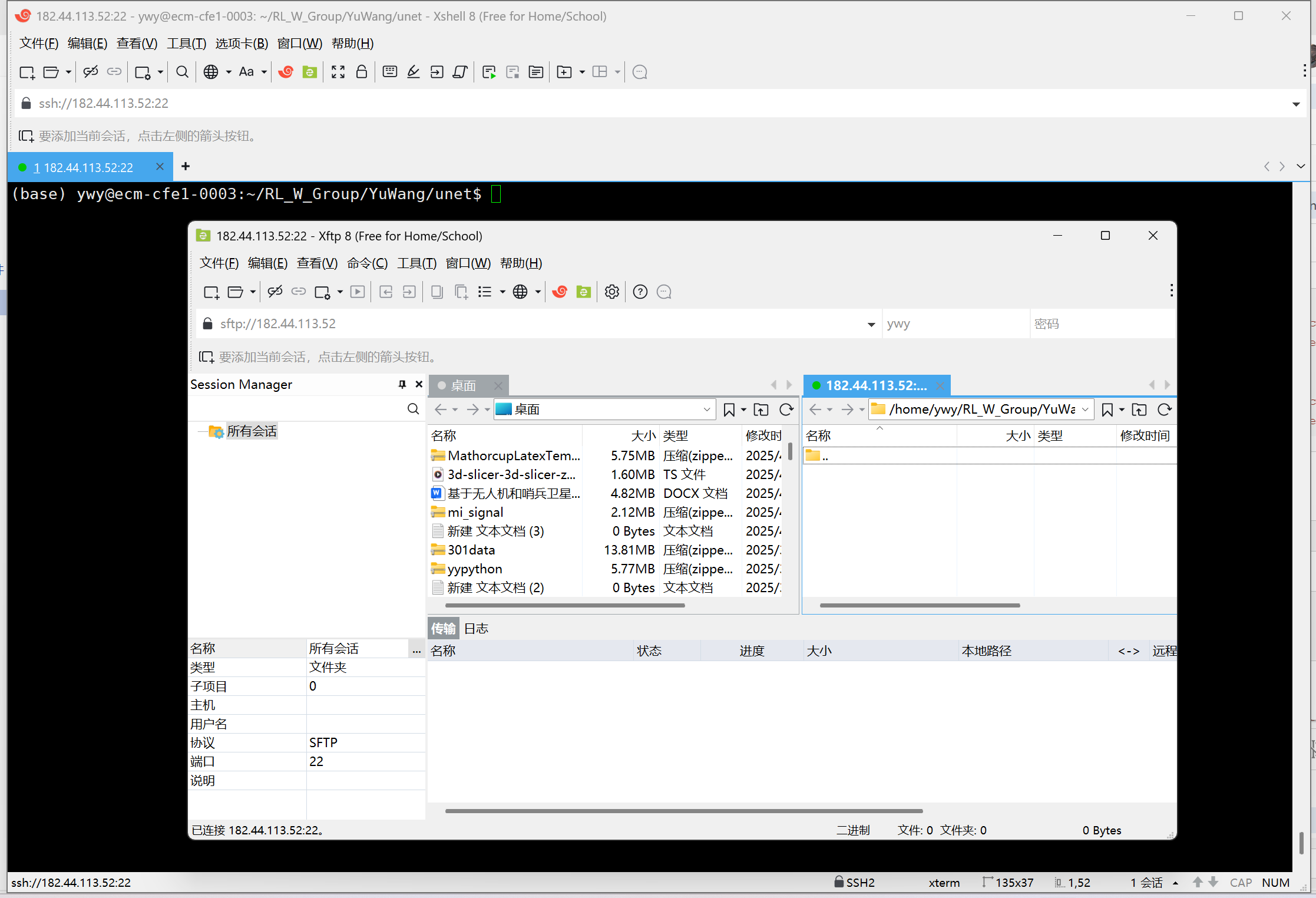
数据下载网站:http://medicaldecathlon.com/dataaws/
将数据文件Task02_Heart传输到/home/ywy/RL_W_Group/YuWang/unet
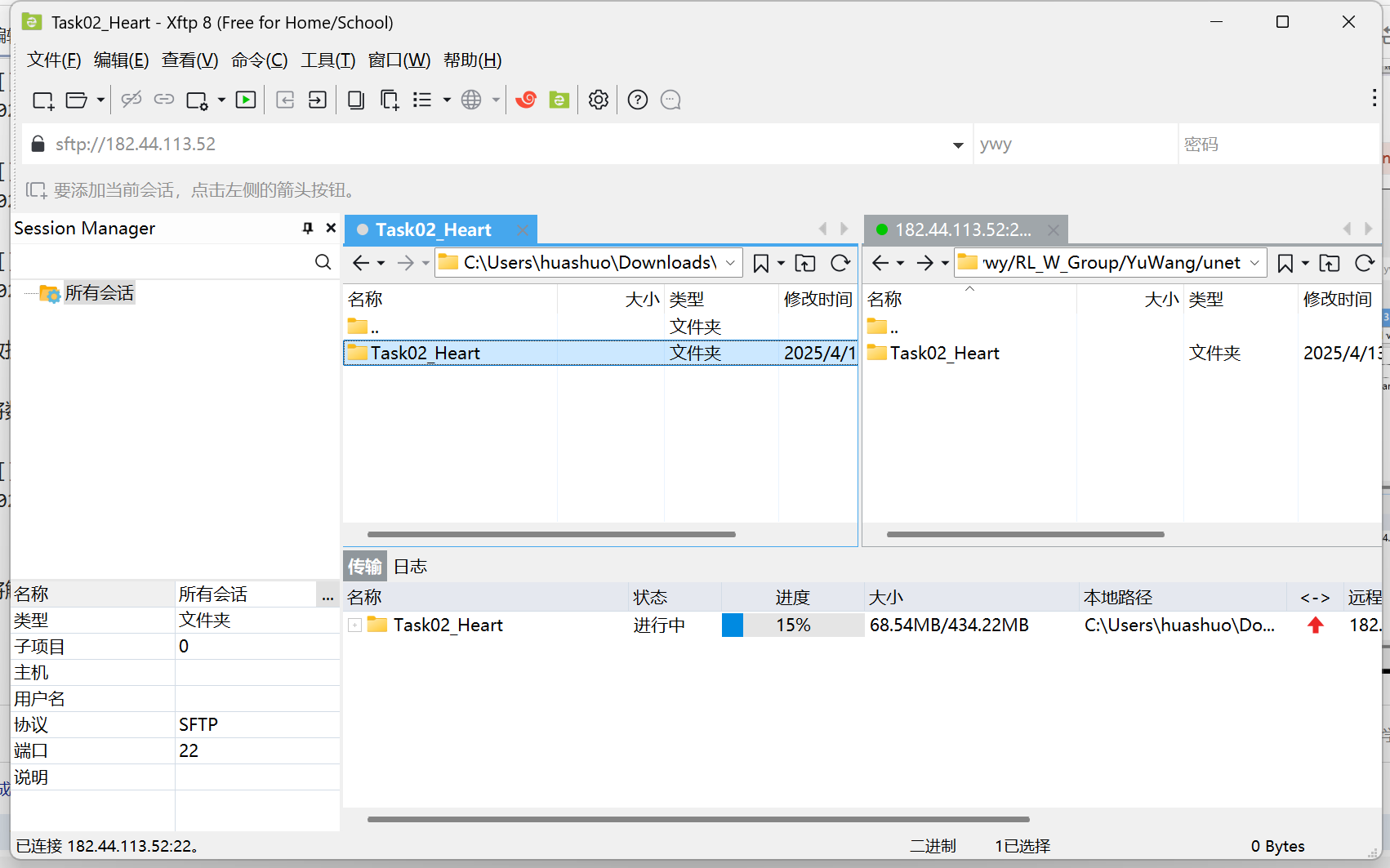
将解压后的数据集移动到 nnUNet_raw 目录中:
mkdir -p $nnUNet_raw_data_base/nnUNet_raw_data
mv Task02_Heart $nnUNet_raw_data_base/nnUNet_raw_data/
运行以下命令将数据格式转换为 nnUNet 的格式:
nnUNet_convert_decathlon_task -i $nnUNet_raw_data_base/nnUNet_raw_data/Task02_Heart
nnUNetv2_convert_MSD_dataset -i $nnUNet_raw/Task02_Heart
数据预处理
nnUNet_plan_and_preprocess -t 002 --verify_dataset_integrity
模型训练,训练 2D U-Net 模型:
nnUNet_train 2d nnUNetTrainerV2 Task002_Heart 3
模型推理,使用训练好的模型进行推理:
nnUNet_predict -i INPUT_FOLDER -o OUTPUT_FOLDER -t 002 -m 2d

 浙公网安备 33010602011771号