
FileZilla:连接远程服务器失败
问题
- FileZilla版本是3.7.3,连接远程服务器时,报错:
错误:	Couldn't agree a key exchange algorithm (available: curve25519-sha256,curve25519-sha256@libssh.org,ecdh-sha2-nistp256,ecdh-sha2-nistp384,ecdh-sha2-nistp521,diffie-hellman-group16-sha512,diffie-hellman-group18-sha512,diffie-hellman-group14-sha256)
错误:	无法连接到服务器
状态:	正在等待重试...
状态:	正在连接 175.178.104.88...
响应:	fzSftp started
命令:	open "acs@175.178.104.88" 22
错误:	Couldn't agree a key exchange algorithm (available: curve25519-sha256,curve25519-sha256@libssh.org,ecdh-sha2-nistp256,ecdh-sha2-nistp384,ecdh-sha2-nistp521,diffie-hellman-group16-sha512,diffie-hellman-group18-sha512,diffie-hellman-group14-sha256)
原因:版本太老了
解决
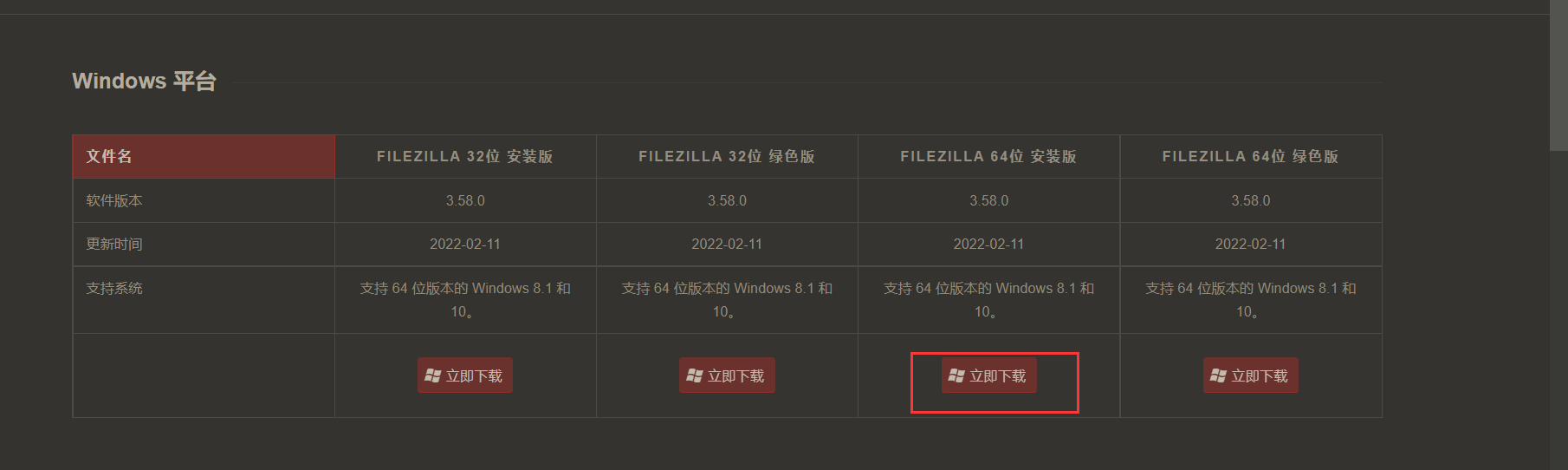
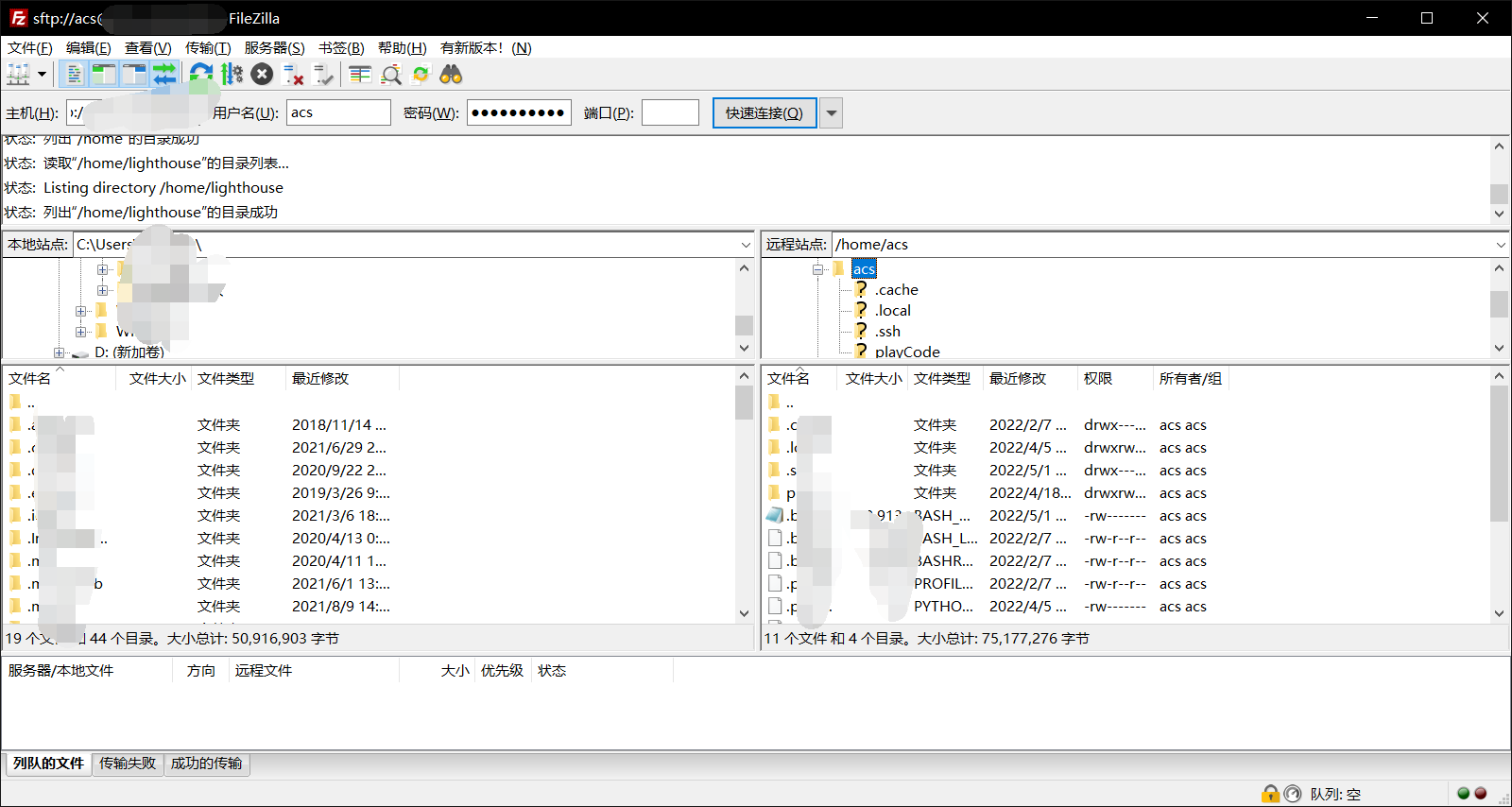
ps:如果还是连接不成功,可以[修改防火墙]( https://www.idcspy.com/32688.html#:~:text=密码和端口号错误的话,也是会导致Filezilla Server无法连接服务器的,这时候需要我们去服务器控制面板查看FTP密码和开发的端口号即可。 Passive mode ,settings%E9%87%8C%E5%8B%BE%E9%80%89Use%20custom%20port%20range%EF%BC%8C%E5%A6%82%E6%9E%9C%E8%AE%A9%E9%98%B2%E7%81%AB%E5%A2%99%E5%AF%B91-65535%E7%AB%AF%E5%8F%A3%E5%85%A8%E9%83%A8%E5%BC%80%E6%94%BE%E6%9C%89%E4%BA%9B%E5%8D%B1%E9%99%A9%EF%BC%8C%E6%89%80%E4%BB%A5%E5%85%88%E5%9C%A8%E8%BF%99%E9%87%8C%E9%99%90%E5%AE%9A%E5%A5%BD%E7%AB%AF%E5%8F%A3%E8%8C%83%E5%9B%B4)的设置看看。

 浙公网安备 33010602011771号