
uniapp在onLoad事件中不显示showToast的问题
如题,最近开发uniapp,发现在onLoad事件中写的showToast无法正常显示,代码如下:
onLoad(option){
	// 判断是否登录
	if (!this.hasLogin) {
		uni.showToast({
			title:'登录过期',
			icon:'none'
		})
	}
	// 获取字典
	this.$store.dispatch('getDict', 'sex').then(res => {
		this.dicts = res
	})
},
于是乎上网百度一番,发现应该是showLoading和showToast冲突了,恰好onLoading请求后端获取字典时会showLoading,既然找到问题就说说解决方案吧:
第一种:
将showToast与showLoading分开,放到mounted中
mounted(){
// 判断是否登录
	if (!this.hasLogin) {
		uni.showToast({
			title:'登录过期',
			icon:'none'
		})
	}
},
onLoad(option){
	// 获取字典
	this.$store.dispatch('getDict', 'sex').then(res => {
		this.dicts = res
	})
},
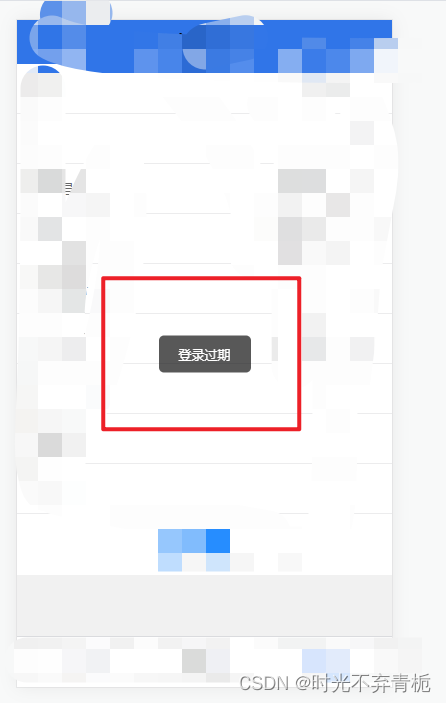
测试后发现显示正常
第二种:
巧妙使用延时
onLoad(option){
	// 判断是否登录
	if (!this.hasLogin) {
		setTimeout(()=>{
			uni.showToast({
				title:'登录过期(通过延时)',
				icon:'none'
			})
		},10)
	}
	// 获取字典
	this.$store.dispatch('getDict', 'sex').then(res => {
		this.dicts = res
	})
},
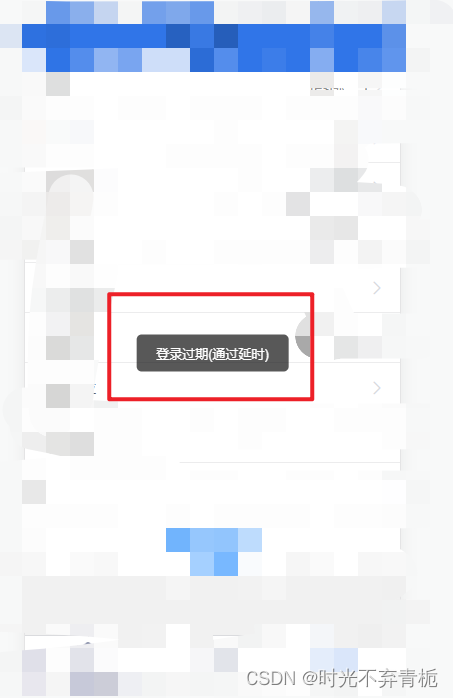
再次测试也可以成功显示
以上两种方法都有一个弊端,就是showToast的时候无法showLoading,反之亦然showLoading无法showToast,如果大家有什么好办法欢迎留言交流。
在学编程的小菜鸡~

 浙公网安备 33010602011771号