用nginx对k8s集群中的service做负载均衡
用nginx对k8s集群中的service做负载均衡
[root@master test]# cat nginx.yml
---
apiVersion: apps/v1
kind: Deployment
metadata:
  name: web
  namespace: default
spec:
  replicas: 2
  selector:
    matchLabels:
      app: nginx
  template:
    metadata:
      labels:
        app: nginx
    spec:
      containers:
      - name: web
        image: nginx
        imagePullPolicy: IfNotPresent
        volumeMounts:
        - mountPath: /usr/share/nginx/html
          name: data
      volumes:
      - name: data
        hostPath:
          path: /var/www/html

---
apiVersion: v1
kind: Service
metadata:
  name: web
  namespace: default
spec:
  ports:
  - port: 80
    nodePort: 30000
    targetPort: 80
  selector:
    app: nginx
  type: NodePort

[root@master test]# kubectl apply -f nginx.yml
deployment.apps/web created
service/web created
[root@master test]# kubectl get pod
NAME                     READY   STATUS    RESTARTS   AGE
nginx-6799fc88d8-tgpsd   1/1     Running   0          6d10h
nginx-6799fc88d8-sdahd   1/1     Running   0          6d10h
[root@master test]# kubectl get pod
NAME                     READY   STATUS    RESTARTS   AGE
nginx-6799fc88d8-tgpsd   1/1     Running   0          6d10h
nginx-6799fc88d8-sdahd   1/1     Running   0          6d10h
[root@master test]# kubectl get pod -o wide
NAME                     READY   STATUS    RESTARTS   AGE     IP           NODE                NOMINATED NODE   READINESS GATES
nginx-6799fc88d8-tgpsd   1/1     Running   0          6d10h   10.244.2.2   node1.example.com   <none>           <none>
nginx-6799fc88d8-sdahd   1/1     Running   0          6d10h   10.244.2.3
node2.example.com   <none>           <none>
![]()
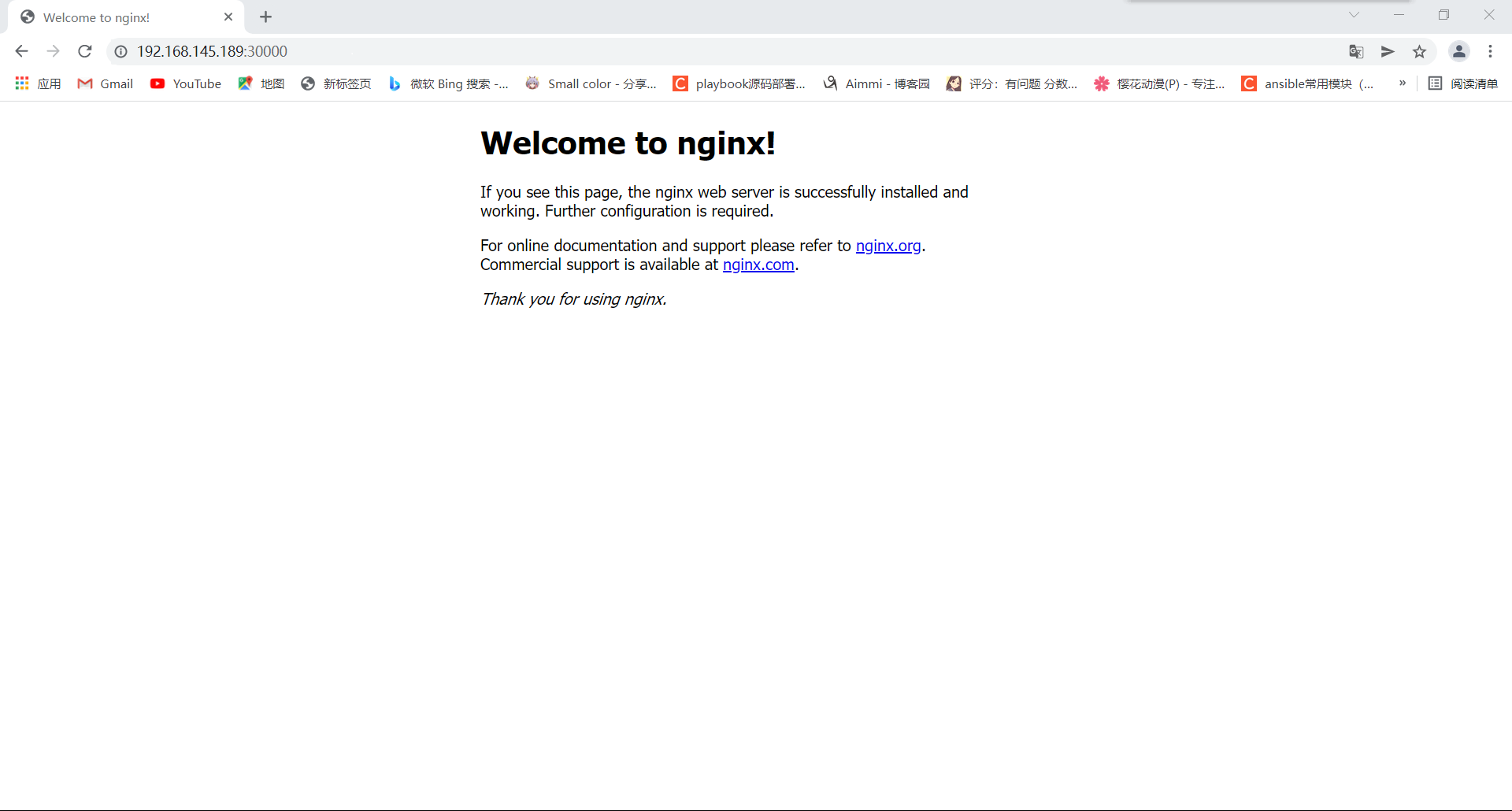
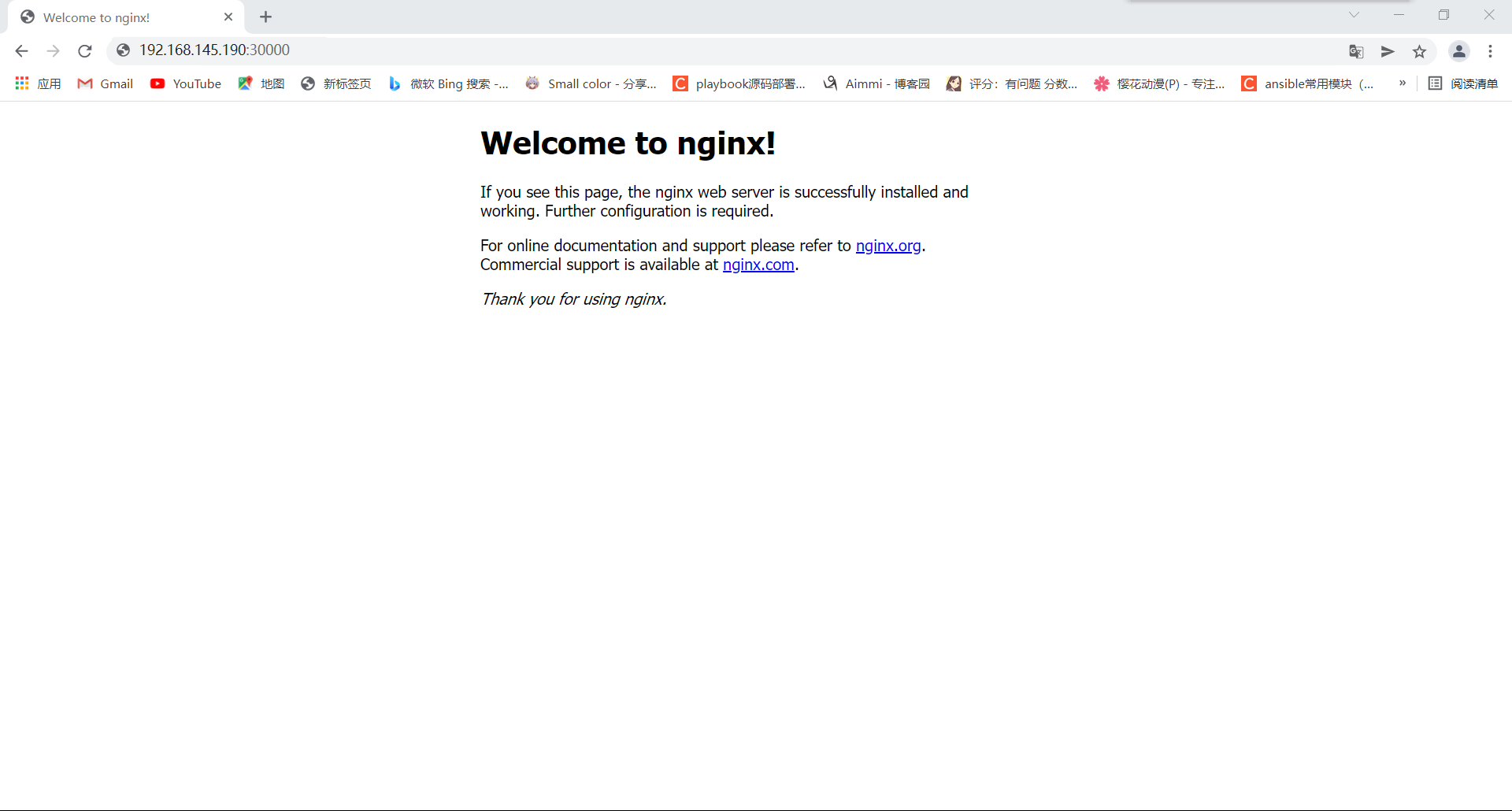
安装nginx
[root@nginx ~]# yum -y install nginx
[root@nginx ~]# systemctl start nginx
[root@nginx ~]# vim /etc/nginx/nginx.conf
#添加以下代码
    upstream webservers {
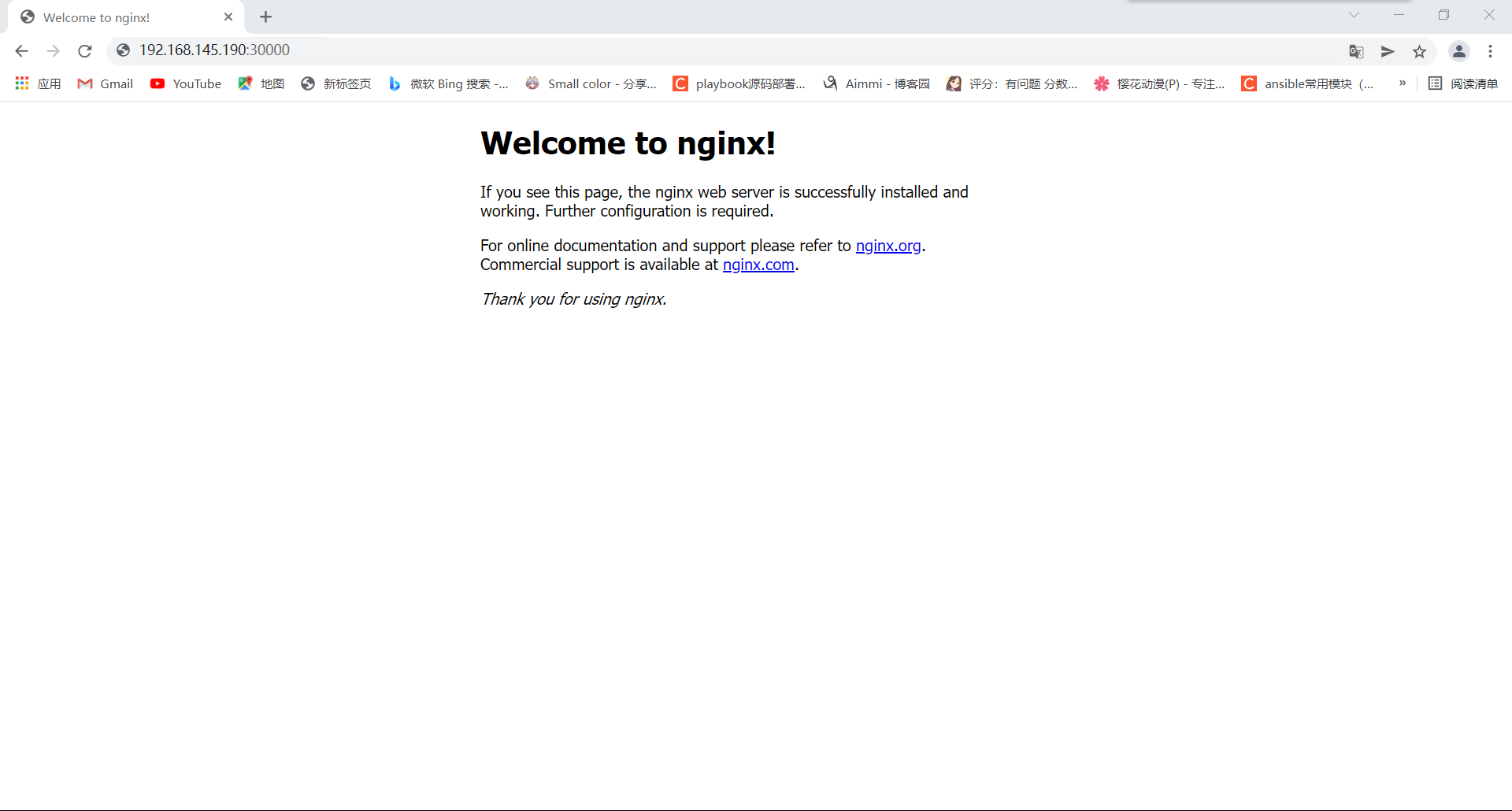
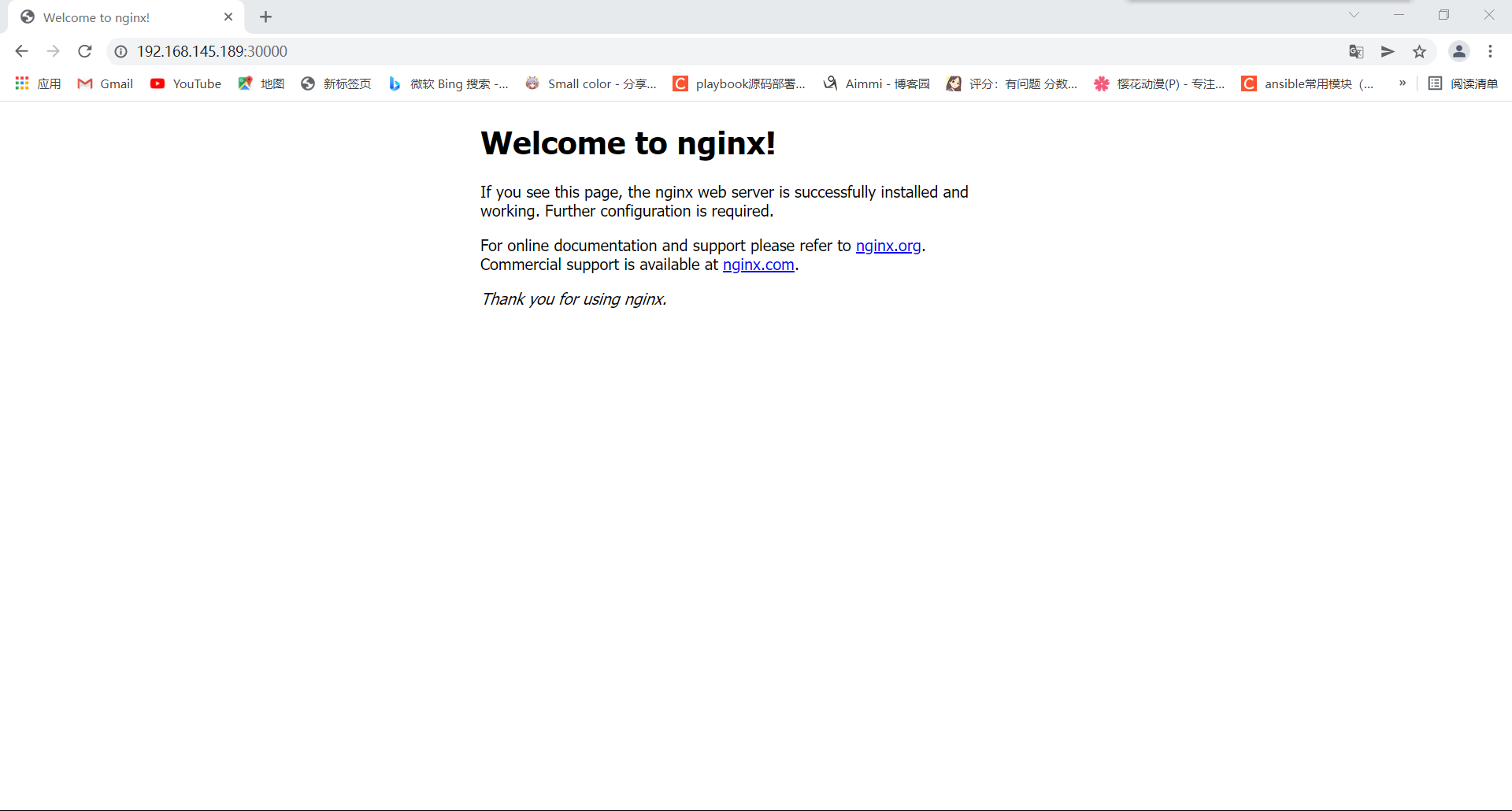
        server 192.168.145.189:30000;
        server 192.168.145.190:30000;
   }
    server{
        listen       8080;
        location / {
            proxy_pass http://webservers;
        }
   }
    server {
        listen       80 default_server;
        listen       [::]:80 default_server;
.....

[root@nginx~]# systemctl restart nginx
[root@nginx ~]# ss -anlt
State      Recv-Q     Send-Q           Local Address:Port           Peer Address:Port
LISTEN     0          128                    0.0.0.0:22                  0.0.0.0:*
LISTEN     0          128                    0.0.0.0:80                  0.0.0.0:*
LISTEN     0          128                    0.0.0.0:8080                0.0.0.0:*
LISTEN     0          128                       [::]:22                     [::]:*
LISTEN     0          128                       [::]:80                     [::]:*
![]()

 浙公网安备 33010602011771号