
纯手撸web框架
纯手撸web框架
(1)纯手撸
# encoding : utf8
# author : heart
# blog_url : https://www.cnblogs.com/ssrheart/
# time : 2024/2/26
import socket

server = socket.socket()
server.bind(('127.0.0.1', 8080))
server.listen(5)

while True:
    conn, addr = server.accept()
    data = conn.recv(1024)
    data1 = data.decode('utf-8')
    conn.send(b'HTTP/1.1 200 OK\r\n\r\n')
    current_path = data1.split(' ')[1]
    if current_path == '/index':
        # conn.send(b'hello index')
        with open('index.html', 'rb') as f:
            conn.send(f.read())
    elif current_path == '/login':
        conn.send(b'hello login')
    else:
        conn.send(b'404 not found')
    conn.close()
(2)基于wsgiref模块
# encoding : utf8
# author : heart
# blog_url : https://www.cnblogs.com/ssrheart/
# time : 2024/2/26

from wsgiref.simple_server import make_server


def run(request,response):
    """
    :param request: 请求相关的所有数据
    :param response:  相应相关的所有数据
    :return: 返回给浏览器的数据
    """
    # print(request) # 大字典 wsgiref模块帮处理好http格式的数据 封装成了字典更加方便的操作
    response('200 OK', [])
    current_path = request.get('PATH_INFO')
    if current_path =='/index':
        return [b'index']
    elif current_path =='/login':
        return [b'login']
    return [b'404 not found']

if __name__ == '__main__':
    data = make_server('127.0.0.1', 8080, run)
    data.serve_forever()

    """
    会实时监听127.0.0.1:8080地址 只要有客户端来了
    都会交给run函数处理(加括号触发run)

    flask启动
        make_server('127.0.0.1', 8080, obj)
        会触发__call__
    """
(3)wsgiref优化版
server:
# encoding : utf8
# author : heart
# blog_url : https://www.cnblogs.com/ssrheart/
# time : 2024/2/26

from wsgiref.simple_server import make_server
from urls import urls
from views import *

def run(request, response):
    response('200 OK', [])
    current_path = request.get('PATH_INFO')
    func = None
    for url in urls:  # url (),()
        if current_path == url[0]:
            func = url[1]
            break
    if func:
        res = func(request)
    else:
        res = error(request)

    return [res.encode('utf-8')]

if __name__ == '__main__':
    data = make_server('127.0.0.1', 8080, run)
    data.serve_forever()
urls:
# encoding : utf8
# author : heart
# blog_url : https://www.cnblogs.com/ssrheart/
# time : 2024/2/26
from views import *

urls = [
    ('/index', index),
    ('/login', login),
    ('/xxx', xxx),
]
views:
# encoding : utf8
# author : heart
# blog_url : https://www.cnblogs.com/ssrheart/
# time : 2024/2/26

def index(request):
    return 'index'


def login(request):
    return 'login'


def xxx(request):
    with open(r'templates/myxxx.html', 'r', encoding='utf-8') as f:
        return f.read()

def error(request):
    return '404 NOT FOUND'
动静态网页
(1)静态网页
- 页面上的数据是直接写死的 万年不变
(2)动态网页
- 数据是实时获取的
- eg:
1.后端获取当前时间展示到html页面上
2.数据是从数据库获取的展示到html页面上
- 后端:
def get_time(request):
    current_time = datetime.datetime.now().strftime('%Y-%m-%d %H:%M:%S')
    with open(r'templates/mytime.html', 'r', encoding='utf-8') as f:
        data = f.read()
    data = data.replace('asdasdasdasd', current_time)
    return data
- 前端:
<body>
<h1>我是一个html</h1>
asdasdasdasd
</body>
(3)jinja2模版语法
- jinja2支持将数据传递到html页面并提供近似于后端的处理方式简单快捷的操作数据
pip install jinja2
- 后端:
def get_dict(request):
    user_dict = {'name': 'heart', 'age': 18, 'gender': '男', 'hobby': 'music'}
    with open(r'templates/mydict.html', 'r', encoding='utf-8') as f:
        data = f.read()
    temp = Template(data)
    res = temp.render(user=user_dict)
    # 给mydict.html传了一个值 页面上通过变量名user就能够拿到user_dict
    return res
- 前端:
<body>
{{user}}
{{user.name}}
{{user.age}}
{{user.gender}}
<!-- {'name': 'heart', 'age': 18, 'gender': '男', 'hobby': 'music'} heart 18 男 -->
</body>
Django
(1)创建Django文件
django-admin startproject 文件名
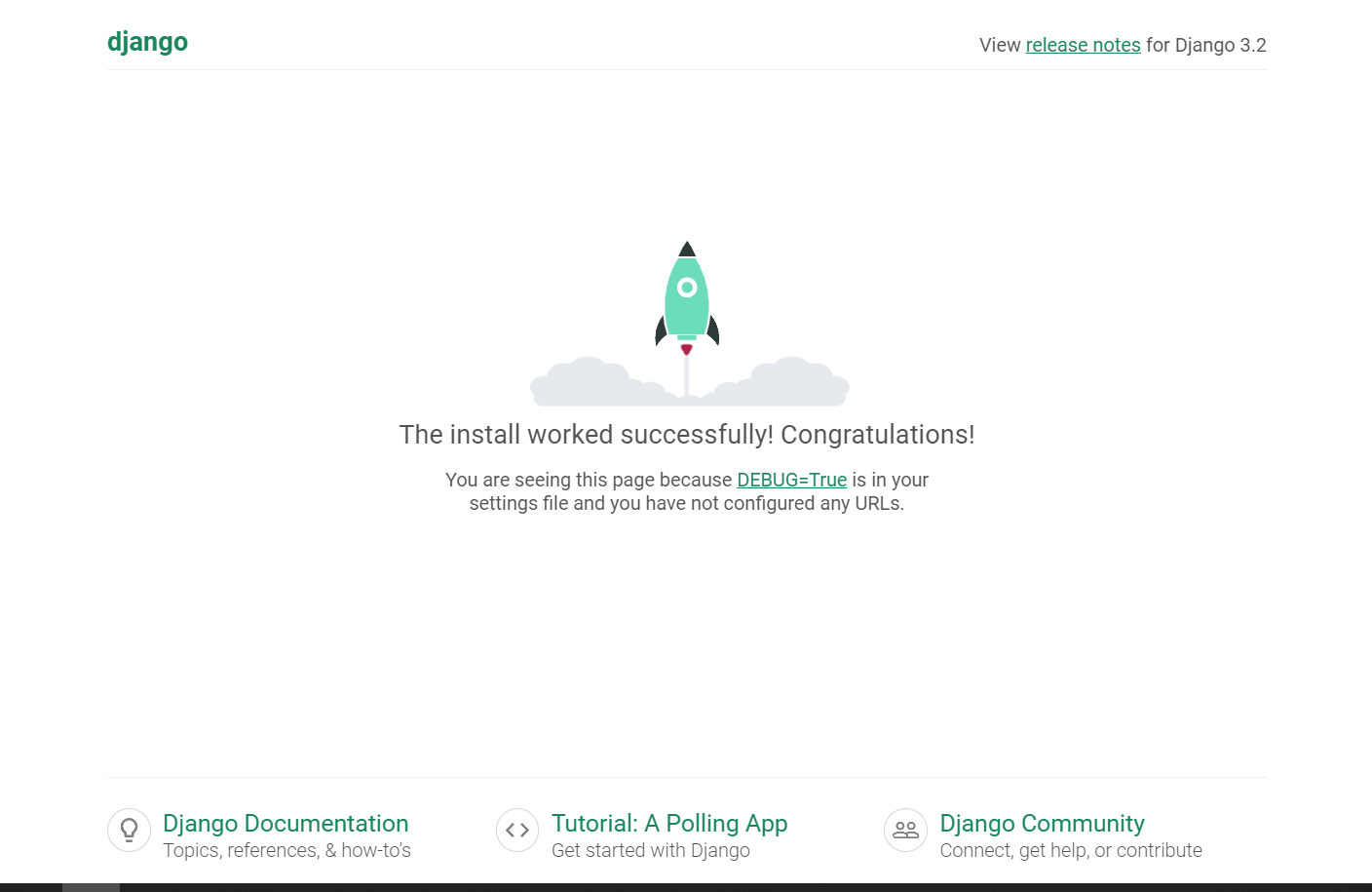
(2)启动Django文件
python manage.py runserver

 浙公网安备 33010602011771号